Agreement Online Contract With Client In Contra Costa
Description

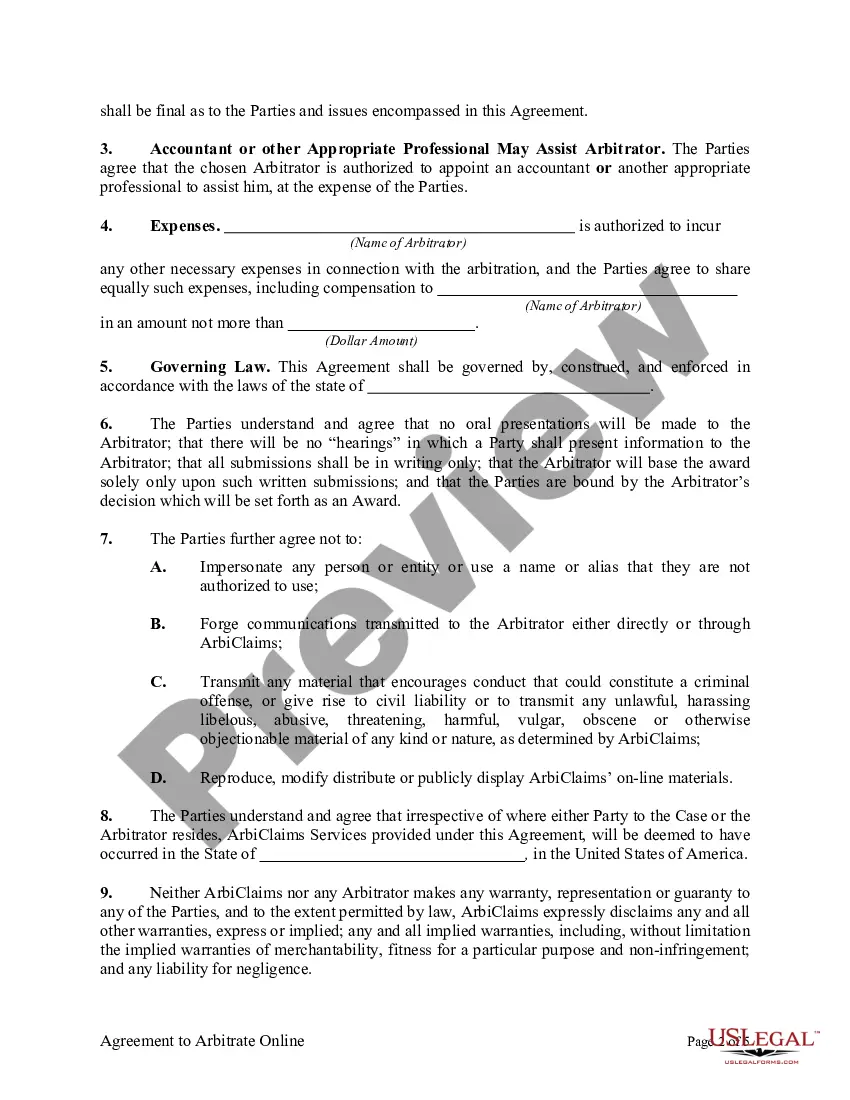
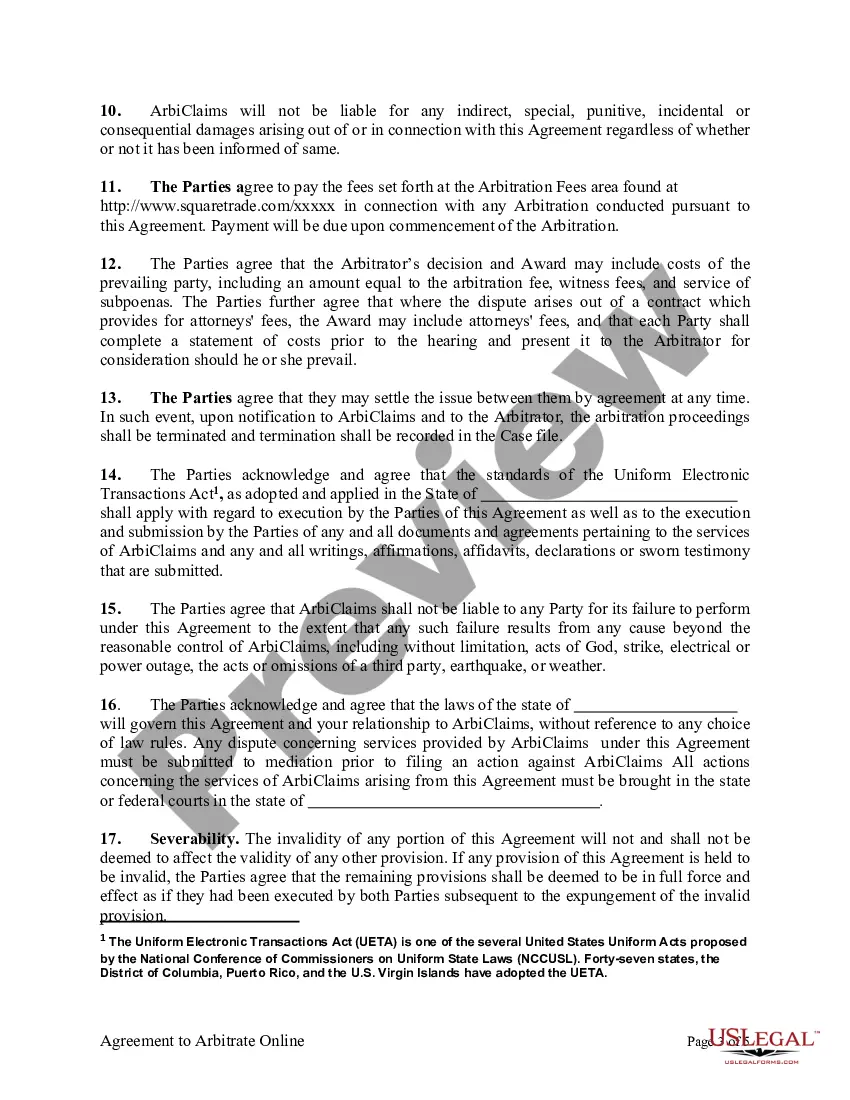





Get your form ready online
Our built-in tools help you complete, sign, share, and store your documents in one place.
Make edits, fill in missing information, and update formatting in US Legal Forms—just like you would in MS Word.
Download a copy, print it, send it by email, or mail it via USPS—whatever works best for your next step.
Sign and collect signatures with our SignNow integration. Send to multiple recipients, set reminders, and more. Go Premium to unlock E-Sign.
If this form requires notarization, complete it online through a secure video call—no need to meet a notary in person or wait for an appointment.
We protect your documents and personal data by following strict security and privacy standards.

Make edits, fill in missing information, and update formatting in US Legal Forms—just like you would in MS Word.

Download a copy, print it, send it by email, or mail it via USPS—whatever works best for your next step.

Sign and collect signatures with our SignNow integration. Send to multiple recipients, set reminders, and more. Go Premium to unlock E-Sign.

If this form requires notarization, complete it online through a secure video call—no need to meet a notary in person or wait for an appointment.

We protect your documents and personal data by following strict security and privacy standards.
Looking for another form?









Form popularity
FAQ
Email: As mentioned earlier, email is a popular and convenient method for sending contracts. It allows for quick delivery and eliminates the need for physical copies. But you need actual signatures; it's not enough to just send the contract via email.
How to draft a contract between two parties: A step-by-step checklist Know your parties. Agree on the terms. Set clear boundaries. Spell out the consequences. Specify how you will resolve disputes. Cover confidentiality. Check the legality of the contract. Open it up to negotiation.
There are different ways to send a new contract to clients. You can upload to a Google Drive and send a link to download, attach a PDF to an email, or use a service like to send.
How to send an online contract for signing Register or download a contract program. Create a contract in a writing or word processor program. Upload the contract file to the program. Add the names and email addresses of the contract signers to the program. Select the locations where you want eSignatures, initials and dates.
California doesn't necessarily require all businesses (of any structure) to obtain a license. While the state doesn't issue or require a business operating license, it regulates and requires licenses or permits for some business activities.
Limited partnerships, corporations, and limited liability companies (LLCs) are all legally required to register within California. Only sole proprietorships are exempt.
The County Ordinance requires that you obtain a license for conducting business within the unincorporated areas, - even if your business is located outside our limits or you have a business license from another city.
The County Ordinance requires that you obtain a license for conducting business within the unincorporated areas, - even if your business is located outside our limits or you have a business license from another city.
