Letter For Job Offer Email In Michigan
Description




Get your form ready online
Our built-in tools help you complete, sign, share, and store your documents in one place.
Make edits, fill in missing information, and update formatting in US Legal Forms—just like you would in MS Word.
Download a copy, print it, send it by email, or mail it via USPS—whatever works best for your next step.
Sign and collect signatures with our SignNow integration. Send to multiple recipients, set reminders, and more. Go Premium to unlock E-Sign.
If this form requires notarization, complete it online through a secure video call—no need to meet a notary in person or wait for an appointment.
We protect your documents and personal data by following strict security and privacy standards.

Make edits, fill in missing information, and update formatting in US Legal Forms—just like you would in MS Word.

Download a copy, print it, send it by email, or mail it via USPS—whatever works best for your next step.

Sign and collect signatures with our SignNow integration. Send to multiple recipients, set reminders, and more. Go Premium to unlock E-Sign.

If this form requires notarization, complete it online through a secure video call—no need to meet a notary in person or wait for an appointment.

We protect your documents and personal data by following strict security and privacy standards.
Looking for another form?






Form popularity
FAQ
Contact the company's hiring manager or recruiter you have been working with directly. Send a professional email politely requesting the offer letter. Express your enthusiasm for the opportunity and state that you are ready to accept the offer. Provide your preferred contact information and availability
Subject Line - Keep it clear and concise (e.g., ``Job Confirmation - (Your Name)''). Salutation - Address the recipient appropriately (e.g., ``Dear (Hiring Manager's Name),''). Introduction - State the purpose of the email (confirming the job offer). Details of the Job Offer Expression of Gratitude
You can say something like ``I would be grateful if you could please send over the formal offer letter at your earliest convenience.'' In the email, restate the key details you discussed previously, such as the job title, start date, salary, and any other important terms.
How to write a job application email Write a clear subject line. Include a salutation. Introduce yourself in the first sentence. Turn your cover letter into the body of your email. Close with details. Sign your email. Attach your materials. Proofread before you hit “send.”
In a brief email to the hiring manager or HR person, begin by showing your appreciation for the opportunity. Then, politely ask for an estimated timeline on when to expect a written offer. You may also include any clarifying questions you may have in regard to salary, benefits, or job responsibilities.
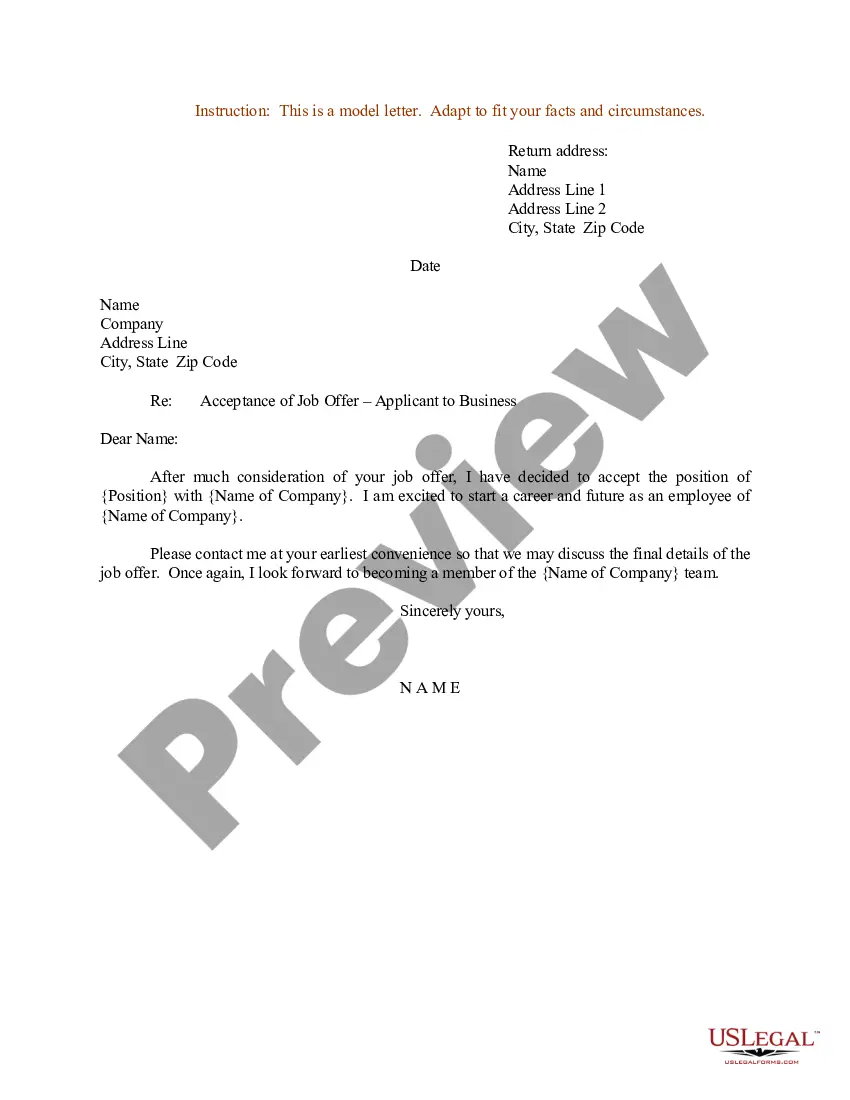
Dear candidate's first name, Following the organisation's recent selection / your recent interview, I am writing to offer you the post of title of job at the salary of amount per year, starting on start date. On starting, you will report to manager's name.
How to write an email when offering a job Extend a verbal offer first. Before you send your email, you can extend a verbal offer to the candidate via phone call. Provide a descriptive subject line. Congratulate the candidate. Include the details of employment. Finish with a call-to-action. Attach relevant documents.
You can say something like ``I would be grateful if you could please send over the formal offer letter at your earliest convenience.'' In the email, restate the key details you discussed previously, such as the job title, start date, salary, and any other important terms.
Start with a clear subject line such as ``Request for Offer Letter'' or ``Accepting Position and Requesting Offer Letter''. In the opening paragraph, state that you are writing to formally accept the position that was offered to you and request the official offer letter.

