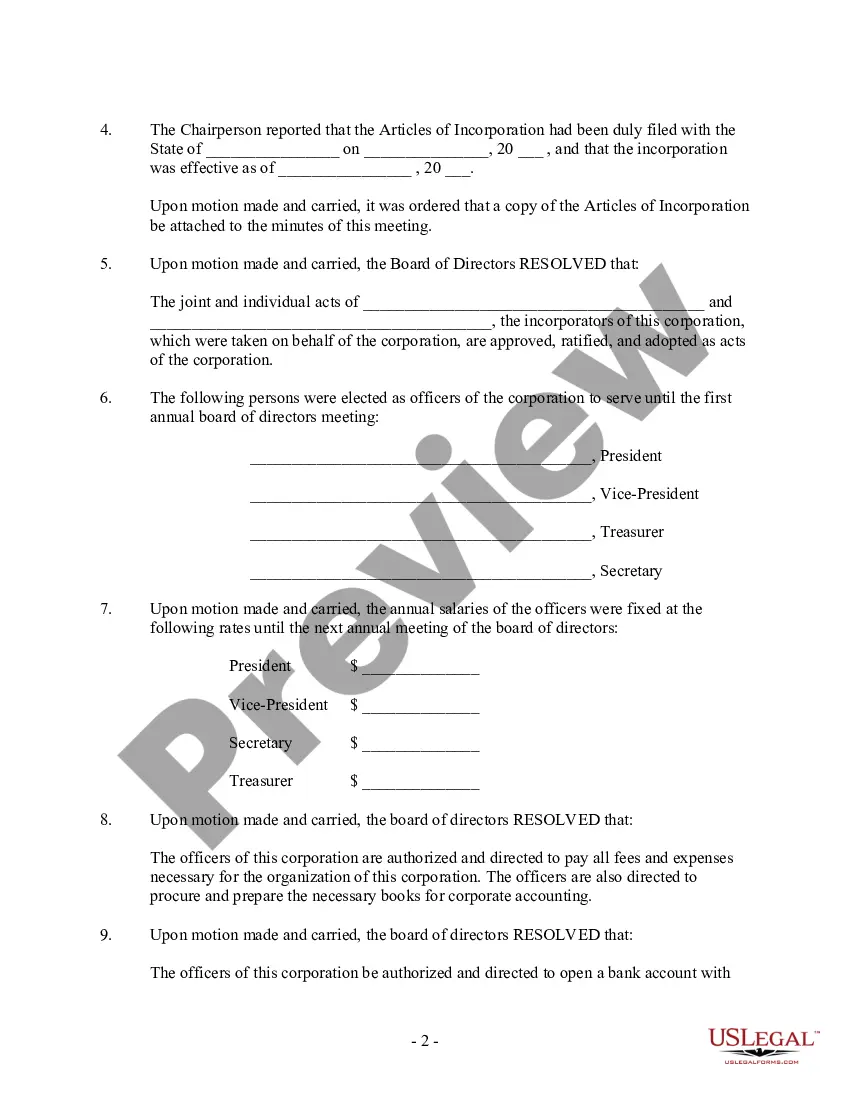
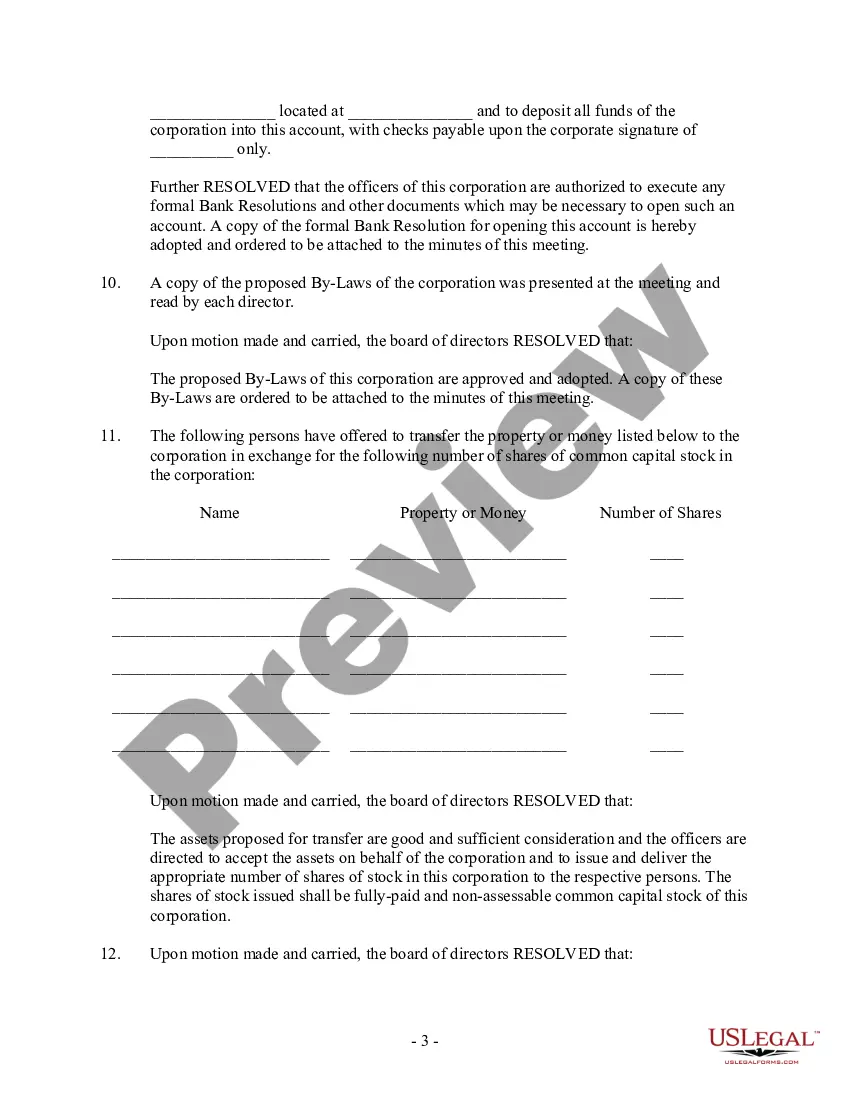
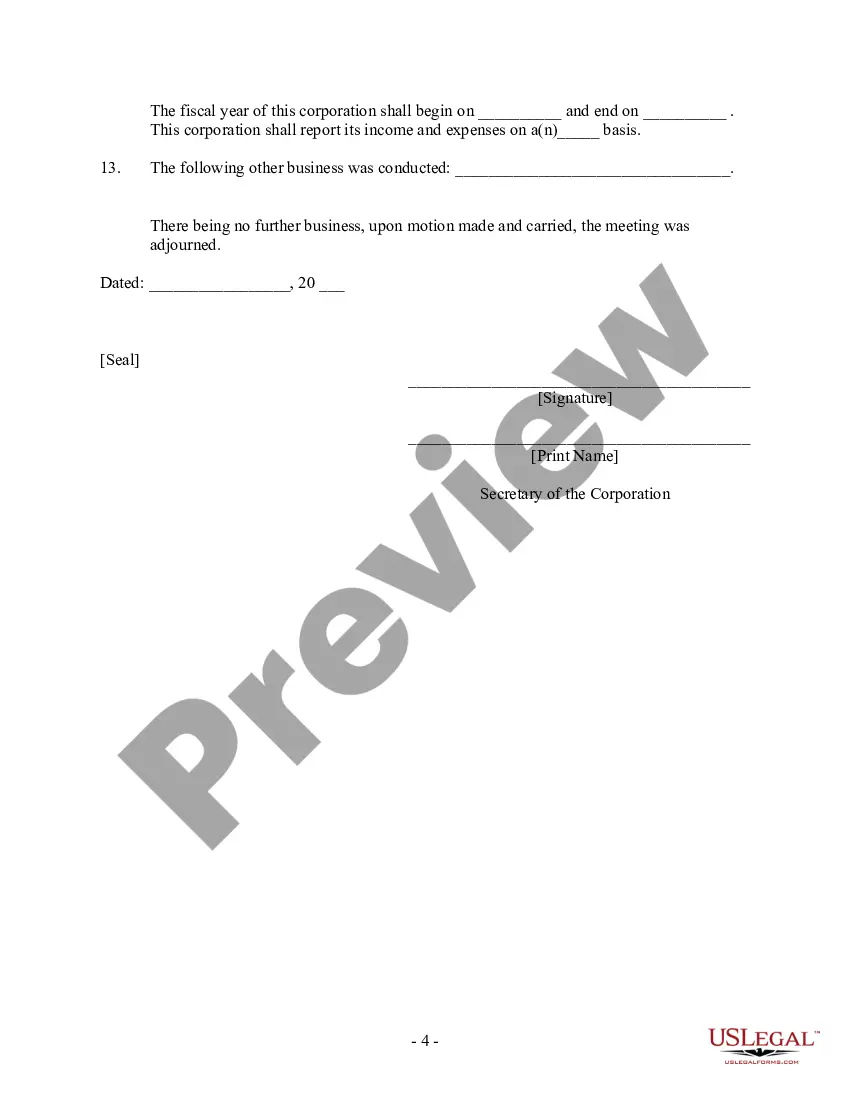
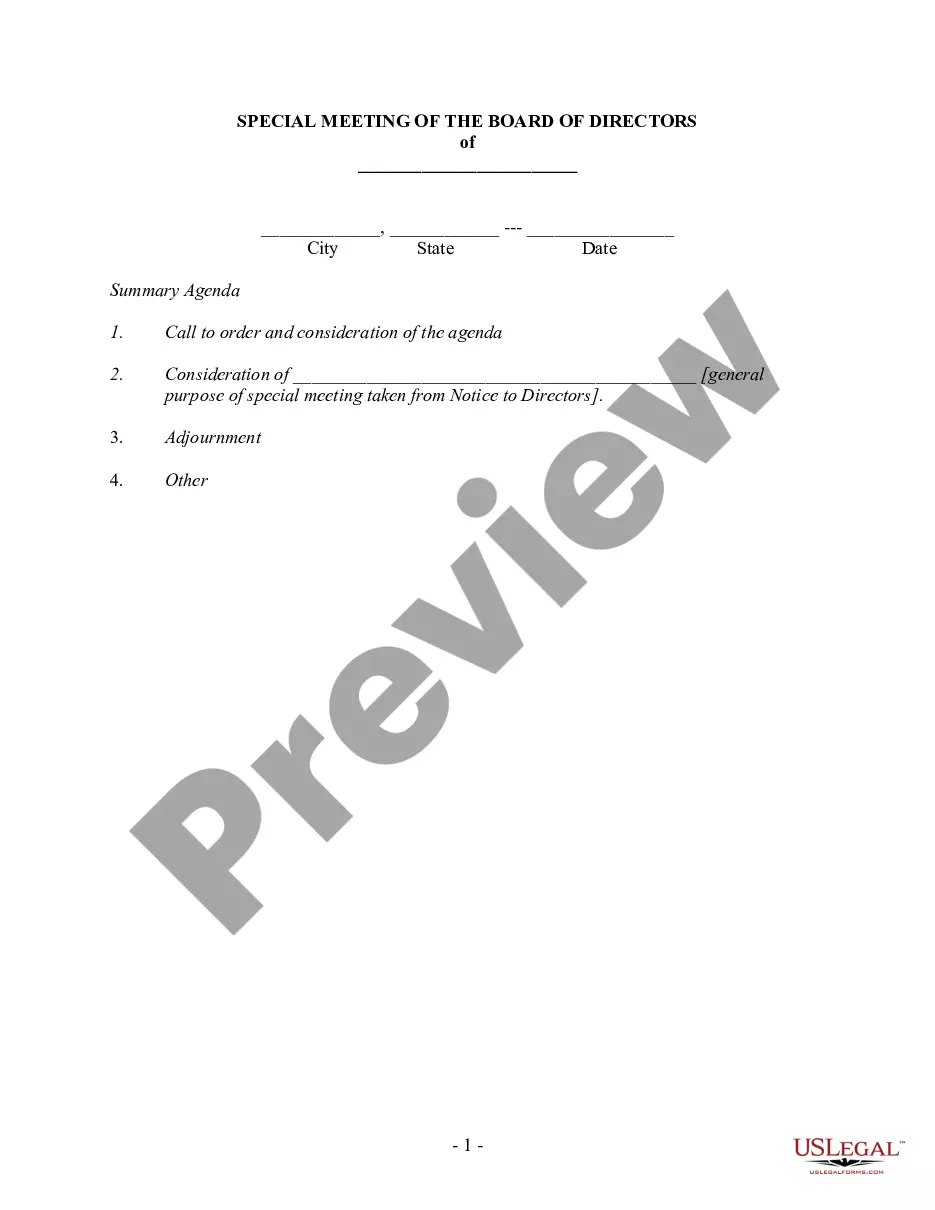
Acta Directorio Formato In Suffolk
Description




Get your form ready online
Our built-in tools help you complete, sign, share, and store your documents in one place.
Make edits, fill in missing information, and update formatting in US Legal Forms—just like you would in MS Word.
Download a copy, print it, send it by email, or mail it via USPS—whatever works best for your next step.
Sign and collect signatures with our SignNow integration. Send to multiple recipients, set reminders, and more. Go Premium to unlock E-Sign.
If this form requires notarization, complete it online through a secure video call—no need to meet a notary in person or wait for an appointment.
We protect your documents and personal data by following strict security and privacy standards.

Make edits, fill in missing information, and update formatting in US Legal Forms—just like you would in MS Word.

Download a copy, print it, send it by email, or mail it via USPS—whatever works best for your next step.

Sign and collect signatures with our SignNow integration. Send to multiple recipients, set reminders, and more. Go Premium to unlock E-Sign.

If this form requires notarization, complete it online through a secure video call—no need to meet a notary in person or wait for an appointment.

We protect your documents and personal data by following strict security and privacy standards.
Looking for another form?









Form popularity
FAQ
Assessment Forms are a great way to collect feedback from your customers, employees, or students. They can be used to assess satisfaction, performance, or learning. However, creating Assessment Forms can be time-consuming and difficult.
General components of a candidate assessment report Name of the company. Name of the test. Report URL. Rank of the candidate. Total score achieved by the candidate. Number of questions attempted by the candidate.
When you fill the form: Be honest and critical. Analyze your failures and mention the reasons for it. Keep the words minimal. Identify weaknesses. Mention your achievements. Link achievements to the job description and the organization's goals. Set the goals for the next review period. Resolve conflicts and grievances.
When you fill the form: Be honest and critical. Analyze your failures and mention the reasons for it. Keep the words minimal. Identify weaknesses. Mention your achievements. Link achievements to the job description and the organization's goals. Set the goals for the next review period. Resolve conflicts and grievances.
Five steps to completing assessments Analyse. The key to understanding the writing requirements of any assignment topic is to identify the instruction words and keywords. Brainstorm and research. Organise and plan. Write. Edit.
How do I register a business in Suffolk County? Contact the Suffolk County Clerk located in Riverhead at (631) 852-2000.
