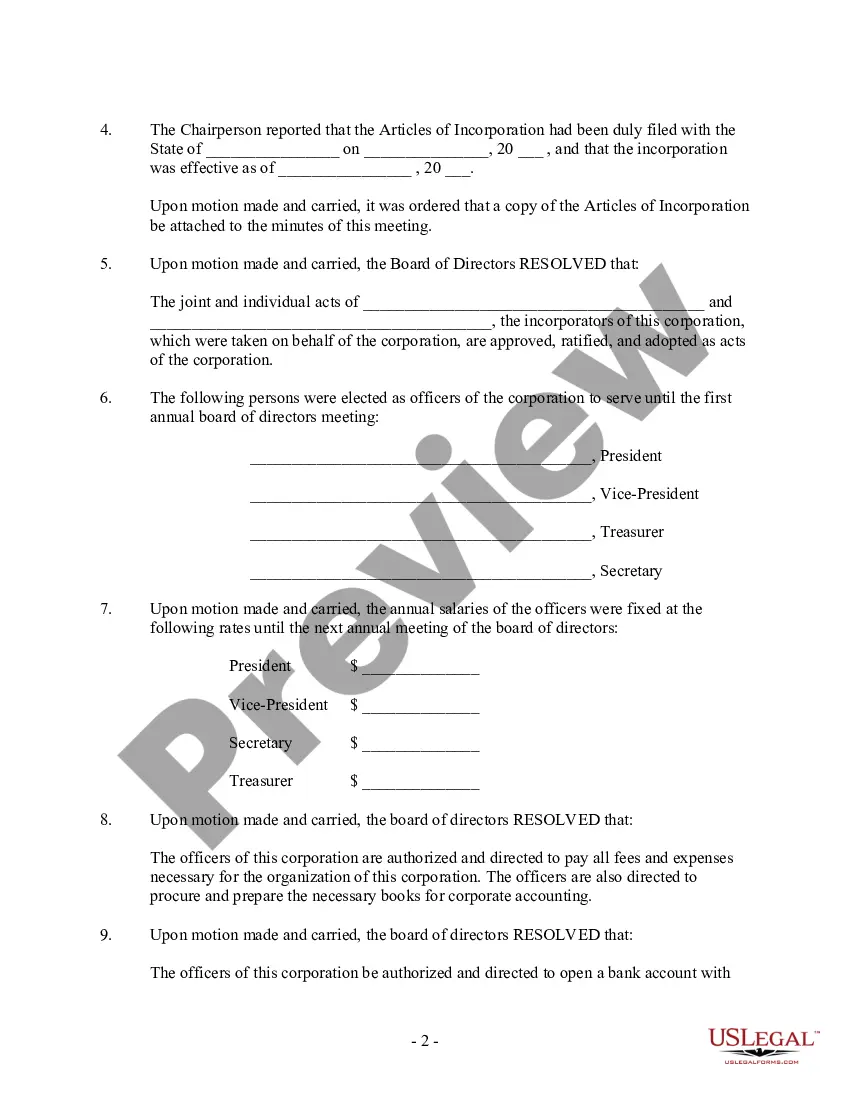
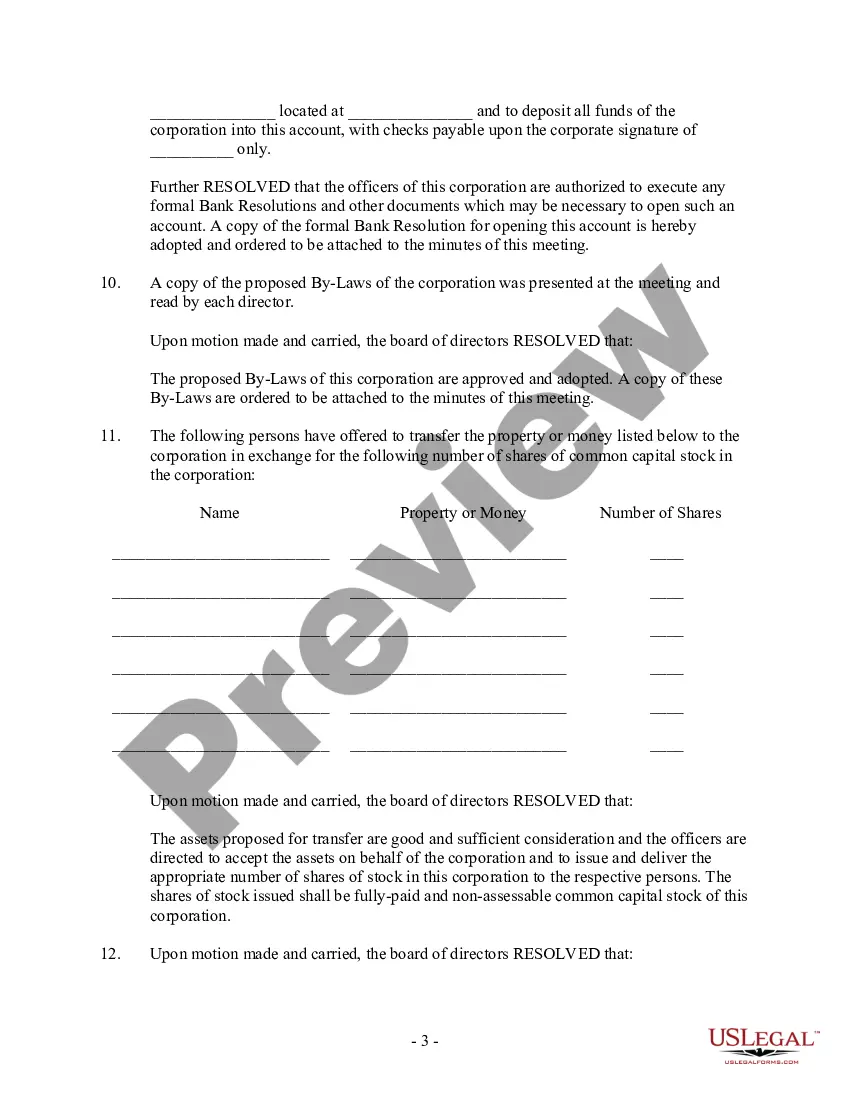
Meeting Minutes Corporate With Client In Middlesex
Description





Get your form ready online
Our built-in tools help you complete, sign, share, and store your documents in one place.
Make edits, fill in missing information, and update formatting in US Legal Forms—just like you would in MS Word.
Download a copy, print it, send it by email, or mail it via USPS—whatever works best for your next step.
Sign and collect signatures with our SignNow integration. Send to multiple recipients, set reminders, and more. Go Premium to unlock E-Sign.
If this form requires notarization, complete it online through a secure video call—no need to meet a notary in person or wait for an appointment.
We protect your documents and personal data by following strict security and privacy standards.

Make edits, fill in missing information, and update formatting in US Legal Forms—just like you would in MS Word.

Download a copy, print it, send it by email, or mail it via USPS—whatever works best for your next step.

Sign and collect signatures with our SignNow integration. Send to multiple recipients, set reminders, and more. Go Premium to unlock E-Sign.

If this form requires notarization, complete it online through a secure video call—no need to meet a notary in person or wait for an appointment.

We protect your documents and personal data by following strict security and privacy standards.
Looking for another form?


Form popularity
FAQ
Multiple company secretaries have also told us that, as a rule of thumb, they spend four hours writing minutes for every hour of meeting time. This isn't surprising when you consider that the transcript of an hour's worth of conversation can reach 10,000 words and 20 pages of A4.
Follow these steps to learn how to properly send a meeting recap to employees or clients. Take notes during the meeting. Decide who should receive the email. Thank everyone for their time. List what was discussed in the meeting. Highlight action items or next steps. Attach supporting documents.
Automated meeting tools can transcribe the meeting quickly and can process large volumes of content in a fraction of the time that it would take a human assigned to the same task.
How to write meeting minutes Organization name. Meeting purpose. Start and end times. Date and location. List of attendees and absentees, if necessary. Space for important information like motions passed or deadlines given. Space for your signature and the meeting leader's signature.
Smartnotation is an easy to use, voice enabled meeting minutes solution. Your notes, actions and decisions are easy to manage and your information is always available.
One member makes the motion, a second member approves it, and the chair calls for a vote. The approval of meeting minutes goes through with a majority vote. Record the approval: The secretary notes in the current meeting minutes that the board approved minutes from the previous meeting.
What to include when writing meeting minutes? Meeting basics like name, place, date and time ... List of meeting participants. Meeting purpose. Agenda items. Next meeting date and place. Documents to be included in the meeting report. Key action items.
9 proven tips for taking better meeting notes Choose a note-taking method that works you. Ditch the laptop—use pen and paper instead. Don't transcribe everything verbatim. Use a meeting notes template. Assign a specific note-taker for the meeting. Transcribe conversations with recording software.
How to write meeting minutes Organization name. Meeting purpose. Start and end times. Date and location. List of attendees and absentees, if necessary. Space for important information like motions passed or deadlines given. Space for your signature and the meeting leader's signature.
What to include Meeting date, time and location. Names of the committee or other group holding the meeting, the Chair and Secretary. List of those present, including guests in attendance, and any recorded regrets/absences. A record of formal motions and outcomes.
