Board Directors Meeting Minutes Format For Video Conferencing In Kings
Description





Get your form ready online
Our built-in tools help you complete, sign, share, and store your documents in one place.
Make edits, fill in missing information, and update formatting in US Legal Forms—just like you would in MS Word.
Download a copy, print it, send it by email, or mail it via USPS—whatever works best for your next step.
Sign and collect signatures with our SignNow integration. Send to multiple recipients, set reminders, and more. Go Premium to unlock E-Sign.
If this form requires notarization, complete it online through a secure video call—no need to meet a notary in person or wait for an appointment.
We protect your documents and personal data by following strict security and privacy standards.

Make edits, fill in missing information, and update formatting in US Legal Forms—just like you would in MS Word.

Download a copy, print it, send it by email, or mail it via USPS—whatever works best for your next step.

Sign and collect signatures with our SignNow integration. Send to multiple recipients, set reminders, and more. Go Premium to unlock E-Sign.

If this form requires notarization, complete it online through a secure video call—no need to meet a notary in person or wait for an appointment.

We protect your documents and personal data by following strict security and privacy standards.
Looking for another form?
Form popularity
FAQ
It is important to understand that board meetings can only be held through video conferencing or other audio-visual means. The two-way transmission should be both, audio as well as video transmission, and should continue throughout the Board Meeting.
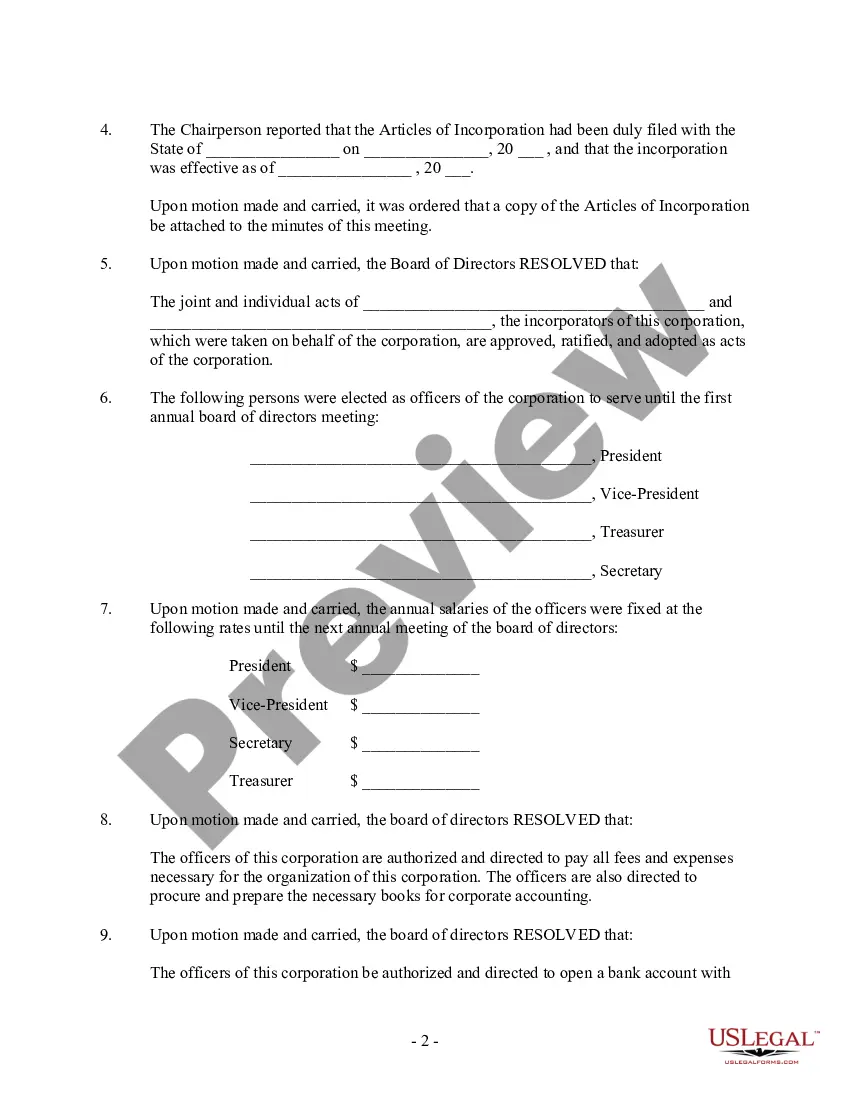
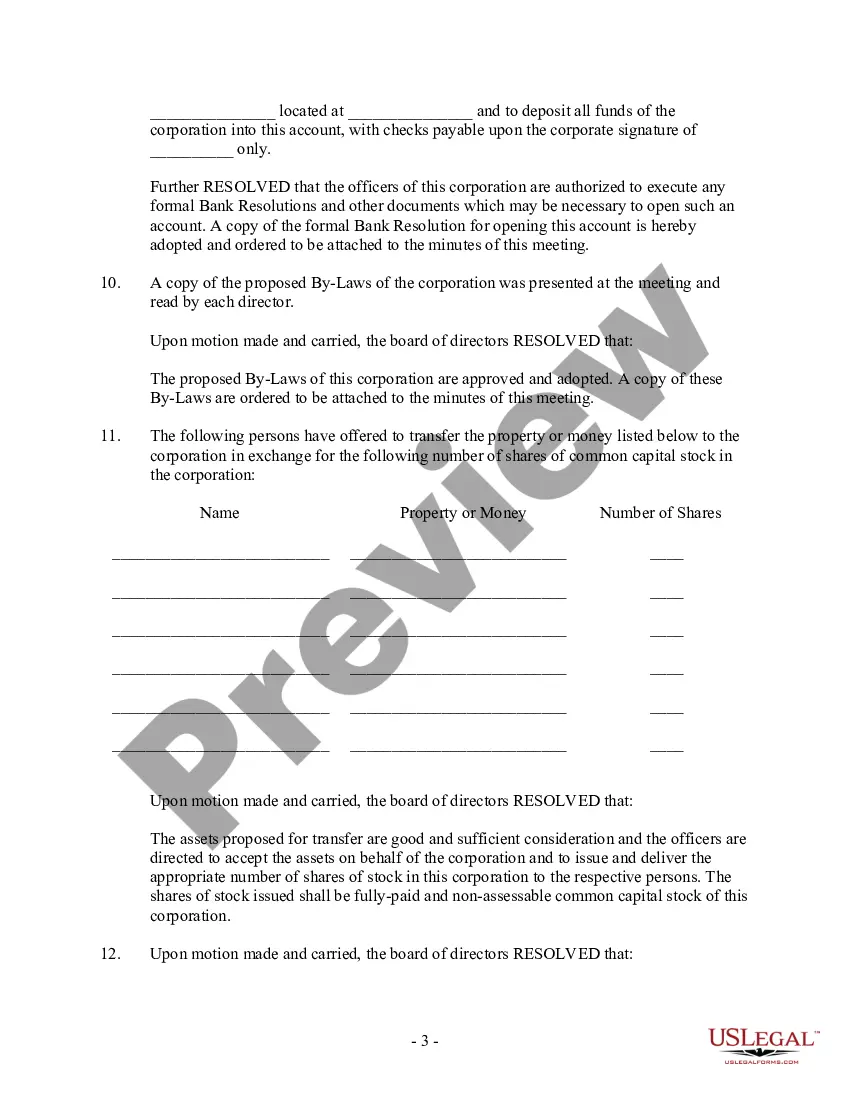
What to include Meeting date, time and location. Names of the committee or other group holding the meeting, the Chair and Secretary. List of those present, including guests in attendance, and any recorded regrets/absences. A record of formal motions and outcomes.
Board meeting minutes template Date, time, location. Type of board meeting — regular, special or annual. Attendance of board chair, board members, secretary and other guests. If quorum requirements are satisfied. Approval of previous meeting minutes. Reports and presentations including names and titles of presenter.
At a minimum, minutes should include: Name and kind of meeting. Date, place, and time that the meeting began and ended. Names of the chair and secretary or their substitute. Names of voting members attending and whether a quorum was present. Names of guests and their subject matter.
The format for a meeting depends on the meeting type and style. While there is no set format for meeting minutes, templates provide guidelines for essential information that should be included in your documentation.
Include essential items. Remember to record the meeting's date, time, attendees, and location. Stick to facts. Focus on capturing the main points of each speaker's comment, along with any action items or decisions.
Minutes may vary slightly depending on the state and the organization, but they typically include: Meeting date, time and location. Type of meeting. Names and titles of attendees and guests. Any absent board directors. Quorum. Notes about directors who left early or re-entered the meeting.
Evernote – Good for all-purpose note-taking Evernote is a productivity tool that helps you capture notes from meetings and projects. A simple structure allows you to turn a stack of individual notes into a more productive, organized virtual filing system for your notes and meeting minutes.
How to write meeting minutes Prepare a template before the meeting. Take notes during the meeting. Collect copies of any reports or presentations. Review your notes. Create a final draft. Request approval from leadership. Deliver the meeting minutes.
If you have a ChatGPT plus plan and a Zapier account, you can create automated workflows to have ChatGPT generate your meeting summaries, meeting minutes, and follow-up communication as soon as your meeting is over.