Board Directors Minutes Without Oxygen In Fulton
Description

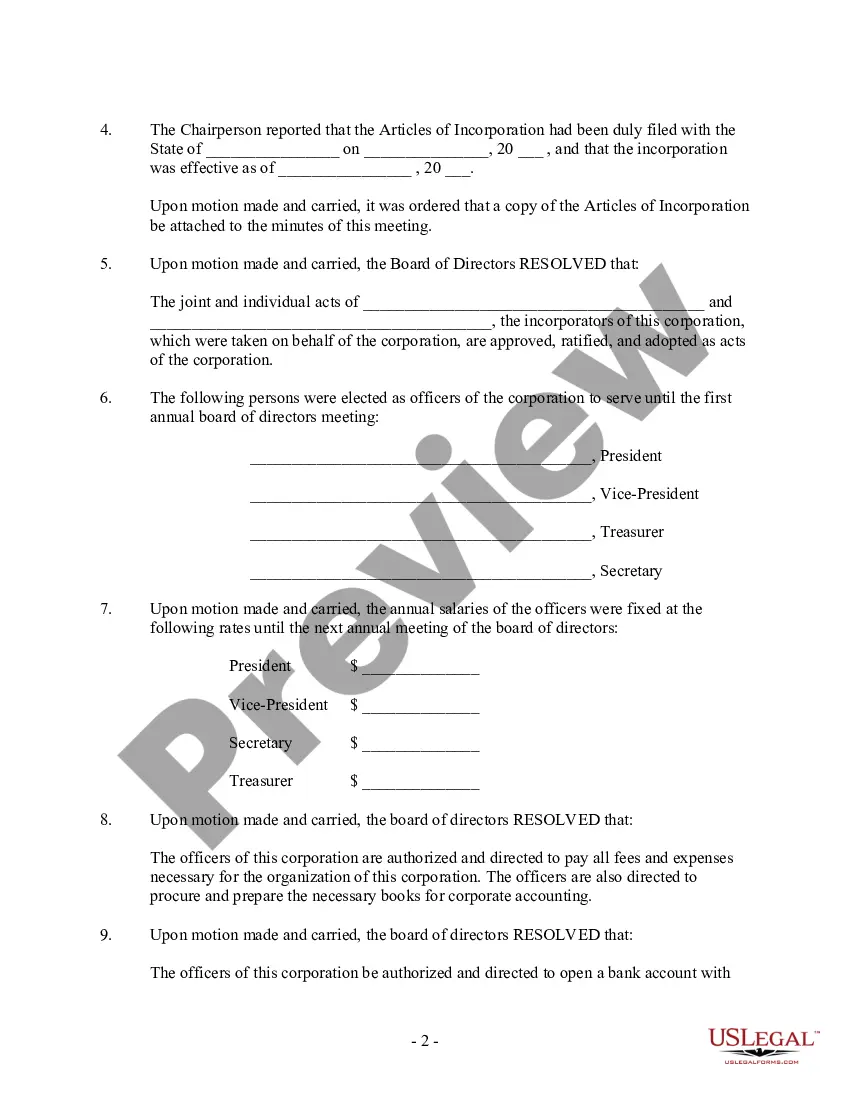
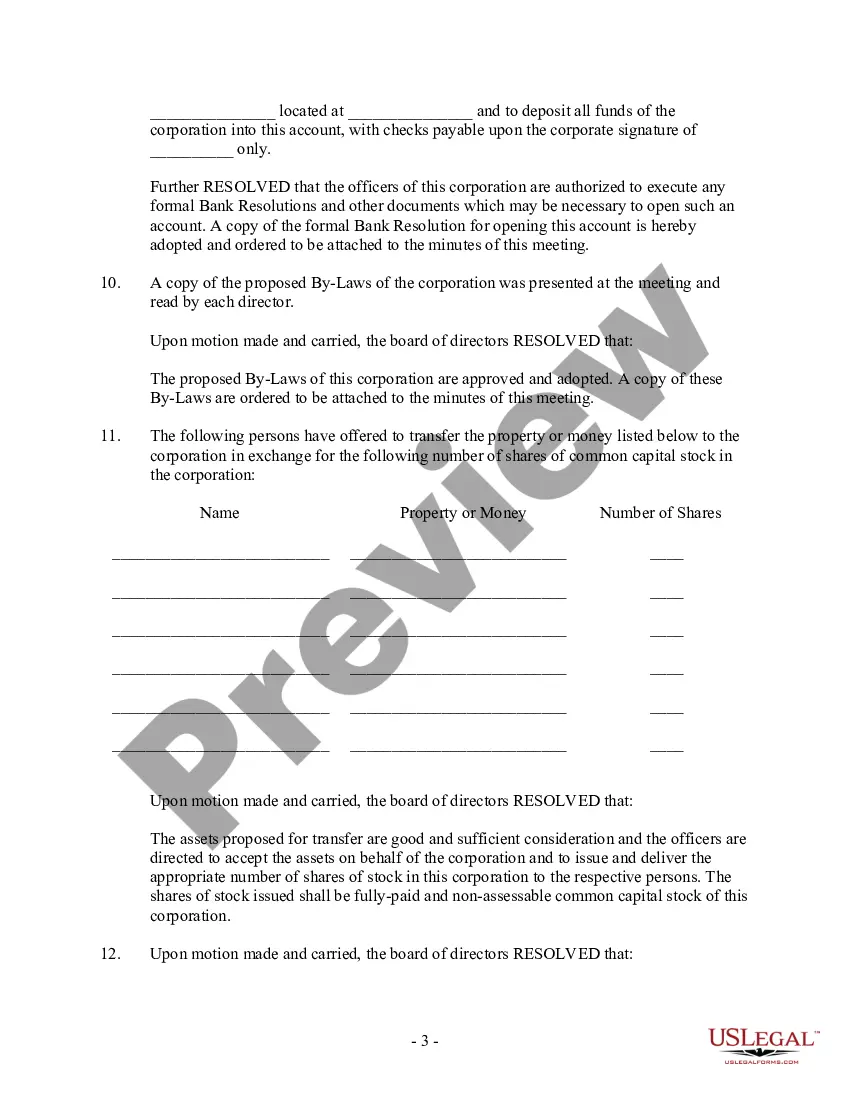
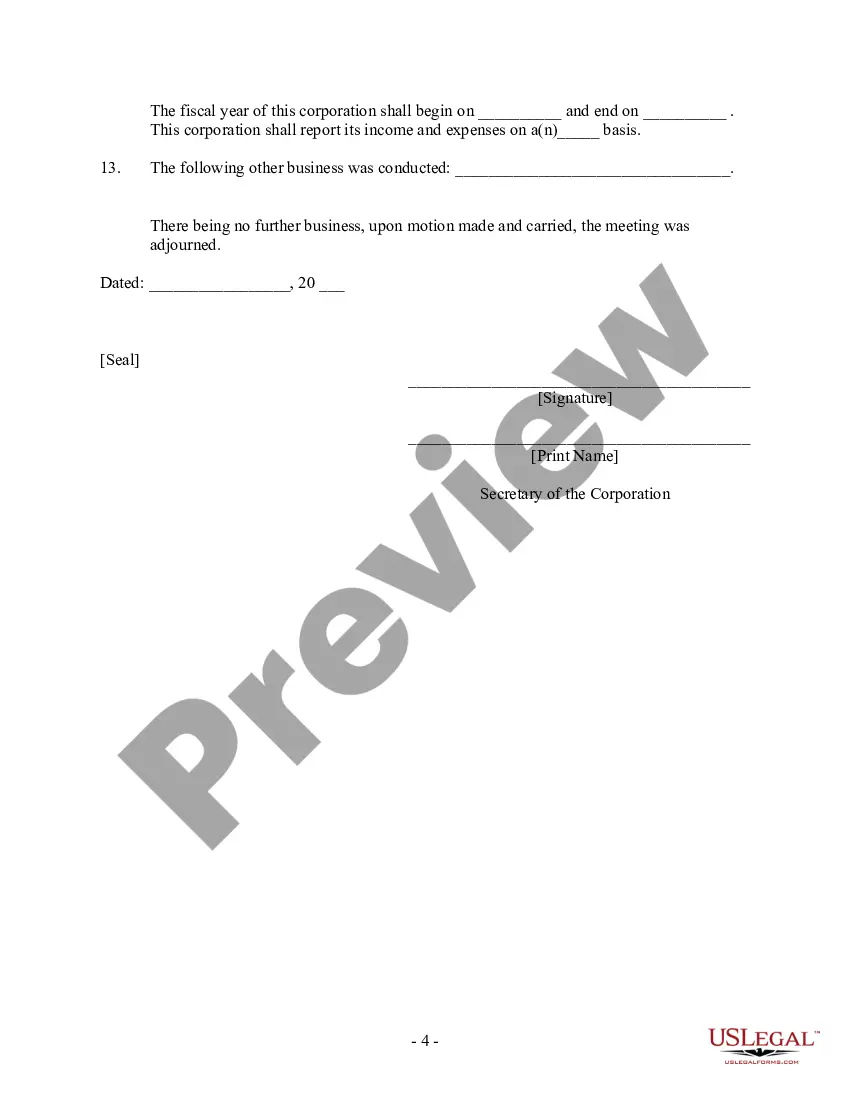

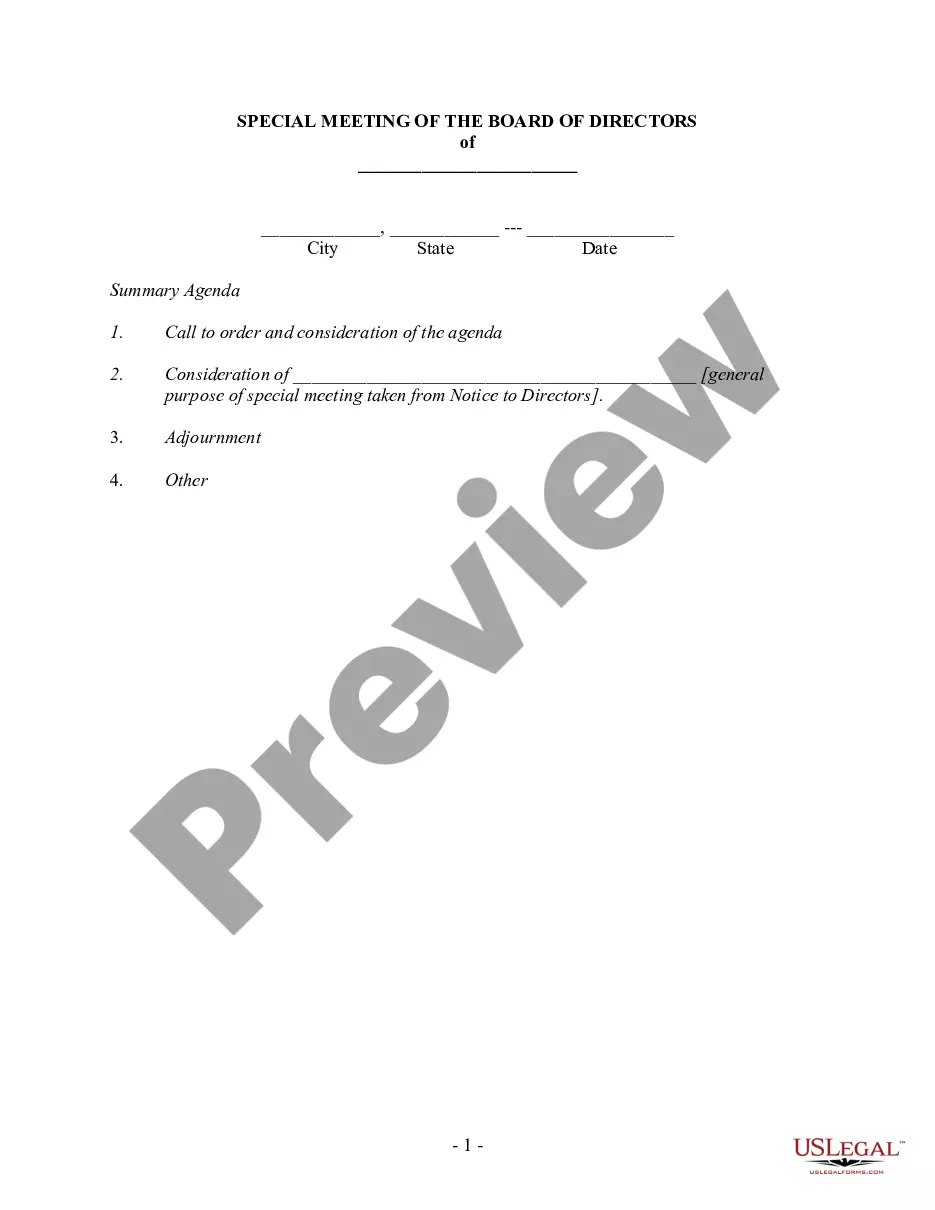


Get your form ready online
Our built-in tools help you complete, sign, share, and store your documents in one place.
Make edits, fill in missing information, and update formatting in US Legal Forms—just like you would in MS Word.
Download a copy, print it, send it by email, or mail it via USPS—whatever works best for your next step.
Sign and collect signatures with our SignNow integration. Send to multiple recipients, set reminders, and more. Go Premium to unlock E-Sign.
If this form requires notarization, complete it online through a secure video call—no need to meet a notary in person or wait for an appointment.
We protect your documents and personal data by following strict security and privacy standards.

Make edits, fill in missing information, and update formatting in US Legal Forms—just like you would in MS Word.

Download a copy, print it, send it by email, or mail it via USPS—whatever works best for your next step.

Sign and collect signatures with our SignNow integration. Send to multiple recipients, set reminders, and more. Go Premium to unlock E-Sign.

If this form requires notarization, complete it online through a secure video call—no need to meet a notary in person or wait for an appointment.

We protect your documents and personal data by following strict security and privacy standards.
Looking for another form?




Form popularity
FAQ
In most cases, the meeting secretary will sign the approved copy of the minutes, while some boards require all present board members to sign the approved minutes.
Meeting minutes don't need to capture discussions word by word, but they should effectively summarize key items and decisions to provide a clear and concise record of the meeting. Know that it's perfectly acceptable to write “a discussion of the options ensued.” If you need clarification on anything, be sure to ask.
There is no general requirement that board minutes be public – though some countries have laws that they must be available to members. However, not-for-profit organisations earn trust by being open about how they handle the public trust that has been granted to them.
9 proven tips for taking better meeting notes Choose a note-taking method that works you. Ditch the laptop—use pen and paper instead. Don't transcribe everything verbatim. Use a meeting notes template. Assign a specific note-taker for the meeting. Transcribe conversations with recording software.
To take notes for board meeting minutes, focus on summarizing the most important points. Begin by noting the meeting start time and attendees. As the meeting progresses, document key discussions, decisions, and action items. Avoid writing verbatim; instead, summarize reports and motions.
What Should Be Included in Meeting Minutes? Date and time of the meeting. Names of the meeting participants and those unable to attend (e.g., “regrets”) Acceptance or corrections/amendments to previous meeting minutes. Decisions made about each agenda item, for example: Actions taken or agreed to be taken. Next steps.
To take effective meeting minutes, the secretary should include: Date of the meeting. Time the meeting was called to order. Names of the meeting participants and absentees. Corrections and amendments to previous meeting minutes. Additions to the current agenda. Whether a quorum is present. Motions taken or rejected.
The minutes are a factual record of business. Do not include: Opinions or judgments: Leave out statements like "a well done report" or "a heated discussion." Criticism or accolades: Criticism of members, good or bad, should not be included unless it takes the form of an official motion.
Many organizations require that the presiding officer and recording secretary sign the minutes once approved, she adds, so it's important to check your bylaws to ensure the proper signatures are included. The minutes should reflect what took place in motions — the action of the board, not the dialogue, says Bowie.
