Board Meeting Corporate Forum
Description

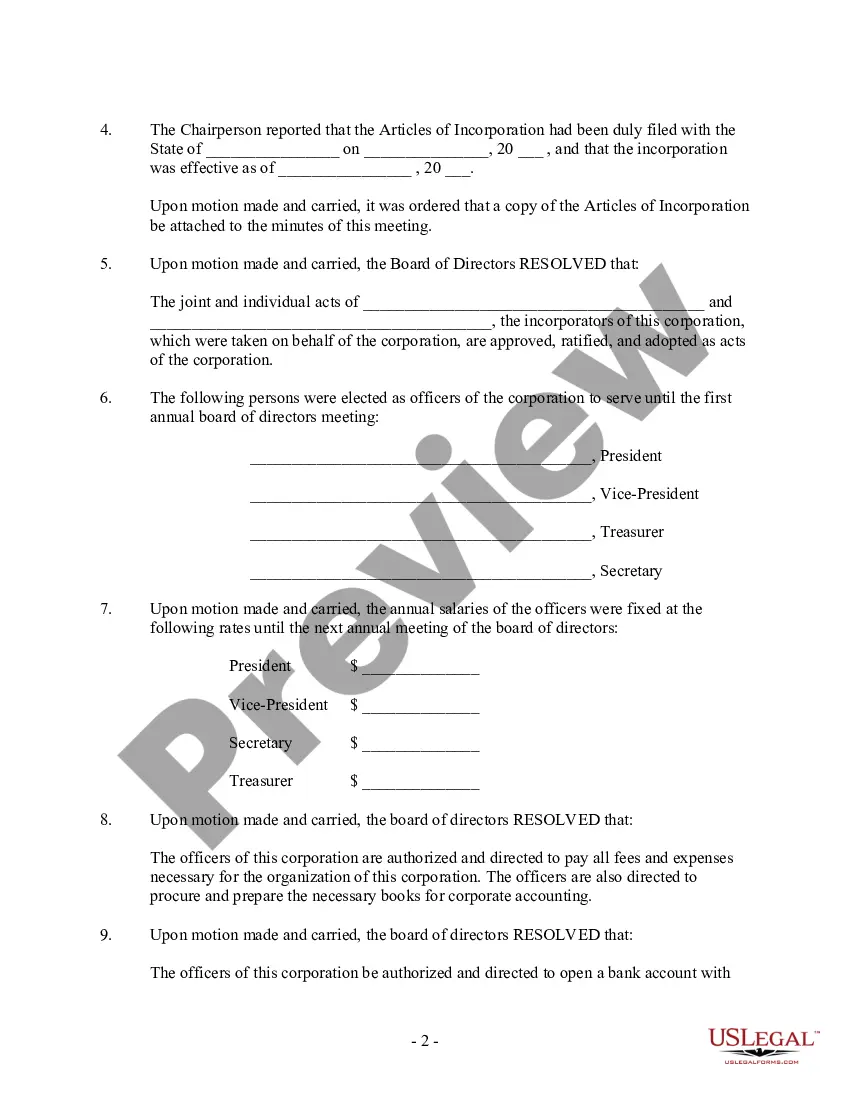
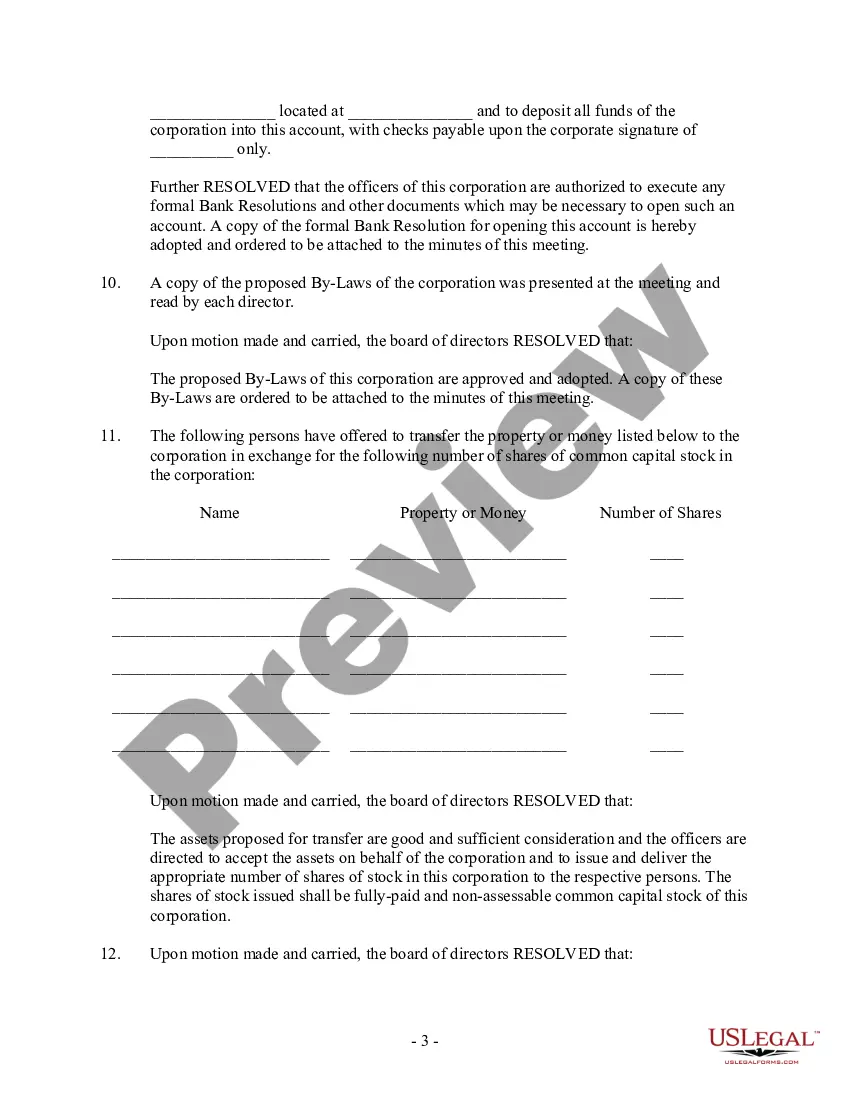
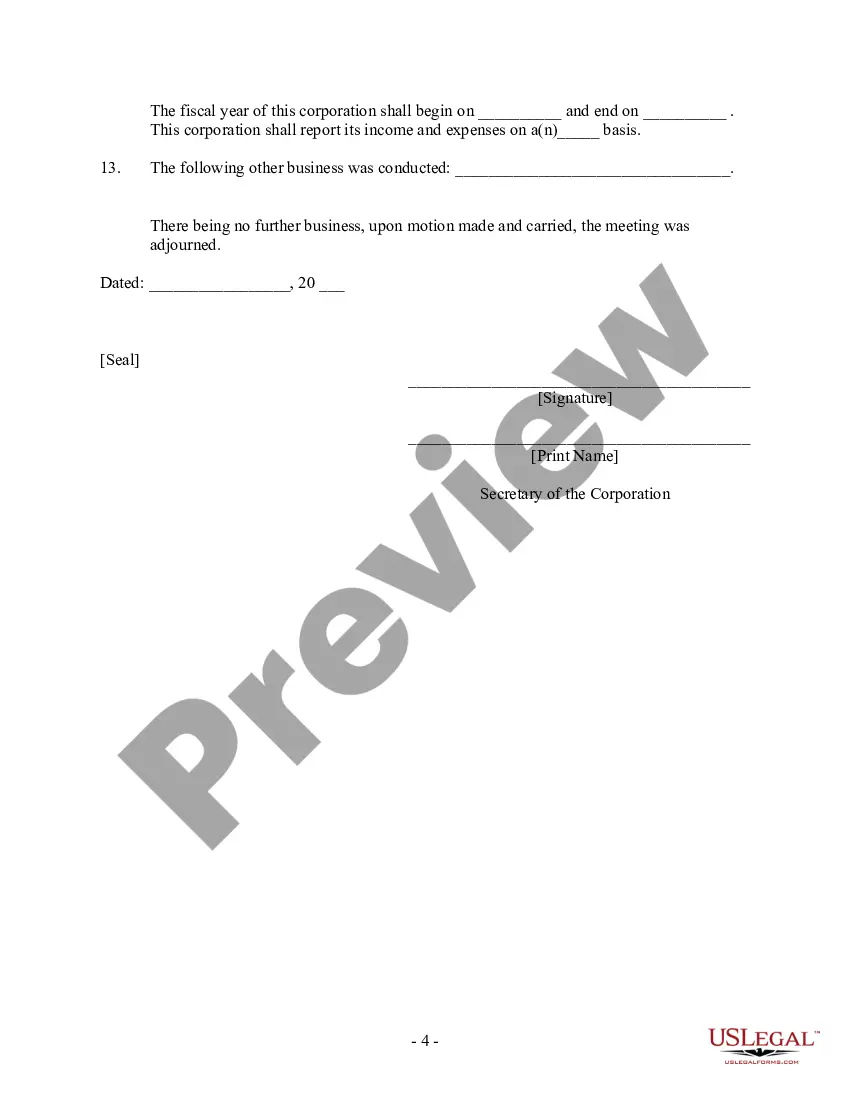




Get your form ready online
Our built-in tools help you complete, sign, share, and store your documents in one place.
Make edits, fill in missing information, and update formatting in US Legal Forms—just like you would in MS Word.
Download a copy, print it, send it by email, or mail it via USPS—whatever works best for your next step.
Sign and collect signatures with our SignNow integration. Send to multiple recipients, set reminders, and more. Go Premium to unlock E-Sign.
If this form requires notarization, complete it online through a secure video call—no need to meet a notary in person or wait for an appointment.
We protect your documents and personal data by following strict security and privacy standards.

Make edits, fill in missing information, and update formatting in US Legal Forms—just like you would in MS Word.

Download a copy, print it, send it by email, or mail it via USPS—whatever works best for your next step.

Sign and collect signatures with our SignNow integration. Send to multiple recipients, set reminders, and more. Go Premium to unlock E-Sign.

If this form requires notarization, complete it online through a secure video call—no need to meet a notary in person or wait for an appointment.

We protect your documents and personal data by following strict security and privacy standards.
Looking for another form?
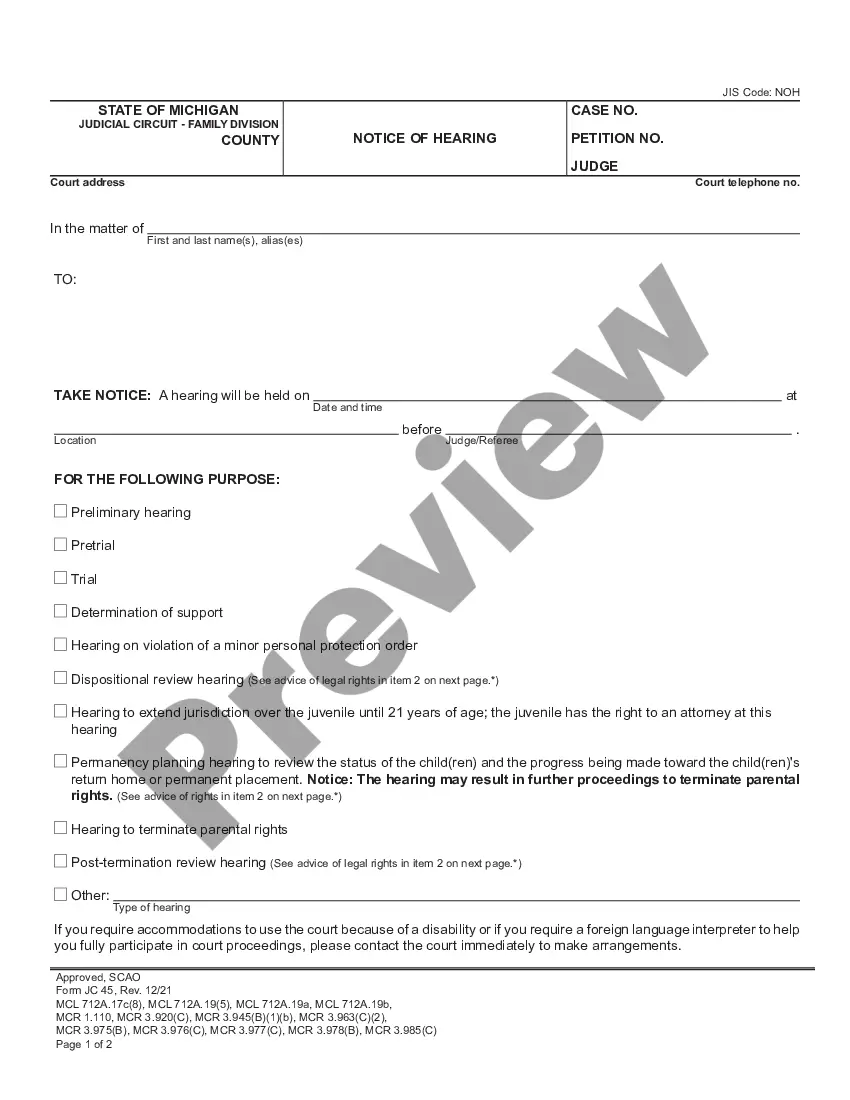

How to fill out First Board Of Directors Meeting Minutes - Corporate Resolutions?
It’s well-known that you cannot become a legal expert instantly, nor can you understand how to swiftly prepare a Board Meeting Corporate Forum without a unique skill set.
Creating legal documents is a lengthy procedure that necessitates a distinct education and expertise. So why not entrust the preparation of the Board Meeting Corporate Forum to the experts.
With US Legal Forms, one of the most extensive legal document repositories, you can find everything from court documents to templates for internal corporate correspondence. We understand how crucial compliance and adherence to federal and state regulations are. That’s why, on our site, all forms are location-specific and current.
Click Buy now. After the payment is completed, you can download the Board Meeting Corporate Forum, complete it, print it, and send or mail it to the specified individuals or organizations.
You can regain access to your forms from the My documents tab at any time. If you’re an existing client, you can simply Log In, and find and download the template from the same tab.
- Start with our website and obtain the form you need in just minutes.
- Find the document you require using the search bar at the top of the page.
- Preview it (if this option is available) and read the accompanying description to determine whether the Board Meeting Corporate Forum is what you’re looking for.
- Begin your search again if you need another template.
- Sign up for a free account and select a subscription plan to purchase the form.
Form popularity
FAQ
Typically, board meetings are open to board members and invited guests only. However, the specific rules may vary depending on your corporate bylaws and the nature of the meeting. Always check your organization's policies before inviting outside participants. A board meeting corporate forum can aid in clarifying attendance policies, ensuring transparency and adherence to guidelines.
To initiate a board meeting, first, you need to determine the agenda and key topics for discussion. Next, send out a notice to all board members, including the date, time, and location of the meeting. It’s essential to ensure that everyone receives this information well in advance. Utilize a board meeting corporate forum to streamline communication and document sharing, making the process more efficient.
The 4 P's of a meeting agenda are Purpose, Participants, Process, and Product. First, define the purpose to clarify what you aim to achieve in your board meeting corporate forum. Next, identify participants to ensure the right people are involved. Then, outline the process to guide how the meeting will unfold, and finally, determine the expected product or outcome of the meeting. These elements help organize your agenda effectively and enhance overall productivity.
The 40 20 40 rule for meetings suggests that you allocate 40% of your time to presenting, 20% to discussion, and the remaining 40% to decision-making. This approach ensures that your board meeting corporate forum remains productive and focused. By following this structure, you create an environment where all voices contribute to the agenda. The framework helps in achieving clear outcomes while maintaining engagement throughout the meeting.
How to structure a board meeting Send out the agenda well in advance. ... Share relevant documents ahead of time. ... Set meeting goals. ... Tap into each member's unique expertise. ... Introduce Robert's Rules of Order. ... Provide a start and end time ? and stick to it. ... Keep detailed meeting minutes.
To open a board meeting, the chair needs to call the meeting to order. A traditional script for this is: ?Good morning (or afternoon), everyone. It's ____(time) on _____(day, month, year), and I'd like to call this meeting to order.?
Your First Meeting Allow ample time for introductions. ... Facilitate as much discussion as possible around key strategic issues. ... Remember that directors need a clear overview and strong understanding of your business before they can help you. ... Don't be afraid to say, ?I need help!?
5 tips for running a board meeting: Start and end on time. Ensure full participation, by all members. Favor group discussion over ?reporting? Tap into each member's unique expertise. Stick to Robert's Rules for ease and fairness.
The following steps to running a board meeting are: Recognizing a quorum. Calling the meeting to order. Approving the agenda and minutes. Allowing for communication and reports. Addressing old/new/other business. Closing the meeting.