Sample Order For Judge To Sign In Queens
Description


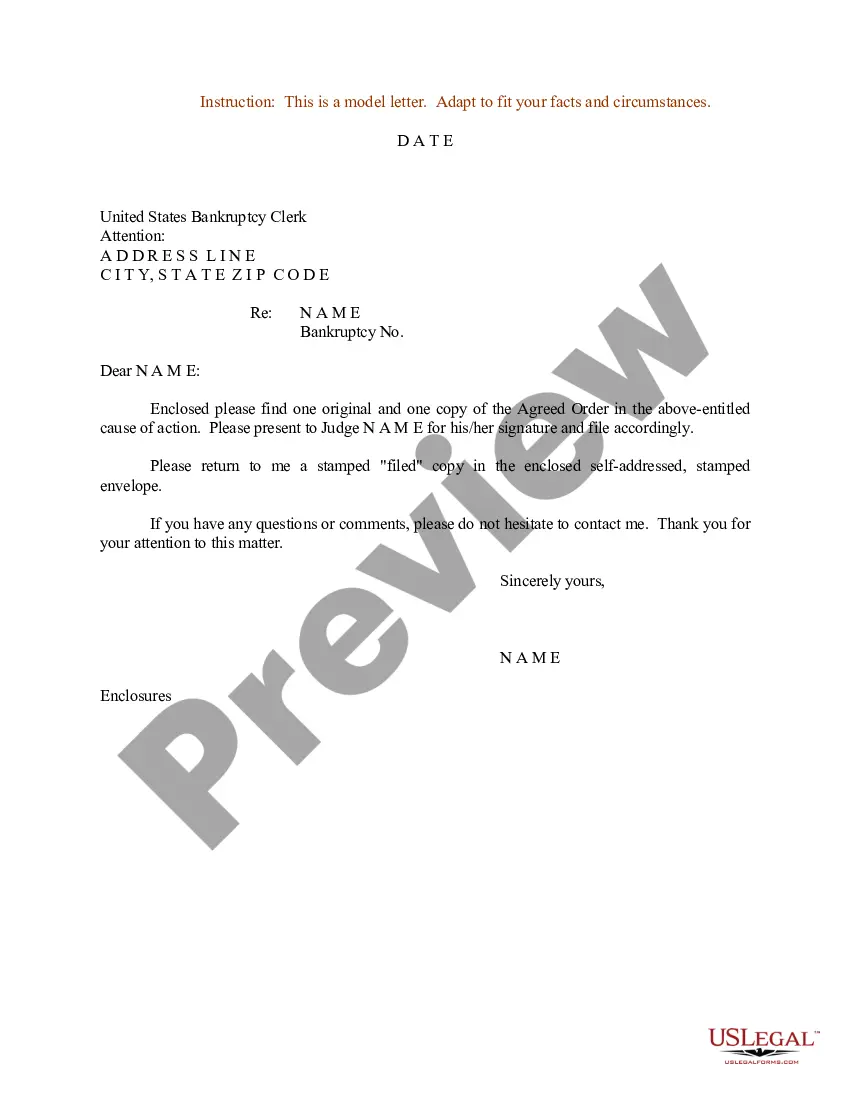
Get your form ready online
Our built-in tools help you complete, sign, share, and store your documents in one place.
Make edits, fill in missing information, and update formatting in US Legal Forms—just like you would in MS Word.
Download a copy, print it, send it by email, or mail it via USPS—whatever works best for your next step.
Sign and collect signatures with our SignNow integration. Send to multiple recipients, set reminders, and more. Go Premium to unlock E-Sign.
If this form requires notarization, complete it online through a secure video call—no need to meet a notary in person or wait for an appointment.
We protect your documents and personal data by following strict security and privacy standards.

Make edits, fill in missing information, and update formatting in US Legal Forms—just like you would in MS Word.

Download a copy, print it, send it by email, or mail it via USPS—whatever works best for your next step.

Sign and collect signatures with our SignNow integration. Send to multiple recipients, set reminders, and more. Go Premium to unlock E-Sign.

If this form requires notarization, complete it online through a secure video call—no need to meet a notary in person or wait for an appointment.

We protect your documents and personal data by following strict security and privacy standards.
Looking for another form?







Form popularity
FAQ
Outlining the required elements of an Order to Show Cause Identify the parties involved in the legal action. Set forth the relief requested. Specify the legal basis for the requested relief. Specify the timely filing of the Order to Show Cause. Identify a date and time for the hearing.
How to Fill Out an Order to Show Cause Write the county name. Write the Article for your case type. Write the name(s) of the petitioner(s). Write the name(s) of the respondent(s). Write the docket number, if it exists. Write your name. Write the date you signed the affidavit. Write the month you signed the affidavit.
You can address the judge to “The Honorable First Name Last Name” or “Judge First Name Last Name” or “Judge Last Name.” It is redundant to say “Honorable Judge” so use either “Judge” or “Honorable.”
How to Fill Out an Order to Show Cause Write the county name. Write the Article for your case type. Write the name(s) of the petitioner(s). Write the name(s) of the respondent(s). Write the docket number, if it exists. Write your name. Write the date you signed the affidavit. Write the month you signed the affidavit.
Legal Examples: A Show Cause Order is issued to a party who has allegedly violated a court order. The individual must appear in court to explain why they should not be held in contempt for failing to comply with the original order, such as not paying court-ordered child support.
Most judges will not meet with you to discuss your plea. If you want to talk to the judge, you should contact the State Attorney's Office and the judge's office and schedule a time when the prosecutor is available. It is highly unlikely that the judge will meet with you, however.
What you say to them may hurt the defendant, even if you think it will help. If you want to send a letter to the judge, address it "Dear Judge (judge's last name)," but send it to the defendant's attorney. The attorney will review it and forward it to the judge if and when it is helpful.
Letters from non-lawyers to judges are absolutely to be avoided. They are inappropriate and violate many rules regarding proper communication with judges. Some letters may be in violation of criminal law that prohibits improper efforts to influenc...
The Order to Show Cause is supported by an "Affidavit in Support," and copies of any documents that support the request and would help the judge make a decision. The papers must be served on all the parties in the manner directed in the Order to Show Cause.
If you want to tell the judge about your case or if you want to ask the judge to take cer tain action in your case, you should not call or write the judge directly. Instead, you should mail a written motion to the clerk of the judge's court or drop off that document in person at the clerk's office.

