Gazetted Officer Certificate For Aadhaar Card In Orange
Description

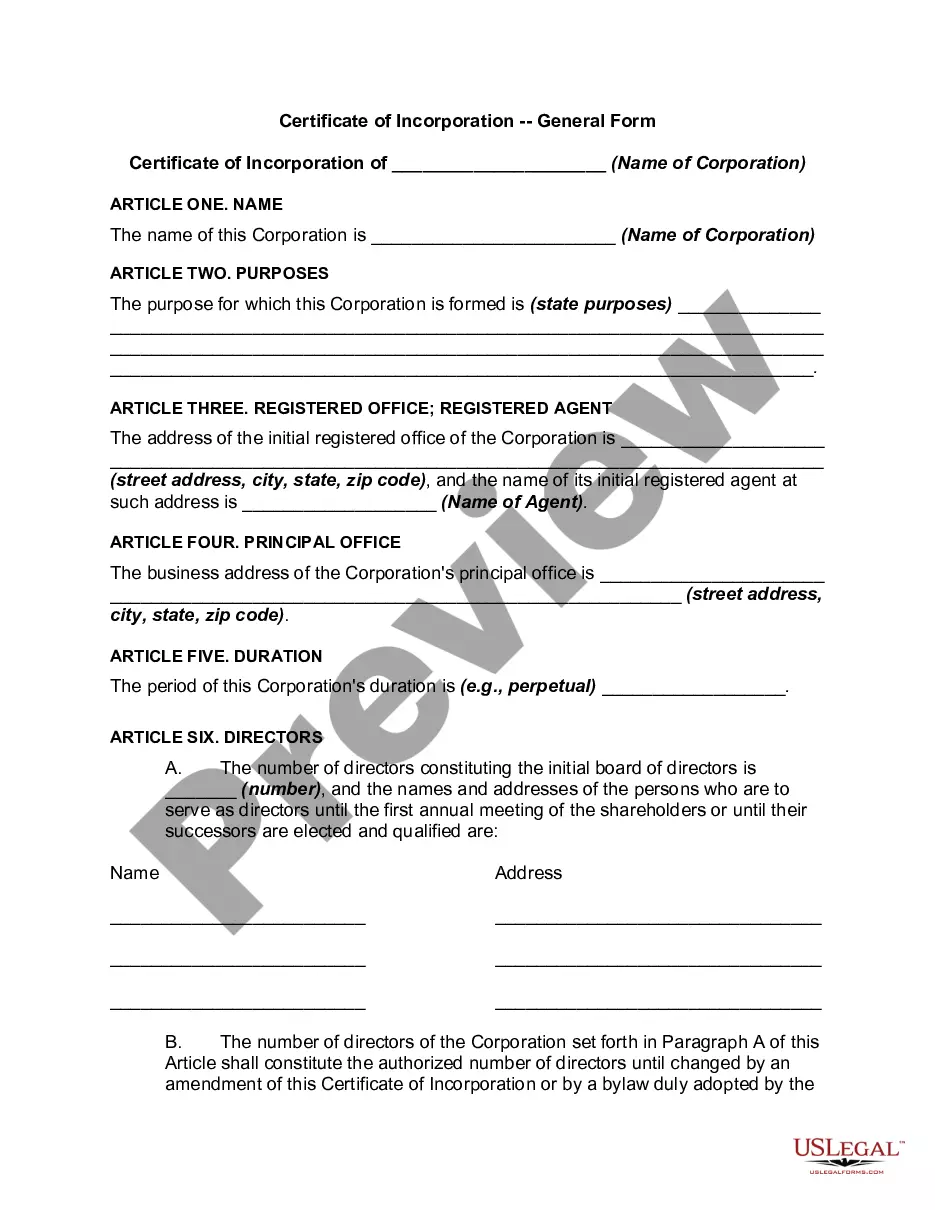
Get your form ready online
Our built-in tools help you complete, sign, share, and store your documents in one place.
Make edits, fill in missing information, and update formatting in US Legal Forms—just like you would in MS Word.
Download a copy, print it, send it by email, or mail it via USPS—whatever works best for your next step.
Sign and collect signatures with our SignNow integration. Send to multiple recipients, set reminders, and more. Go Premium to unlock E-Sign.
If this form requires notarization, complete it online through a secure video call—no need to meet a notary in person or wait for an appointment.
We protect your documents and personal data by following strict security and privacy standards.

Make edits, fill in missing information, and update formatting in US Legal Forms—just like you would in MS Word.

Download a copy, print it, send it by email, or mail it via USPS—whatever works best for your next step.

Sign and collect signatures with our SignNow integration. Send to multiple recipients, set reminders, and more. Go Premium to unlock E-Sign.

If this form requires notarization, complete it online through a secure video call—no need to meet a notary in person or wait for an appointment.

We protect your documents and personal data by following strict security and privacy standards.
Looking for another form?









Form popularity
FAQ
Under the Aadhaar Act 2016, UIDAI is responsible for Aadhaar enrolment and authentication, including operation and management of all stages of Aadhaar life cycle, developing the policy, procedure, and system for issuing Aadhaar numbers to individuals and perform authentication and the security of identity information ...
Verifier must verify the information mentioned in the supporting documents with the information mentioned in the Aadhaar Enrolment/Update Form. Verifier also checks that the names of the documents captured in the enrolment form are correct and same as the original documents produced by the applicant.
How to fill out the Certificate for Aadhaar Enrolment Update Form? Gather all required personal and certifier information. Fill in the resident's details in block letters. Attach a recent color photograph. Ensure the certifier's details are completed. Review the form for accuracy before submission.
A certifier can be a Gazetted Officer-Group A, Gazetted Officer-Group B, Village Panchayat Head or Mukhiya, MP/MLA/MLC/Municipal Councillor, Tehsildar, Head of Recognised Educational Institution or Superintendent/Warden/Matron/Head of Institution of recognised shelter homes/Orphanages.
Offline Method For Changing Father's Name In Aadhaar Step 1: Locate The Nearest Aadhaar Enrollment Center. Step 2: Fill Out The Aadhaar Update/Correction Form. Step 3: Submit Documents and Biometric Data. Step 4: Collect the Acknowledgment Slip. Step 5: Track The Status.
Step 1 - Visit the nearest Aadhaar Enrolment Centre and request the form. You can also download the Aadhaar Correction Form. Step 2 - Ensure that you carry the original documents when you visit the Aadhaar Enrolment Centre. Step 3 - The operator will check the information you provided when you submit the form.
What is the Procedure for Filling Out the Aadhaar Enrollment Form? Step#1 Visit the UIDAI website and download the Aadhaar enrolment form. Step#2 Fill out the requisite information and details in the form. Step#3 Upload the relevant documents that are required to prove your identity and other information.
To update document, you have to submit your Proof of Identity (POI) and Proof of Address (POA). Bhamashah, Domicile Certificate, Resident Certificate, Jan-Aadhaar, MGNREGA/ NREGS Job Card, Labour Card etc.
Method 1. How to Update Aadhaar Card Online via UIDAI myAadhaar Portal? Visit the UIDAI website. Log in using your Aadhaar number and OTP sent to your registered mobile number. Click on the 'Document Update' button. Upload the required documents.
How to fill out the Certificate for Aadhaar Enrolment Update Form? Gather all required personal and certifier information. Fill in the resident's details in block letters. Attach a recent color photograph. Ensure the certifier's details are completed. Review the form for accuracy before submission.

