All Business Purchase Format In Suffolk
Description

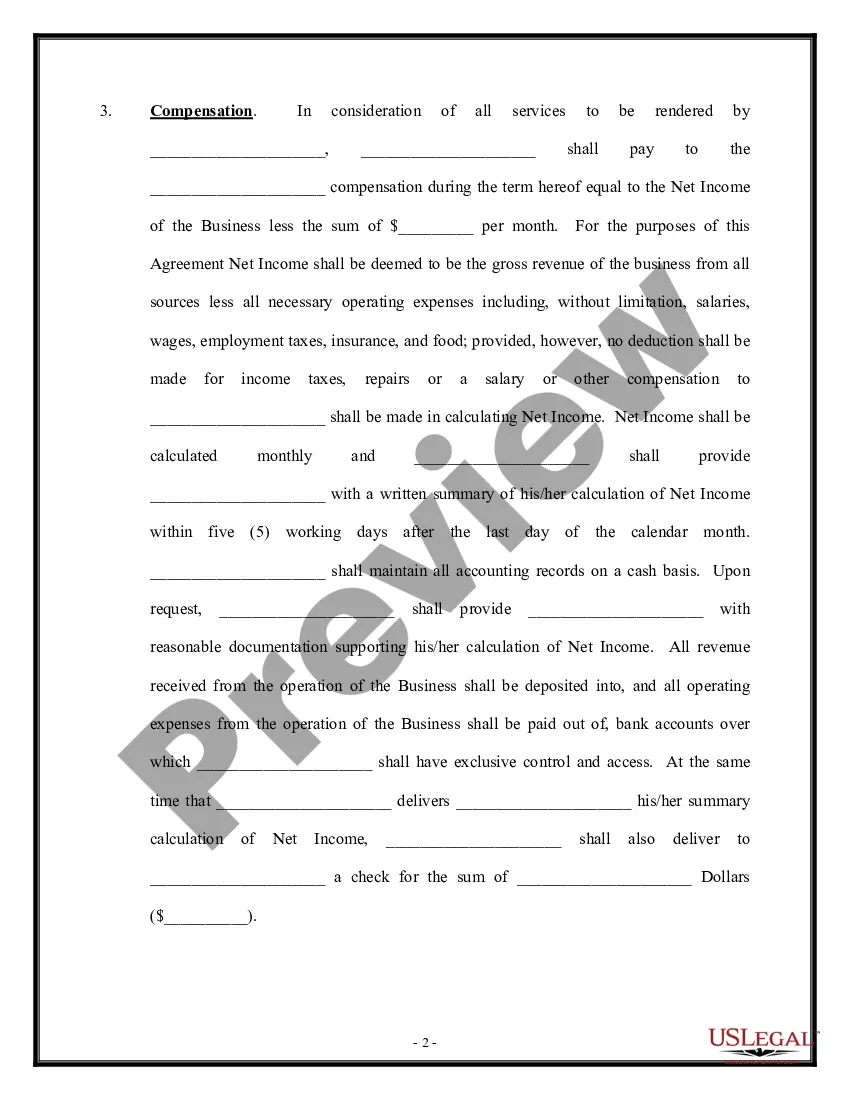
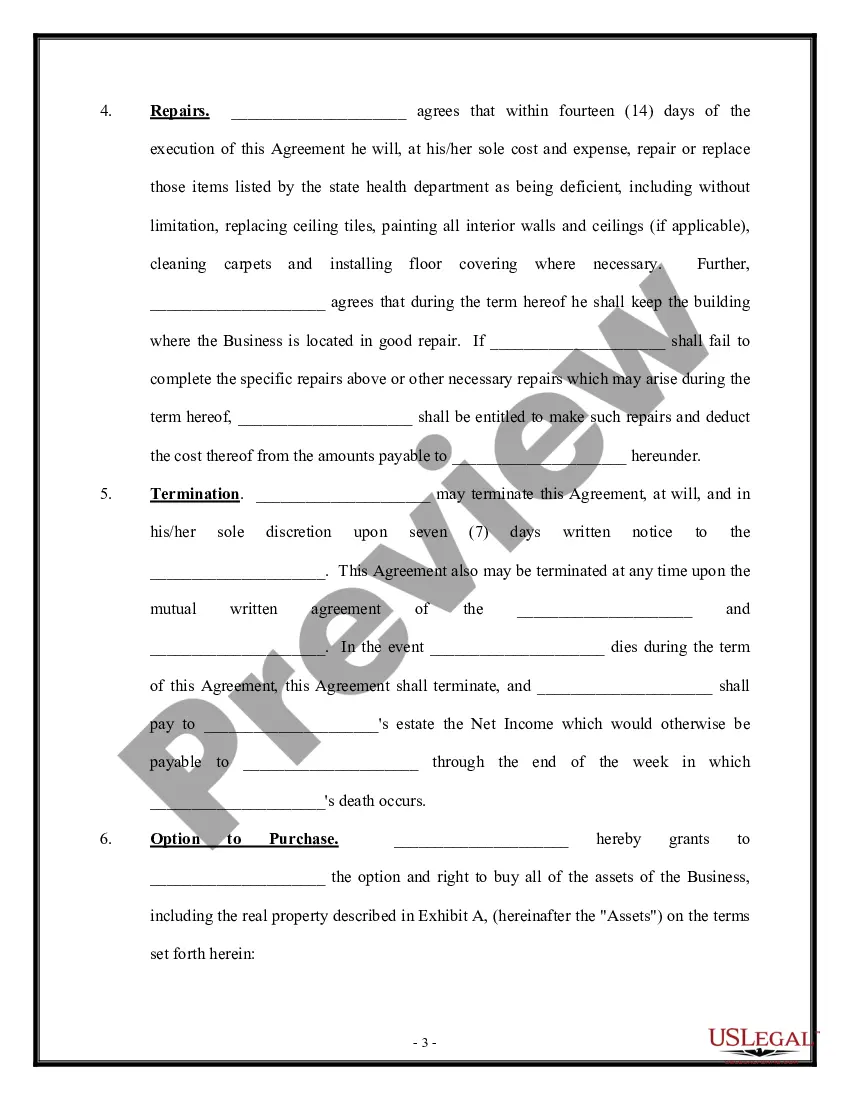
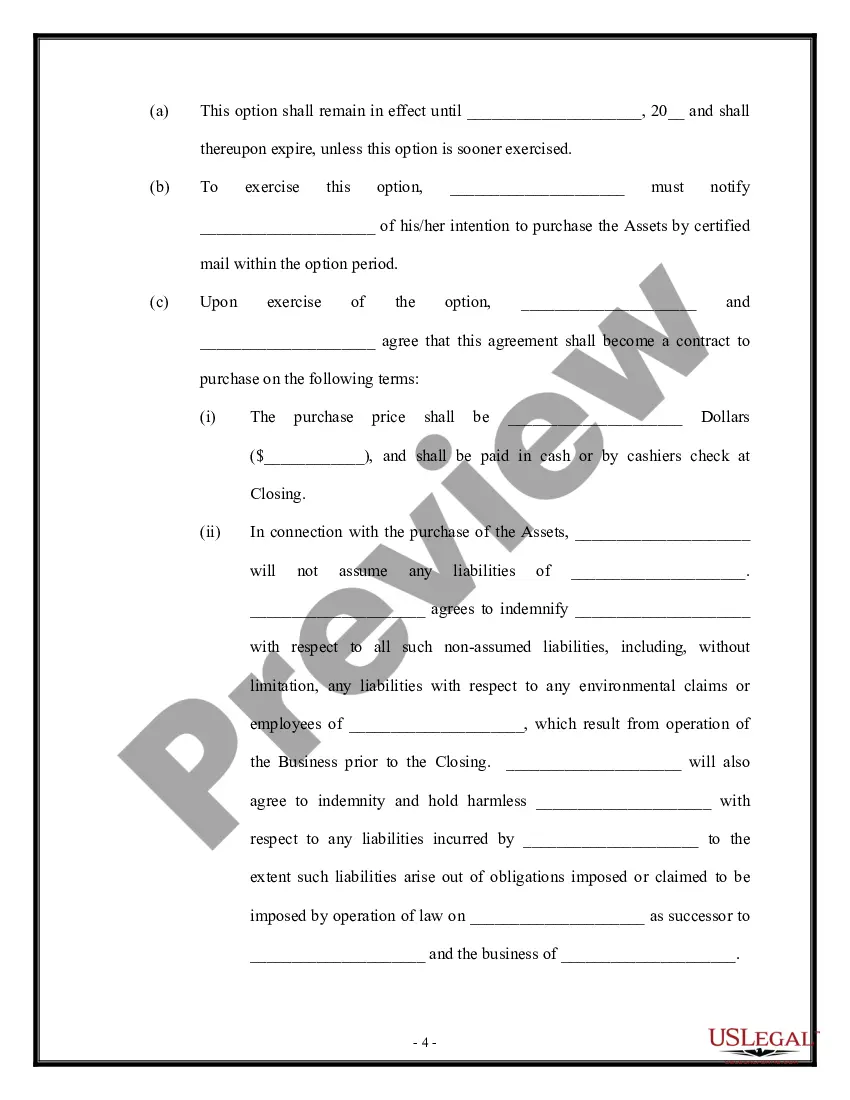
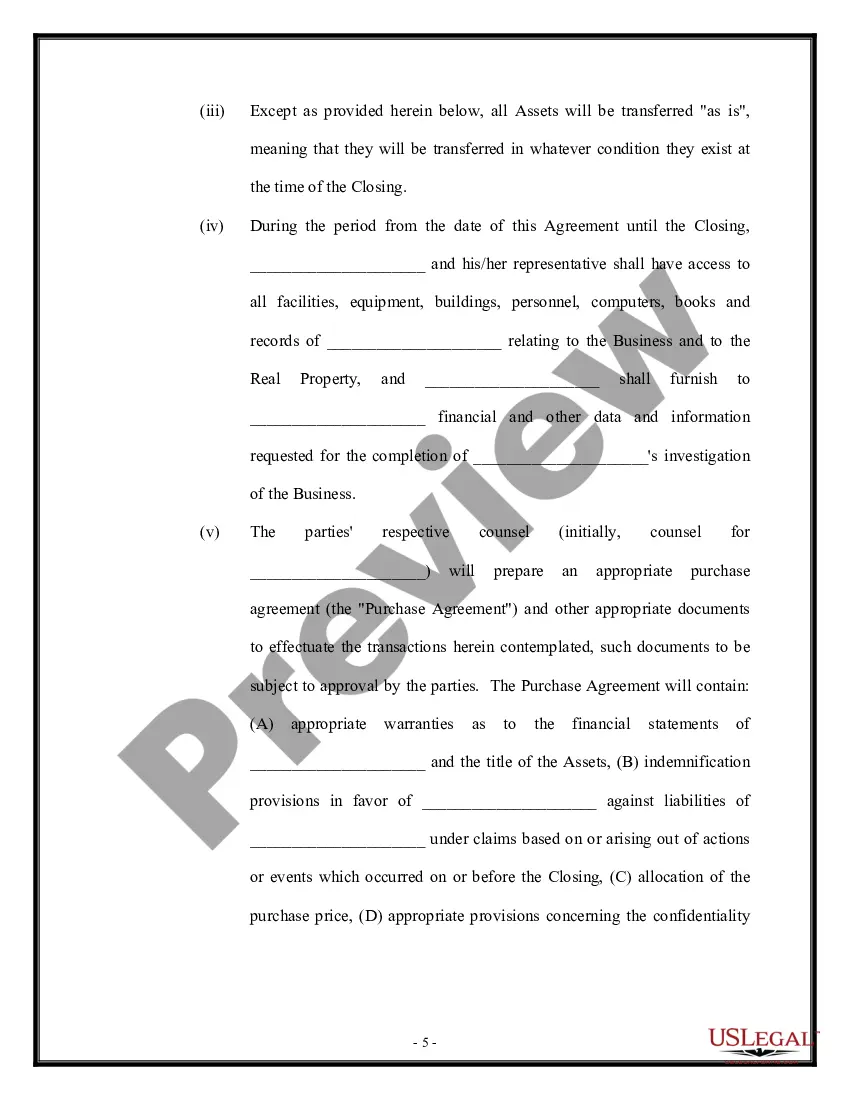
Get your form ready online
Our built-in tools help you complete, sign, share, and store your documents in one place.
Make edits, fill in missing information, and update formatting in US Legal Forms—just like you would in MS Word.
Download a copy, print it, send it by email, or mail it via USPS—whatever works best for your next step.
Sign and collect signatures with our SignNow integration. Send to multiple recipients, set reminders, and more. Go Premium to unlock E-Sign.
If this form requires notarization, complete it online through a secure video call—no need to meet a notary in person or wait for an appointment.
We protect your documents and personal data by following strict security and privacy standards.

Make edits, fill in missing information, and update formatting in US Legal Forms—just like you would in MS Word.

Download a copy, print it, send it by email, or mail it via USPS—whatever works best for your next step.

Sign and collect signatures with our SignNow integration. Send to multiple recipients, set reminders, and more. Go Premium to unlock E-Sign.

If this form requires notarization, complete it online through a secure video call—no need to meet a notary in person or wait for an appointment.

We protect your documents and personal data by following strict security and privacy standards.
Looking for another form?









Form popularity
FAQ
You might also be wondering, “How long can you operate a business without a license?” Judging by real-world examples, you could be shut down in as little as 60 days.
The license approves your engagement in a specific business in a certain jurisdiction; an LLC provides an official, legally-recognized business entity. Forming an LLC effectively makes your business a company rather than a sole proprietorship.
If you're conducting business within a city's limits, check with your city government to determine its licensing requirements. If you're in an unincorporated area, check with the county government. If you have an office in more than one city or county, you might need to get a license for each one.
How do I register a business in Suffolk County? Contact the Suffolk County Clerk located in Riverhead at (631) 852-2000.
How do I obtain a copy of my property deed? Property deeds are recorded in the Suffolk County Clerk's Office in Riverhead, NY. The direct phone number is (631) 852-2000.
The grantor must sign the deed form and that signature must be properly acknowledged by a notary public. All signatures must be original; we cannot accept photocopies. A complete description of the property including the village, town, county and state where the property is located must also be included on the form.
How do I obtain a copy of my property deed? Property deeds are recorded in the Suffolk County Clerk's Office in Riverhead, NY. The direct phone number is (631) 852-2000.
