Sample Schedule Form For Job Application In Travis
Description

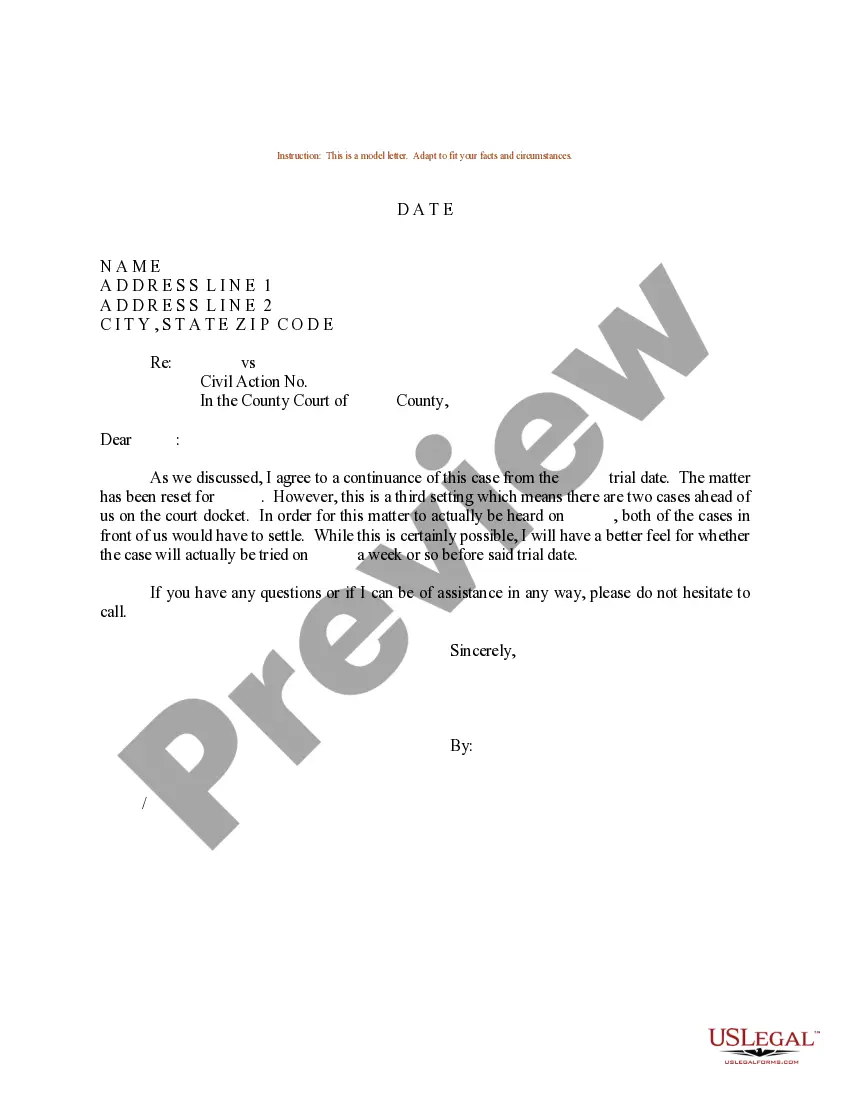
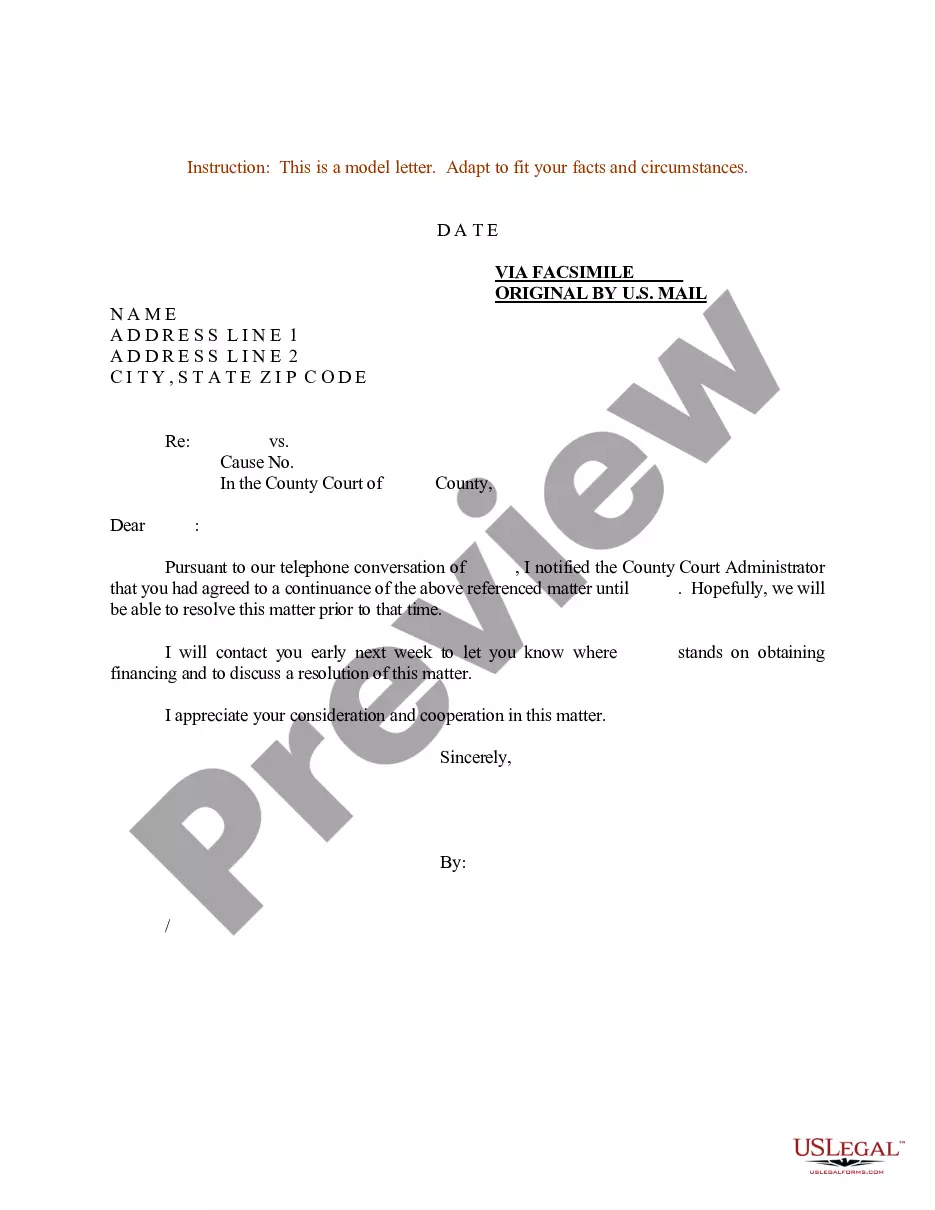
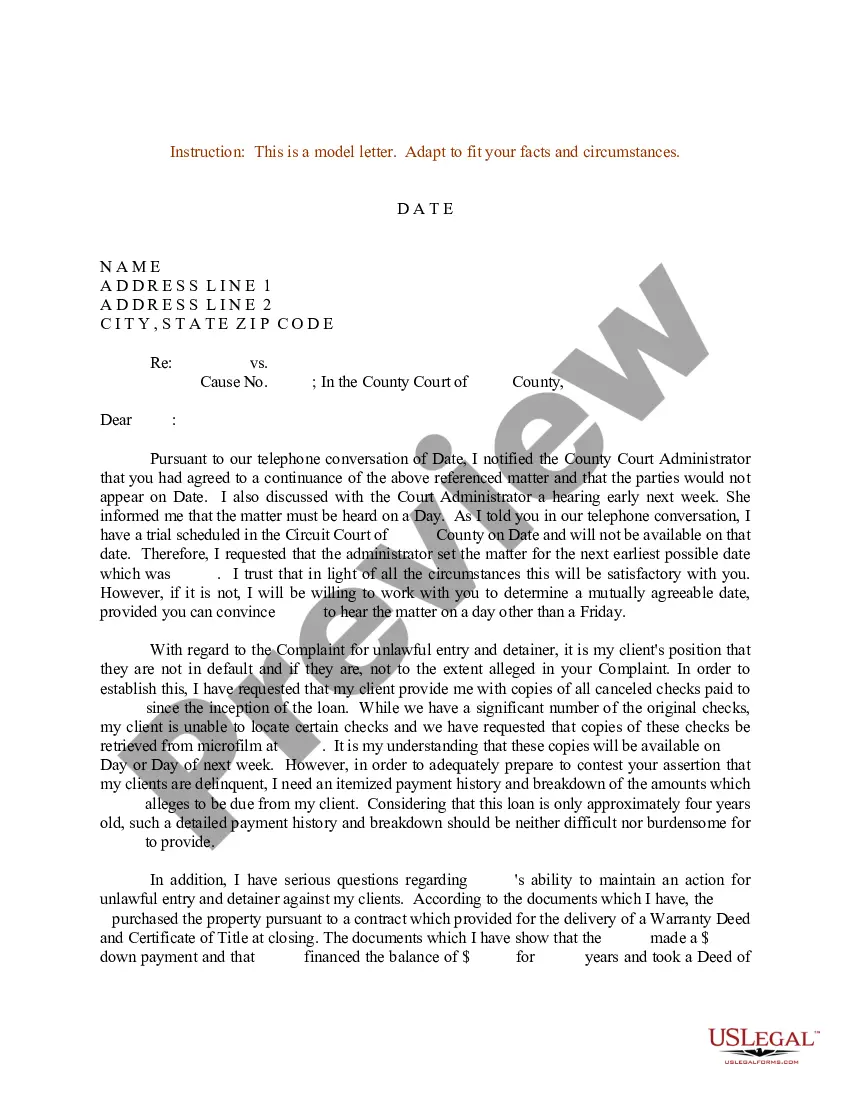

Get your form ready online
Our built-in tools help you complete, sign, share, and store your documents in one place.
Make edits, fill in missing information, and update formatting in US Legal Forms—just like you would in MS Word.
Download a copy, print it, send it by email, or mail it via USPS—whatever works best for your next step.
Sign and collect signatures with our SignNow integration. Send to multiple recipients, set reminders, and more. Go Premium to unlock E-Sign.
If this form requires notarization, complete it online through a secure video call—no need to meet a notary in person or wait for an appointment.
We protect your documents and personal data by following strict security and privacy standards.

Make edits, fill in missing information, and update formatting in US Legal Forms—just like you would in MS Word.

Download a copy, print it, send it by email, or mail it via USPS—whatever works best for your next step.

Sign and collect signatures with our SignNow integration. Send to multiple recipients, set reminders, and more. Go Premium to unlock E-Sign.

If this form requires notarization, complete it online through a secure video call—no need to meet a notary in person or wait for an appointment.

We protect your documents and personal data by following strict security and privacy standards.
Looking for another form?
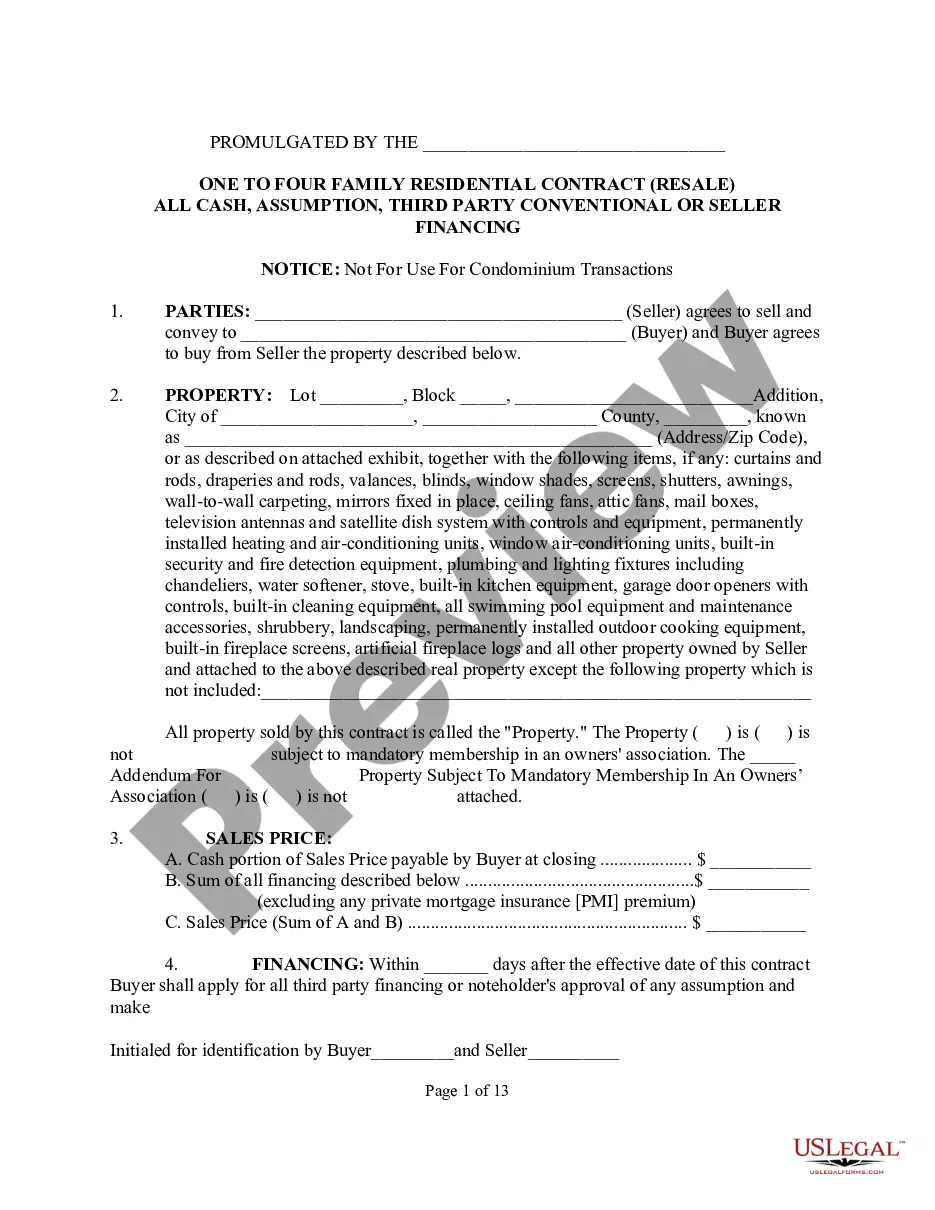






Form popularity
FAQ
Research your salary. Read the application before filling it out. Before you start to fill out a job application, read through it first. Take your time. Answer completely and truthfully. Include your resume. Fill out job information chronologically. Put in the extra effort. Research your salary. Proofread your application.
Research your salary. Read the application before filling it out. Before you start to fill out a job application, read through it first. Take your time. Answer completely and truthfully. Include your resume. Fill out job information chronologically. Put in the extra effort. Research your salary. Proofread your application.
Do not put a photo. Do not put your marital status Do not put your age Do not put your gender or sexual orientation Do not put your hobbies and interests unless they are directly relevant to the position
Job application template 1: Dear Hiring Manager, I am writing to apply for the Position role at Company Name that was advertised on Job Board. I was impressed with Company Name's reputation as a leading player in the Industry/Field, and I believe my skills and experience would be a strong asset to your team.
A job description contains the following components: job title, job purpose, job duties and responsibilities, required qualifications, preferred qualifications, and working conditions. Job Title. Job Purpose. Job Duties and Responsibilities. Required Qualifications. Preferred Qualifications. Working Conditions.
In this section, an employee provides personal data, such as their full name, address, phone numbers, email address, birth date and marital status. It also includes their Aadhaar number, PAN and the contact details of their spouse or family members.
How to structure an effective job application form Name of applicant. Contact information (phone and email) Social Security Number (SSN) Work eligibility. Education, including schools attended. Degrees obtained. Work experience. Specialty skills.
Start with a form template Go to File > New. In the Search for online templates field, type Forms or the kind of form you want. Then press Enter. In the displayed results, right-click any item, then select Create.
Give your form an appropriate title, such as “Job Application,” and add a description field if desired. Modify the first question to collect the applicant's name. Click the dropdown menu for question type and select the Short answer option. Slide the toggle button next to Required to make this a mandatory question.
I normally say something like 'I'd like to apply for the vacancy of(insert job title/vacancy number here) as seen in (name of newspaper/website). Please send me an application form to either (add email address and also home address). ' and then sign of with 'Many Thanks'. Good luck!

