Cancellation Form Fillable With Drop Down List
Description



Get your form ready online
Our built-in tools help you complete, sign, share, and store your documents in one place.
Make edits, fill in missing information, and update formatting in US Legal Forms—just like you would in MS Word.
Download a copy, print it, send it by email, or mail it via USPS—whatever works best for your next step.
Sign and collect signatures with our SignNow integration. Send to multiple recipients, set reminders, and more. Go Premium to unlock E-Sign.
If this form requires notarization, complete it online through a secure video call—no need to meet a notary in person or wait for an appointment.
We protect your documents and personal data by following strict security and privacy standards.

Make edits, fill in missing information, and update formatting in US Legal Forms—just like you would in MS Word.

Download a copy, print it, send it by email, or mail it via USPS—whatever works best for your next step.

Sign and collect signatures with our SignNow integration. Send to multiple recipients, set reminders, and more. Go Premium to unlock E-Sign.

If this form requires notarization, complete it online through a secure video call—no need to meet a notary in person or wait for an appointment.

We protect your documents and personal data by following strict security and privacy standards.
Looking for another form?



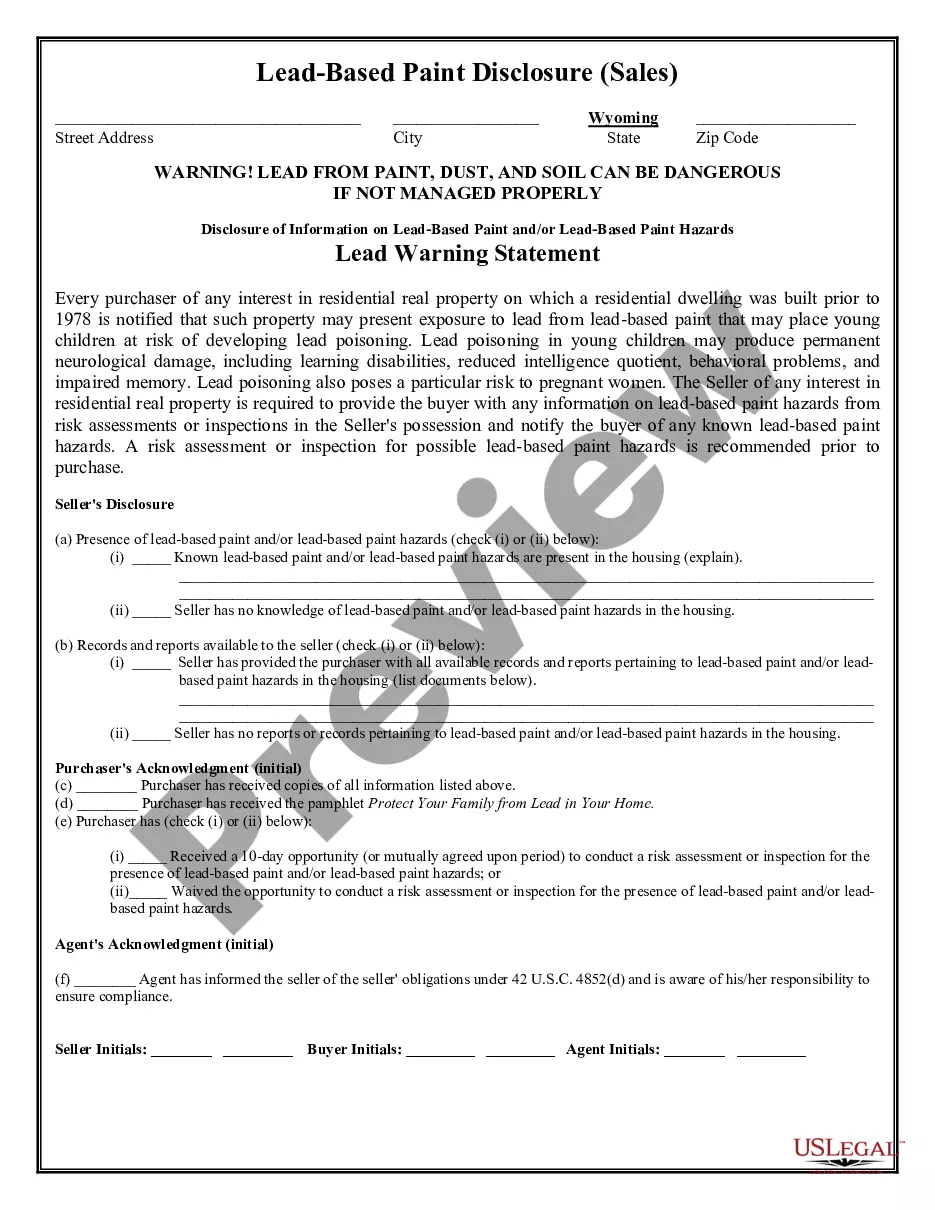
How to fill out Termination Or Cancellation Of Listing Agreement?
The Cancellation Form Editable With Dropdown Menu you observe on this webpage is a reusable legal framework composed by expert attorneys in line with federal and state regulations.
For over 25 years, US Legal Forms has supplied individuals, businesses, and legal practitioners with more than 85,000 verified, state-specific documents suitable for any business and personal event. It represents the quickest, simplest, and most trustworthy method to acquire the documentation you require, as the service assures the utmost level of data protection and anti-malware measures.
Register for US Legal Forms to access verified legal templates for all of life's circumstances at your fingertips.
- Search for the document you require and examine it.
- Sign up and Log In.
- Obtain the editable template.
- Fill out and sign the document.
- Download your documents again.
Form popularity
FAQ
To create a drop-down list in your cancellation form fillable, start by opening your form editor. Look for the option to add a new field and select 'Drop-down'. You can enter the items you want to include in the list. This feature allows users to select from predefined options, streamlining their experience and ensuring accurate responses.
Creating a cancellation form fillable with a drop-down list is straightforward. First, select a form-building tool that allows customization. Next, add the necessary fields for your form, and simply choose the drop-down option. You can then populate the drop-down list with various choices relevant to your form.
To write a cancellation booking effectively, start by gathering relevant information about your reservation, such as the booking number, dates, and any associated details. You can use a cancellation form fillable with drop down list to streamline the process. Simply select the required information from the drop-down options, making it easier to provide accurate details. Always double-check your entries before submitting the form to ensure everything is correct.
To add a dropdown list to a form, begin by choosing your form creation platform, such as uslegalforms. Locate the section where you can insert form elements, select 'Dropdown List,' and then input your choices. This method not only organizes the responses you receive but also helps create a cancellation form fillable with drop down list, thus guiding users to provide the correct information efficiently.
To create a fillable form with dropdown lists, you can use software like uslegalforms that offers straightforward tools for form creation. Start by choosing the form template you need, and then incorporate dropdown fields to allow users to make selections quickly. This feature enhances the usability of your forms, especially when collecting information for tasks like cancellation forms. This approach significantly simplifies the cancellation process by ensuring it is a cancellation form fillable with drop down list.
To create a fillable drop-down list in Excel, first select the cell where you want the list. Then, navigate to the 'Data' tab and click on 'Data Validation.' In the dialog box, choose 'List' from the 'Allow' dropdown. You can then enter your list items or refer to a range of cells containing the values. This way, you will streamline your cancellation process by ensuring users can select from predefined options, making it easier to create a cancellation form fillable with drop down list.
How to fill and sign a PDF form: Open a PDF document in Acrobat. Click the ?Fill & Sign? tool in the right pane. Fill out your form: Complete form filling by clicking a text field and typing or adding a text box. ... Sign your form: Click ?Sign? in the toolbar at the top of the page.
Adding a Combo Box (Dropdown Menu) to a form Step 1 - Choose the Combo Box feature. ... Step 2 - Place the field on your PDF. ... Step 3 - Set your Combo Box properties. ... Step 4 - Choose Value List Option. ... Step 5 - Add Values. ... Step 6 - Edit Public Name and Value Name. ... Step 7 - Confirm the new value list. ... Step 8 - Test the Combo Box.
In your form, click on the question you want to add a dropdown list to or add a new question by clicking the plus sign in the floating menu on the right. Click the box in the upper right corner of the question field. Then select Dropdown. Now you can add items for your dropdown list by clicking Add option.
If you can't type into a form field on a pdf, it may be due to a browser's default viewer for pdfs. Fillable forms require Adobe Acrobat or Acrobat Reader/Acrobat DC to fill them out online or on your computer. Many browsers use a different pdf viewer by default that doesn't support fillable form fields.
