Cancellation Form Fillable With Adobe Acrobat
Description




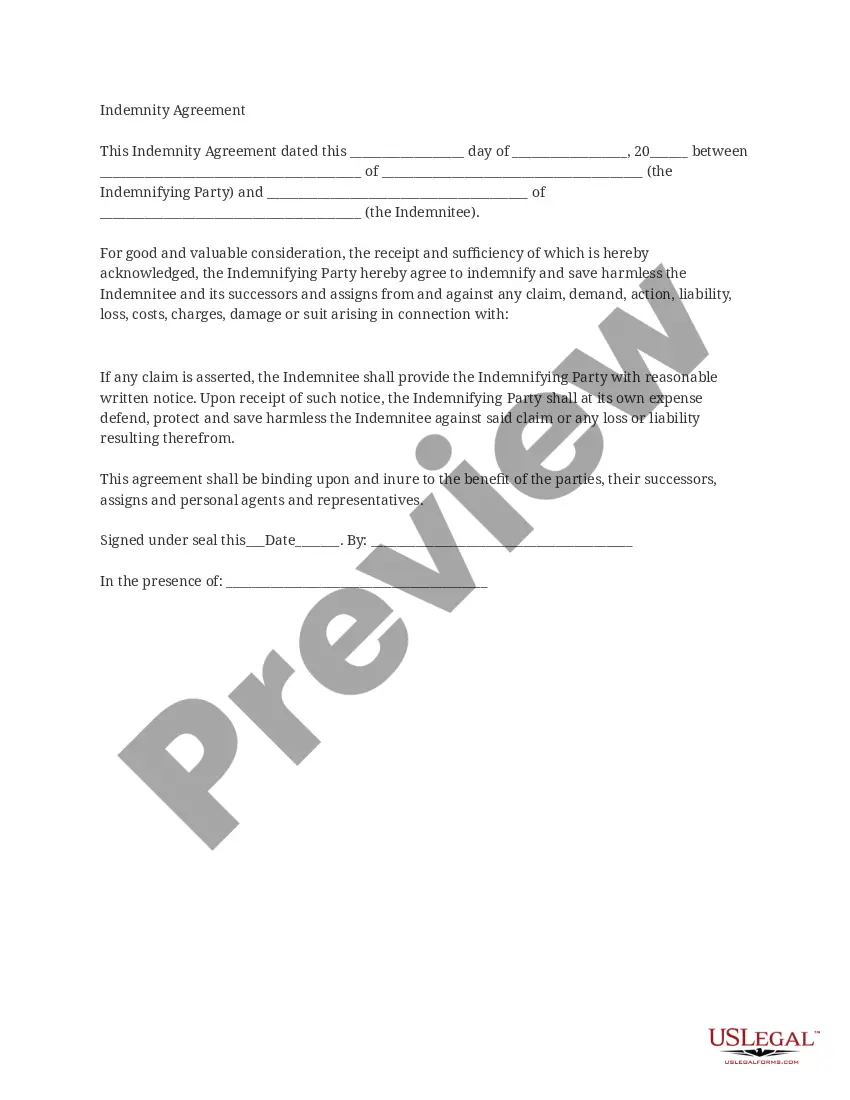



How to fill out Termination Or Cancellation Of Listing Agreement?
The Cancellation Document Editable With Adobe Acrobat you observe on this webpage is a versatile legal template crafted by qualified attorneys in accordance with national and local laws.
For over 25 years, US Legal Forms has supplied individuals, organizations, and legal professionals with more than 85,000 confirmed, state-specific documents for any business and personal circumstances. It’s the quickest, simplest, and most reliable method to acquire the paperwork you require, as the service promises the utmost level of data safety and anti-malware safeguards.
Complete and endorse the document. Print the template to fill it out manually. Alternatively, use an online multi-functional PDF editor to quickly and accurately complete and sign your form with a valid signature.
- Search for the document you require and review it.
- Browse through the sample you looked for and preview it or review the document description to confirm it meets your needs. If it doesn’t, utilize the search function to find the appropriate one. Click Buy Now when you have found the template you need.
- Sign up and Log Into your account.
- Choose the pricing plan that fits you and register for an account. Use PayPal or a credit card to make a quick payment. If you already possess an account, Log In and review your subscription to proceed.
- Obtain the fillable template.
- Select the format you desire for your Cancellation Document Editable With Adobe Acrobat (PDF, Word, RTF) and save the sample to your device.
Form popularity
FAQ
Yes, you can turn off fillable form fields in a PDF. Using Adobe Acrobat, you can easily edit your cancellation form fillable with Adobe Acrobat by selecting the form field and adjusting its properties. This feature allows you to control which sections of your document remain interactive and which do not. If you need a solution for managing fillable forms, consider using USLegalForms to create tailored documents that suit your needs.
To turn a PDF into a fillable form in Adobe, begin by opening your document in Adobe Acrobat. After that, navigate to the 'Prepare Form' option, where you can select and add necessary fields such as text boxes, checkboxes, and signature areas. Once you finish designing your form, save it as a Cancellation form fillable with Adobe Acrobat to provide a seamless user experience when collecting information. This tool simplifies the process, ensuring your forms are professional and functional.
Yes, you can convert a non-fillable PDF to fillable using Adobe Acrobat. When you open the PDF, simply use the 'Prepare Form' tool, which analyzes the document and recommends fields to make it fillable. This feature makes the process straightforward, ensuring that your Cancellation form fillable with Adobe Acrobat is ready for completion by users. You can easily adjust the fields to meet your specific requirements.
To turn a PDF into a fillable form using Adobe, start by opening your PDF file in Adobe Acrobat. Next, select the 'Prepare Form' feature, which allows you to add text fields, checkboxes, and other form elements easily. Once you have completed your form fields, you can save the document as a Cancellation form fillable with Adobe Acrobat. This enables users to enter their information directly into the form.
Yes, Adobe Acrobat can create fillable forms. You can add various interactive fields like text boxes, checkboxes, and dropdown menus to capture user input effectively. With features tailored for creating the Cancellation form fillable with Adobe Acrobat, you have the tools needed to ensure your forms are functional and user-friendly.
The best Adobe program for creating forms is Adobe Acrobat. It provides robust tools that make designing fillable forms easy, whether you start from scratch or modify existing documents. Adobe Acrobat also supports the Cancellation form fillable with Adobe Acrobat, allowing users to create customized forms tailored for various purposes.
If you can't fill in a PDF fillable form, it may be due to restrictions placed on the document or the software you're using. Some PDFs are not designed as fillable forms, thus may not allow for input. Using the Cancellation form fillable with Adobe Acrobat ensures that you work with a compatible format, enabling you to fill out forms effortlessly.
To create fillable forms in Adobe Acrobat, open the application and choose the 'Prepare Form' option. You can import an existing document or create a new one and start adding text fields, checkboxes, and signature boxes. The Cancellation form fillable with Adobe Acrobat allows you to customize forms to your exact needs, ensuring you capture the right information with ease.
Using Adobe Acrobat to fill out forms is straightforward. Open the document in the application, and select the fields designed for input. Type in your information, and Adobe will often provide tools to help format or validate your entries. Remember, the Cancellation form fillable with Adobe Acrobat is specifically designed to make this process effective and efficient for all users.
To fill out a fillable PDF form, begin by opening the document using Adobe Acrobat. Once it is open, click on the fields you wish to complete. You can easily type information directly into these fields, and they will automatically save your input. For a seamless experience, consider using the Cancellation form fillable with Adobe Acrobat, which simplifies the entire process.
