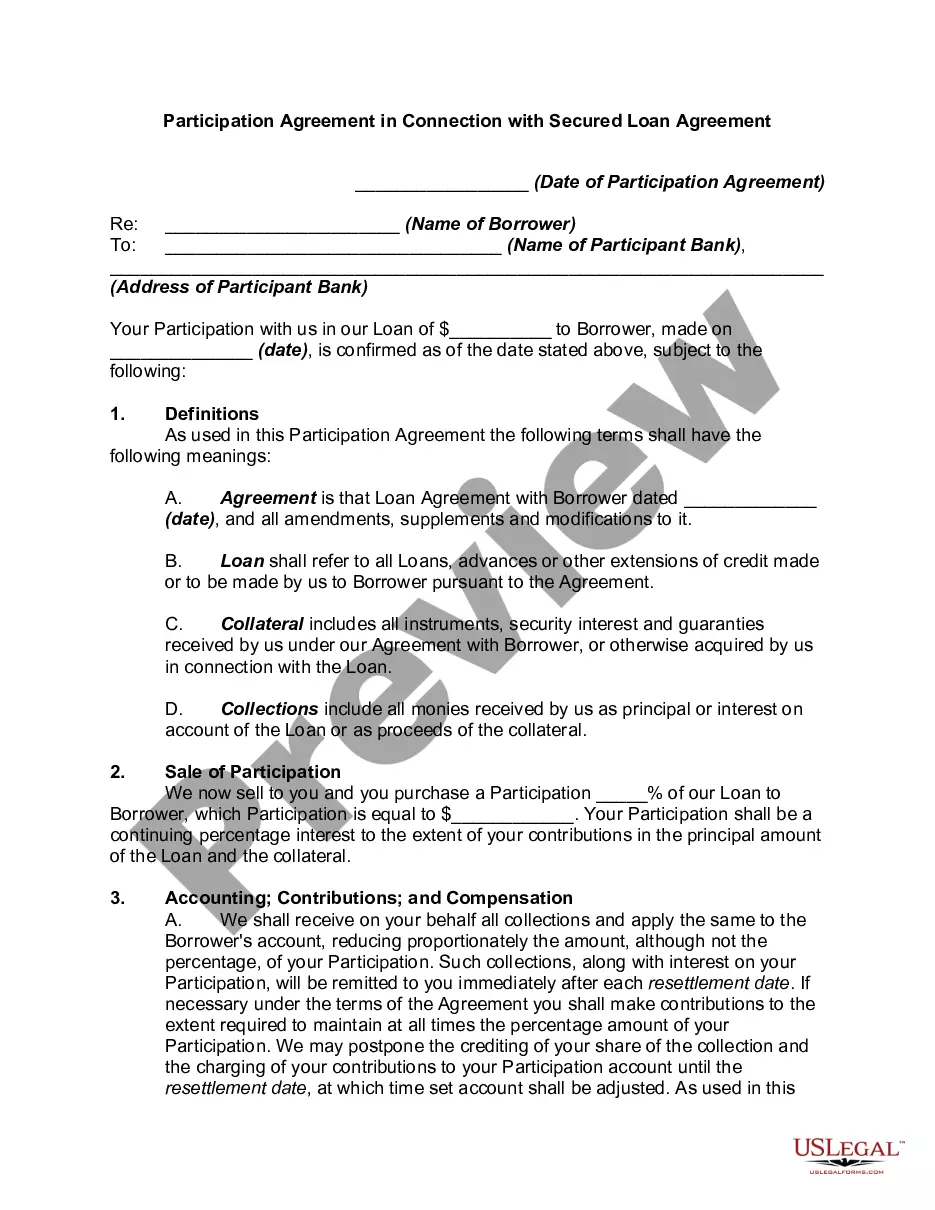
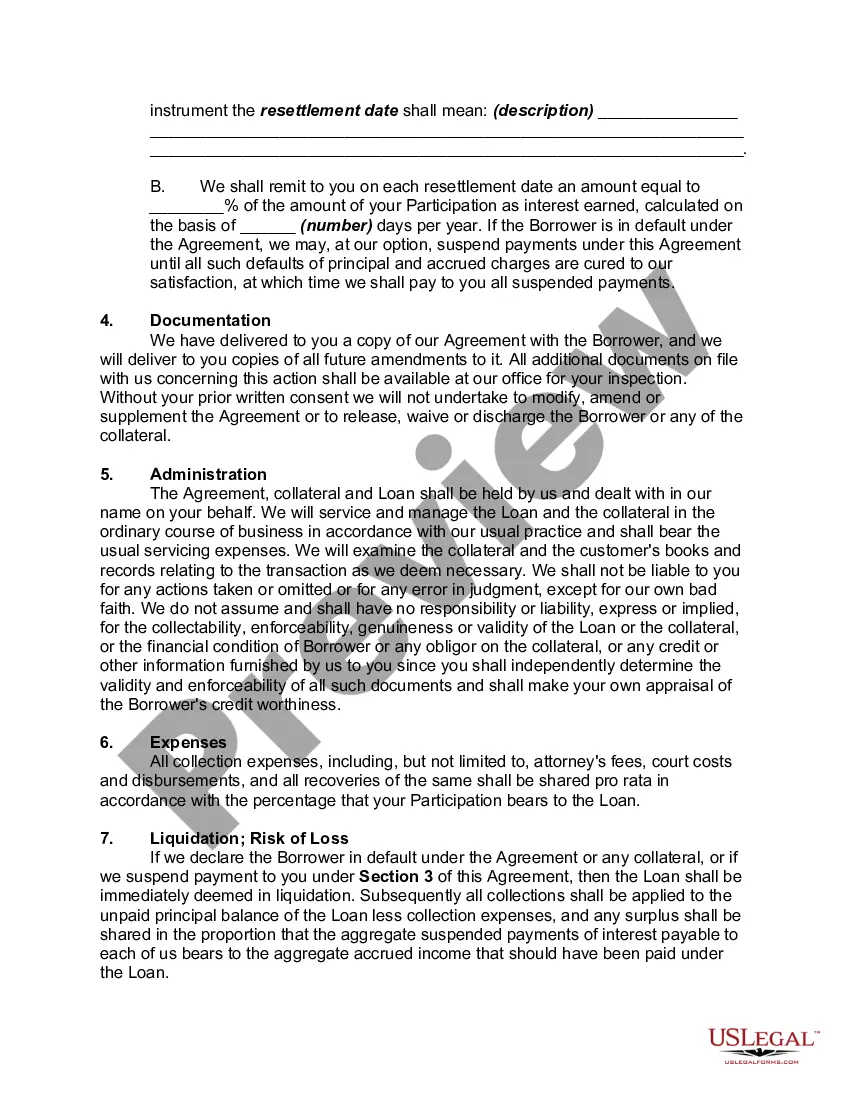
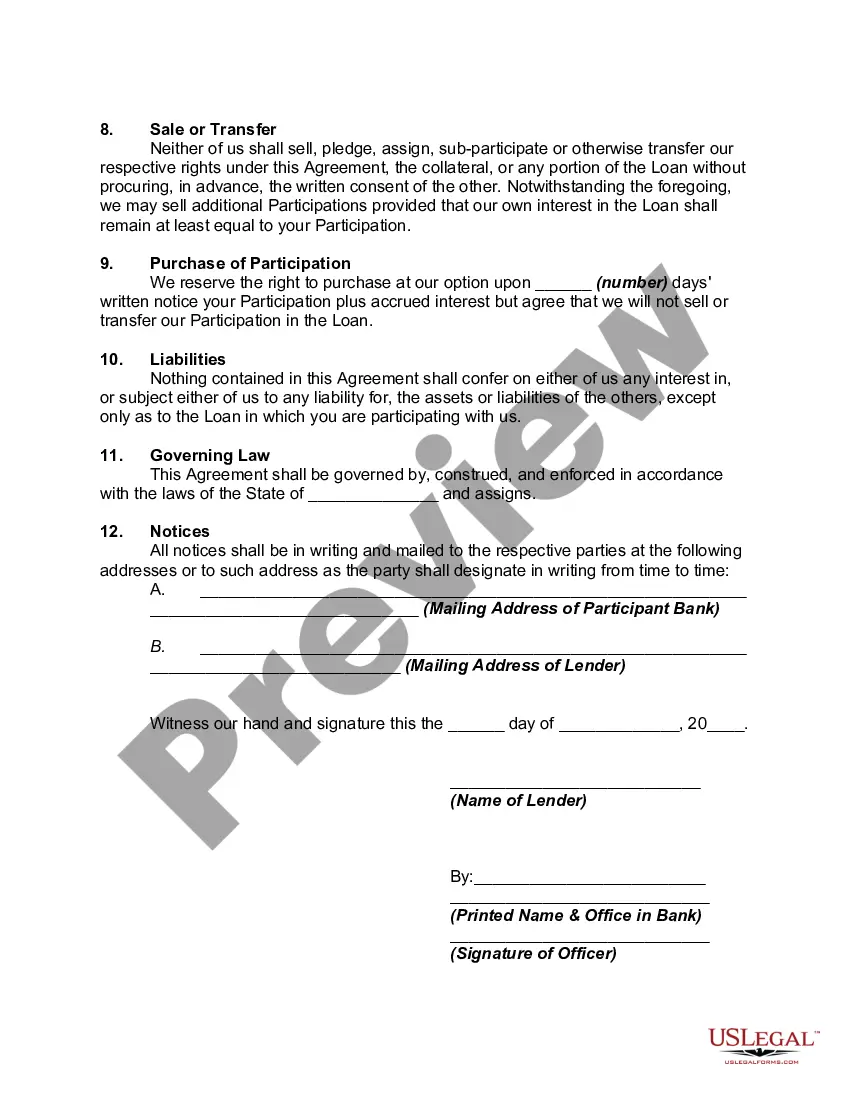
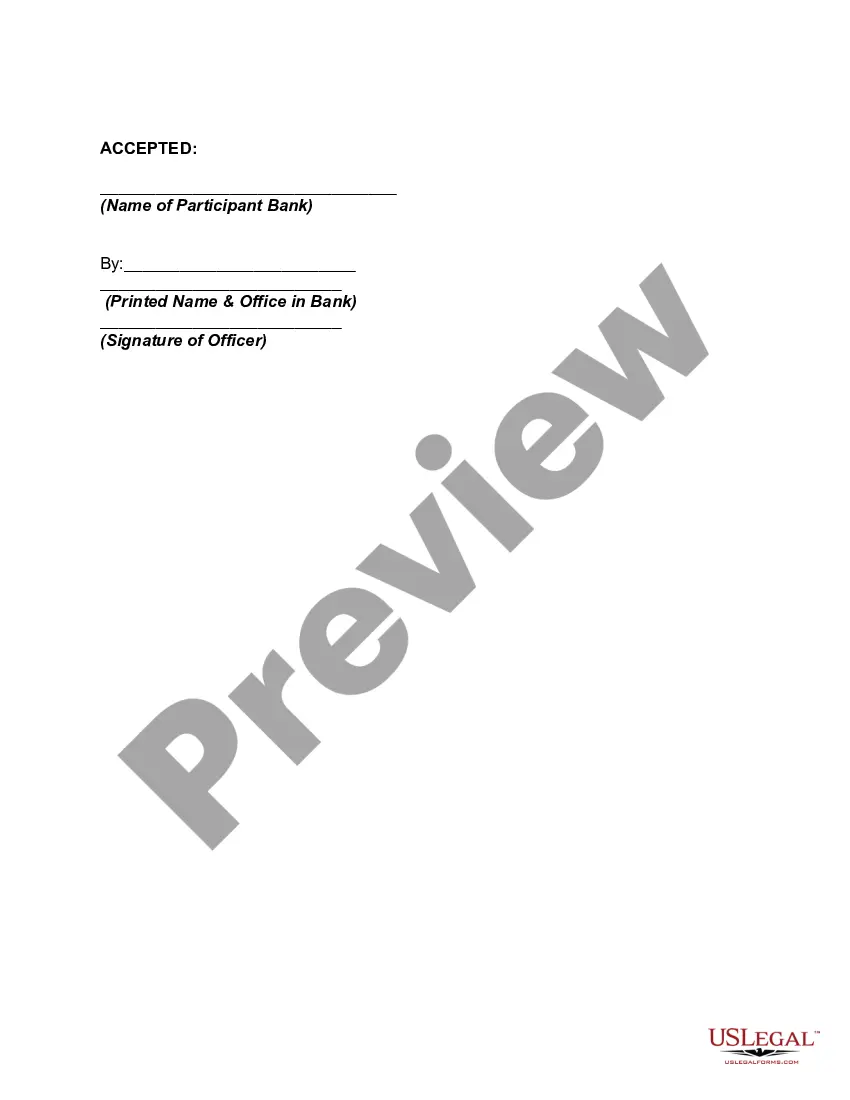
Loan Participation Agreement Template For Google Docs In Chicago
Description
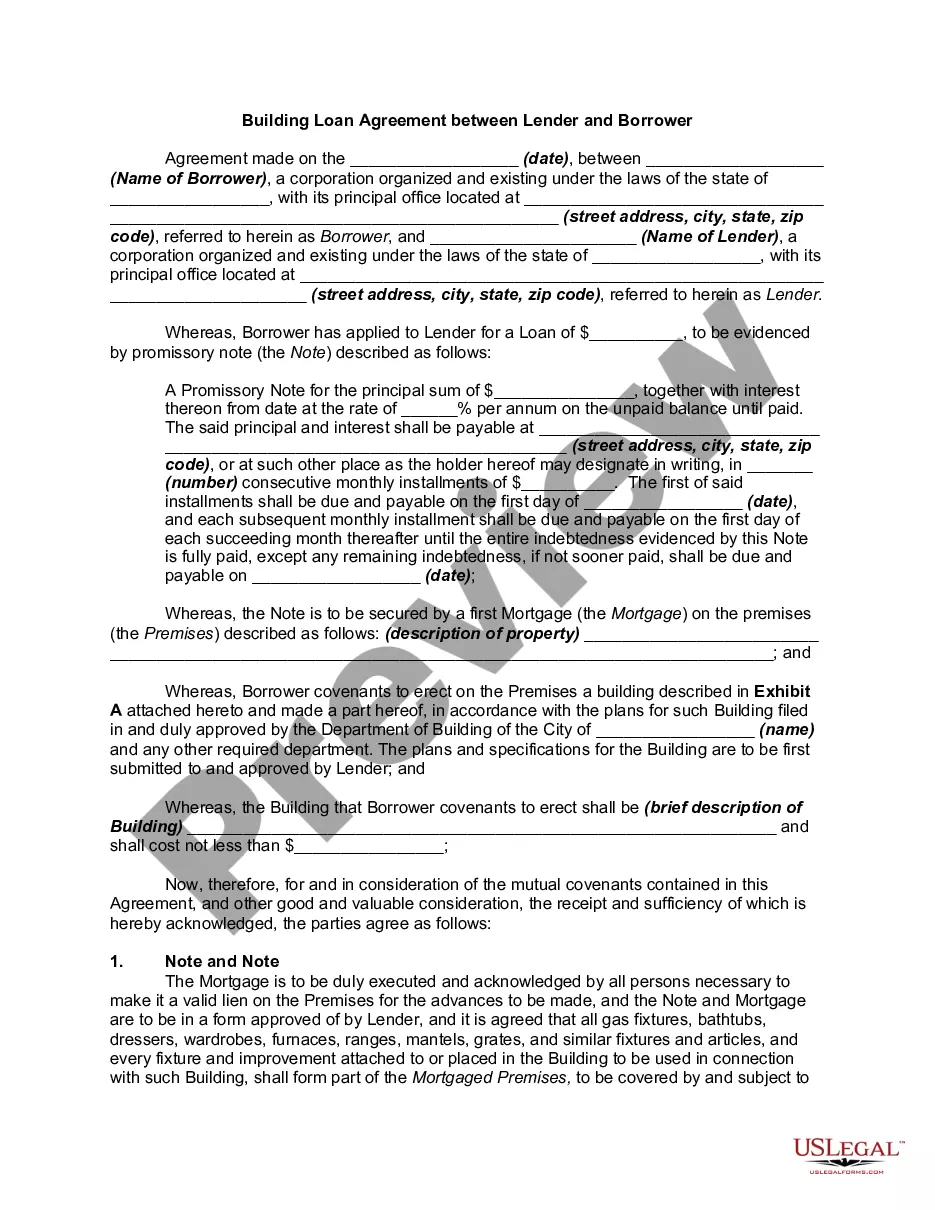
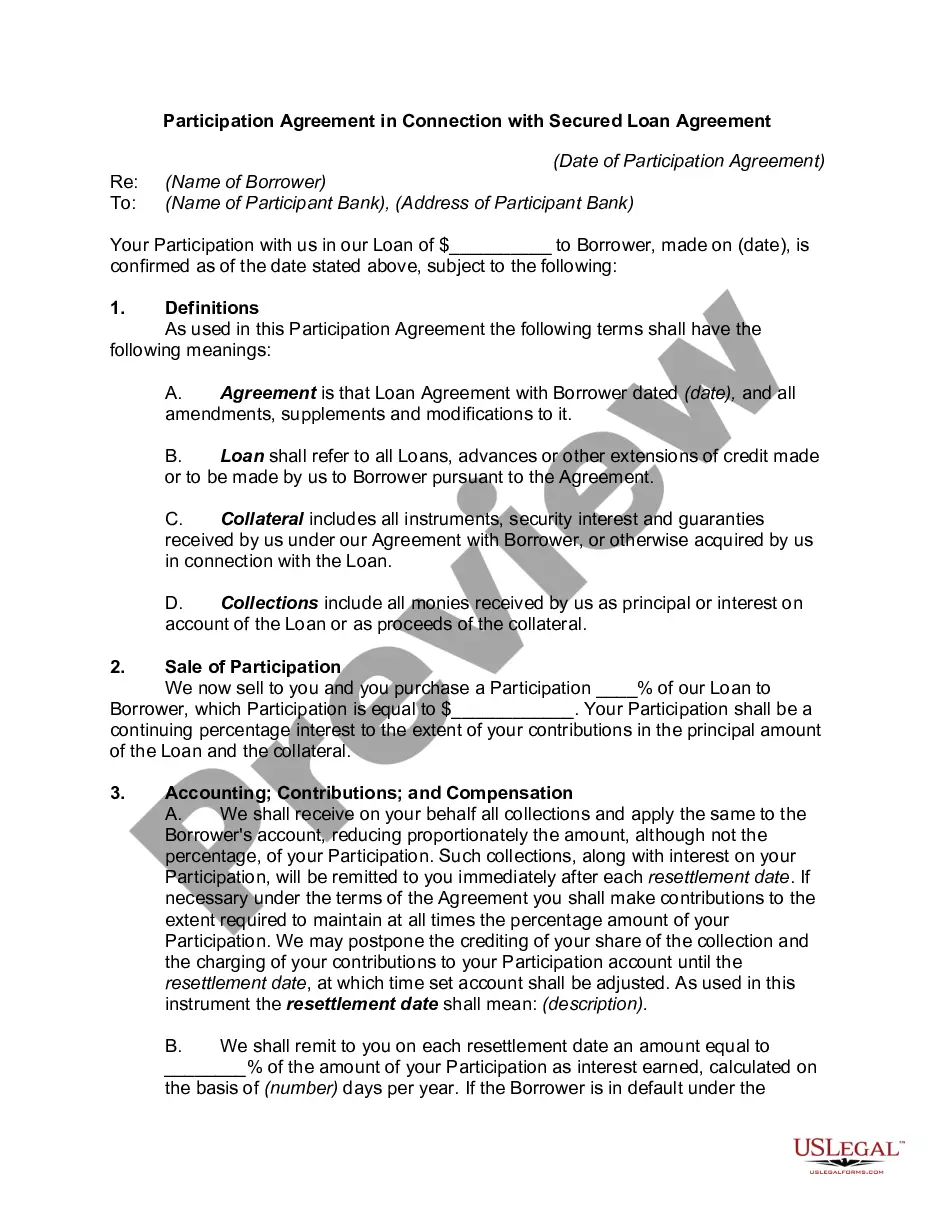
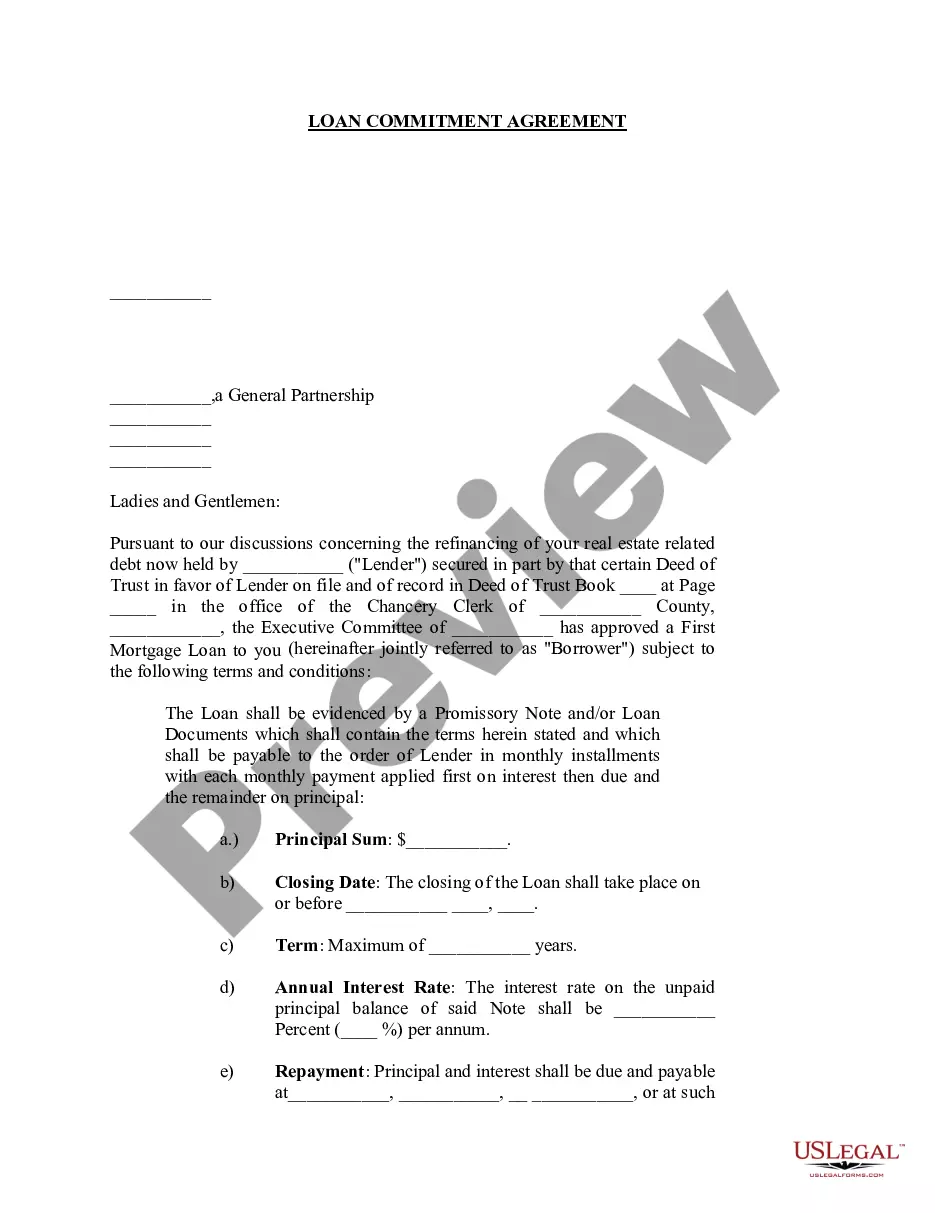
Get your form ready online
Our built-in tools help you complete, sign, share, and store your documents in one place.
Make edits, fill in missing information, and update formatting in US Legal Forms—just like you would in MS Word.
Download a copy, print it, send it by email, or mail it via USPS—whatever works best for your next step.
Sign and collect signatures with our SignNow integration. Send to multiple recipients, set reminders, and more. Go Premium to unlock E-Sign.
If this form requires notarization, complete it online through a secure video call—no need to meet a notary in person or wait for an appointment.
We protect your documents and personal data by following strict security and privacy standards.

Make edits, fill in missing information, and update formatting in US Legal Forms—just like you would in MS Word.

Download a copy, print it, send it by email, or mail it via USPS—whatever works best for your next step.

Sign and collect signatures with our SignNow integration. Send to multiple recipients, set reminders, and more. Go Premium to unlock E-Sign.

If this form requires notarization, complete it online through a secure video call—no need to meet a notary in person or wait for an appointment.

We protect your documents and personal data by following strict security and privacy standards.
Looking for another form?








Form popularity
FAQ
7 Best Practices When Drafting Simple Agreements Start with a clear statement of purpose. Define key terms and definitions. Use clear and concise language. Include dispute resolution provisions. Consider the potential consequences of the breach. Include termination and renewal provisions. Use a standard contract template.
How to write an agreement letter Title your document. Provide your personal information and the date. Include the recipient's information. Address the recipient and write your introductory paragraph. Write a detailed body. Conclude your letter with a paragraph, closing remarks, and a signature. Sign your letter.
Electronic signatures are legally binding and create enforceable legal contracts that are widely accepted. They are more secure than a traditional paper-based signature as they are less susceptible to forgery. It's very simple to use Google Docs to create, and send agreements for signing using a integration.
Freelancers and independent contractors can use the ClickUp Freelance Contract Template for Google Docs to streamline the process of creating professional contracts with clients.
Freelancers and independent contractors can use the ClickUp Freelance Contract Template for Google Docs to streamline the process of creating professional contracts with clients.
To add or insert footnotes: Open a document in Google Docs. Click where you want to insert a footnote. Click Insert > Footnote. Type the footnote or get it from NoodleTools (see instructions below) When you are finished, click back into the body of your document.
You can find and insert customizable templates in Google Docs for a wide range of use cases, like: Blog posts, press releases, business proposals, and journals. Project roadmap, marketing plan, and sales emails for business users. Interview guide, onboarding guide, and training manual for human resource teams.
For the title page, center and double-space the title about one-third of the way down the page. About two-thirds down the page, in upper and lower case, put your name, course, and date. Your professor's name may go above the date; check with your instructor for alternative title page preferences.
Chicago Style Format for Papers | Requirements & Examples Use a standard font like 12 pt. Times New Roman. Double-space the text. Use 1 inch margins or larger. Indent new paragraphs by ½ inch. Place page numbers in the top right or bottom center.
Once the template has loaded. You'll have a doc fully formatted ing to the Chicago or turabianMoreOnce the template has loaded. You'll have a doc fully formatted ing to the Chicago or turabian standards. All you need to do now is replace the sample text with your own text.
