Loan Agreement Form Download With Signature In Alameda
Description
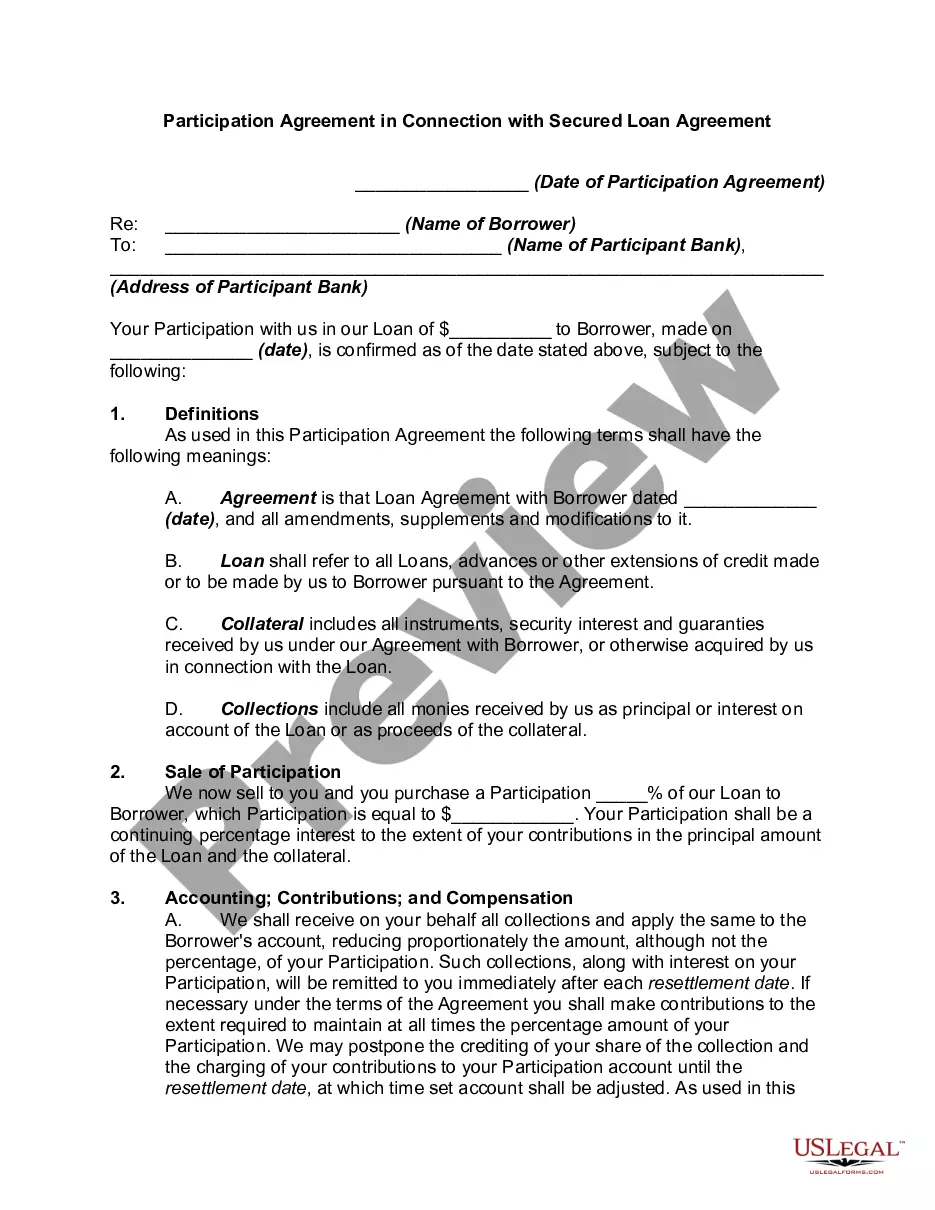
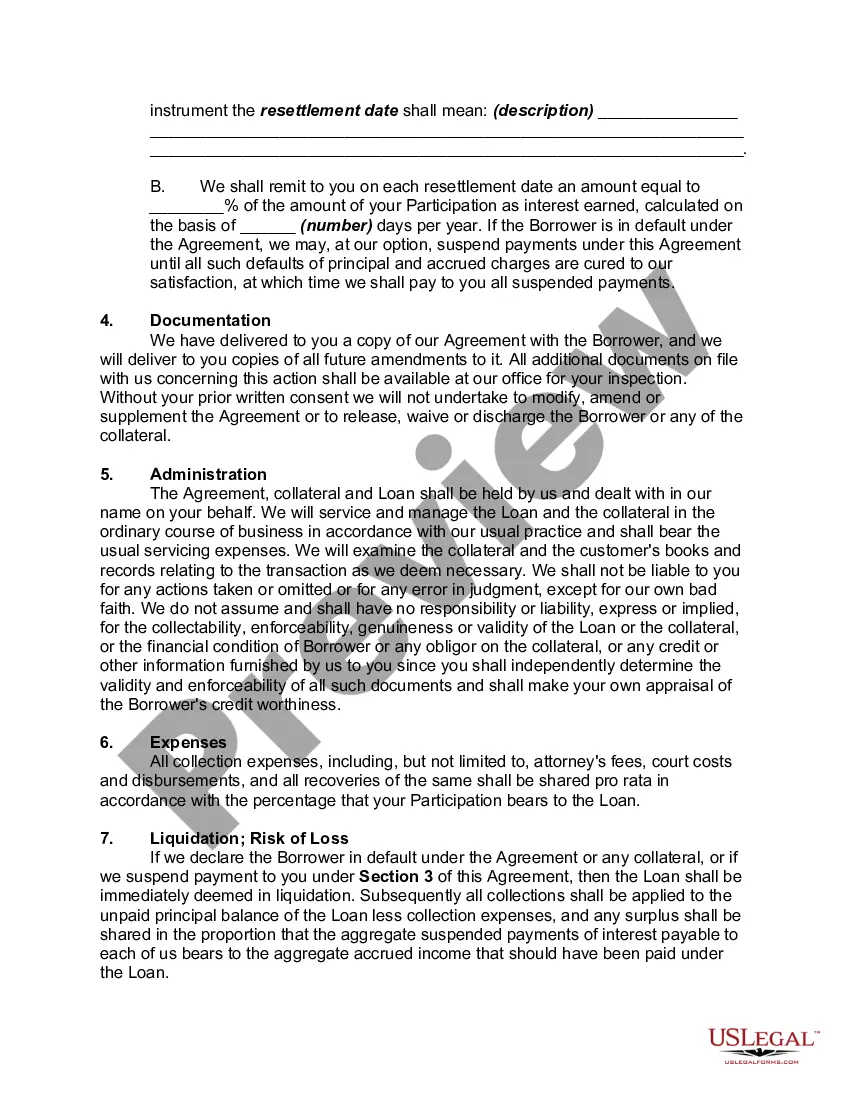
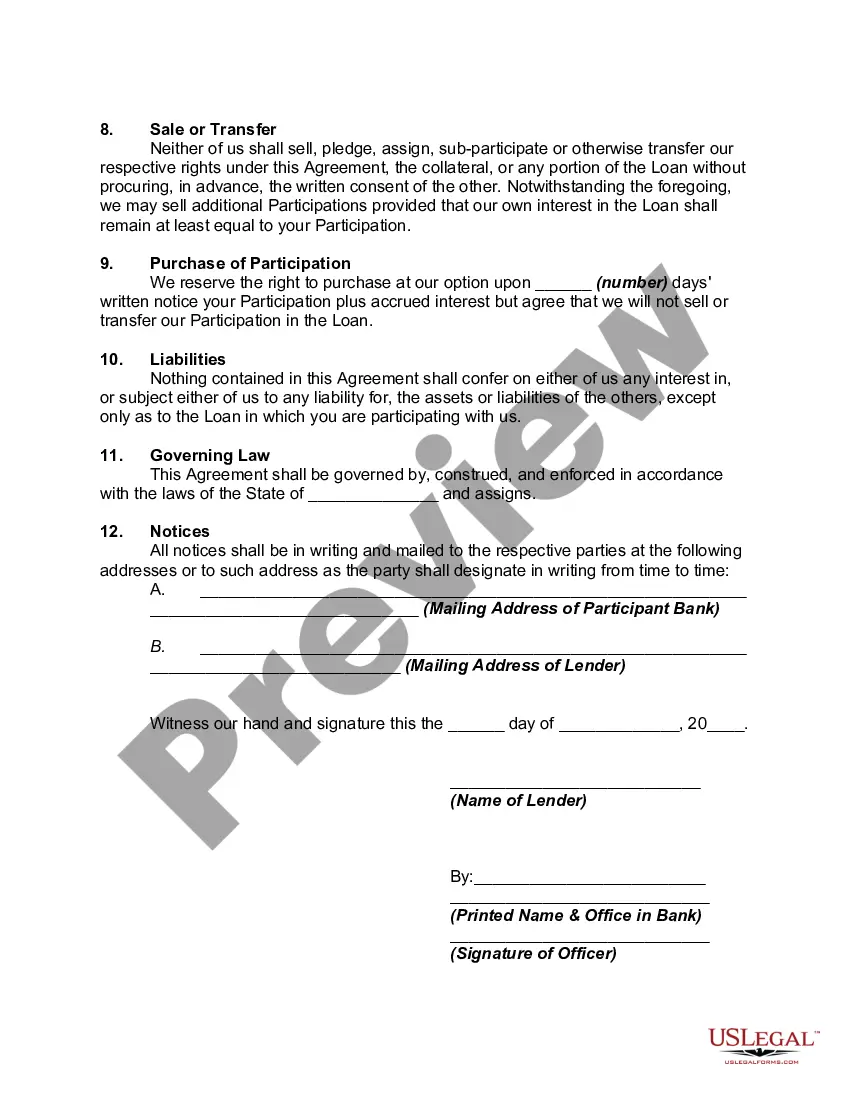
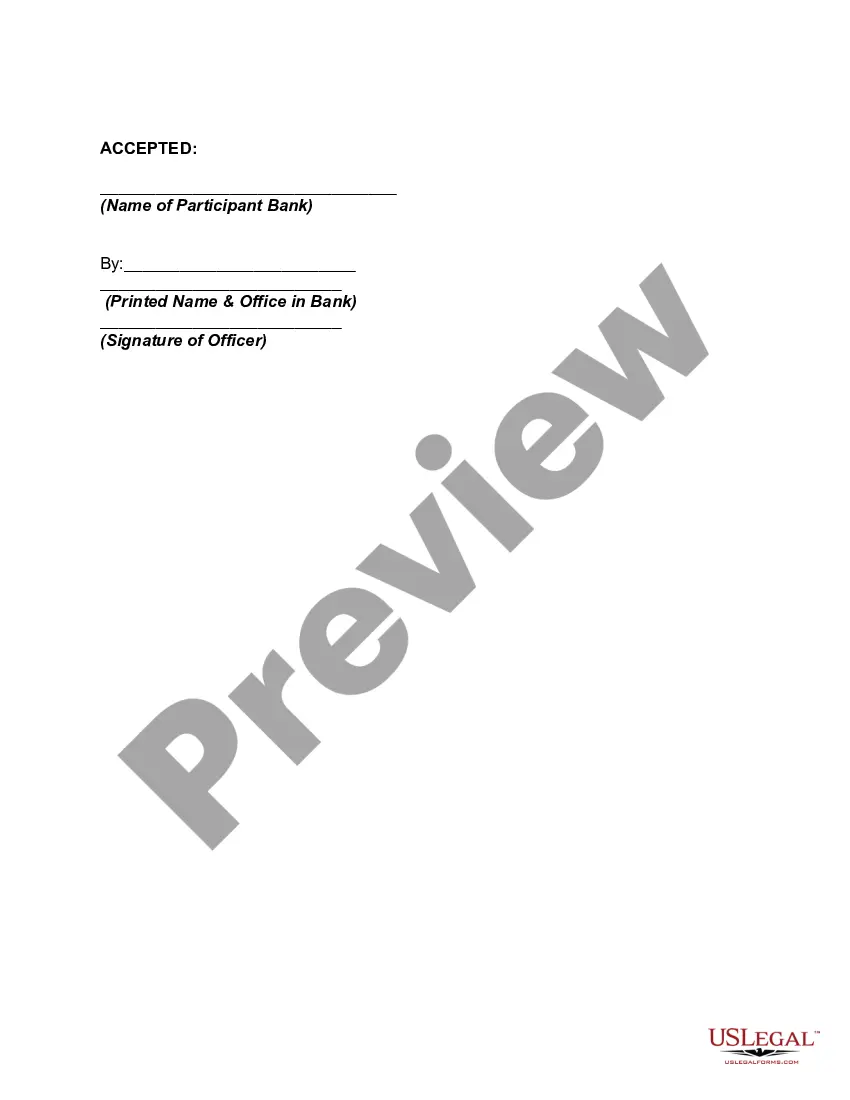
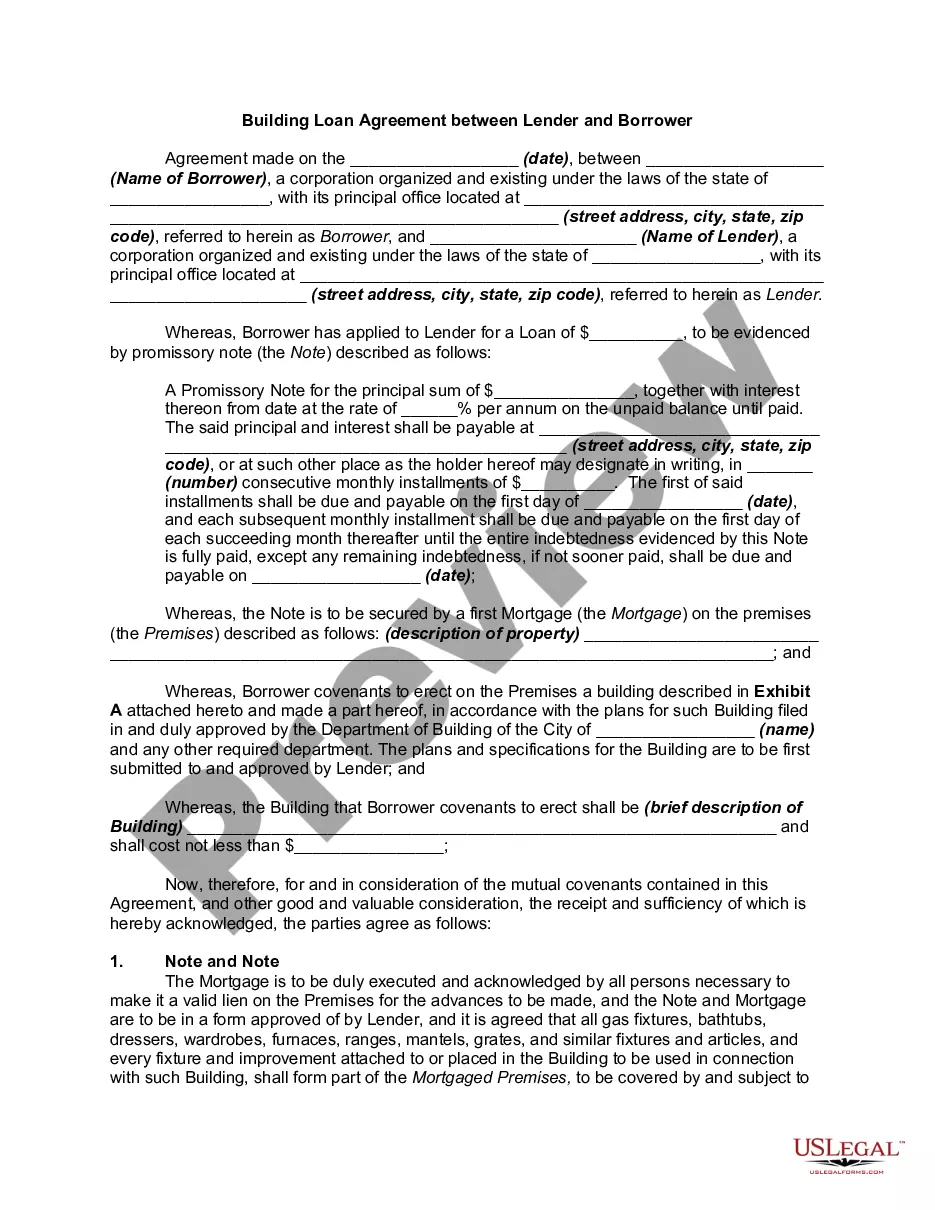
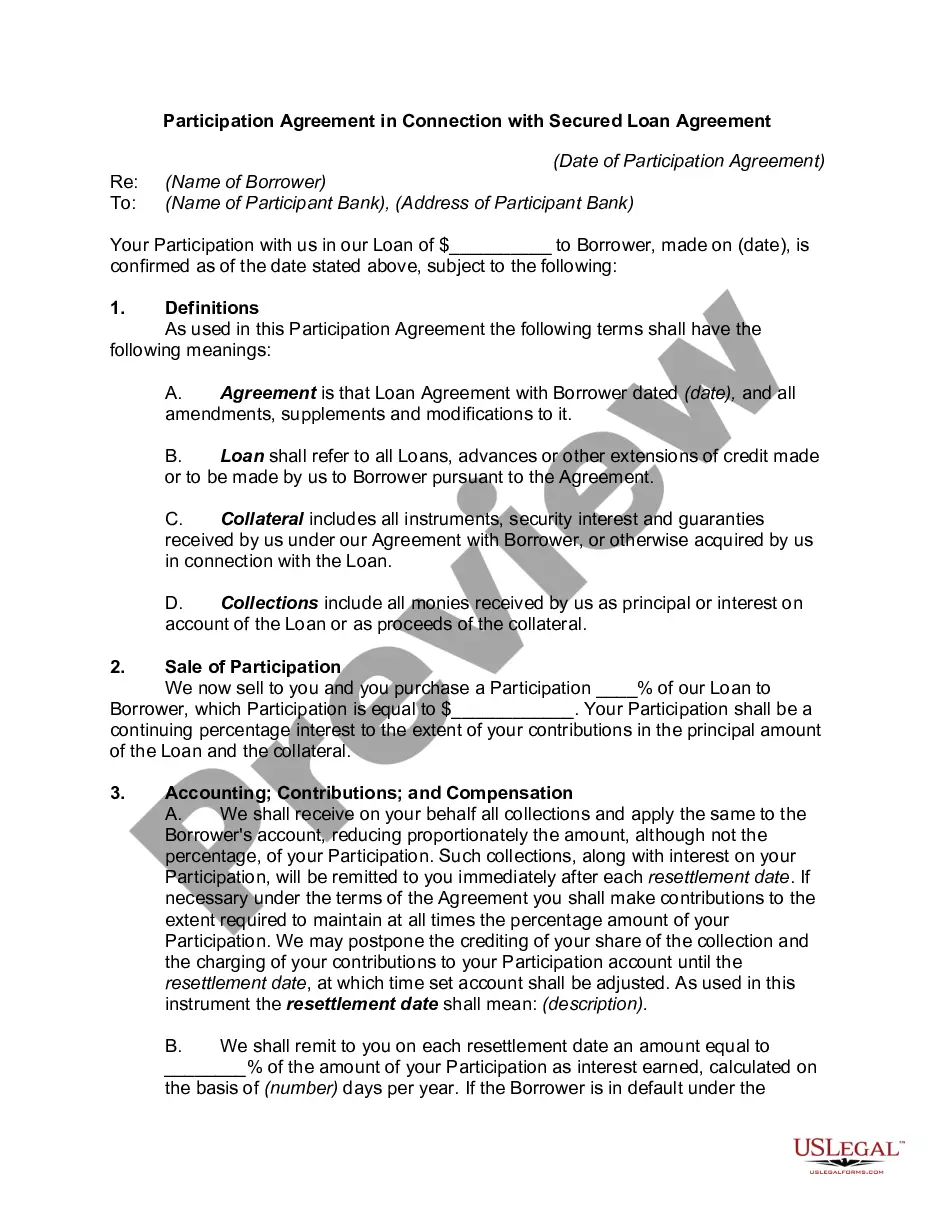
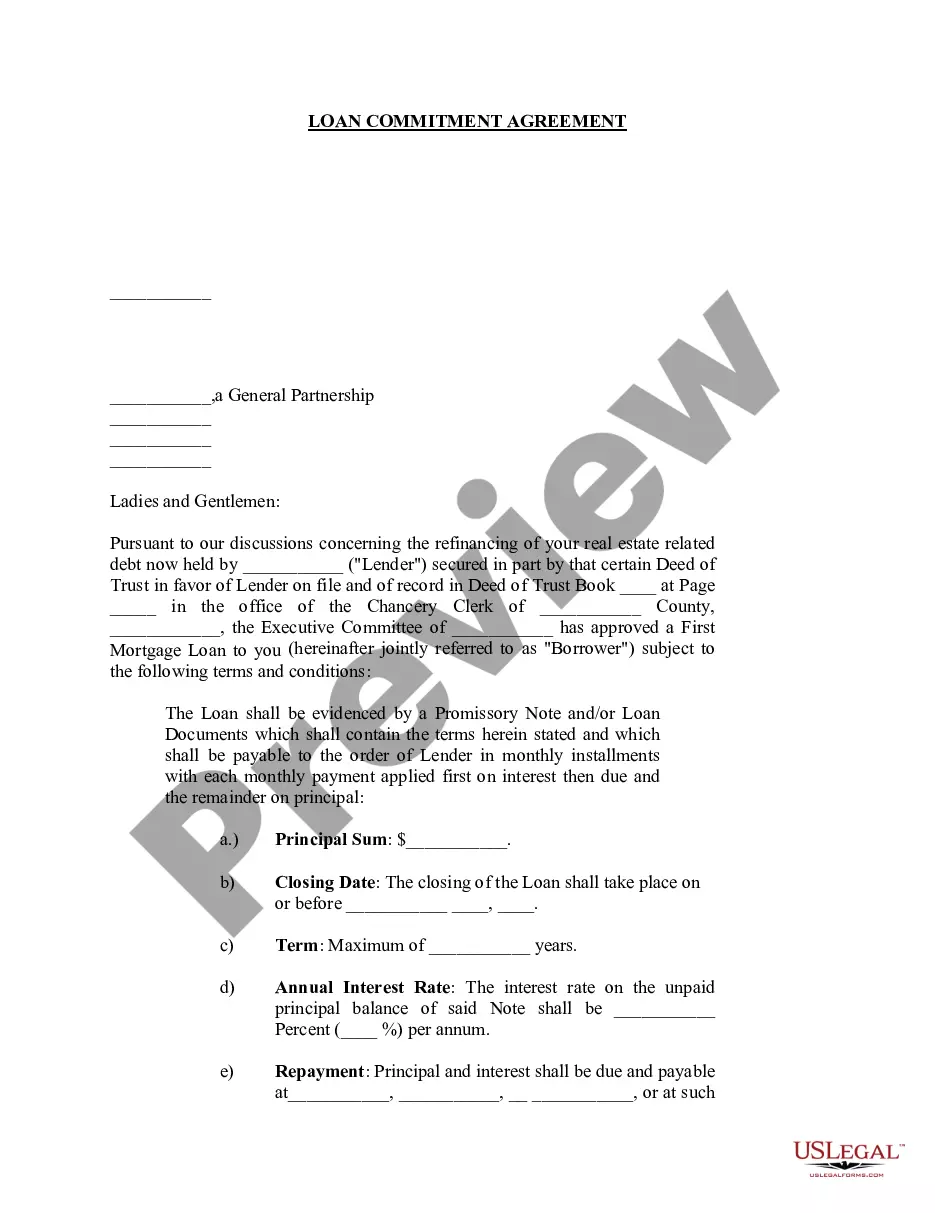
Get your form ready online
Our built-in tools help you complete, sign, share, and store your documents in one place.
Make edits, fill in missing information, and update formatting in US Legal Forms—just like you would in MS Word.
Download a copy, print it, send it by email, or mail it via USPS—whatever works best for your next step.
Sign and collect signatures with our SignNow integration. Send to multiple recipients, set reminders, and more. Go Premium to unlock E-Sign.
If this form requires notarization, complete it online through a secure video call—no need to meet a notary in person or wait for an appointment.
We protect your documents and personal data by following strict security and privacy standards.

Make edits, fill in missing information, and update formatting in US Legal Forms—just like you would in MS Word.

Download a copy, print it, send it by email, or mail it via USPS—whatever works best for your next step.

Sign and collect signatures with our SignNow integration. Send to multiple recipients, set reminders, and more. Go Premium to unlock E-Sign.

If this form requires notarization, complete it online through a secure video call—no need to meet a notary in person or wait for an appointment.

We protect your documents and personal data by following strict security and privacy standards.
Looking for another form?



Form popularity
FAQ
How to Properly Sign a Contract So It Will Be Enforceable Make Sure the Contract You're Signing Is the Contract You Agreed to Sign. Date the Contract. Make Sure Both Parties Sign the Contract. Make Sure Any Last Minute Changes to the Contract Are Initialed. The Parties Must Sign the Contract in Their Correct Capacity.
How to Properly Sign a Contract So It Will Be Enforceable Make Sure the Contract You're Signing Is the Contract You Agreed to Sign. Date the Contract. Make Sure Both Parties Sign the Contract. Make Sure Any Last Minute Changes to the Contract Are Initialed. The Parties Must Sign the Contract in Their Correct Capacity.
Write the contract in six steps Start with a contract template. Open with the basic information. Describe in detail what you have agreed to. Include a description of how the contract will be ended. Write into the contract which laws apply and how disputes will be resolved. Include space for signatures.
Write the contract in six steps Start with a contract template. Open with the basic information. Describe in detail what you have agreed to. Include a description of how the contract will be ended. Write into the contract which laws apply and how disputes will be resolved. Include space for signatures.
A payment agreement, also known as a payment plan agreement or Installment Agreement, is a legal contract that outlines the terms of payment between two parties. It details the payment structure, timelines, amounts, and conditions under which payments must be made.
Sales contracts, consulting agreements, non-disclosure agreements (NDAs), digital enrolment forms and much more can all be signed online.
Examples of such instances include leases, transfers and charges, along with any other types of deeds that must be registered at either the Companies Registry or the Land Registry.
Particular contracts that may not be signed by way of an electronic signature of either type are contracts for the alienation of immovable property, contracts for the long-term lease of immovable property, the execution, retention and presentation of a will or codicil, and the execution of a bill of exchange.
How to write a letter of agreement Title the document. Add the title at the top of the document. List your personal information. Include the date. Add the recipient's personal information. Address the recipient. Write an introduction paragraph. Write your body. Conclude the letter.
An agreement is made when two parties agree to something. So, for example, a mother might make an agreement with her son not to kiss him in public because, after kindergarten, well, that's just not cool. If people's opinions are in , or match one another, then they are in agreement.
