Sample Letter With Two Signatures In Tarrant
Description


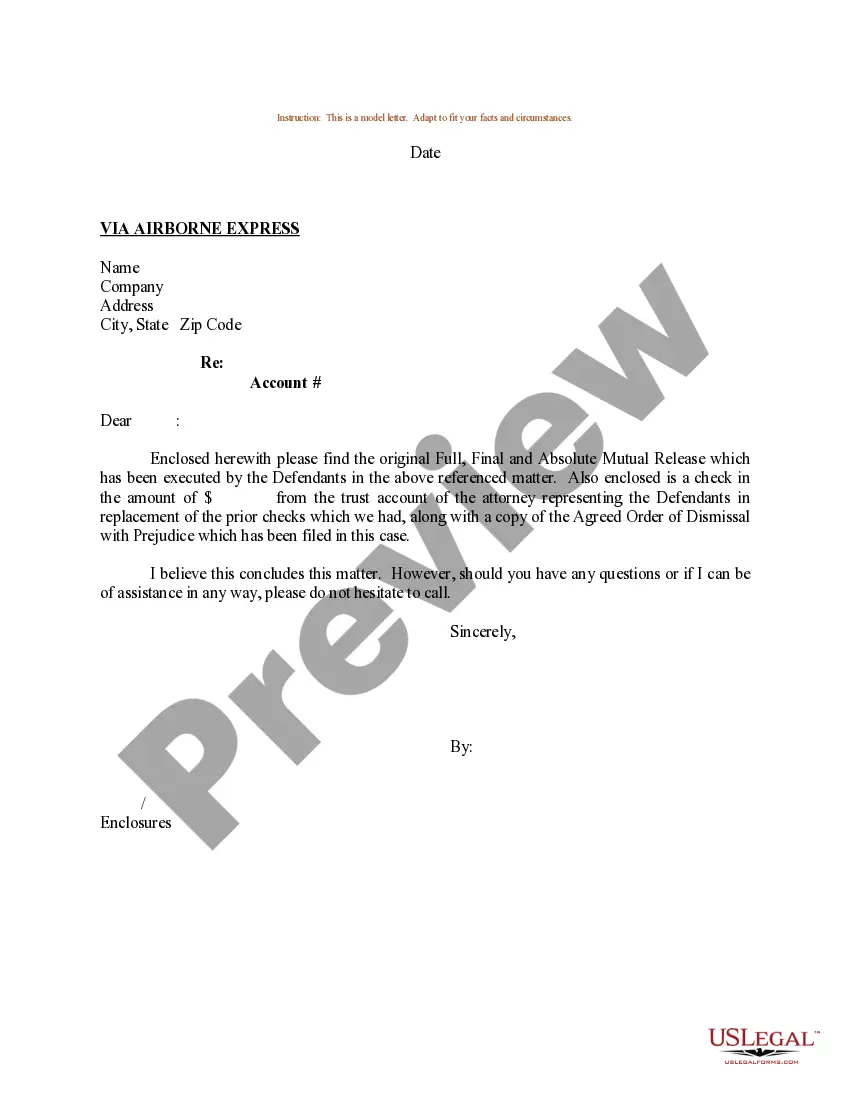
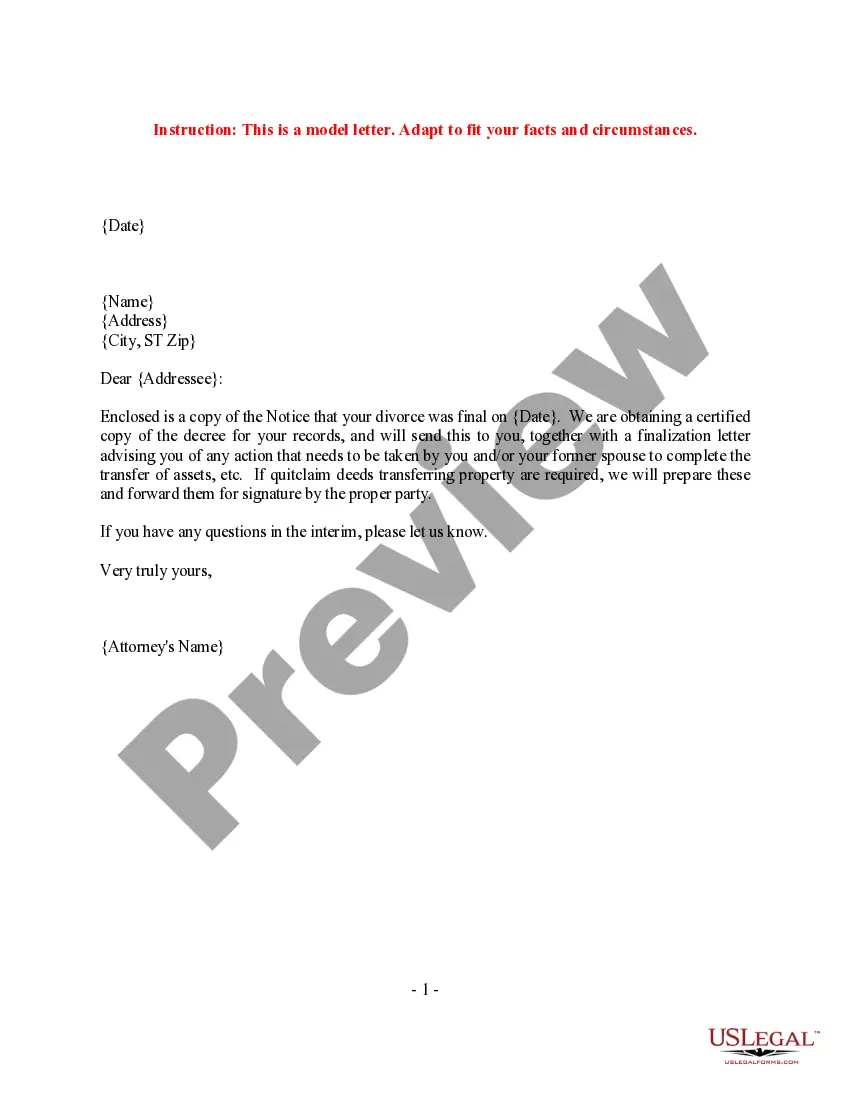

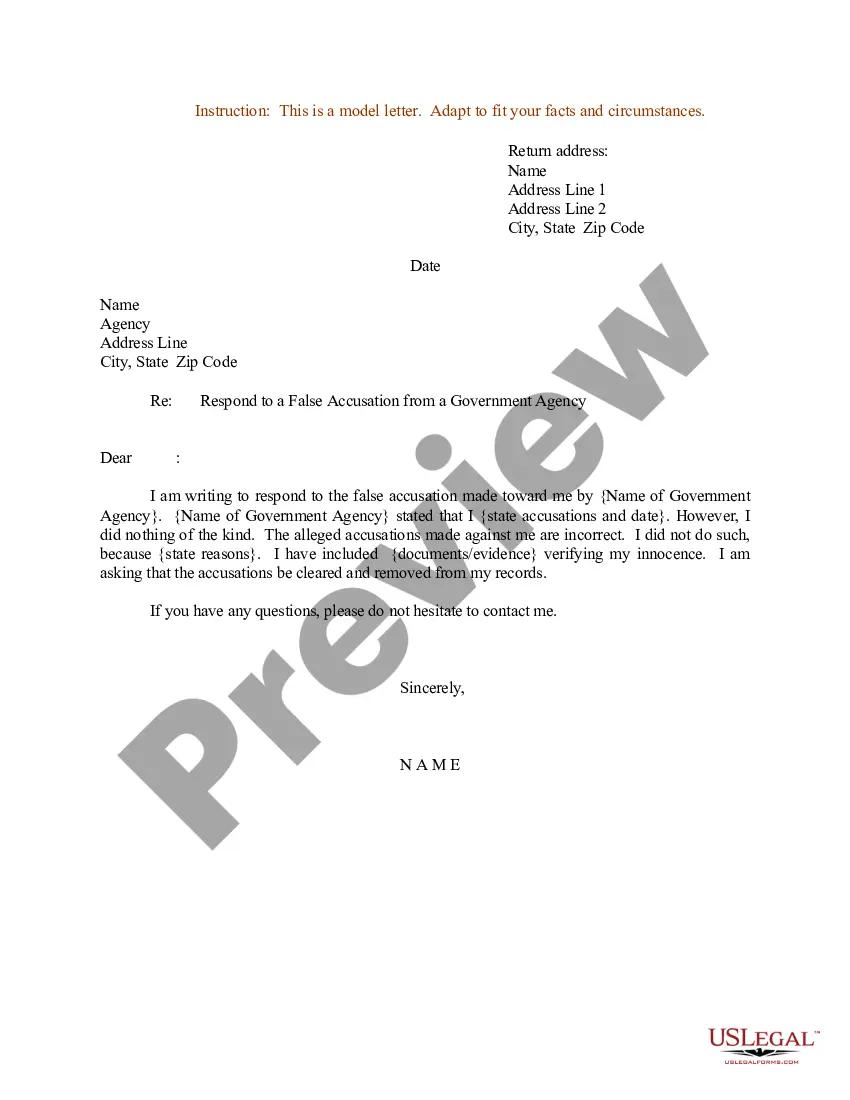
Get your form ready online
Our built-in tools help you complete, sign, share, and store your documents in one place.
Make edits, fill in missing information, and update formatting in US Legal Forms—just like you would in MS Word.
Download a copy, print it, send it by email, or mail it via USPS—whatever works best for your next step.
Sign and collect signatures with our SignNow integration. Send to multiple recipients, set reminders, and more. Go Premium to unlock E-Sign.
If this form requires notarization, complete it online through a secure video call—no need to meet a notary in person or wait for an appointment.
We protect your documents and personal data by following strict security and privacy standards.

Make edits, fill in missing information, and update formatting in US Legal Forms—just like you would in MS Word.

Download a copy, print it, send it by email, or mail it via USPS—whatever works best for your next step.

Sign and collect signatures with our SignNow integration. Send to multiple recipients, set reminders, and more. Go Premium to unlock E-Sign.

If this form requires notarization, complete it online through a secure video call—no need to meet a notary in person or wait for an appointment.

We protect your documents and personal data by following strict security and privacy standards.
Looking for another form?









Form popularity
FAQ
In all instances, if both names cannot fit on one line, write them on two separate lines without the "and" (whomever you're closer to can be listed first, or it's common to list same-gender couples alphabetically by last name). (Ms. Emily Wood and Mr. George Swan or Ms.
In a business letter, write the first person's name, then a comma, then their title at the company after the comma. On a new line, write the next person's name, title, and so on. Include all names, if possible. If you're sending the letter to one address, try to include all names.
If the letter is for 2-3 people, include them on the same line, separated by commas. This assumes they are all at the same address. If you are writing to more than three recipients or they are at different addresses, have a CC notation at the bottom of the letter, below your name and signature.
How to Sign Dual Signatures on Step 1: Access the Email. Step 2: Open the Document. Step 3: Select the Signature Field. Step 4: Sign with First Signature. Step 5: Sign with Second Signature. Step 6: Complete the Signing Process.
You can create two sections for signatures below your valediction. Leave a space for the first person's signature and put their name and job title directly underneath this space. Repeat the process for the second person's name. Print your document and have each individual sign their name in the empty space.
Include both full names on the same line, each beginning with their title. Use the “and” conjunction to bond them. . On the first line use the rules above and write the married couple's names. On the second line include the children's first names ordered by age.
Initials and abbreviations are a common type of signature that involves using just your first and last initials, or a combination of letters, to sign a document. This type of signature is often used in informal documents, such as emails or personal letters.
Consider beginning your salutations with "Dear...". When writing to few people (2-3) you can say, for example, "Dear first name, first name and first name". When addressing a larger group, you can use a common salutation, "Dear Team".

