Sample Letter With Two Signatures In Alameda
Description


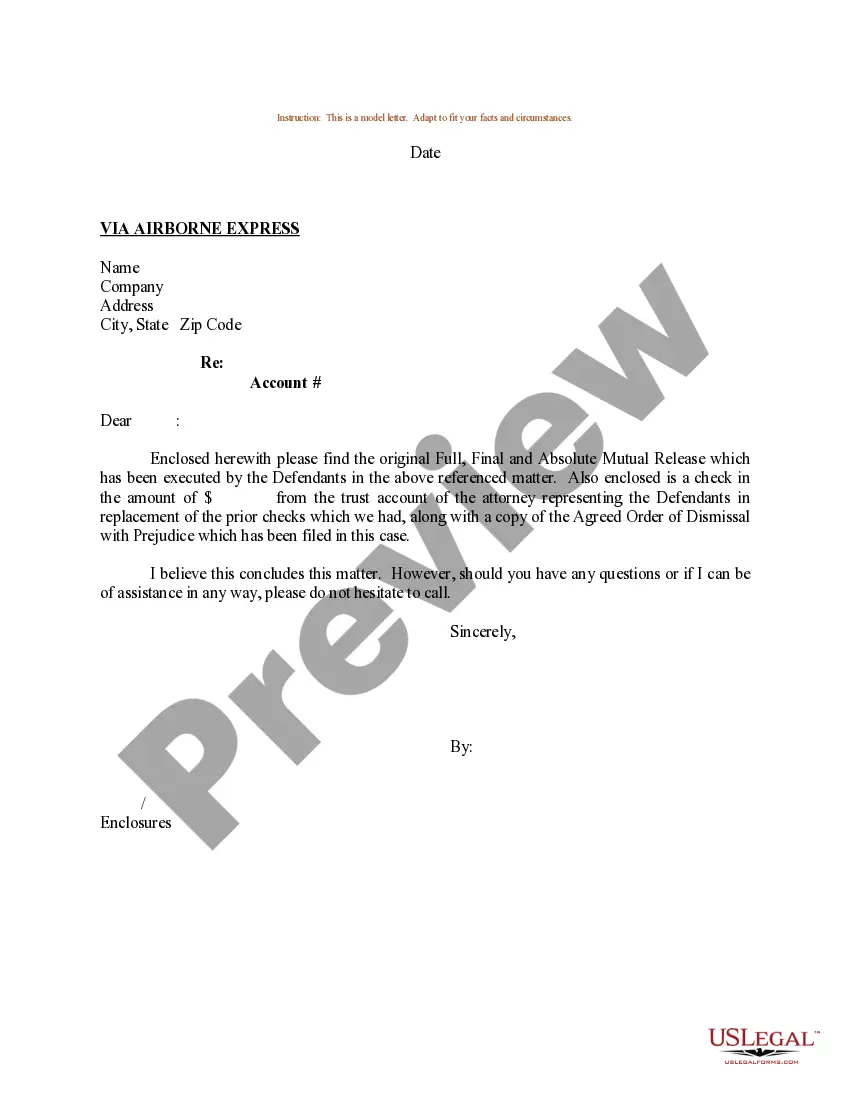

Get your form ready online
Our built-in tools help you complete, sign, share, and store your documents in one place.
Make edits, fill in missing information, and update formatting in US Legal Forms—just like you would in MS Word.
Download a copy, print it, send it by email, or mail it via USPS—whatever works best for your next step.
Sign and collect signatures with our SignNow integration. Send to multiple recipients, set reminders, and more. Go Premium to unlock E-Sign.
If this form requires notarization, complete it online through a secure video call—no need to meet a notary in person or wait for an appointment.
We protect your documents and personal data by following strict security and privacy standards.

Make edits, fill in missing information, and update formatting in US Legal Forms—just like you would in MS Word.

Download a copy, print it, send it by email, or mail it via USPS—whatever works best for your next step.

Sign and collect signatures with our SignNow integration. Send to multiple recipients, set reminders, and more. Go Premium to unlock E-Sign.

If this form requires notarization, complete it online through a secure video call—no need to meet a notary in person or wait for an appointment.

We protect your documents and personal data by following strict security and privacy standards.
Looking for another form?





Form popularity
FAQ
You can have as many signatures as you want, but you should be consistent when interacting with the same organization or person, otherwise they might flag your signature as a potential fraud. They'll likely ask you more questions and ask you to sign again.
Create two sections for signatures Leave a space for the first person's signature and put their name and job title directly underneath this space. Repeat the process for the second person's name. Print your document and have each individual sign their name in the empty space.
Only One Signature for One Person, which is legally binding, is accepted everywhere.
Yes, it's perfectly acceptable to have two versions of your signature, one messy and one neat. Many people develop different signatures for various contexts. A neat signature might be used for formal documents, while a more casual or ``messy'' version could be used for everyday purposes.
A letter with two signatures can also help you and your team communicate a task that requires the authorization of more than one person. This letter can express a team's collective approval so that they can send a single letter instead of one document for each team member .
The same witness may witness each individual signature. However, each signature should be separately attested, unless it's absolutely clear by express wording on the face of the attestation that the witness is witnessing both or all signatures in the presence of the named signatories.
In a business letter, write the first person's name, then a comma, then their title at the company after the comma. On a new line, write the next person's name, title, and so on. Include all names, if possible. If you're sending the letter to one address, try to include all names.
Start writing: Open with a greeting and express your love and affection for your sweetheart. Mention the special memories and experiences you have shared, and describe how they have affected you.
At the end of the letter, place your signature on the right side of the page. Don't forget to provide any relay information if necessary. When writing a letter using simplified style form, put the date on the left. Then, put the receiver's name, and his/her title, company name, and address.
Consider beginning your salutations with "Dear...". When writing to few people (2-3) you can say, for example, "Dear first name, first name and first name". When addressing a larger group, you can use a common salutation, "Dear Team".

