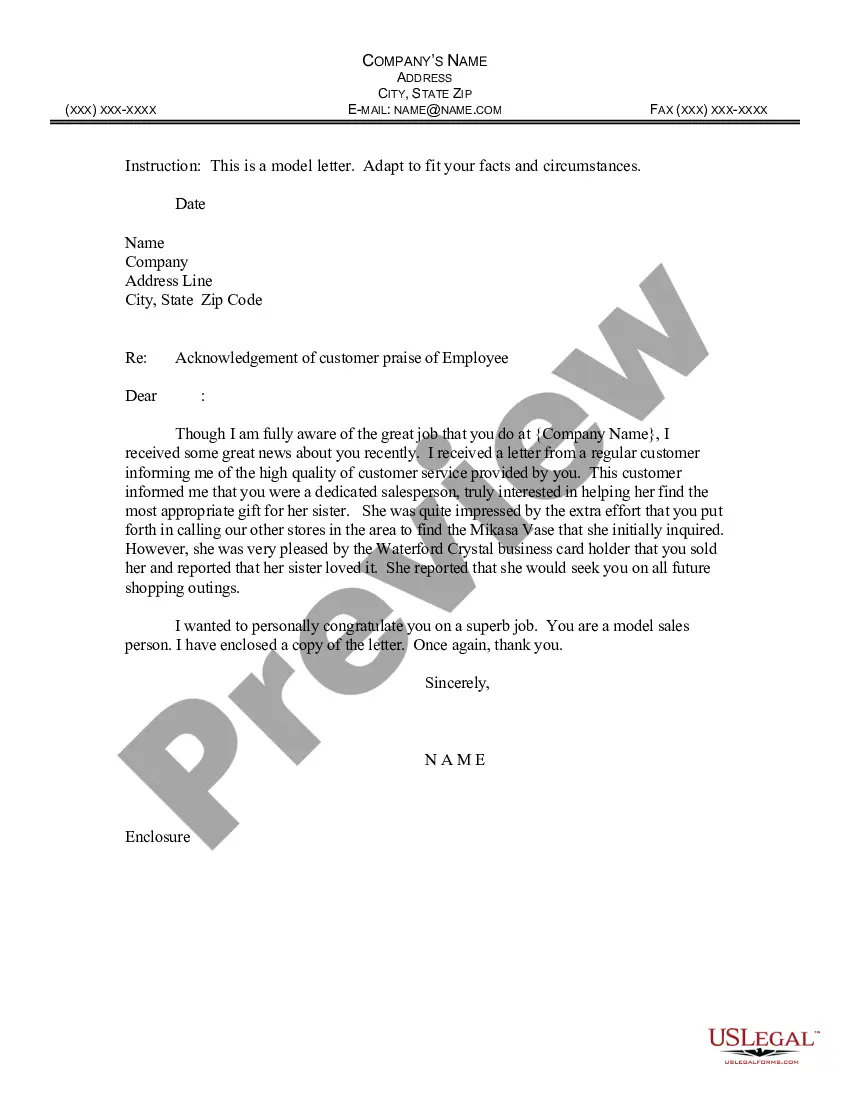
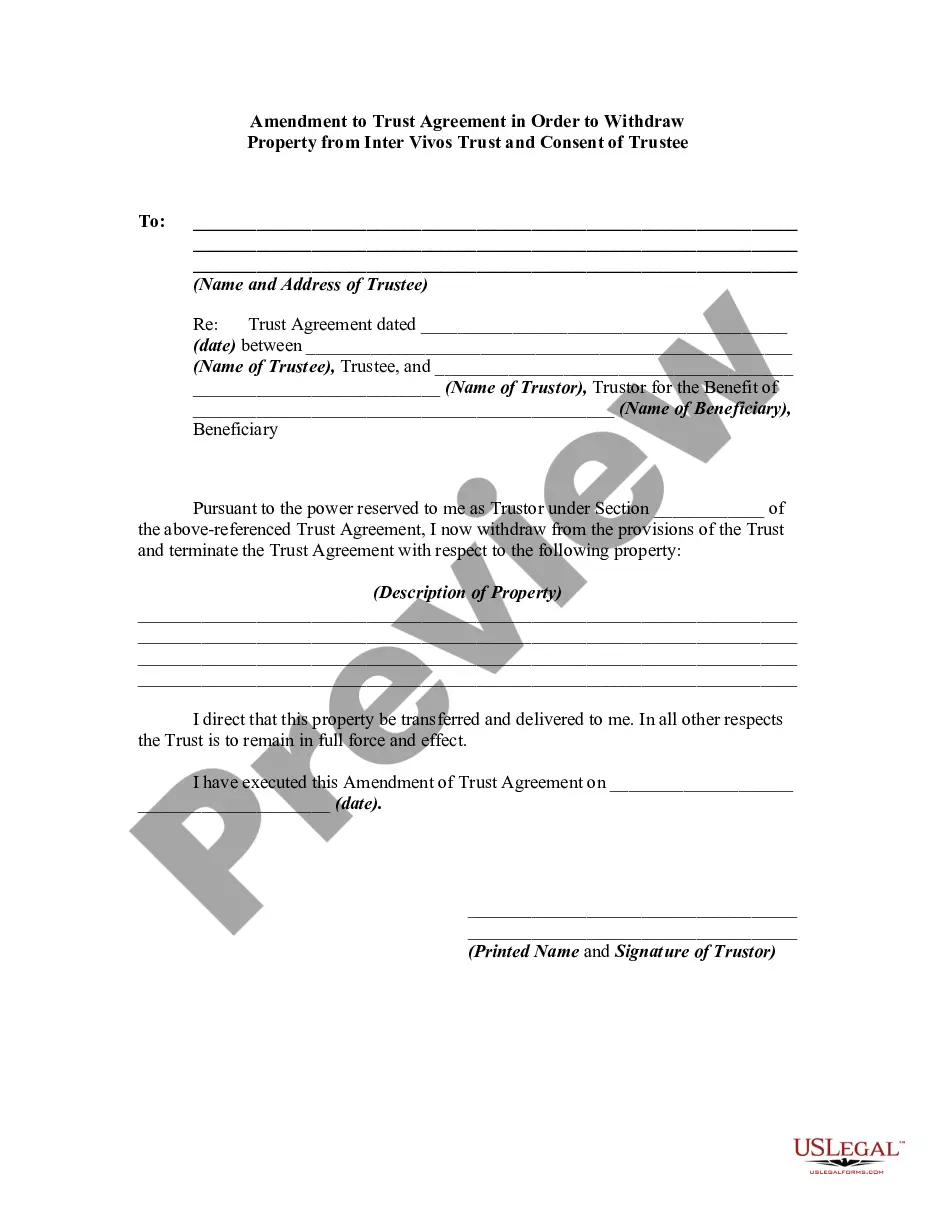
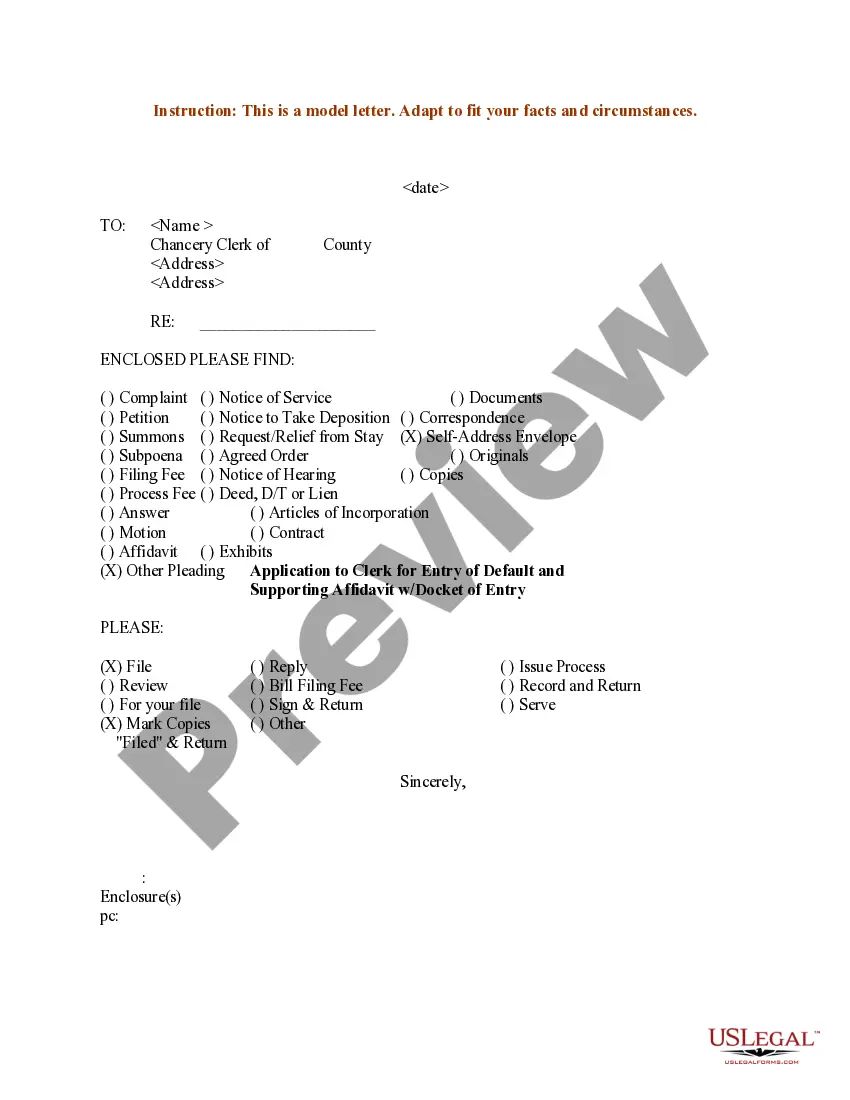
Employee Form Document With Attachment In Montgomery
Description














Get your form ready online
Our built-in tools help you complete, sign, share, and store your documents in one place.
Make edits, fill in missing information, and update formatting in US Legal Forms—just like you would in MS Word.
Download a copy, print it, send it by email, or mail it via USPS—whatever works best for your next step.
Sign and collect signatures with our SignNow integration. Send to multiple recipients, set reminders, and more. Go Premium to unlock E-Sign.
If this form requires notarization, complete it online through a secure video call—no need to meet a notary in person or wait for an appointment.
We protect your documents and personal data by following strict security and privacy standards.

Make edits, fill in missing information, and update formatting in US Legal Forms—just like you would in MS Word.

Download a copy, print it, send it by email, or mail it via USPS—whatever works best for your next step.

Sign and collect signatures with our SignNow integration. Send to multiple recipients, set reminders, and more. Go Premium to unlock E-Sign.

If this form requires notarization, complete it online through a secure video call—no need to meet a notary in person or wait for an appointment.

We protect your documents and personal data by following strict security and privacy standards.
Looking for another form?








Form popularity
FAQ
Personnel files should only include items that are related to an employee's job or employment status. Examples of items that should not be included in the personnel file are: Pre-employment records (with the exception of the application and resume) Monthly attendance transaction documents.
The things to include in an employee's personnel file are: Job application, CV and cover letter. Education and past employment info. Role description. Job offer letter and employment contract. Emergency contact information. Training records. Payroll and benefits information (but not bank details) Performance appraisal forms.
Examples of items that should not be included in the personnel file are: Pre-employment records (with the exception of the application and resume) Monthly attendance transaction documents. Whistleblower complaints, notes generated from informal discrimination complaint investigations, Ombuds, or Campus Climate.
How to organize personnel files Determine which documents to store. Review company policy, federal law and state regulations to learn which documents to include in a personnel file. Choose a filing method. Format your documents. Learn who can access the files. Create a file retention policy. Update the files as needed.
Medical records must be maintained separate from the personnel file. The Americans with Disabilities Act (ADA) prohibits employers from including medical information in an employee's general personnel file.
Confidential Employee File The following are general employee records that must be kept in a confidential file: Background checks. Reference checks. Child support documents.
General information. When you hire an employee, you must have the employee complete a Form W-4, Employee's Withholding Certificate.
It should include: Personal Information: Full name, address, contact details, marital status, and spouse's details. Job Information: Title, department, supervisor, work location, start date, and salary. Emergency Contact Information: Name, address, and contact details of the emergency contact.
Note: The W-4 form 2024 steps are the same as the W-4 form 2025 steps. Step 1: Enter your personal information. Step 2: Account for all jobs you and your spouse have. Step 3: Claim your children and other dependents. Step 4: Make other adjustments. Step 5: Sign and date your form.
Here's how to complete the form: Step 1: Provide Your Personal Information. Fill out your personal details, including your name, address, Social Security number, and filing status. Step 2: Specify Multiple Jobs or a Working Spouse. Step 3: Claim Dependents. Step 4: Make Additional Adjustments. Step 5: Sign and Date Your W-4.