Employee Form Document With Parameters
Description














Get your form ready online
Our built-in tools help you complete, sign, share, and store your documents in one place.
Make edits, fill in missing information, and update formatting in US Legal Forms—just like you would in MS Word.
Download a copy, print it, send it by email, or mail it via USPS—whatever works best for your next step.
Sign and collect signatures with our SignNow integration. Send to multiple recipients, set reminders, and more. Go Premium to unlock E-Sign.
If this form requires notarization, complete it online through a secure video call—no need to meet a notary in person or wait for an appointment.
We protect your documents and personal data by following strict security and privacy standards.

Make edits, fill in missing information, and update formatting in US Legal Forms—just like you would in MS Word.

Download a copy, print it, send it by email, or mail it via USPS—whatever works best for your next step.

Sign and collect signatures with our SignNow integration. Send to multiple recipients, set reminders, and more. Go Premium to unlock E-Sign.

If this form requires notarization, complete it online through a secure video call—no need to meet a notary in person or wait for an appointment.

We protect your documents and personal data by following strict security and privacy standards.
Looking for another form?
How to fill out Employee Lease Agreement?
Dealing with legal documents and procedures could be a time-consuming addition to the day. Employee Form Document With Parameters and forms like it often need you to search for them and navigate the best way to complete them properly. Consequently, regardless if you are taking care of economic, legal, or personal matters, using a thorough and hassle-free online catalogue of forms at your fingertips will go a long way.
US Legal Forms is the number one online platform of legal templates, offering over 85,000 state-specific forms and numerous tools to assist you to complete your documents effortlessly. Check out the catalogue of pertinent documents available with just a single click.
US Legal Forms provides you with state- and county-specific forms offered by any time for downloading. Shield your document managing procedures having a high quality service that lets you prepare any form within minutes with no additional or hidden cost. Just log in in your profile, locate Employee Form Document With Parameters and download it straight away from the My Forms tab. You may also gain access to formerly downloaded forms.
Could it be your first time using US Legal Forms? Register and set up up a free account in a few minutes and you’ll gain access to the form catalogue and Employee Form Document With Parameters. Then, stick to the steps below to complete your form:
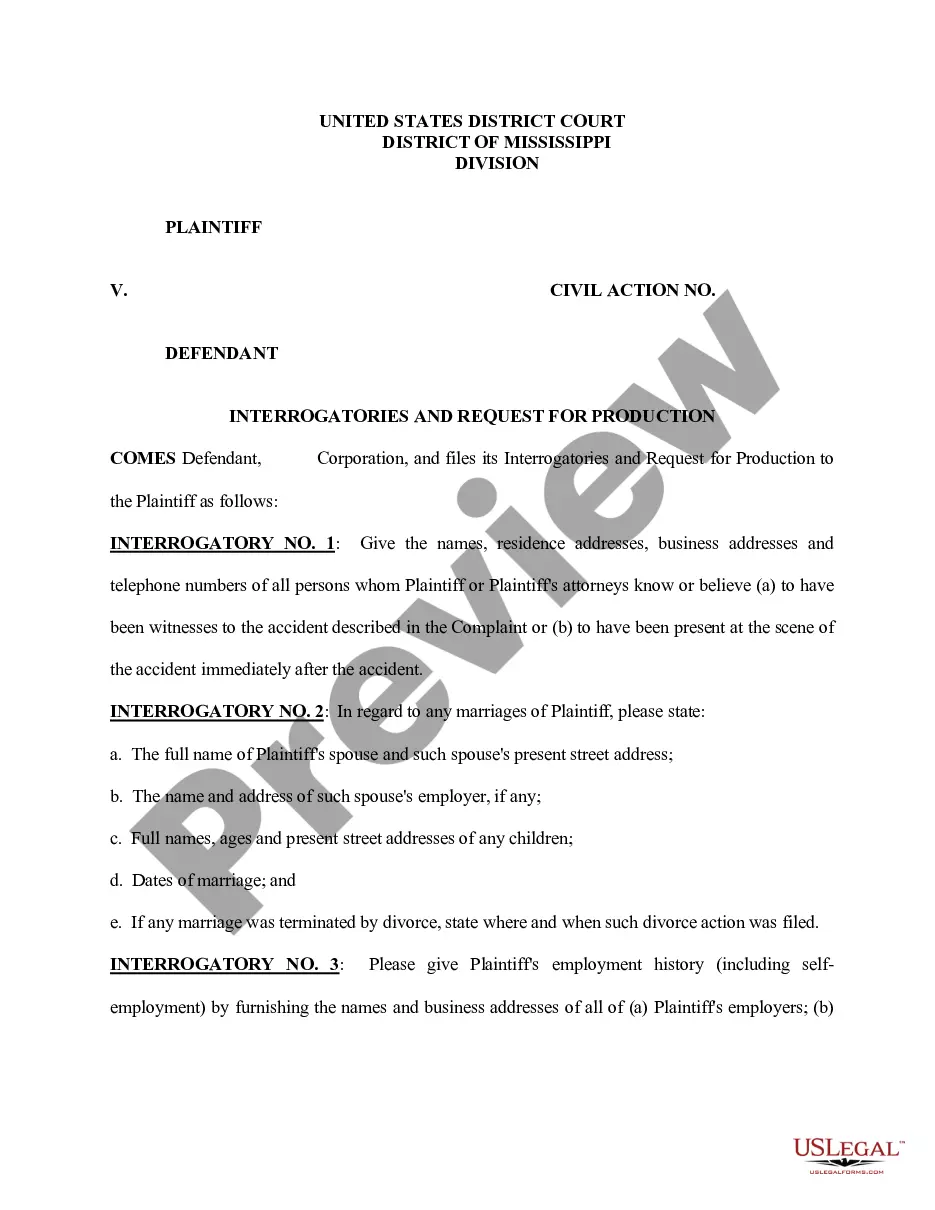
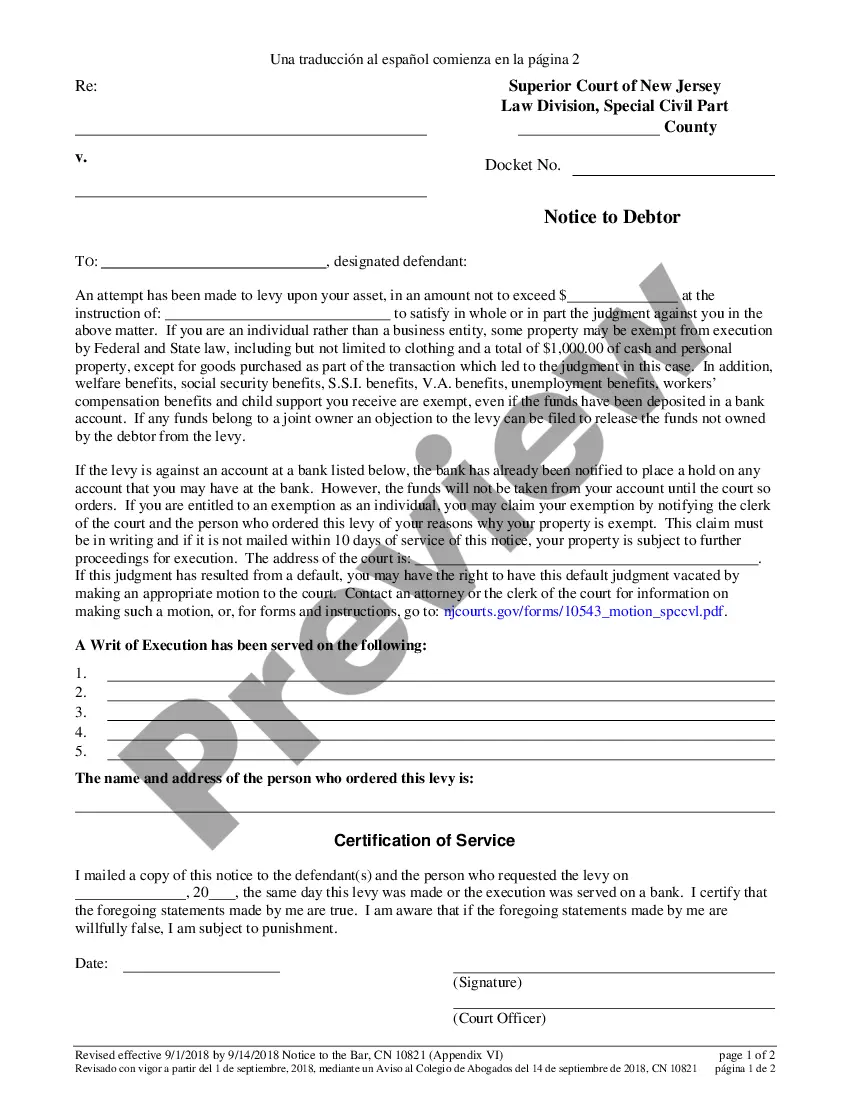
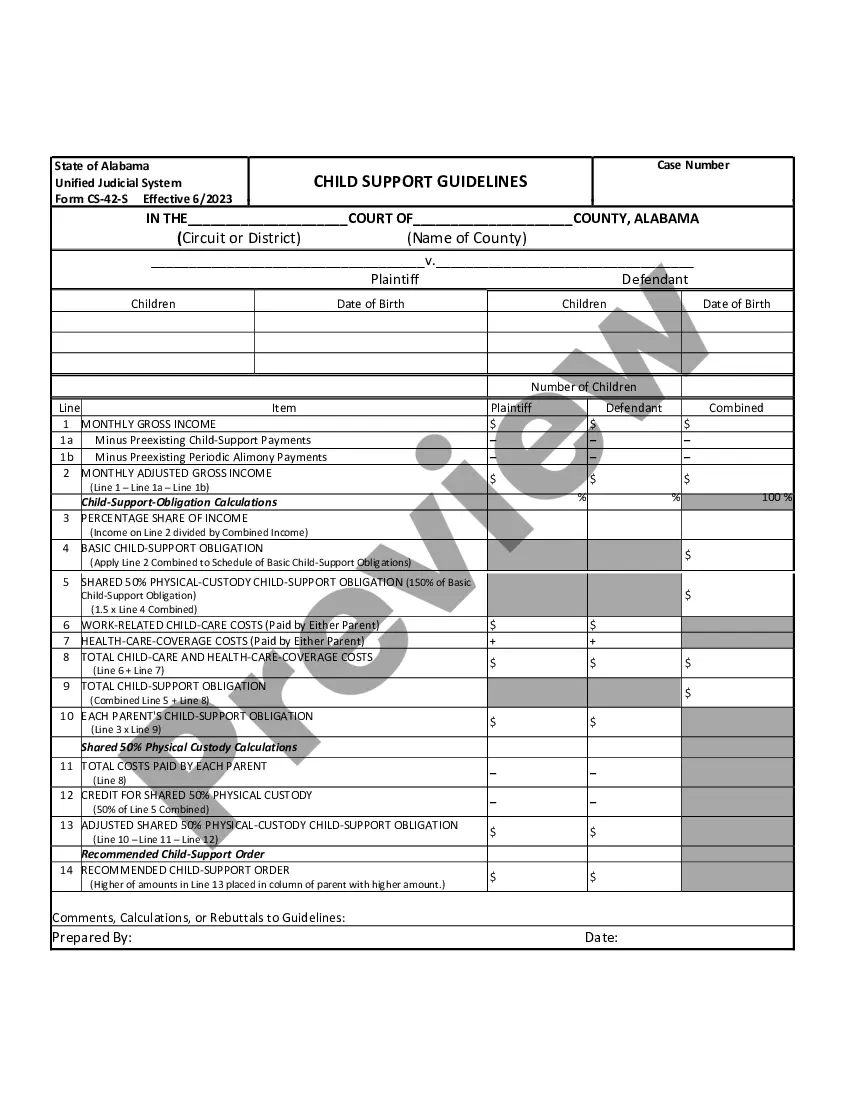
- Be sure you have found the proper form using the Preview option and looking at the form description.
- Select Buy Now as soon as ready, and choose the subscription plan that is right for you.
- Press Download then complete, eSign, and print out the form.
US Legal Forms has twenty five years of expertise helping users manage their legal documents. Find the form you want right now and streamline any process without having to break a sweat.
Form popularity
FAQ
Generally, a self-evaluation should at the very least include where you see yourself excelling (and how) with regard to your job duties, where you feel like you might improve, some quantifiable or clear examples of your successes, and what your next-step goals are.
Following are some of the points to remember while documenting a performance review. Standardize the format. ... Be flexible. ... Highlight the performance indicators. ... Highlight achievements. ... Provide fair, objective and complete feedback. ... Bring out the details. ... Summarize the review with key outcomes. ... Add supporting documents.
Tips for writing a self-evaluation Mention any milestones or goals you achieved and discuss how you've progressed since your last evaluation. Try to be as specific as possible to highlight your unique value. Describe specific tasks and projects you completed that contributed to your overall success.
Some performance criteria examples include quality of work, execution and organization, progress and growth, resiliency, communication, job knowledge, teamwork, and problem-solving. For the best results, try to avoid negative feedback while instead focusing on their future potential.
When you fill the form: Be honest and critical. Analyze your failures and mention the reasons for it. ... Keep the words minimal. ... Identify weaknesses. ... Mention your achievements. ... Link achievements to the job description and the organization's goals. ... Set the goals for the next review period. ... Resolve conflicts and grievances.