Employee Form Fillable For 2021 In Allegheny
Description














Get your form ready online
Our built-in tools help you complete, sign, share, and store your documents in one place.
Make edits, fill in missing information, and update formatting in US Legal Forms—just like you would in MS Word.
Download a copy, print it, send it by email, or mail it via USPS—whatever works best for your next step.
Sign and collect signatures with our SignNow integration. Send to multiple recipients, set reminders, and more. Go Premium to unlock E-Sign.
If this form requires notarization, complete it online through a secure video call—no need to meet a notary in person or wait for an appointment.
We protect your documents and personal data by following strict security and privacy standards.

Make edits, fill in missing information, and update formatting in US Legal Forms—just like you would in MS Word.

Download a copy, print it, send it by email, or mail it via USPS—whatever works best for your next step.

Sign and collect signatures with our SignNow integration. Send to multiple recipients, set reminders, and more. Go Premium to unlock E-Sign.

If this form requires notarization, complete it online through a secure video call—no need to meet a notary in person or wait for an appointment.

We protect your documents and personal data by following strict security and privacy standards.
Looking for another form?






Form popularity
FAQ
An I-9 Employment Eligibility Verification form that verifies your employee is legally allowed to work in the US. They will also need to provide you with one of these acceptable identification documents in ance with federal law. Both a W-2 and a W-4 tax form.
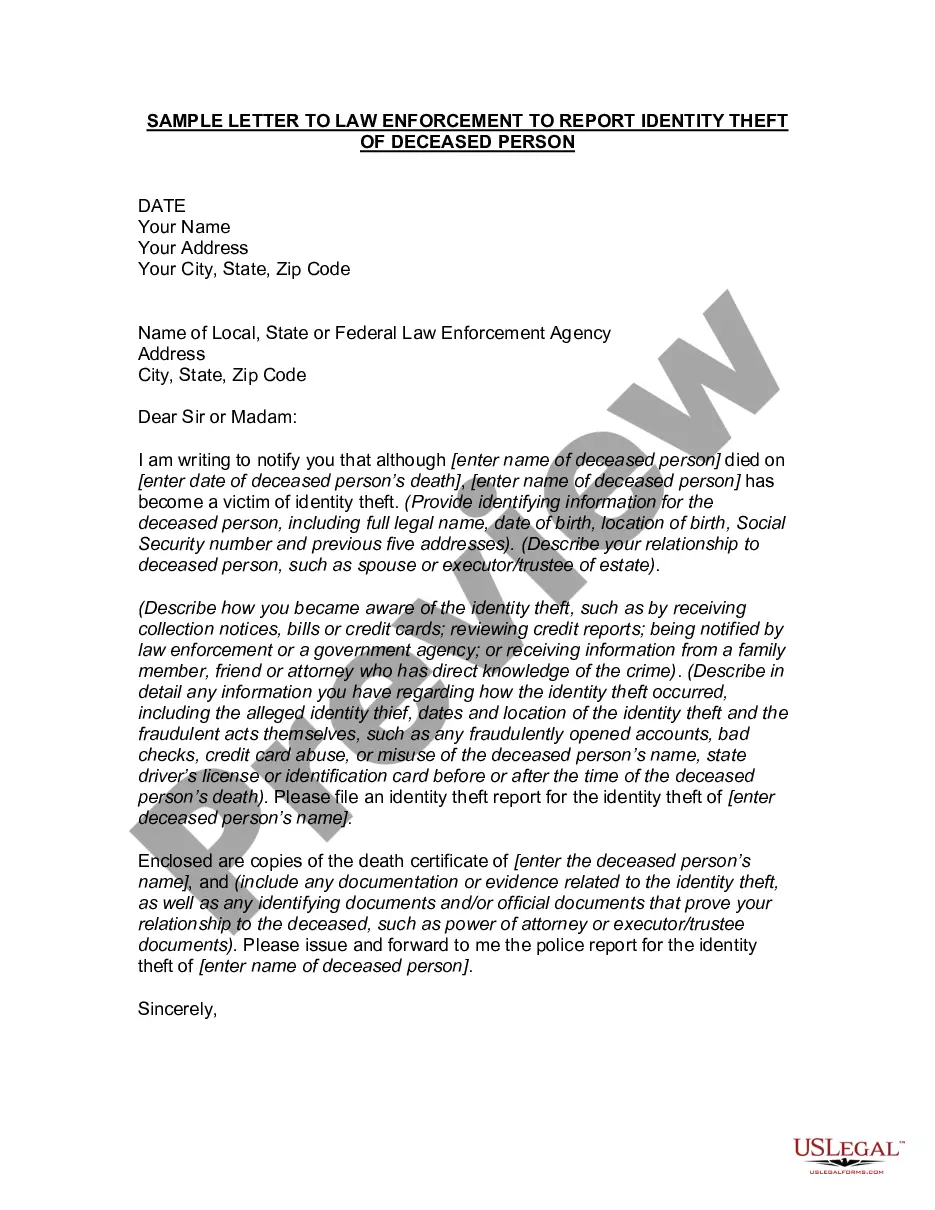
This form should encompass areas such as personal information (name, address, date of birth), contact details, emergency contact information, employment history, educational background, and any relevant certifications or skills.
Pennsylvania New Hire Paperwork I-9 form for employee eligibility requirements. W-4 form for federal tax reporting. Pennsylvania New Hire Reporting form. Disability Self-Identification (required for companies doing business with the government) PA New Hire Reporting Form.
It should include: Personal Information: Full name, address, contact details, marital status, and spouse's details. Job Information: Title, department, supervisor, work location, start date, and salary. Emergency Contact Information: Name, address, and contact details of the emergency contact.
And step five sign and date the form frequently asked questions why did the IRS change the w4p. FormMoreAnd step five sign and date the form frequently asked questions why did the IRS change the w4p. Form the IRS redesigned the w4p form to simplify your withholding. Made tax withholding more accurate.
Note: The W-4 form 2024 steps are the same as the W-4 form 2025 steps. Step 1: Enter your personal information. Step 2: Account for all jobs you and your spouse have. Step 3: Claim your children and other dependents. Step 4: Make other adjustments. Step 5: Sign and date your form.
Here's how to complete the form: Step 1: Provide Your Personal Information. Fill out your personal details, including your name, address, Social Security number, and filing status. Step 2: Specify Multiple Jobs or a Working Spouse. Step 3: Claim Dependents. Step 4: Make Additional Adjustments. Step 5: Sign and Date Your W-4.
General information. When you hire an employee, you must have the employee complete a Form W-4, Employee's Withholding Certificate.
Local IRS Taxpayer Assistance Center (TAC) – The most common tax forms and instructions are available at local TACs in IRS offices throughout the country. To find the nearest IRS TAC, use the TAC Office Locator on IRS.
