Form Assignment Accounts Receivable With Credit Card Payments In Phoenix
Description

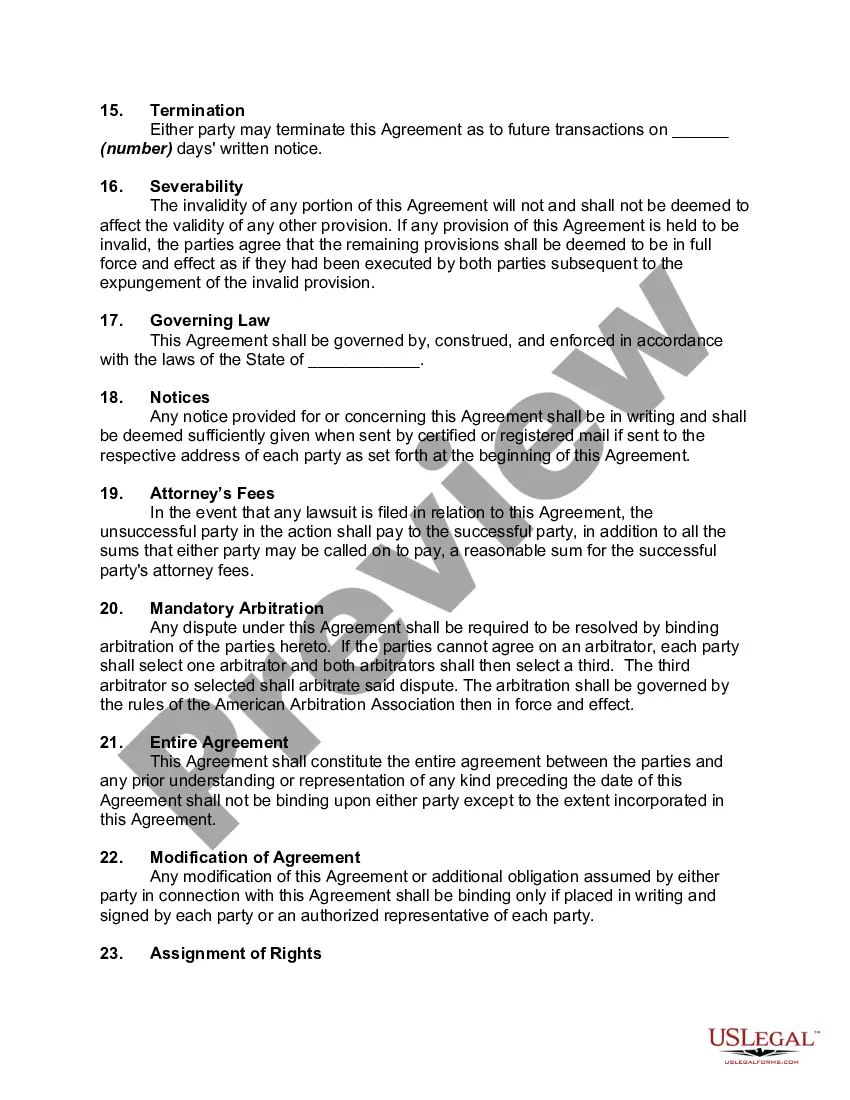

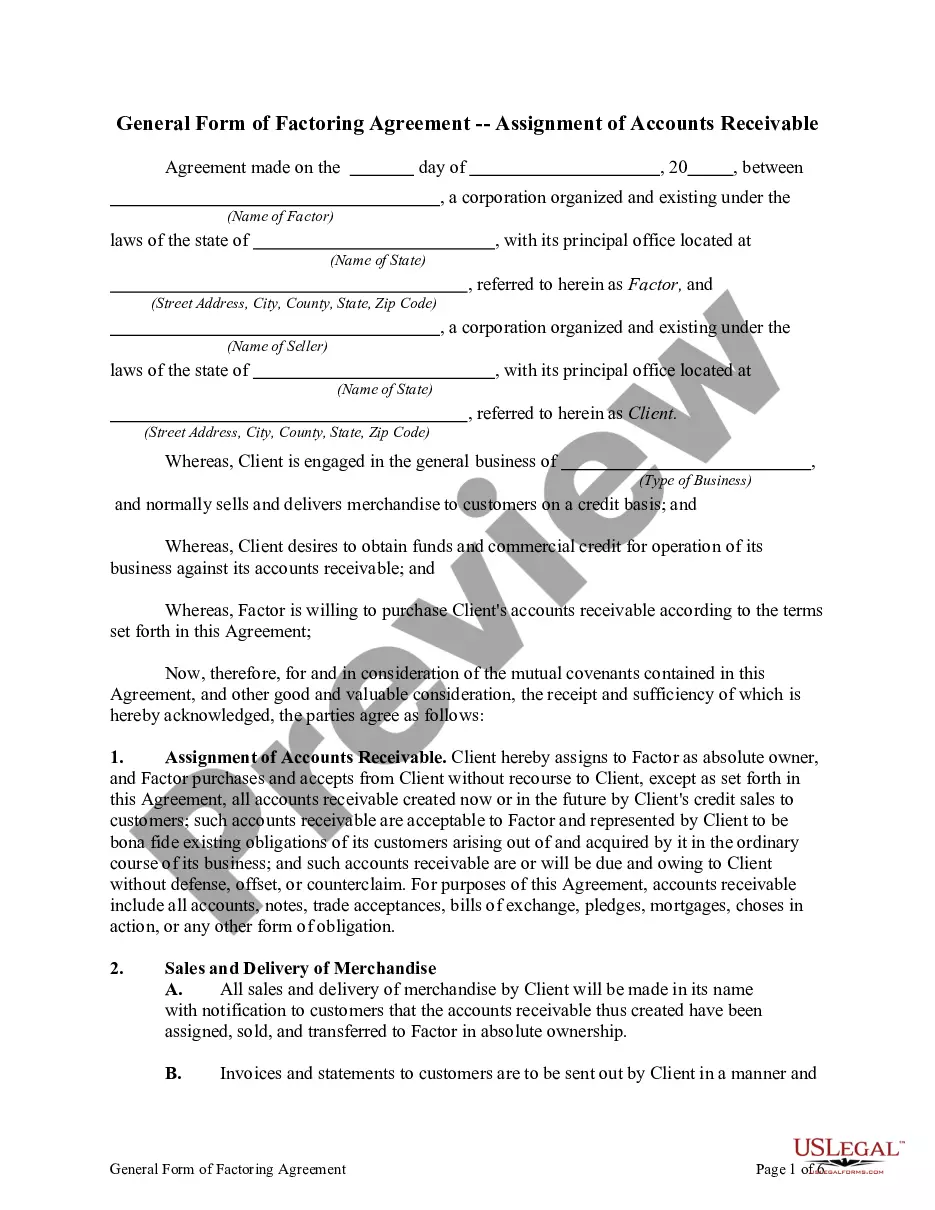
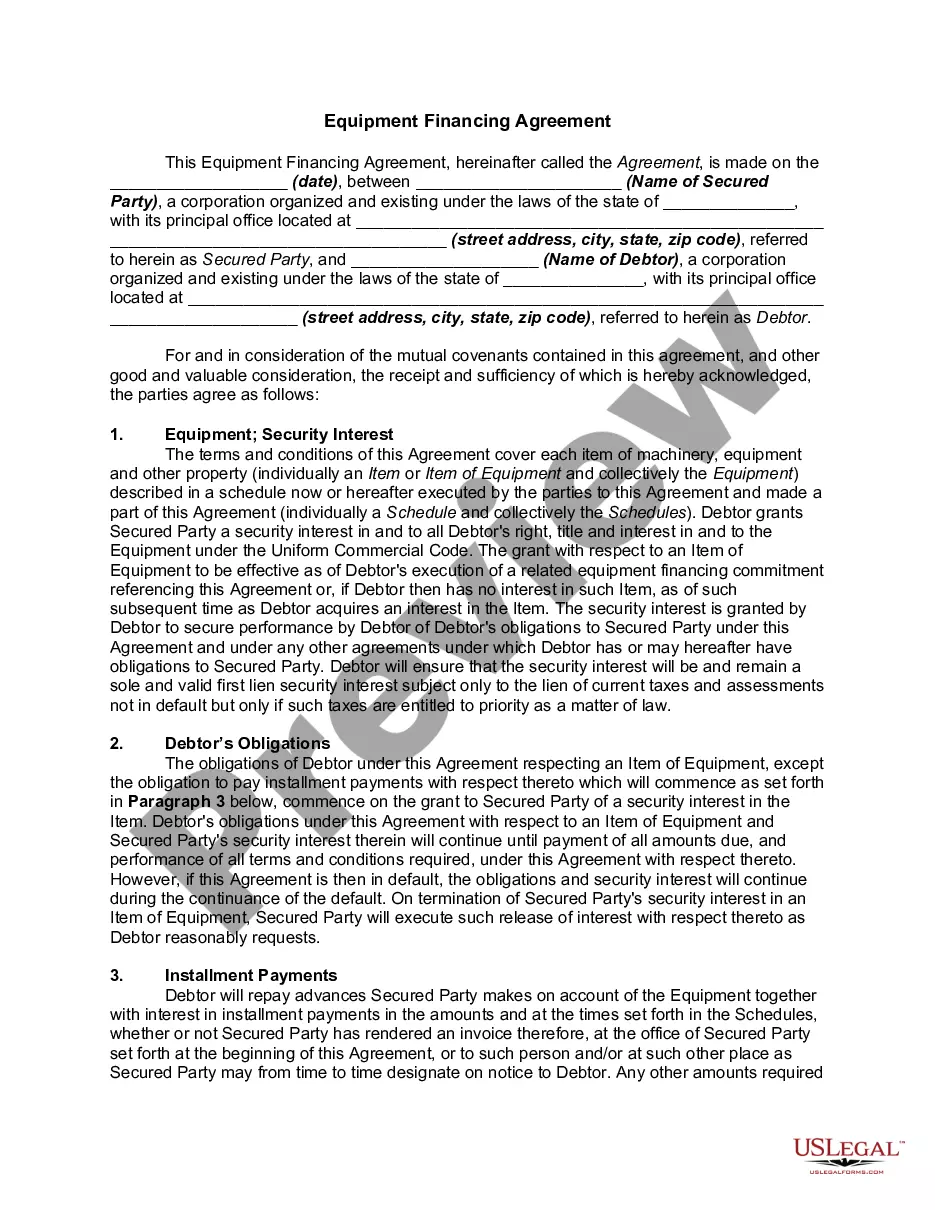
Get your form ready online
Our built-in tools help you complete, sign, share, and store your documents in one place.
Make edits, fill in missing information, and update formatting in US Legal Forms—just like you would in MS Word.
Download a copy, print it, send it by email, or mail it via USPS—whatever works best for your next step.
Sign and collect signatures with our SignNow integration. Send to multiple recipients, set reminders, and more. Go Premium to unlock E-Sign.
If this form requires notarization, complete it online through a secure video call—no need to meet a notary in person or wait for an appointment.
We protect your documents and personal data by following strict security and privacy standards.

Make edits, fill in missing information, and update formatting in US Legal Forms—just like you would in MS Word.

Download a copy, print it, send it by email, or mail it via USPS—whatever works best for your next step.

Sign and collect signatures with our SignNow integration. Send to multiple recipients, set reminders, and more. Go Premium to unlock E-Sign.

If this form requires notarization, complete it online through a secure video call—no need to meet a notary in person or wait for an appointment.

We protect your documents and personal data by following strict security and privacy standards.
Looking for another form?

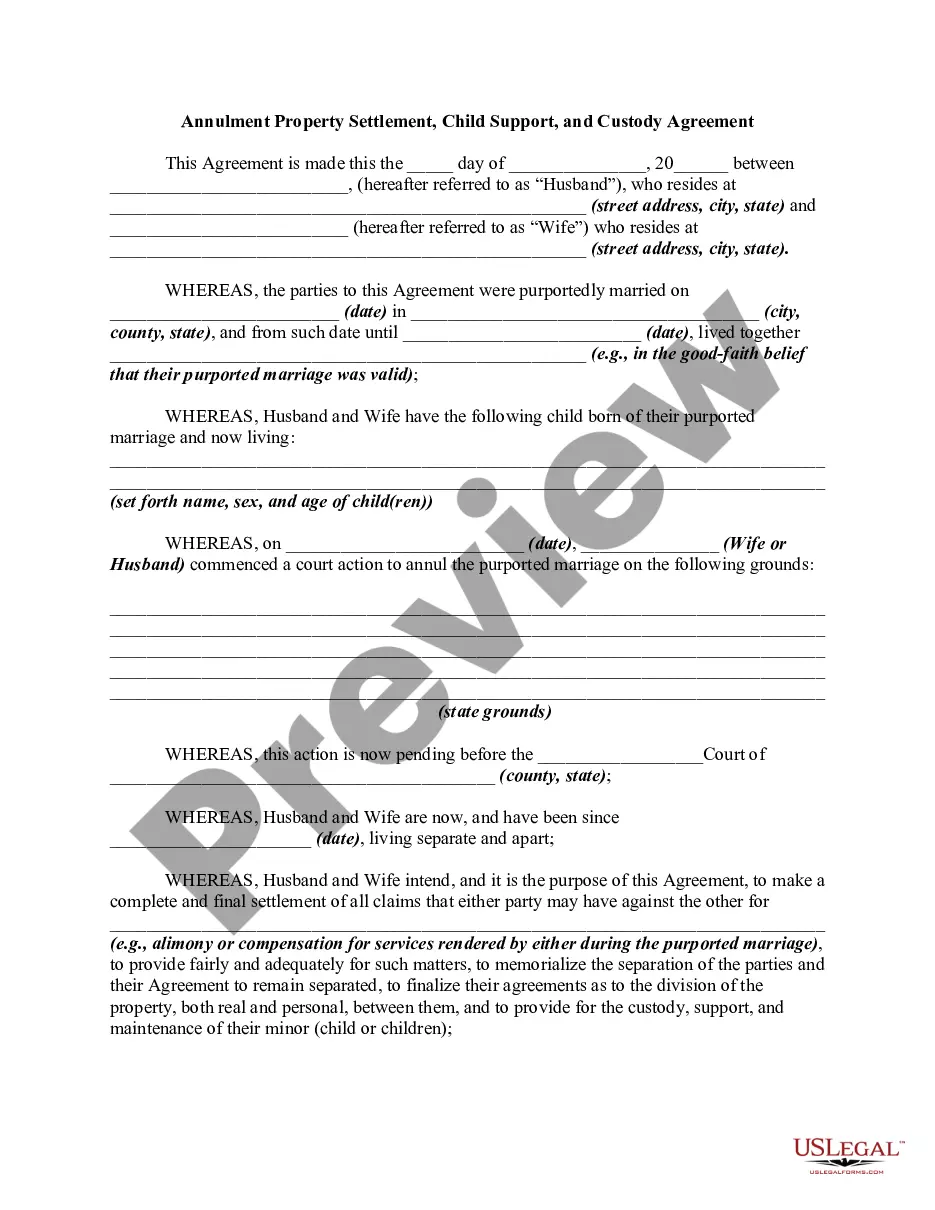






Form popularity
FAQ
The information on such a form must include: Cardholder's name. Card number. Card network (Visa, Mastercard, American Express, Discover, etc.) Card expiration date. Cardholder's billing zip code. Business name. Statement authorizing charges. Cardholder's signature and the date they signed.
Credit Card Payments Use your actual bank account as the Checkbook (the account the payment comes from). Place your liability account under the GL Account column (the account the payment is applied to). Check the box to Automatically Import these items.
The account statement of credit card payments pending to a business for services or products previously sold. Any business which expects credit card payments has receivables. The payments and transactions are handled either by banks or third party payment settlement companies.
All DoD guidance and regulations indicate that sales of merchandise or services to an authorized customer using a credit card should be recorded as a receivable.
In QuickBooks, a credit card payment is treated as a liability payment, as it reduces your outstanding credit card balance. It is not considered a direct business expense, but rather the repayment of funds that were borrowed to cover business expenses.
Physical credit authorization forms have many security issues: They may get lost, stolen, or mishandled by employees. Having to type data manually may lead to errors and financial discrepancies. Physical forms are not encrypted, meaning anyone can read and understand the information.
The CC authorization form usually requires the following details to be filled out: the guest's name, card number, card interface, expiration date, billing zip code, hotel name, license, and signature to date.
How Does Payment or Credit Card Authorization Work? Step 1: The customer uses their credit card at checkout. Step 2: An authorization request is sent to the bank. Step 3: The request is approved or declined. A note about transaction fees. Q: What is payment authorization?
