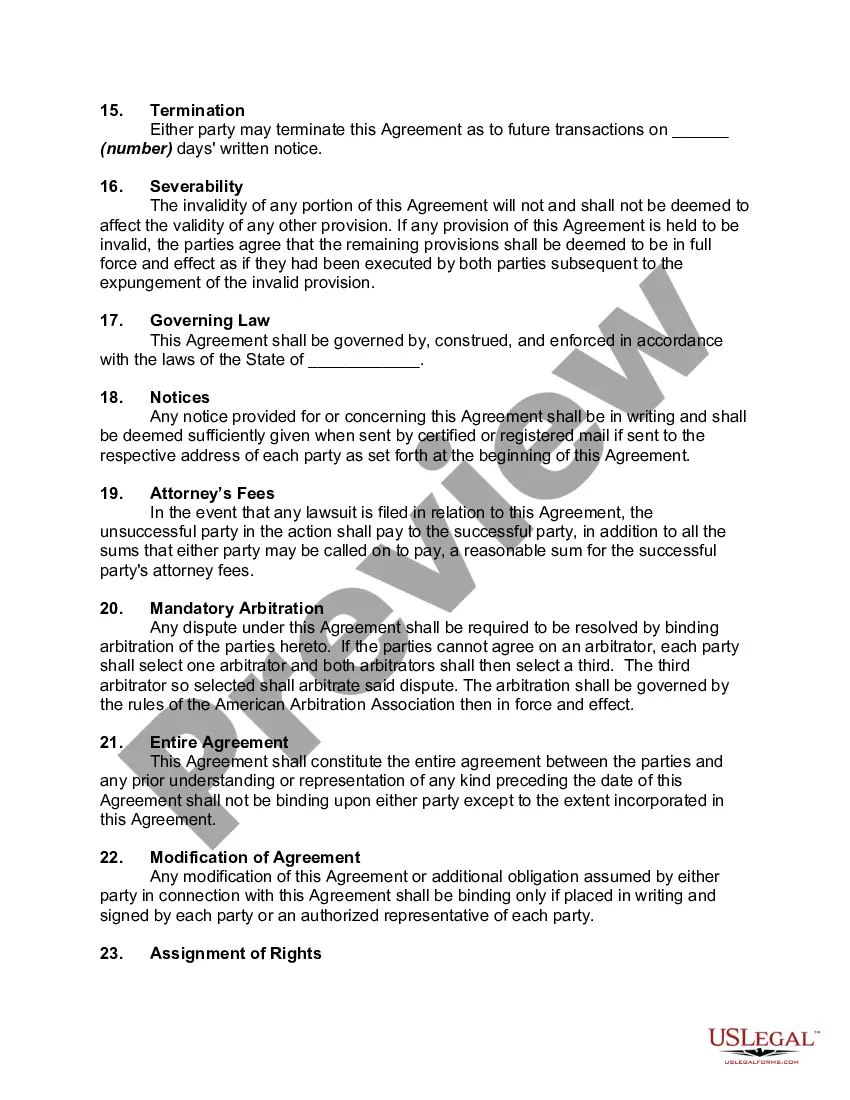
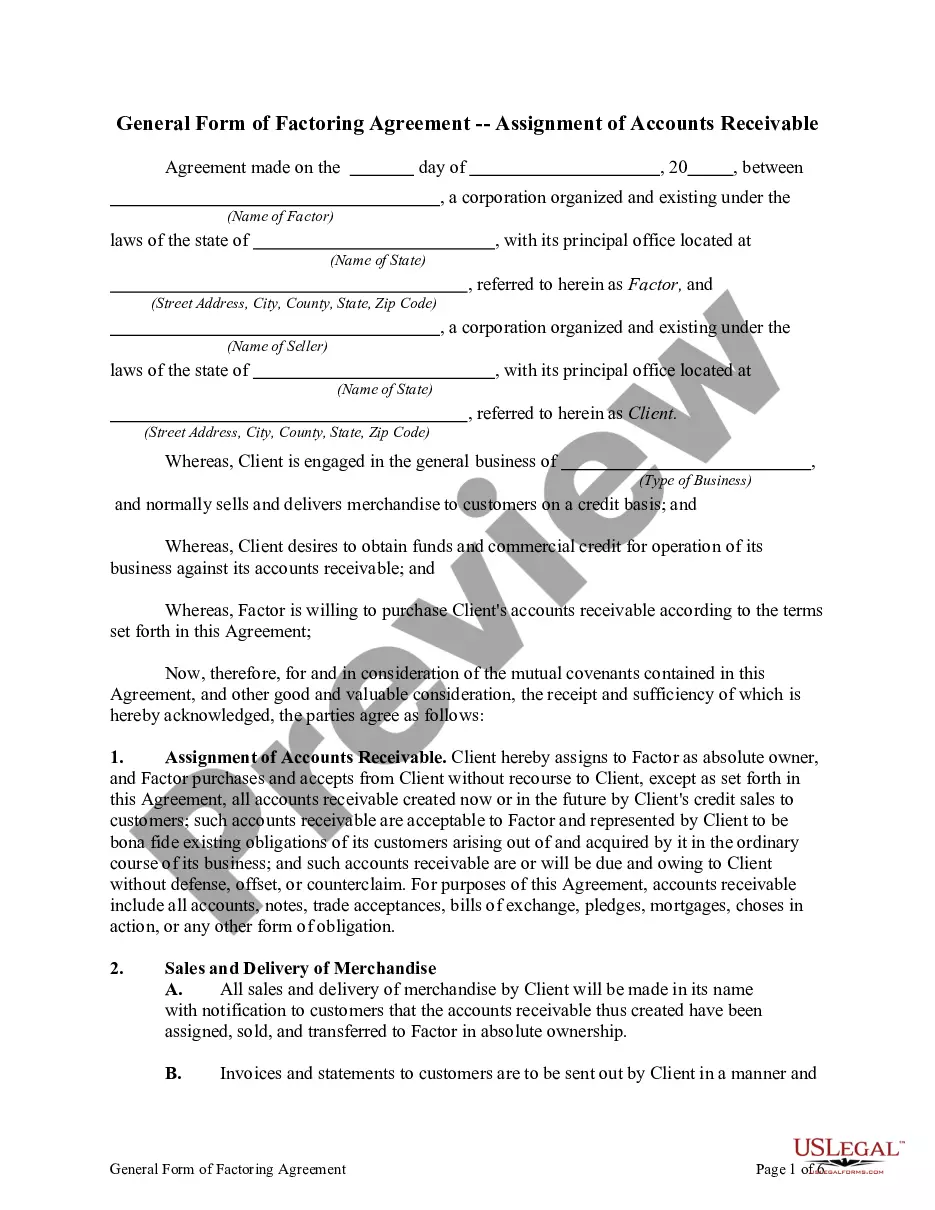
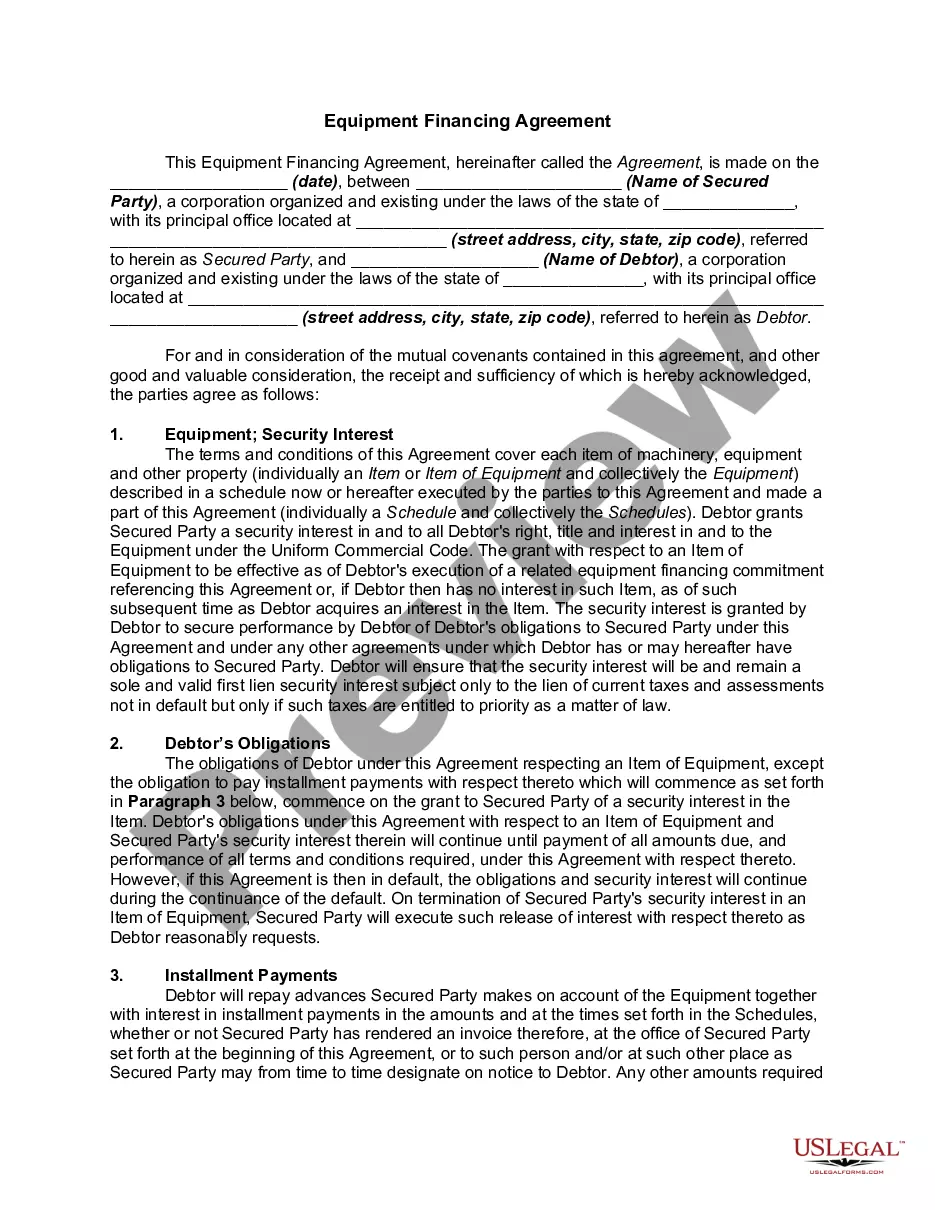
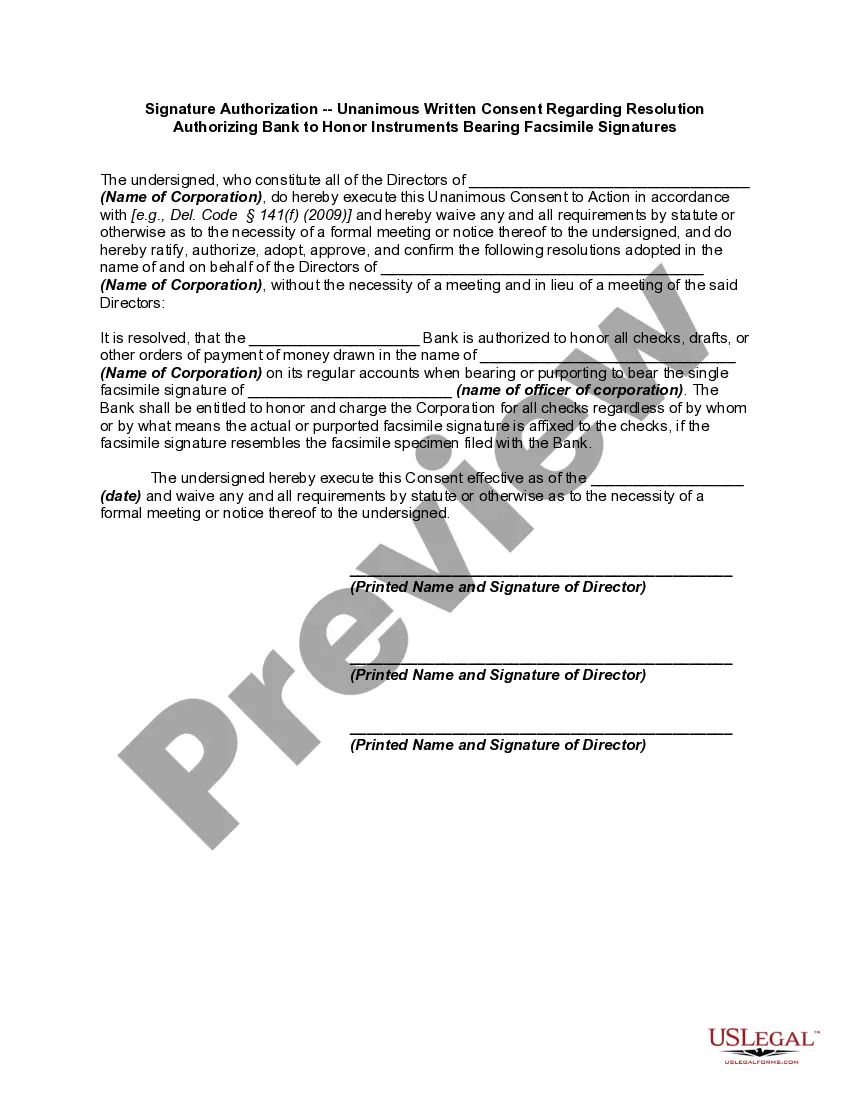
Form Assignment Accounts Receivable With Balance Sheet In Mecklenburg
Description


Get your form ready online
Our built-in tools help you complete, sign, share, and store your documents in one place.
Make edits, fill in missing information, and update formatting in US Legal Forms—just like you would in MS Word.
Download a copy, print it, send it by email, or mail it via USPS—whatever works best for your next step.
Sign and collect signatures with our SignNow integration. Send to multiple recipients, set reminders, and more. Go Premium to unlock E-Sign.
If this form requires notarization, complete it online through a secure video call—no need to meet a notary in person or wait for an appointment.
We protect your documents and personal data by following strict security and privacy standards.

Make edits, fill in missing information, and update formatting in US Legal Forms—just like you would in MS Word.

Download a copy, print it, send it by email, or mail it via USPS—whatever works best for your next step.

Sign and collect signatures with our SignNow integration. Send to multiple recipients, set reminders, and more. Go Premium to unlock E-Sign.

If this form requires notarization, complete it online through a secure video call—no need to meet a notary in person or wait for an appointment.

We protect your documents and personal data by following strict security and privacy standards.
Looking for another form?

Form popularity
FAQ
To report accounts receivable effectively on the balance sheet: Break down accounts receivable into categories, such as “trade accounts receivable” and “other receivables.” Clearly indicate the aging of accounts receivable to show how much is current, 30, 60, or 90+ days overdue.
You can also calculate average accounts receivable by adding up the beginning and ending amount of your accounts receivable over a period of time and dividing by two.
The 10-Step Accounts Receivable Process Develop a Credit Application Process. Create a Collection Plan. Compliance with Consumer Credit Laws. Send Out Invoices. Choose an Accounts Receivable Management System. Track the Collection Process. Log All Charges and Expenses in Real-time. Incentivize Early Payment Discounts.
To create a journal entry for accounts receivable, you can follow these steps: Record the details of each transaction. To create an accounts receivable journal entry, you enter the details of each financial transaction. Record the debit amount. Record the credit amount.
You can find your accounts receivable balance under the 'current assets' section on your balance sheet or general ledger. Accounts receivable are classified as an asset because they provide value to your company.
An account receivable is recorded as a debit in the assets section of a balance sheet. It is typically a short-term asset—short-term because normally it's going to be realized within a year.”
To report accounts receivable effectively on the balance sheet: Break down accounts receivable into categories, such as “trade accounts receivable” and “other receivables.” Clearly indicate the aging of accounts receivable to show how much is current, 30, 60, or 90+ days overdue.
Follow these steps to calculate accounts receivable: Add up all charges. You'll want to add up all the amounts that customers owe the company for products and services that the company has already delivered to the customer. Find the average. Calculate net credit sales. Divide net credit sales by average accounts receivable.
With factoring, the factor takes control of bill collection and assumes the credit risk for customer non-payment. In contrast, with the assignment of receivables, the business retains control of its customer relationships and the collection process, bearing all of the credit risk.
