Form Assignment Accounts With Multiple Accounts In Arizona
Description

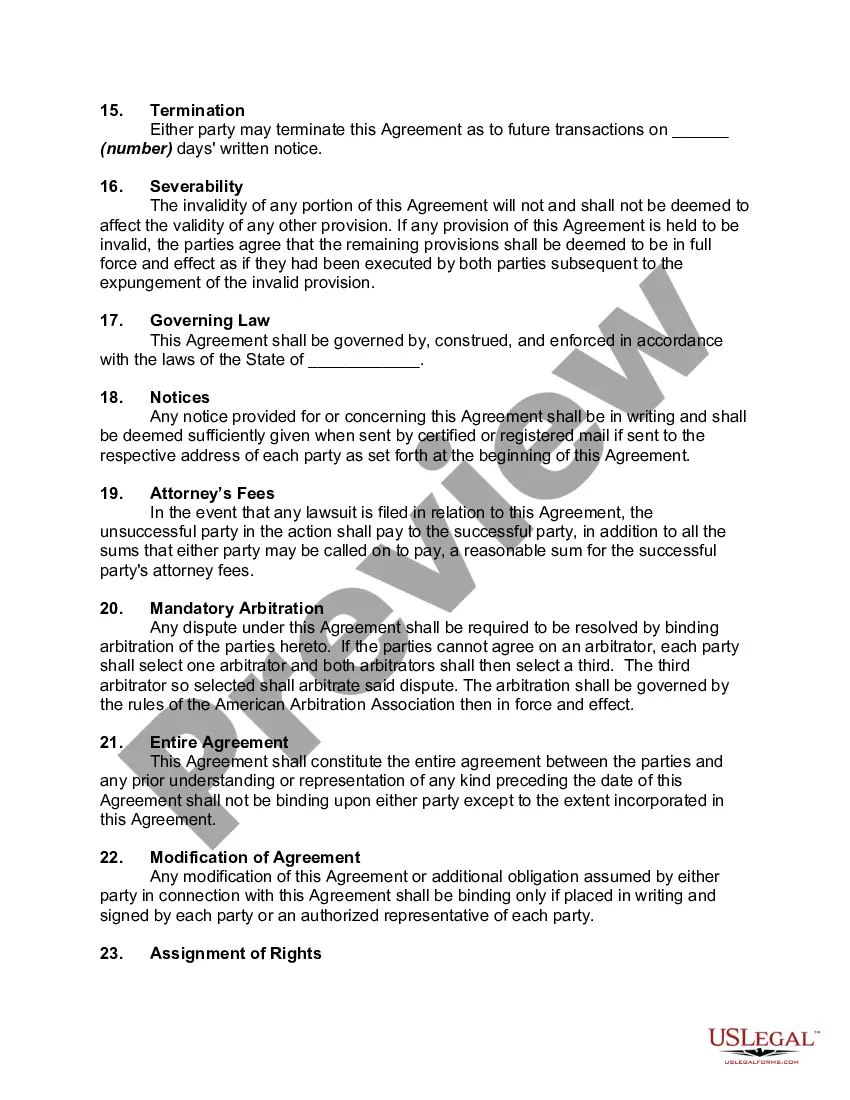

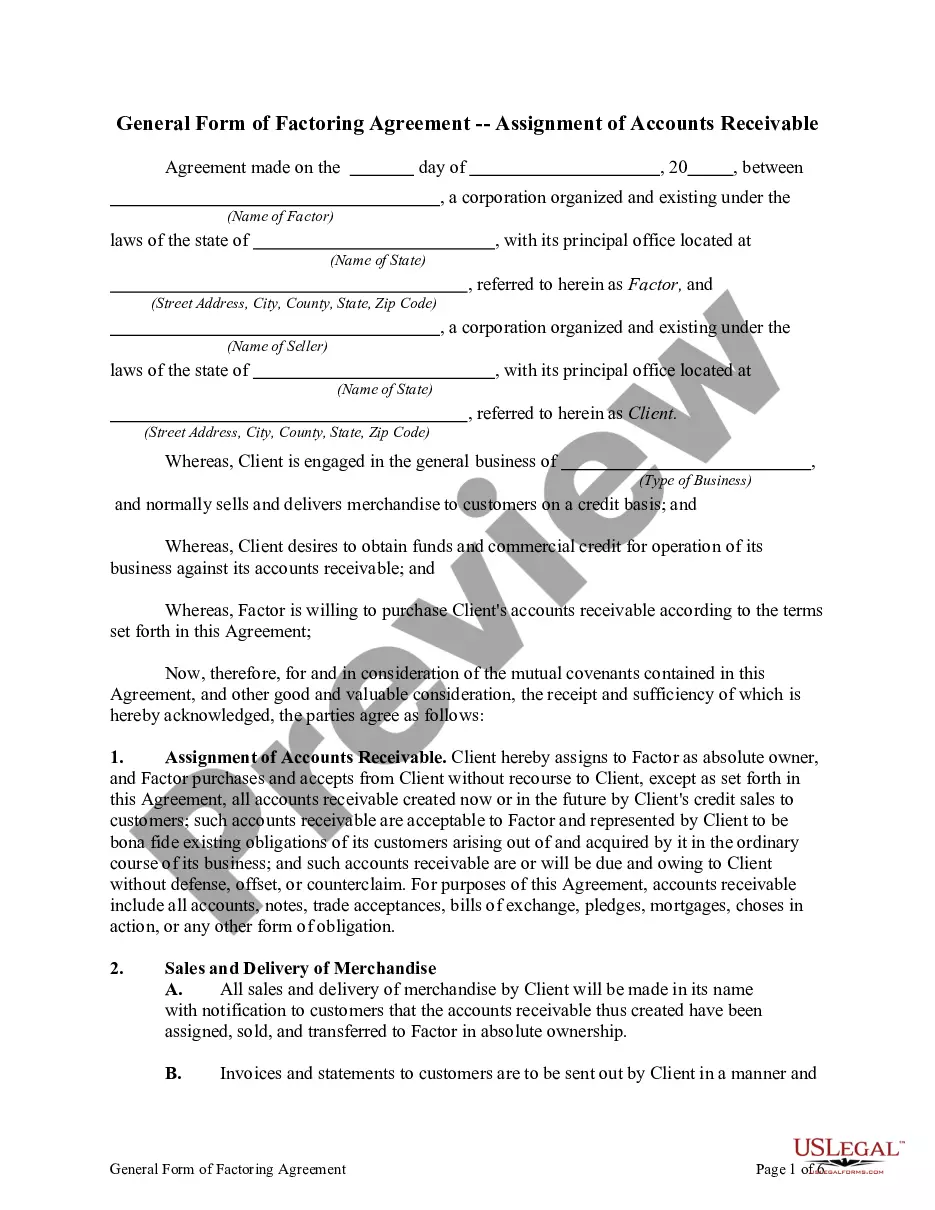
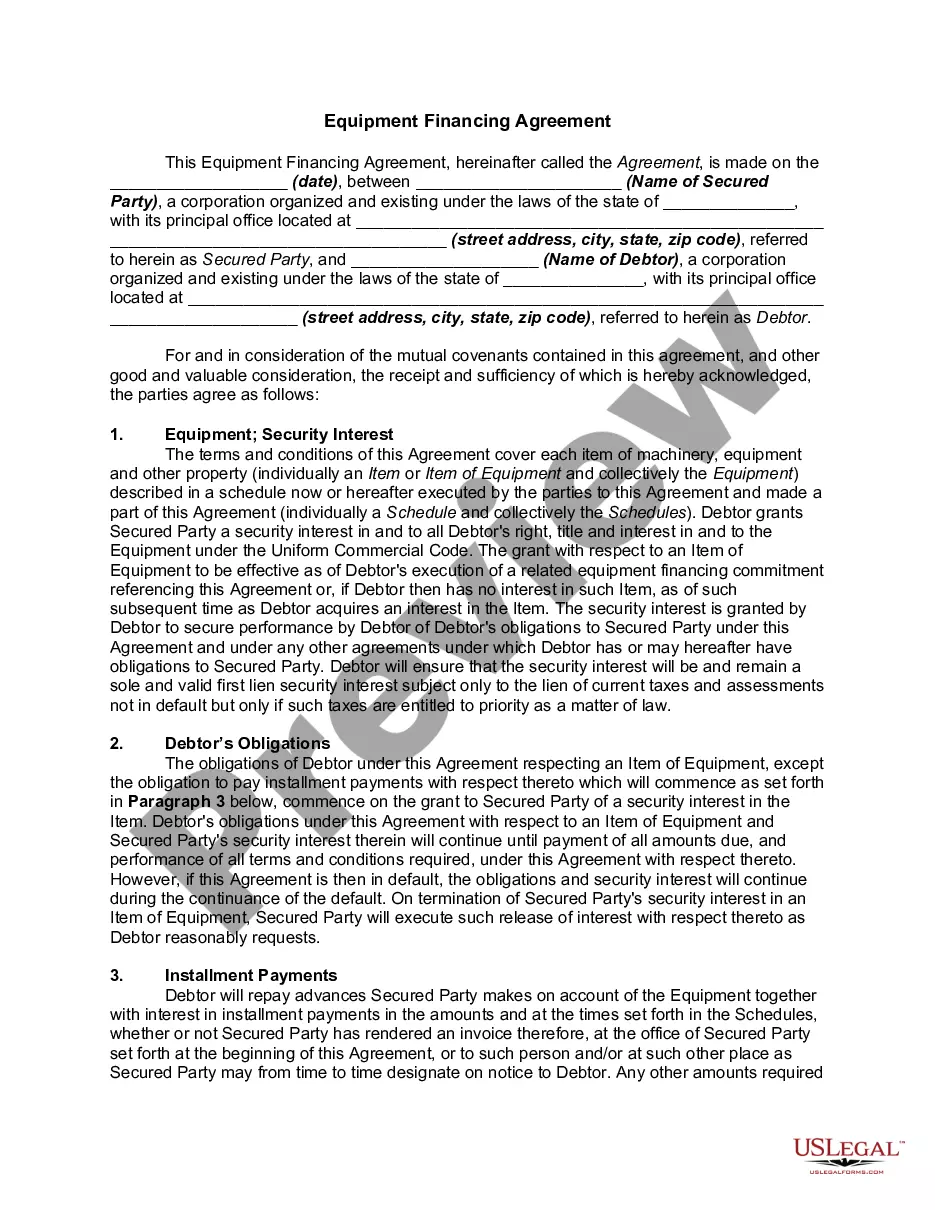
Get your form ready online
Our built-in tools help you complete, sign, share, and store your documents in one place.
Make edits, fill in missing information, and update formatting in US Legal Forms—just like you would in MS Word.
Download a copy, print it, send it by email, or mail it via USPS—whatever works best for your next step.
Sign and collect signatures with our SignNow integration. Send to multiple recipients, set reminders, and more. Go Premium to unlock E-Sign.
If this form requires notarization, complete it online through a secure video call—no need to meet a notary in person or wait for an appointment.
We protect your documents and personal data by following strict security and privacy standards.

Make edits, fill in missing information, and update formatting in US Legal Forms—just like you would in MS Word.

Download a copy, print it, send it by email, or mail it via USPS—whatever works best for your next step.

Sign and collect signatures with our SignNow integration. Send to multiple recipients, set reminders, and more. Go Premium to unlock E-Sign.

If this form requires notarization, complete it online through a secure video call—no need to meet a notary in person or wait for an appointment.

We protect your documents and personal data by following strict security and privacy standards.
Looking for another form?



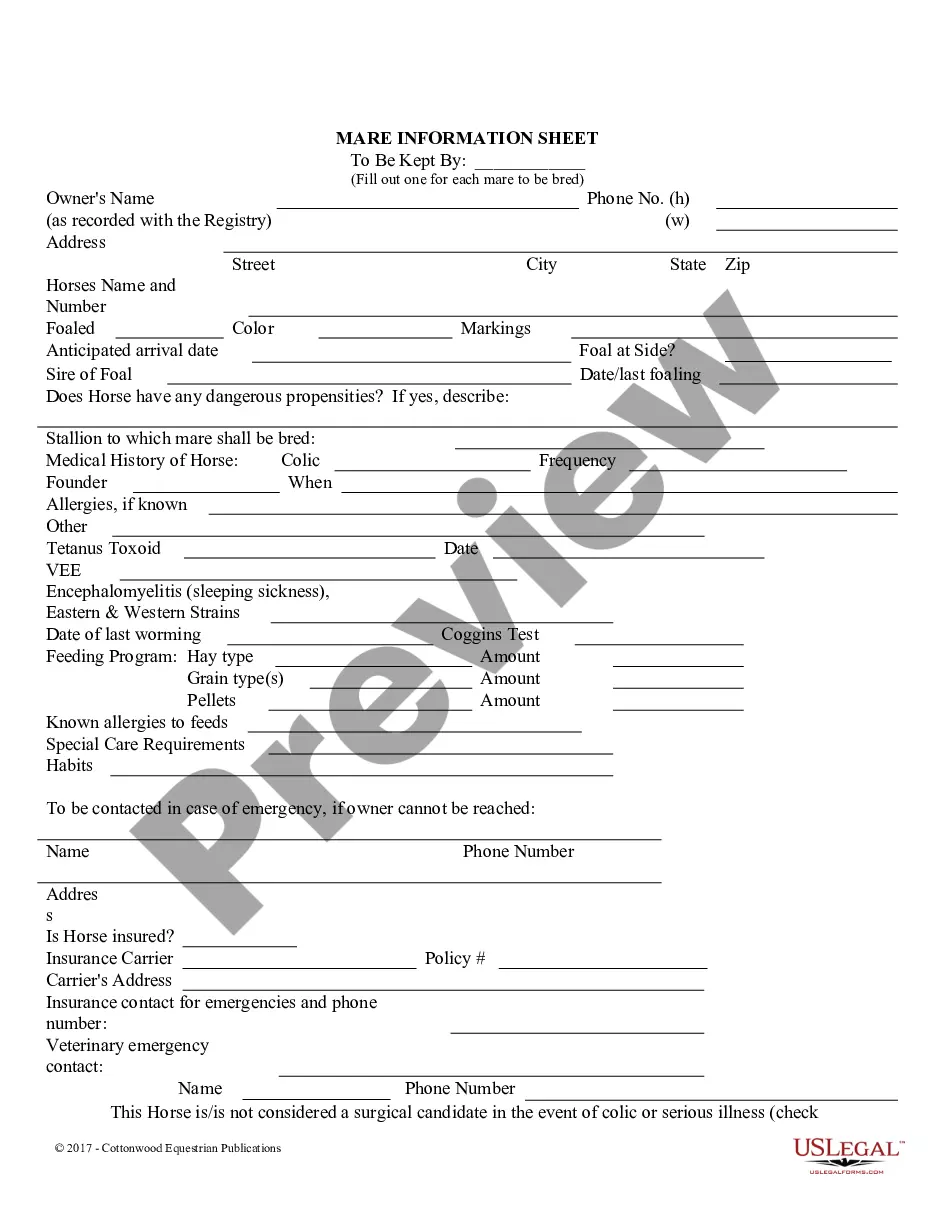





Form popularity
FAQ
The CoA follows a principle known as double-entry accounting. Every time you log something in the chart of accounts, you make two entries: a debit from one account and a credit to another.
A shared chart of accounts can be used by more than one legal entity, but only one chart of accounts can be assigned to each legal entity.
The usage limits are 250 chart of accounts in the chart of accounts for QuickBooks Online Simple Start, Essentials, and Plus subscribers. That means if you are at one of the listed subscription levels and exceed 250 accounts in your chart of accounts, your subscription will be suspended.
You can create and share multiple charts of accounts. A shared chart of accounts can be used by more than one legal entity, but only one chart of accounts can be assigned to each legal entity.
A company can be assigned one or more company codes. It is a SAP organizational unit that can be selected or deselected. If a company has more than one company code, they should all use the same chart of accounts.
When specifying multiple account assignment for an item, you must consider the following points: How is the net value of a PO item to be distributed (apportioned) among the individual account assignment items?
The segment account assignment (SEGMENT) is determined from posting area 0301; all other account assignments are determined from the CO account assignment key defined in posting area 2610 (CO account assignment field).
To assign one or more company codes to a controlling area, go to the Implementation Guide (IMG) and choose Controlling Organization Maintain Controlling Area. To assign company codes to an existing controlling area, select a controlling area. Choose Assign company code(s).
In Arizona, most real estate contracts are assignable unless explicitly stated otherwise in the agreement. Certain conditions may affect this, however. For example, contracts involving personal services or that require specific qualifications of the parties may not be assignable.
You can Configure automatic account determination with following Tde's : OMSK: valuation Class with Account catagory reference, OMWM: Active Valuation Grouping Code, OMWN: Active Movement type with G/L account, OMWD: Active Valuation Area,