Sample Bonus Template With Lines In Collin
Description
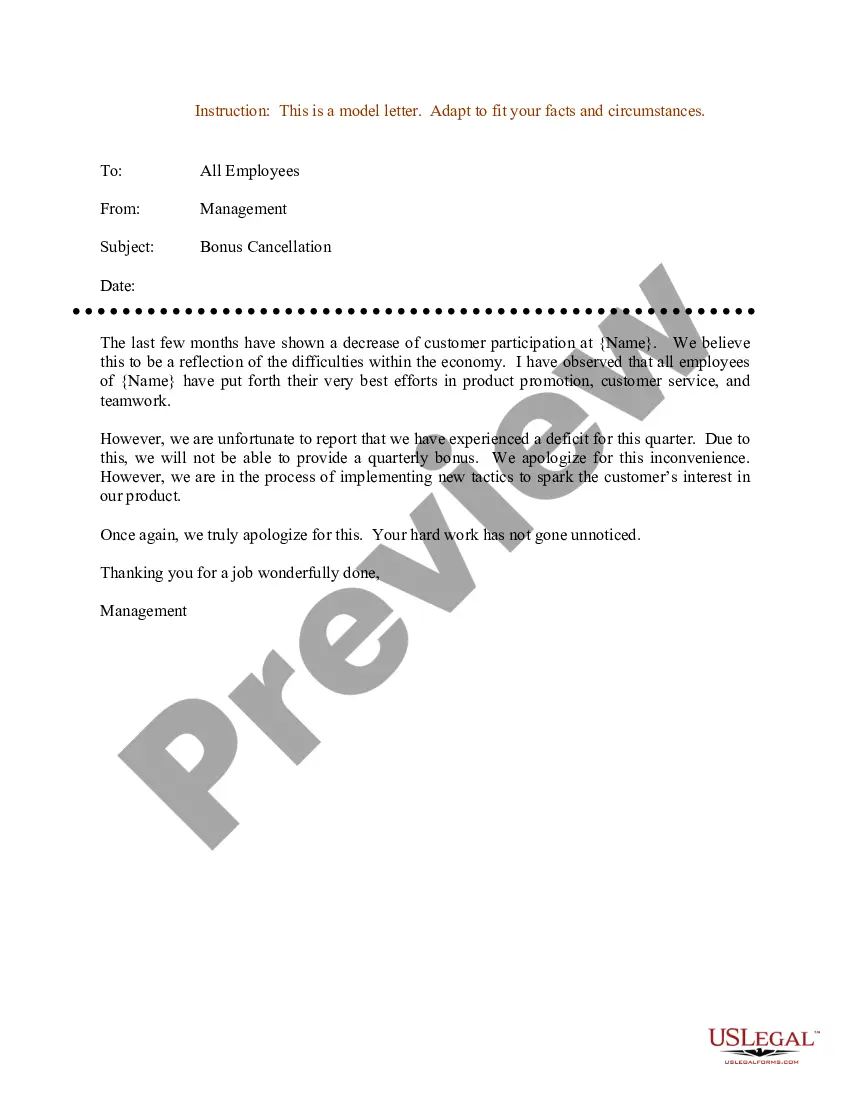
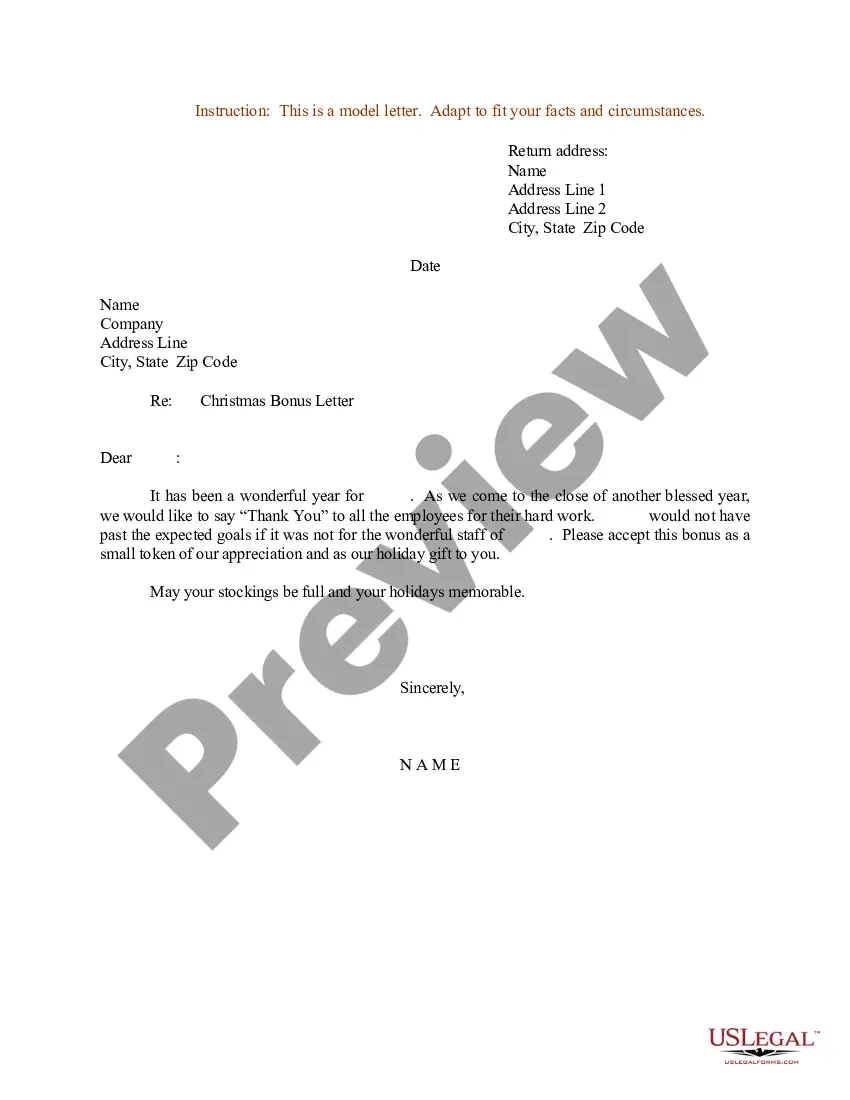
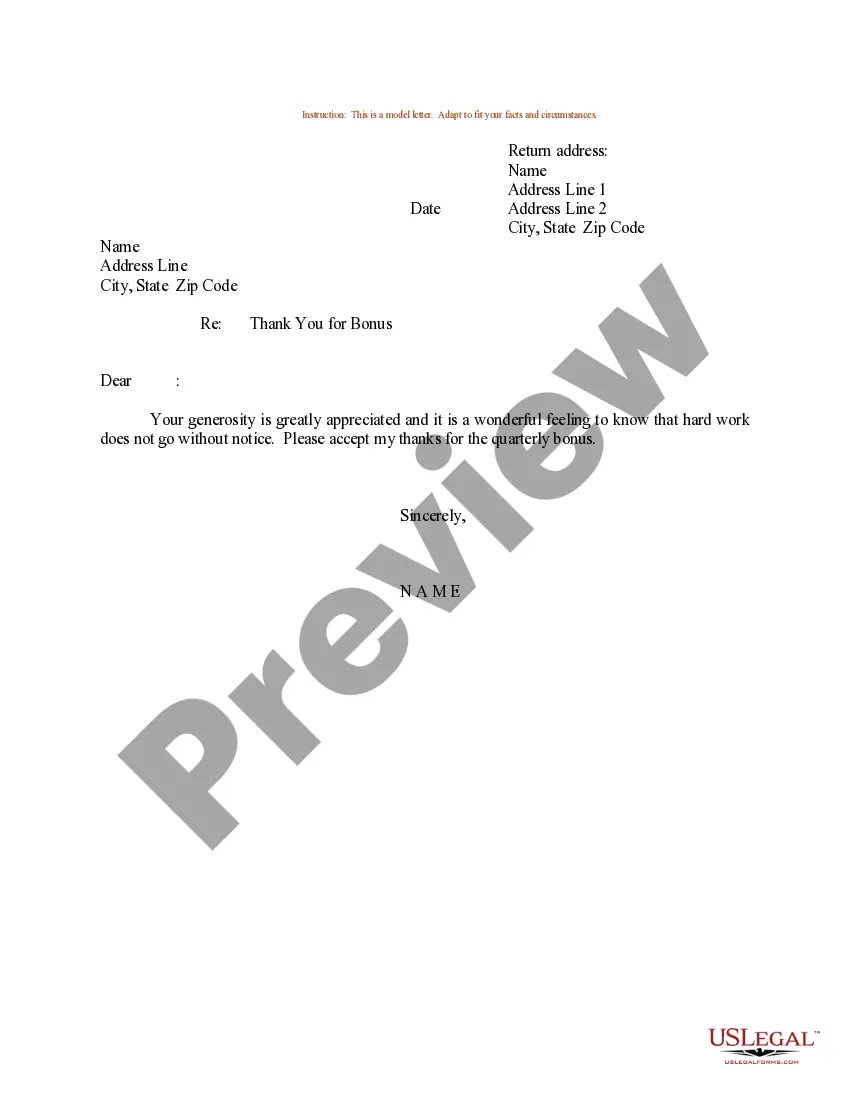
Get your form ready online
Our built-in tools help you complete, sign, share, and store your documents in one place.
Make edits, fill in missing information, and update formatting in US Legal Forms—just like you would in MS Word.
Download a copy, print it, send it by email, or mail it via USPS—whatever works best for your next step.
Sign and collect signatures with our SignNow integration. Send to multiple recipients, set reminders, and more. Go Premium to unlock E-Sign.
If this form requires notarization, complete it online through a secure video call—no need to meet a notary in person or wait for an appointment.
We protect your documents and personal data by following strict security and privacy standards.

Make edits, fill in missing information, and update formatting in US Legal Forms—just like you would in MS Word.

Download a copy, print it, send it by email, or mail it via USPS—whatever works best for your next step.

Sign and collect signatures with our SignNow integration. Send to multiple recipients, set reminders, and more. Go Premium to unlock E-Sign.

If this form requires notarization, complete it online through a secure video call—no need to meet a notary in person or wait for an appointment.

We protect your documents and personal data by following strict security and privacy standards.
Looking for another form?








Form popularity
FAQ
To inform employees about their bonus, you can send a bonus letter. The bonus letter should include details such as the bonus amount, the reason for the bonus, and any performance criteria used to determine it. Sending a personalized bonus letter to employees adds a professional touch.
Consider saying ``Thank you for the bonus. I am so appreciative of it. I will continue giving my best every day''. Adding that second and third line makes all the difference.
Bonus Amount: State the exact amount of the bonus being awarded. For instance, “You will receive a performance bonus of $5,000.” Rationale for Award: Provide a brief explanation of why the bonus is being awarded. This could include a summary of the employee's achievements and their impact on the organization.
The KPI excel template is designed to help you manage your bonus program by measuring each employee's performance, guided by each employee's key performance indicators (KPIs), while making sure that everyone within the organization is focused on achieving the company's top priorities and goals.
Dear Employee Name, We are pleased to present you with your year award in the amount of $__. This bonus award reflects your excellent performance, the contributions you made and the goals achieved on behalf of Company Name during the past year.
If you're asking for a bonus for a specific project, provide facts and figures about the outcome of the project and how it exceeded the stakeholders' requirements. If you're asking for a bonus for more general reasons, offer details about why you deserve it.
Once you have both performance percentage and salary percentage for each individual, you can multiply them together by an individual. Add up all individuals to get a total ratio. Divide each individual's share by the full rate, and that's the portion of the bonus pool that an individual receives.
To calculate a KPI bonus, you'll first take the number of KPIs the employee reached and multiply that by your bonus rate. KPI stands for Key Performance Indicator, which, when used regarding employees, refers to benchmarks that a company sets for its employees to see how well they're performing.
Now to calculate the total basically take the base salary multiply. By this plus one closeMoreNow to calculate the total basically take the base salary multiply. By this plus one close parenthesis. And you're almost done now you apply the rest of the row. And you're complete.

