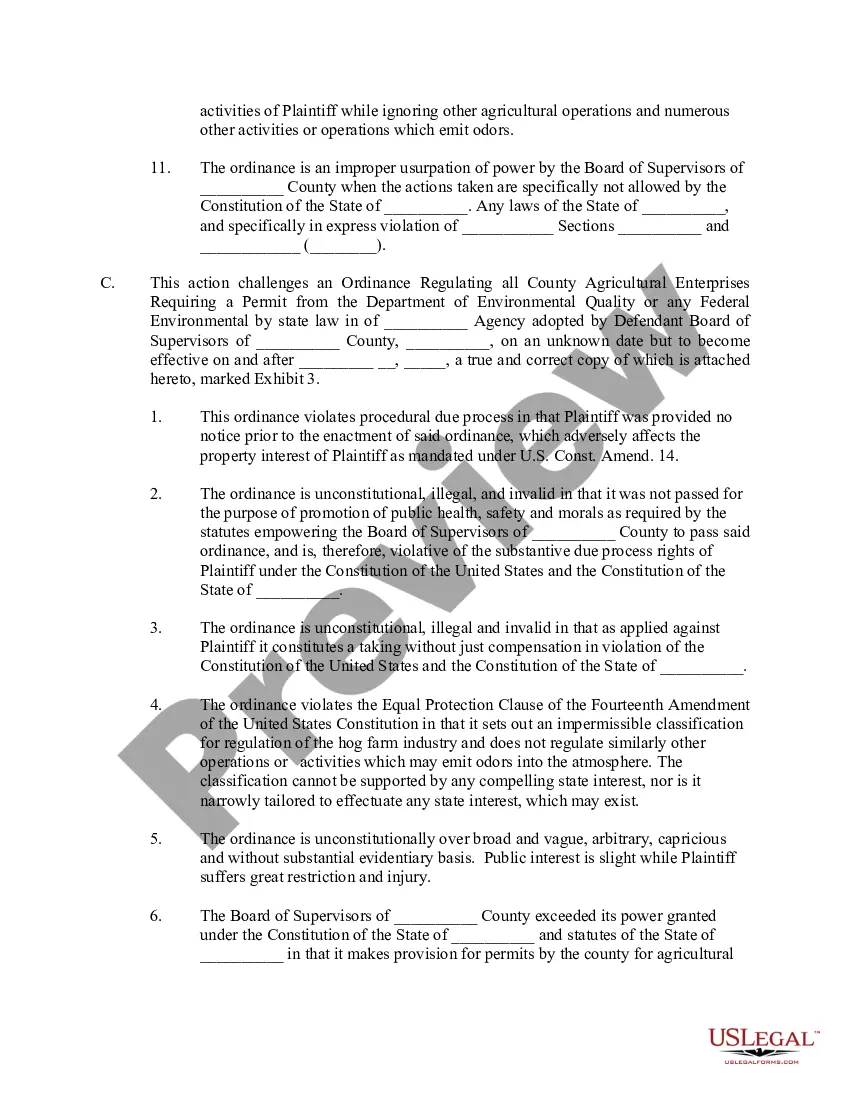
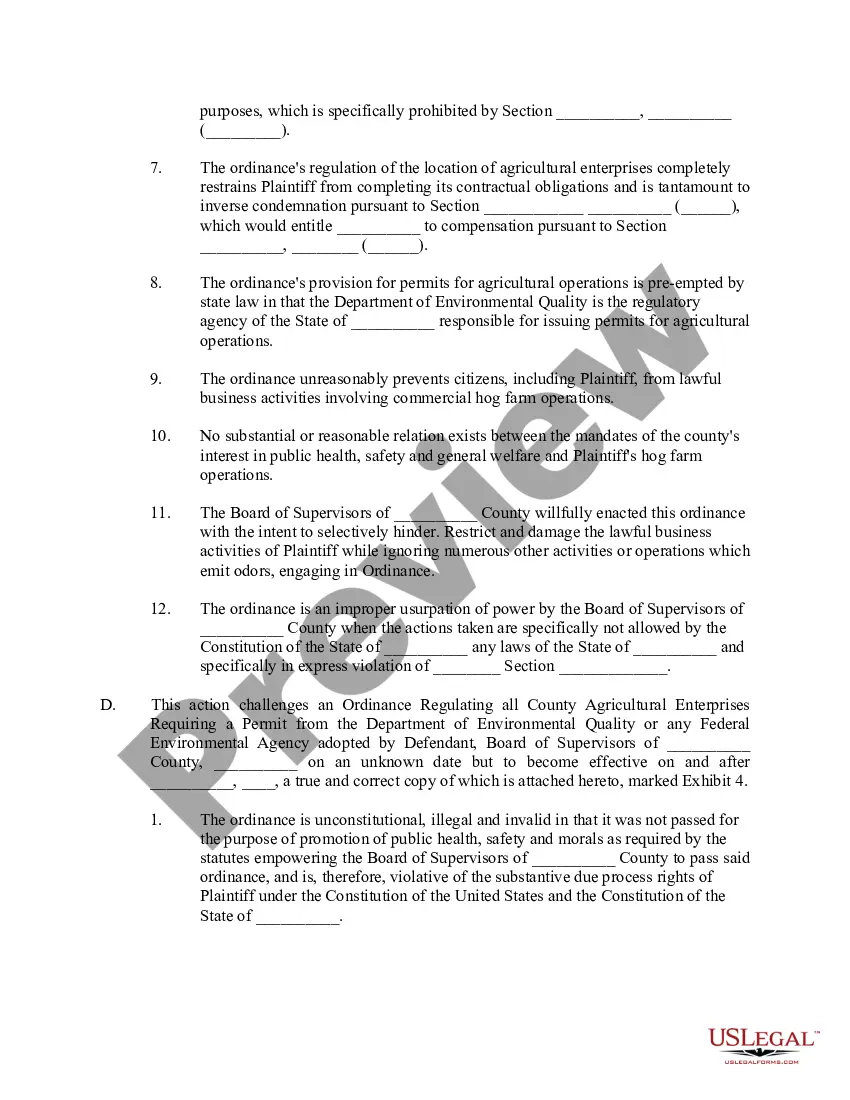
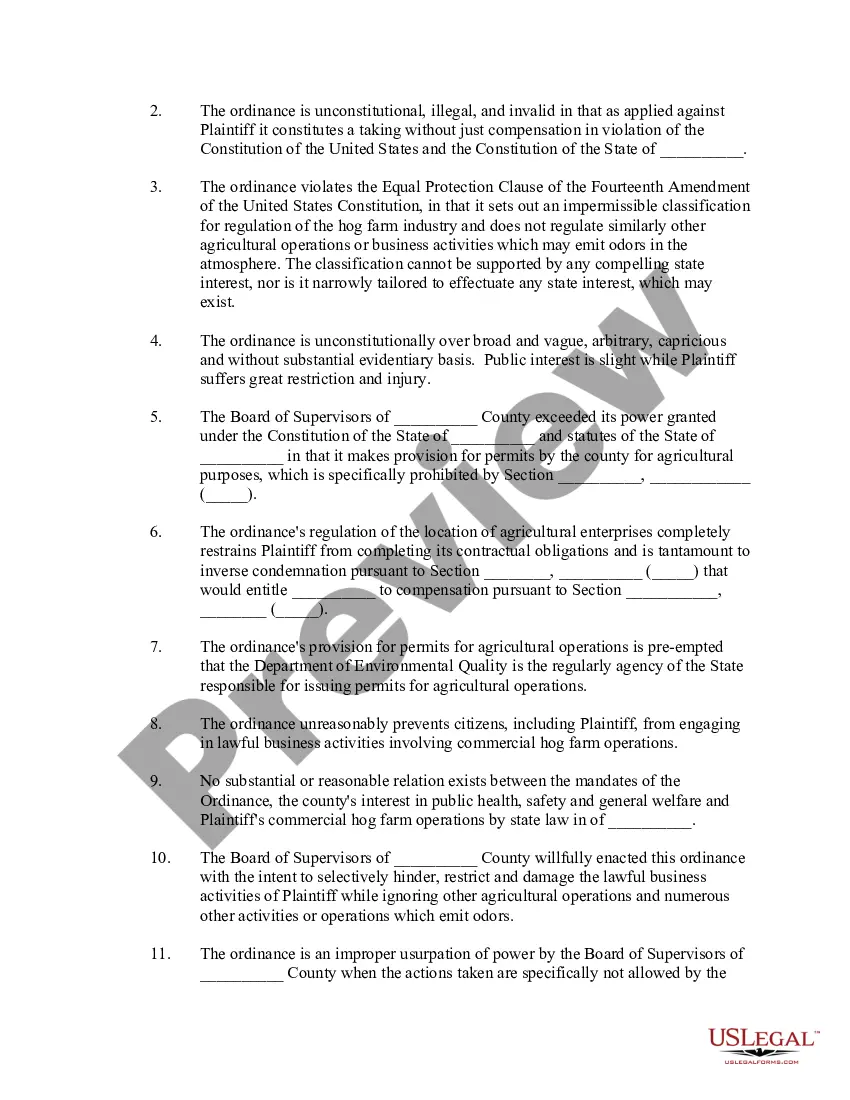
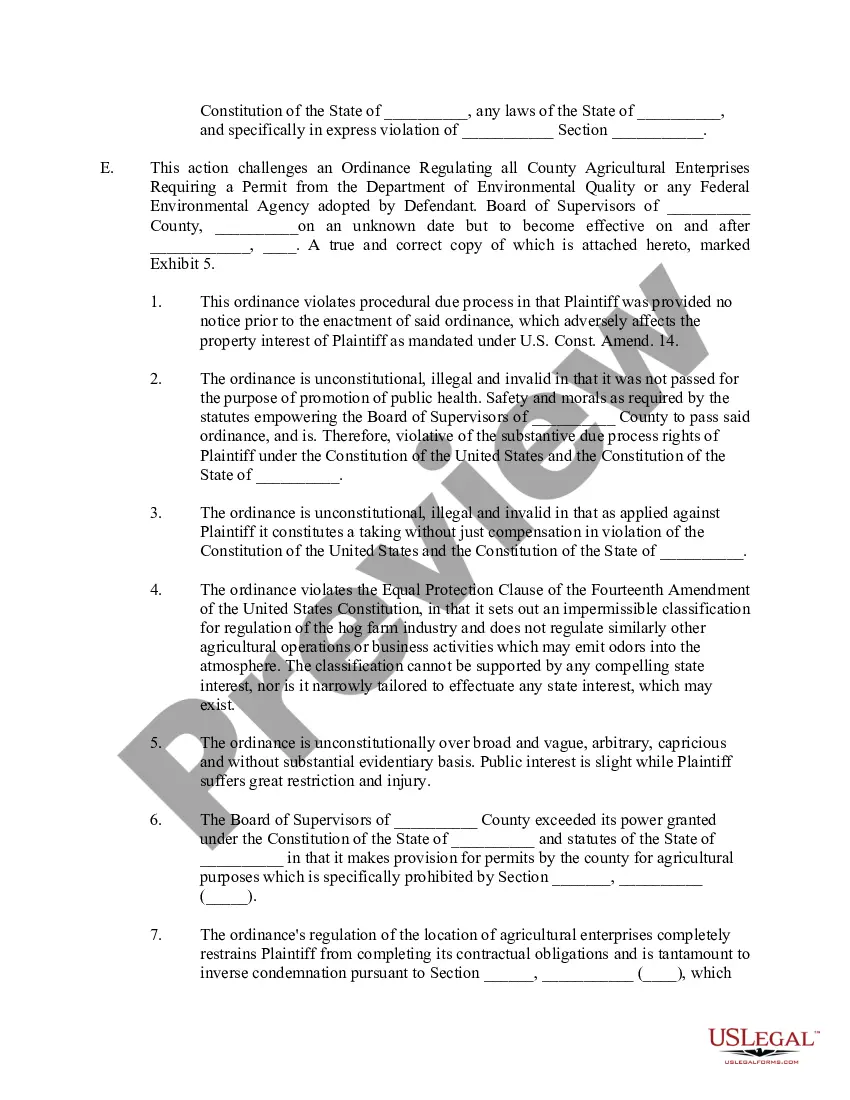
Emergency Injunction Form For Court In Riverside
Description

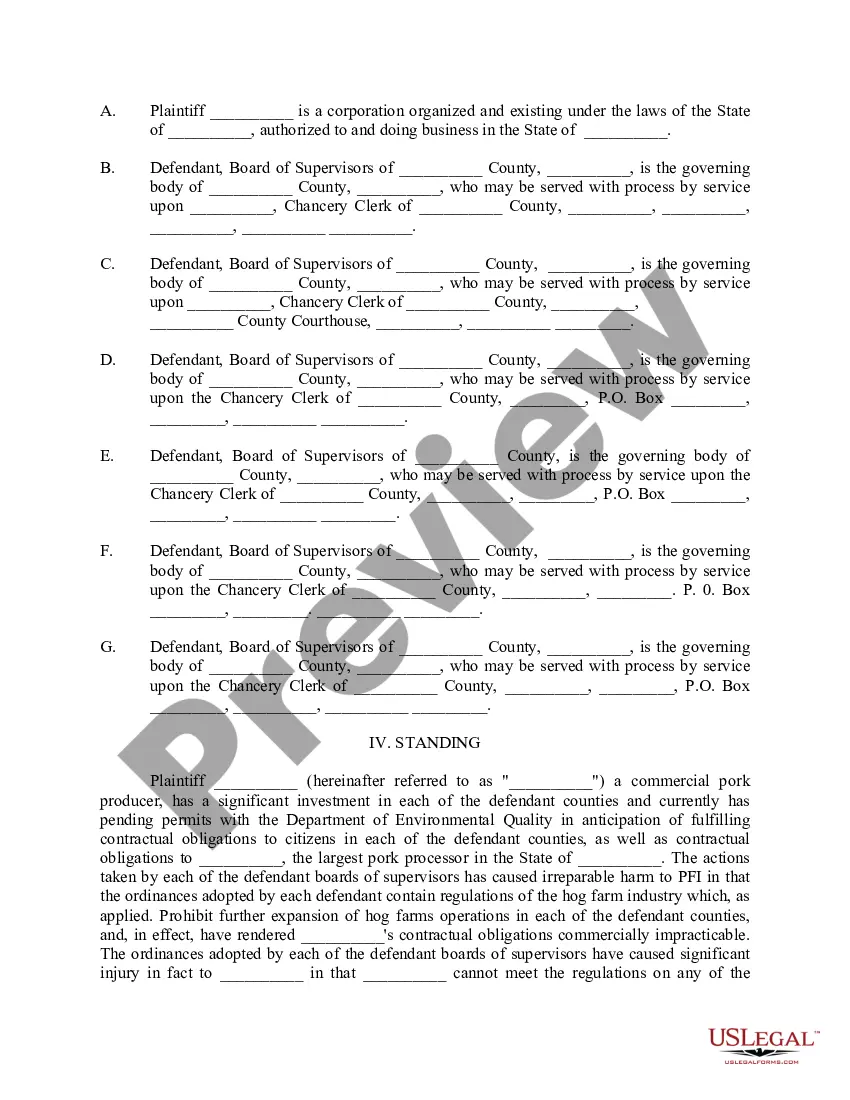
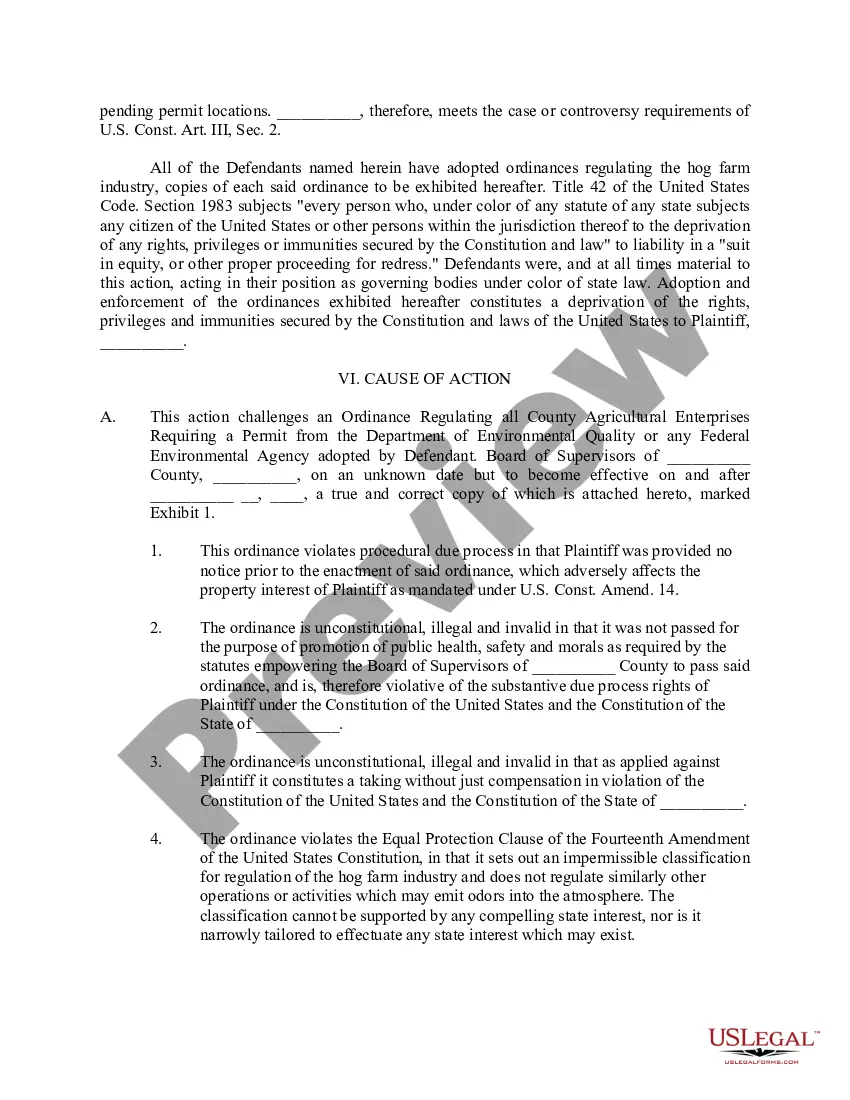
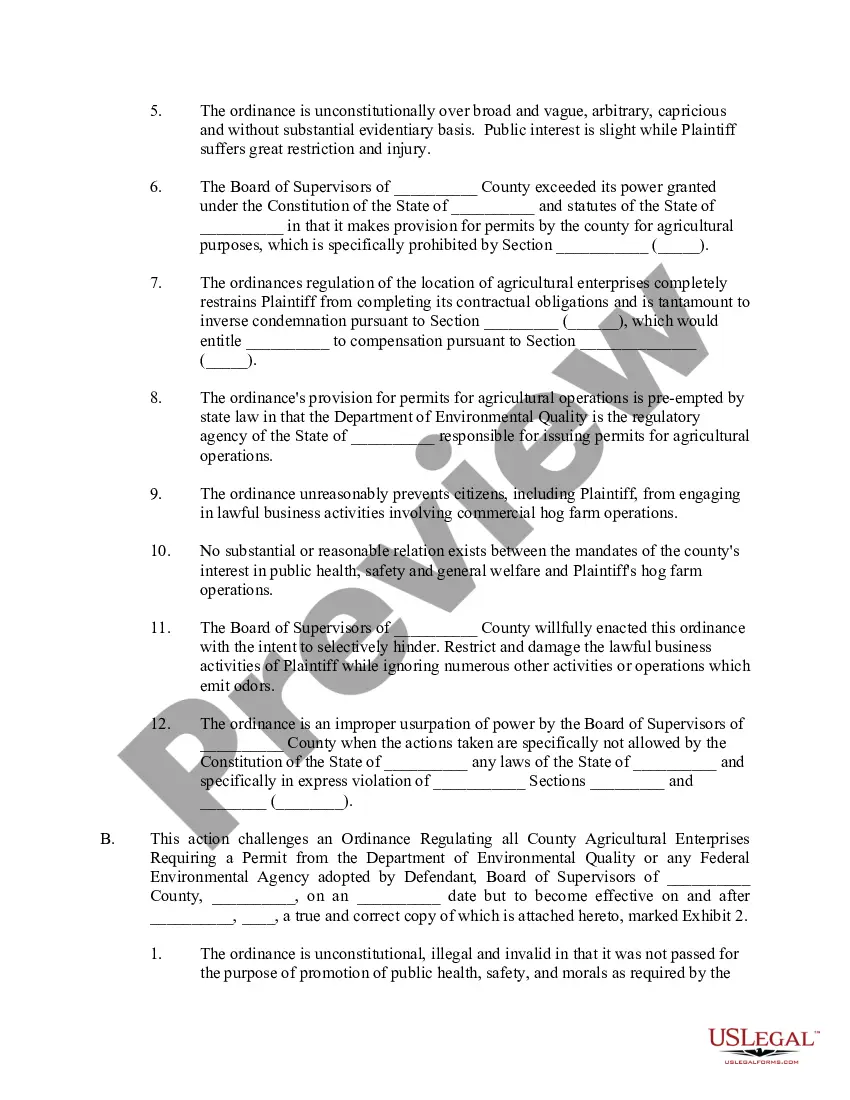
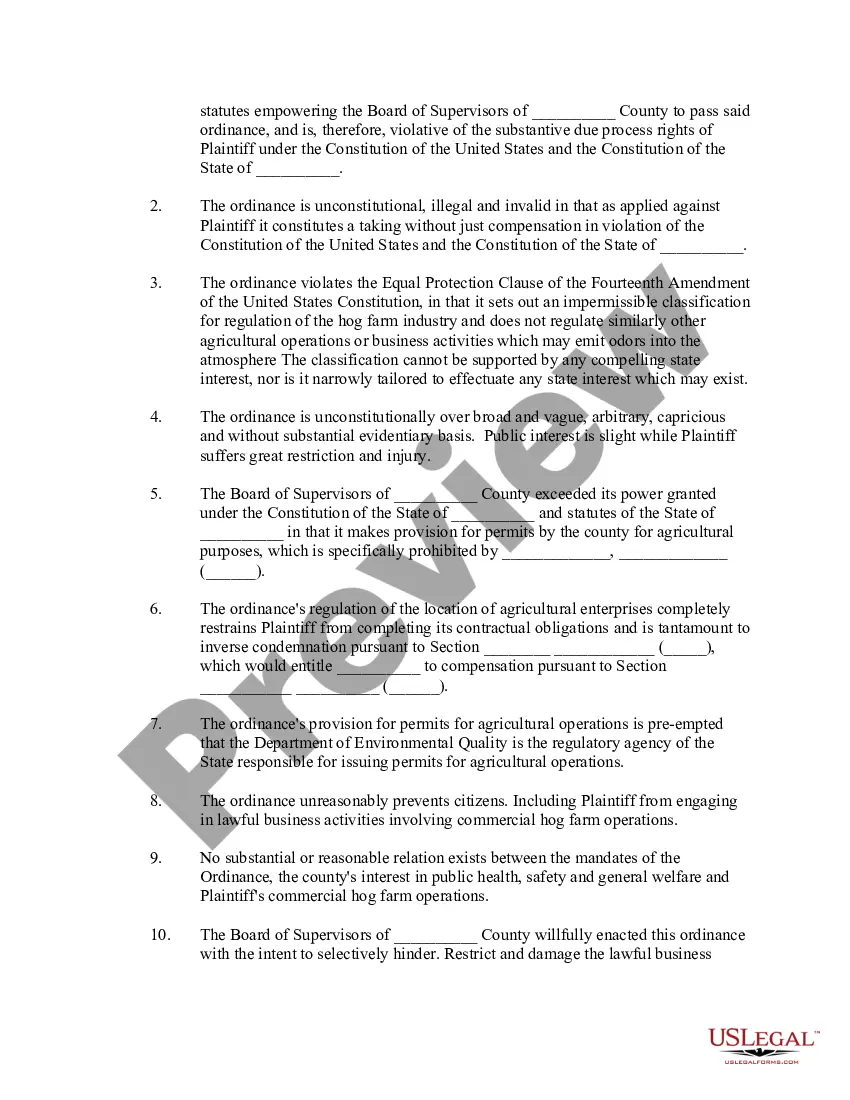
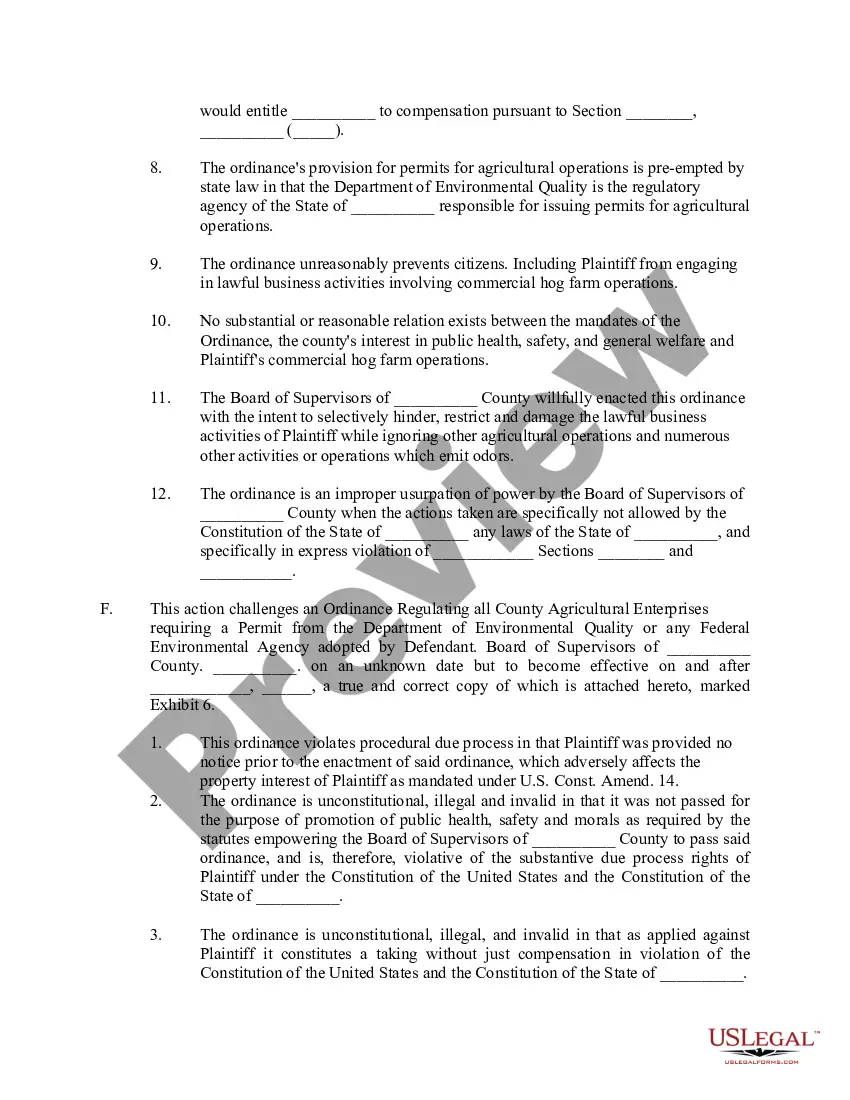

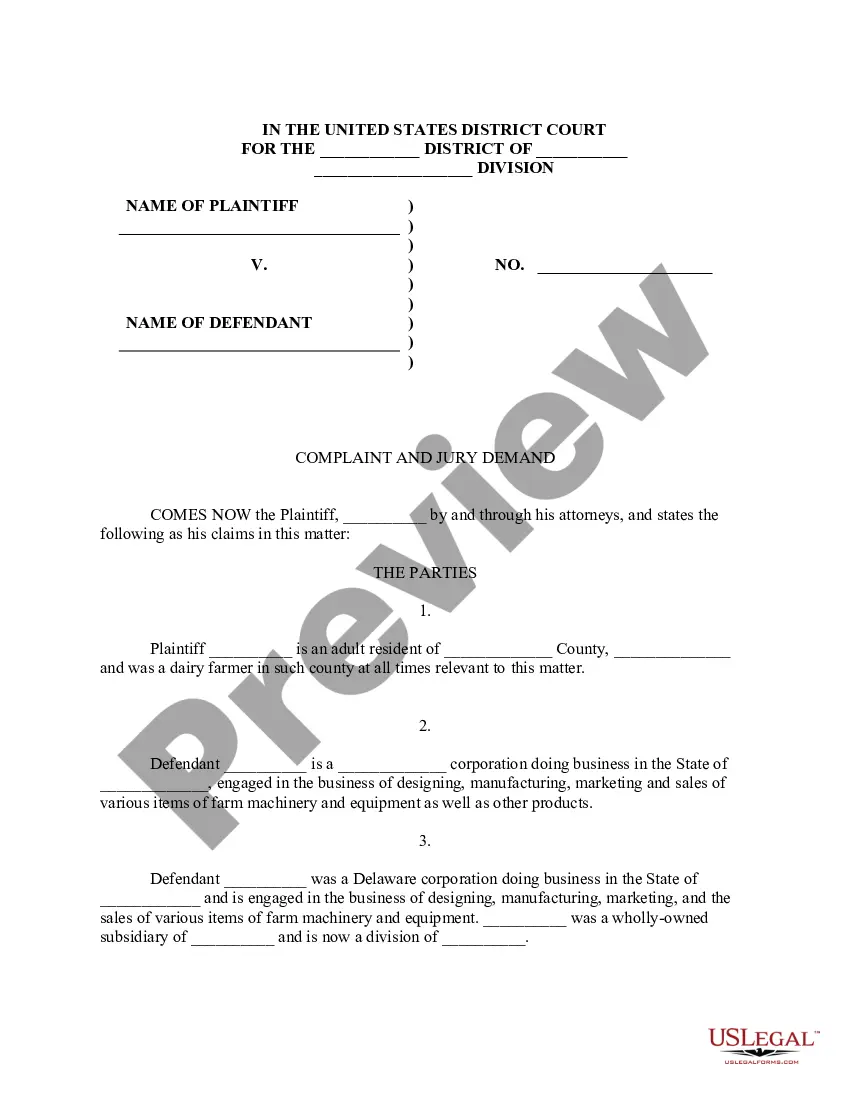
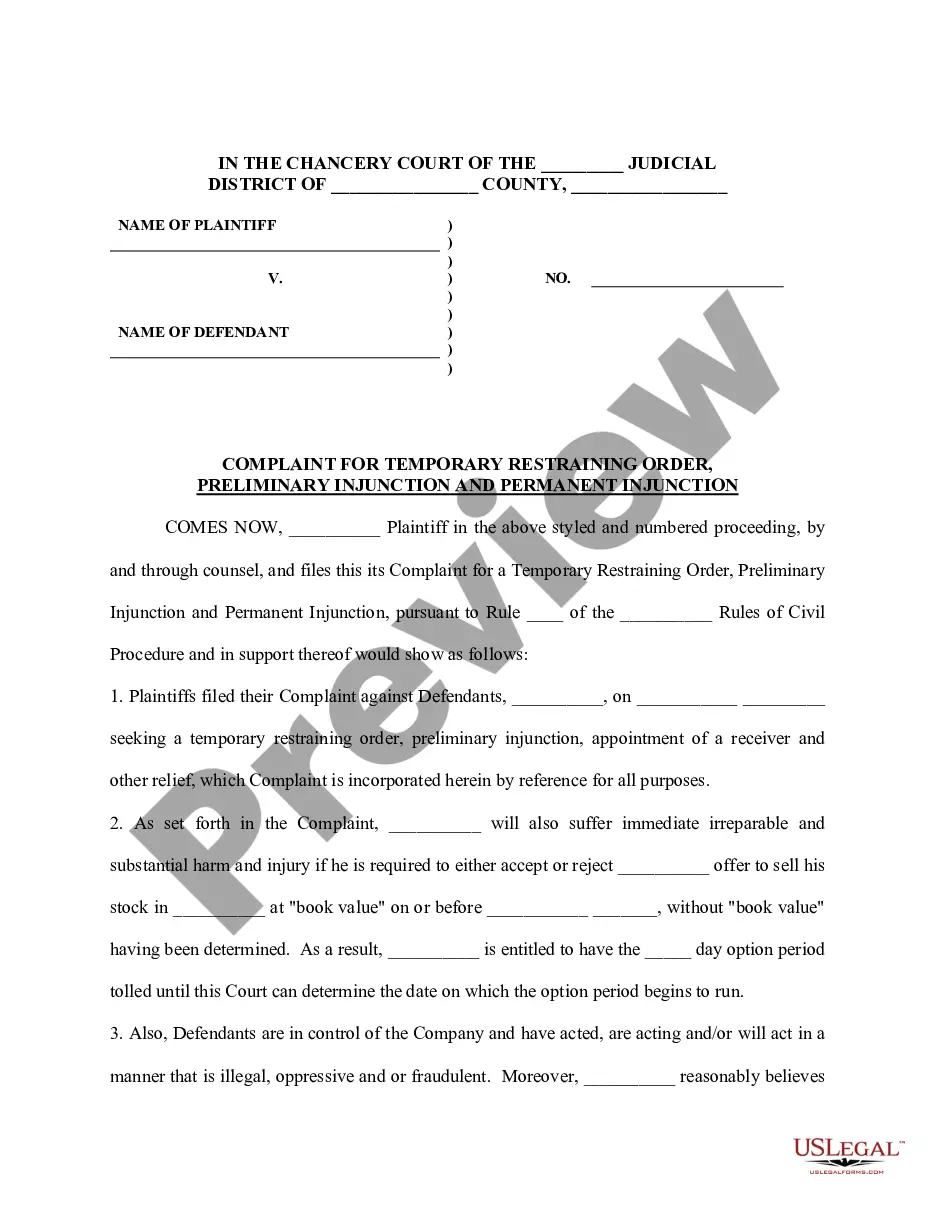
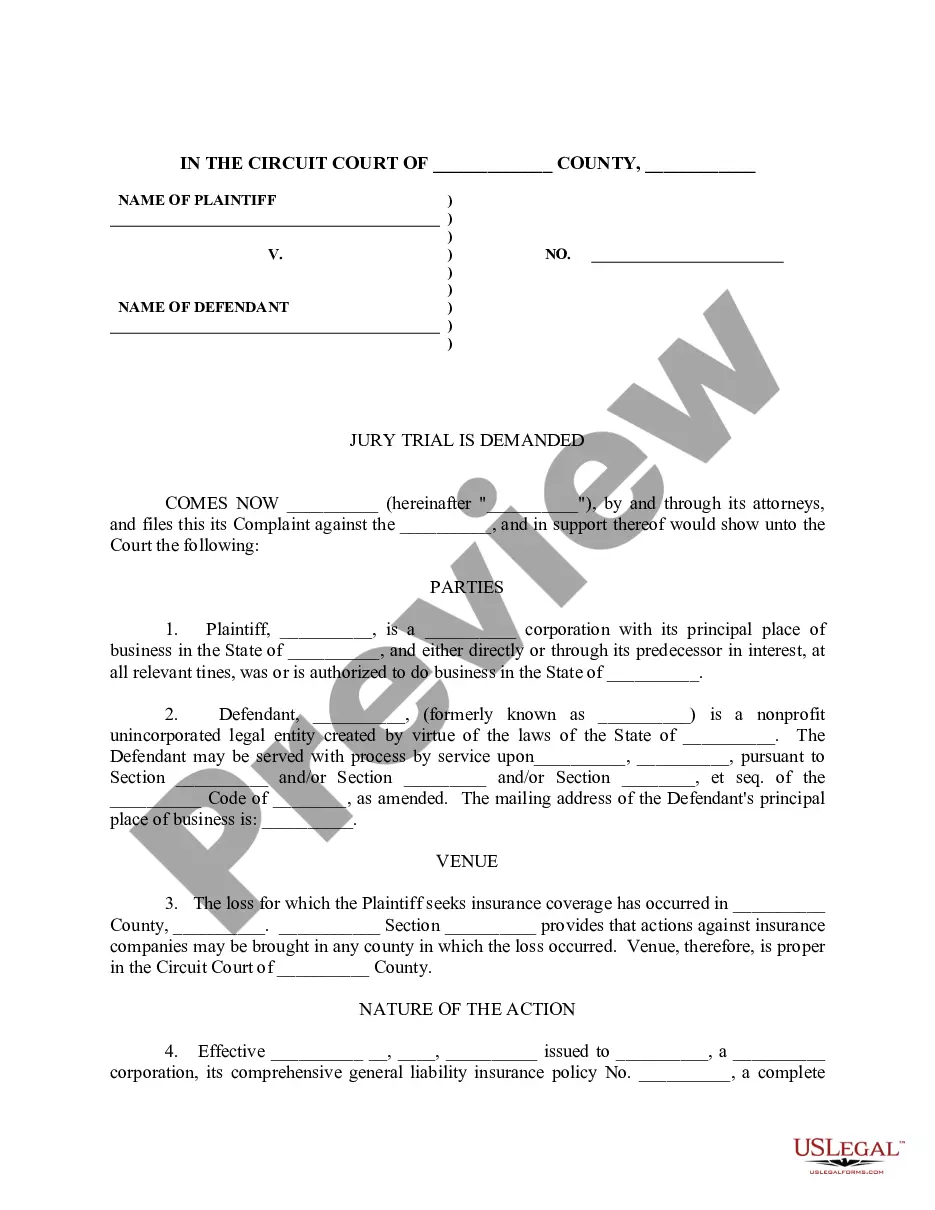
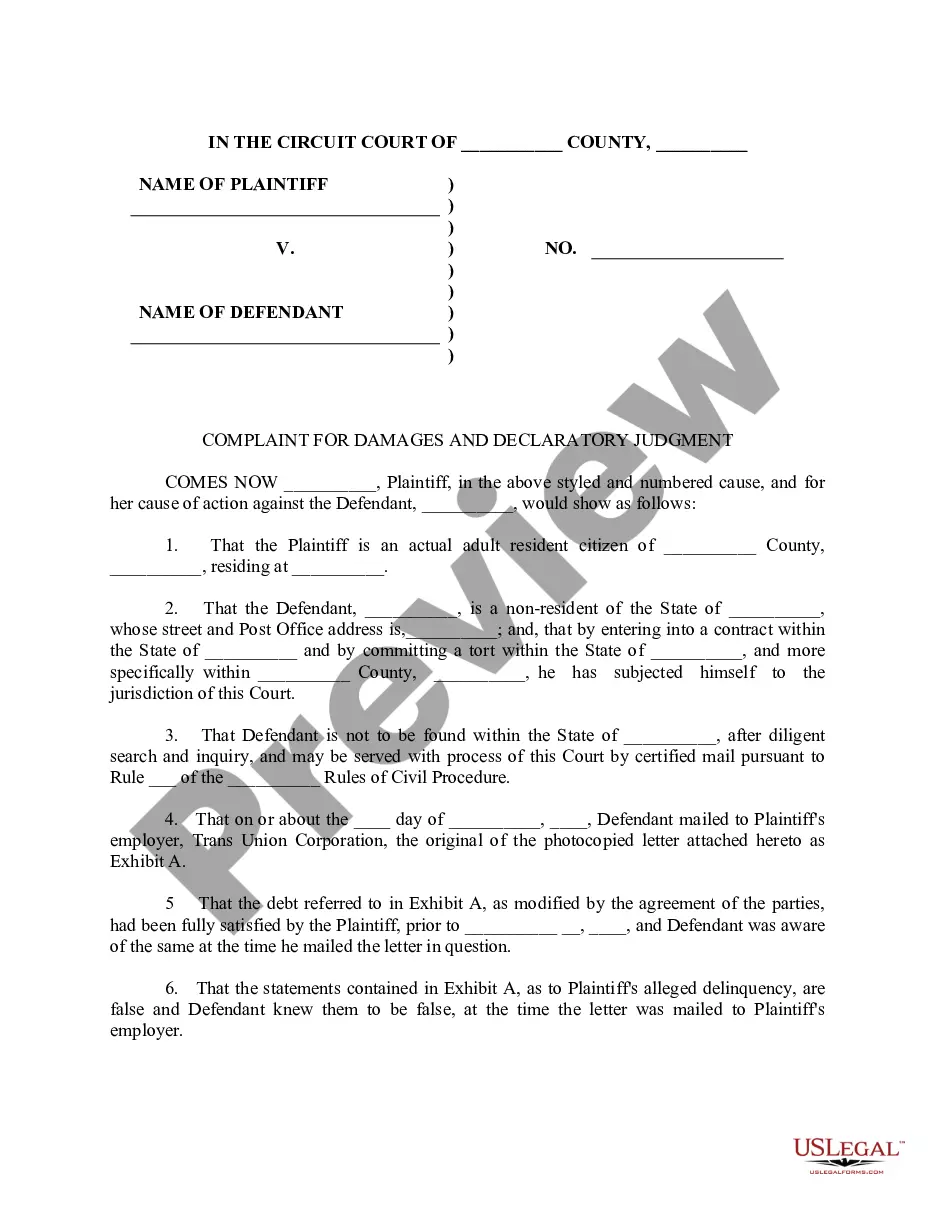
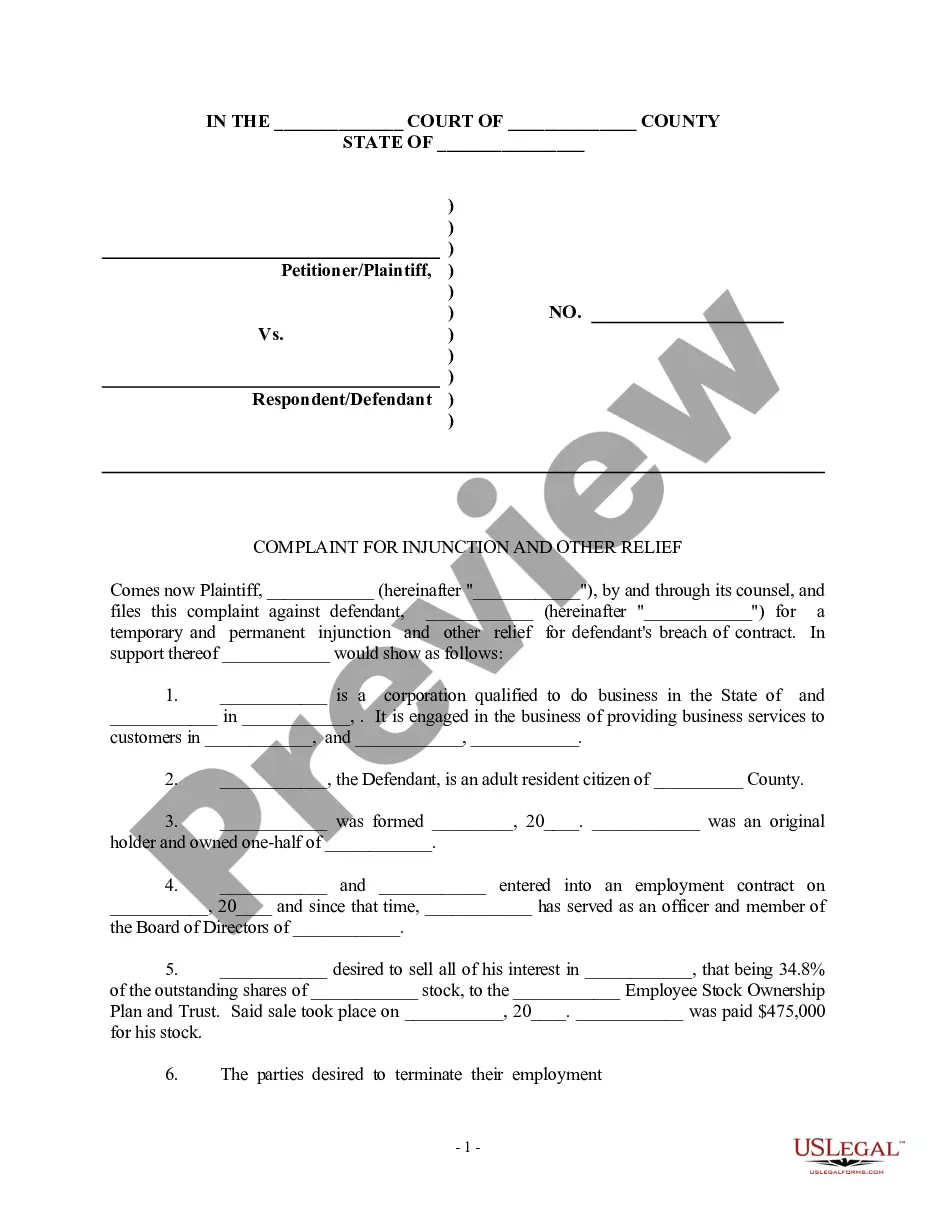
Get your form ready online
Our built-in tools help you complete, sign, share, and store your documents in one place.
Make edits, fill in missing information, and update formatting in US Legal Forms—just like you would in MS Word.
Download a copy, print it, send it by email, or mail it via USPS—whatever works best for your next step.
Sign and collect signatures with our SignNow integration. Send to multiple recipients, set reminders, and more. Go Premium to unlock E-Sign.
If this form requires notarization, complete it online through a secure video call—no need to meet a notary in person or wait for an appointment.
We protect your documents and personal data by following strict security and privacy standards.

Make edits, fill in missing information, and update formatting in US Legal Forms—just like you would in MS Word.

Download a copy, print it, send it by email, or mail it via USPS—whatever works best for your next step.

Sign and collect signatures with our SignNow integration. Send to multiple recipients, set reminders, and more. Go Premium to unlock E-Sign.

If this form requires notarization, complete it online through a secure video call—no need to meet a notary in person or wait for an appointment.

We protect your documents and personal data by following strict security and privacy standards.
Looking for another form?
Form popularity
FAQ
Go to the court's website where the case is filed. Most courts have a section on their website called "online services" or something similar. There you will find information about whether you can look up a court case online and what type of records you can see. Not all types of records are available online.
Court Records Please visit the Riverside Superior Court's Public Access webpage to access available civil and criminal case information without visiting the courthouse. For public records searches outside Riverside County, visit the State of California website, or the county or state in which the events took place.
Court Records Please visit the Riverside Superior Court's Public Access webpage to access available civil and criminal case information without visiting the courthouse. For public records searches outside Riverside County, visit the State of California website, or the county or state in which the events took place.
There must be an emergency An emergency means there's immediate danger of: Irreparable harm to someone in the case (usually you or your child) Loss or damage to property.
If you believe that your child is in imminent danger in the other parent's home, you can file for an emergency custody order to have them removed immediately. To succeed with this application, you must convince the court that it's the only way to keep your child safe.
Navigating the intricate legal landscape of child custody can be a stressful part of any divorce. In California, parents have the right to petition for an emergency custody hearing in family court under certain circumstances to protect their child from imminent harm.
The thing to do is file an emergency petition with your court. If the family court judge determines that an emergency truly exists, then a judge will probably be able to give you relief much more quickly than a judge would give you on a normal case where an emergency doesn't exist.
Declaration Regarding Notice and Service of Request for Temporary Emergency (Ex Parte) Orders (FL-303) Tells the court if and how you let the other party know that you are asking the court to make emergency orders in your case.
(b) Either party may request a continuance of the hearing, which the court shall grant on a showing of good cause. The request may be made in writing before or at the hearing or orally at the hearing. The court may also grant a continuance on its own motion.
Insufficient Evidence: The court requires compelling evidence to grant emergency custody. While you mentioned having videos, pictures, and text messages, the court might have found the evidence insufficient to demonstrate an immediate threat.
