Sample Letter for Announcement concerning Garage Sale
Overview of this form
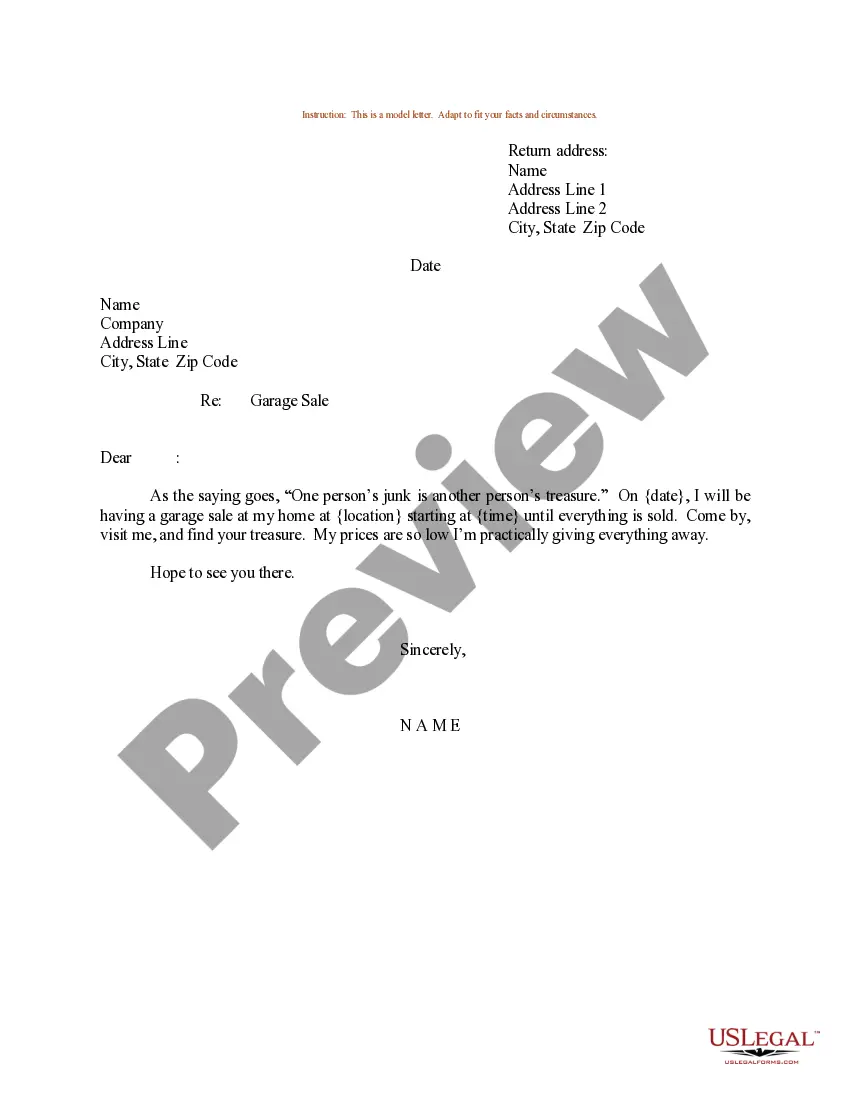
A sample letter for an announcement concerning a garage sale is a document designed to inform friends, family, or neighbors about your upcoming sale. It serves as a personalized invitation, providing essential details about the event. Unlike other generic forms of announcement, this letter format offers a structured yet approachable way to communicate your plans effectively.
Form components explained
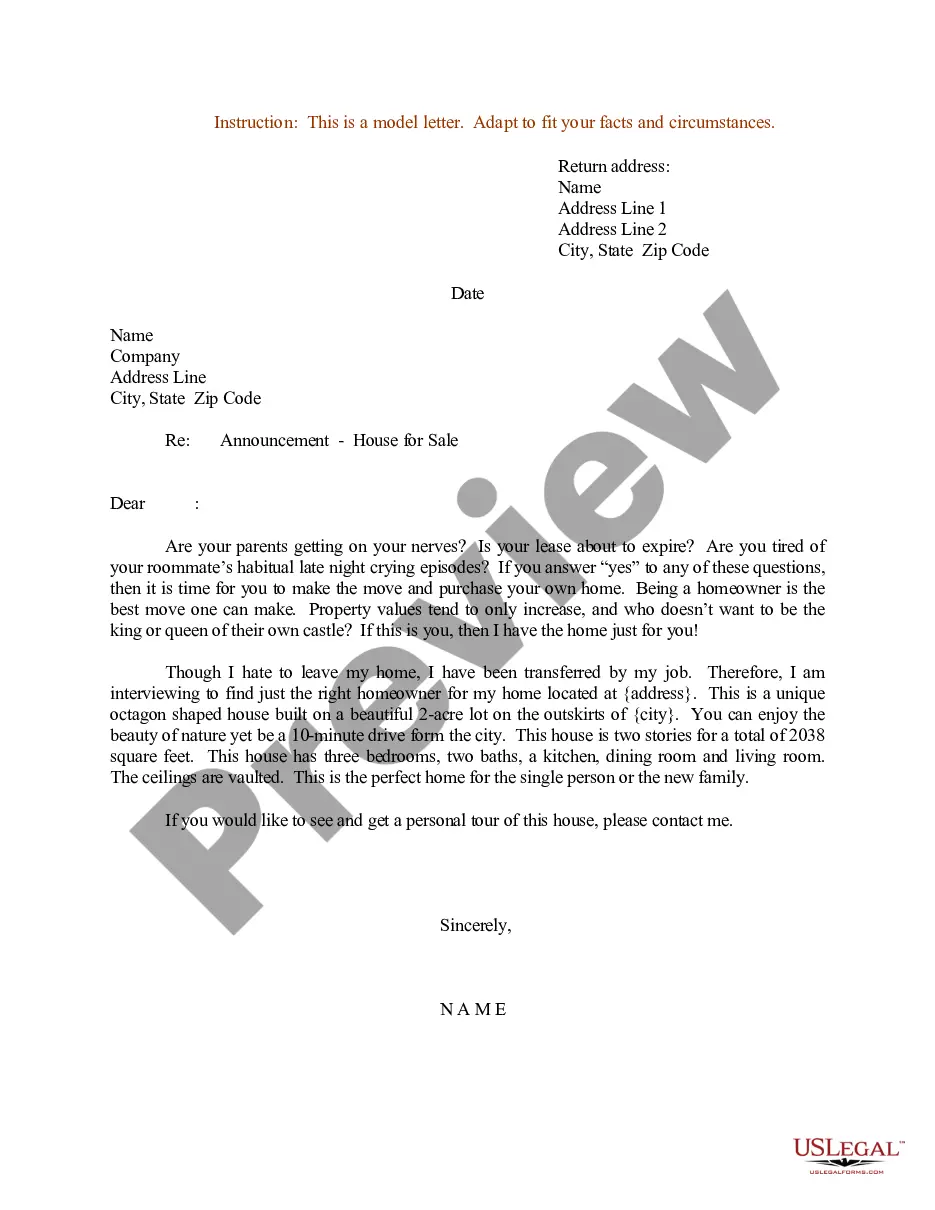
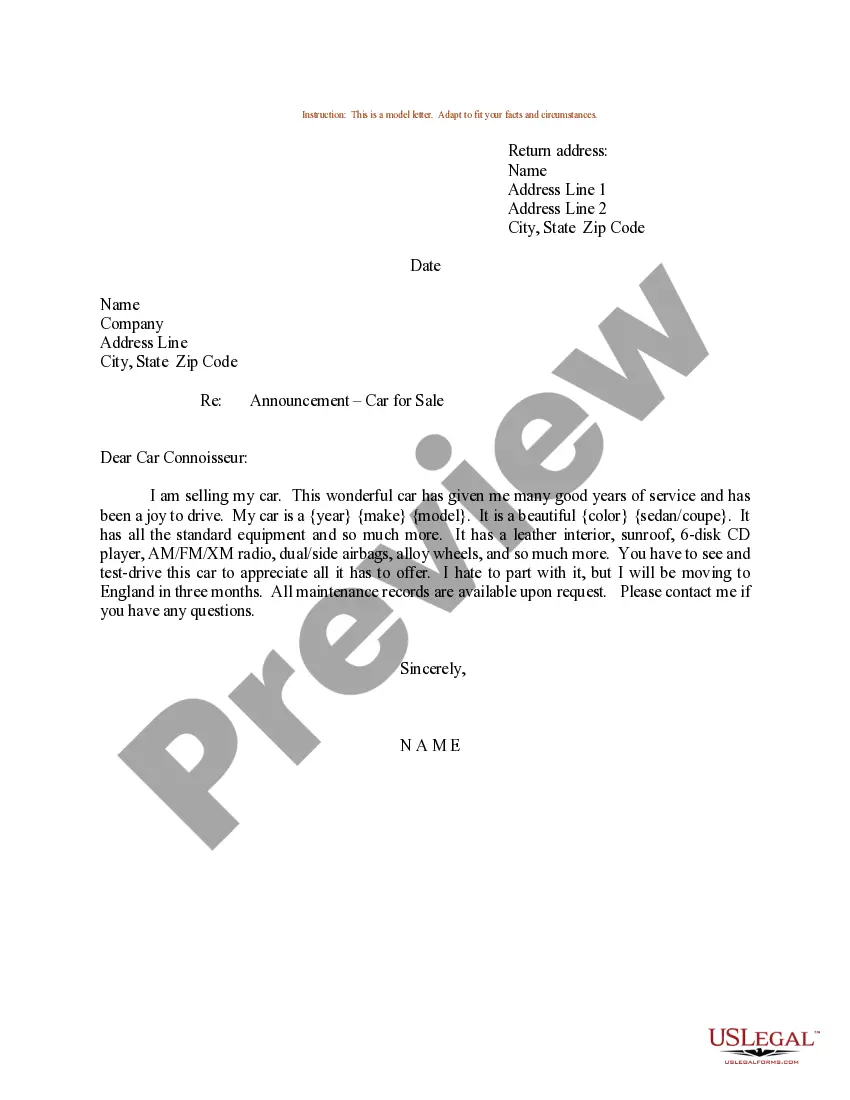
- Return address: Sender's name and address for correspondence.
- Date: The date the letter is created or sent.
- Recipient information: Name and address of the person receiving the invitation.
- Subject line: Clearly states the purpose of the letter.
- Body: A friendly message encouraging attendance and providing basic details about the garage sale.
- Closing: Signature line and name of the sender.
Situations where this form applies
This form is ideal for anyone planning a garage sale who wants to notify others in a personal and direct manner. Use this sample letter when you wish to invite friends, family, or local community members to attend your sale, ensuring they have all the necessary information to participate.
Intended users of this form
- Homeowners planning a garage sale.
- Individuals organizing a community sale.
- Anyone wanting to inform friends and family about a planned sale.
Steps to complete this form
- Fill in your return address at the top of the letter.
- Enter the current date just below your address.
- Include the recipient's name and address.
- State the subject clearly in the subject line.
- Write a welcoming message, encouraging attendance at your garage sale.
- Sign the letter with your name at the end.
Does this form need to be notarized?
This form usually doesn’t need to be notarized. However, local laws or specific transactions may require it. Our online notarization service, powered by Notarize, lets you complete it remotely through a secure video session, available 24/7.
Get your form ready online
Our built-in tools help you complete, sign, share, and store your documents in one place.
Make edits, fill in missing information, and update formatting in US Legal Forms—just like you would in MS Word.
Download a copy, print it, send it by email, or mail it via USPS—whatever works best for your next step.
Sign and collect signatures with our SignNow integration. Send to multiple recipients, set reminders, and more. Go Premium to unlock E-Sign.
If this form requires notarization, complete it online through a secure video call—no need to meet a notary in person or wait for an appointment.
We protect your documents and personal data by following strict security and privacy standards.

Make edits, fill in missing information, and update formatting in US Legal Forms—just like you would in MS Word.

Download a copy, print it, send it by email, or mail it via USPS—whatever works best for your next step.

Sign and collect signatures with our SignNow integration. Send to multiple recipients, set reminders, and more. Go Premium to unlock E-Sign.

If this form requires notarization, complete it online through a secure video call—no need to meet a notary in person or wait for an appointment.

We protect your documents and personal data by following strict security and privacy standards.
Typical mistakes to avoid
- Not including the date, which can lead to confusion about the event.
- Forgetting to provide the complete address of the sale location.
- Using vague language that does not clearly convey the invitation.
Advantages of online completion
- Convenient access to the form whenever you need it.
- Easily customizable to suit your specific sale details.
- Reliable formatting and structure to ensure clarity and professionalism.
Legal use & context
- This template serves as a non-binding invitation and does not require formal legal documentation.
- It is advisable to follow local laws regarding the advertisement of garage sales, including obtaining necessary permits if required.
Summary of main points
- The Sample Letter for Announcement concerning Garage Sale is an effective tool to inform others about your sale.
- Completing the letter correctly ensures your message is clear and professional.
- No notarization is generally required for this type of letter.
Looking for another form?

Form popularity
FAQ
Perhaps the most important aspect of writing an announcement email is to tell the audience why the message is important (i.e. how they will benefit from your product or service). Talk about how your product or service will solve their problem. Briefly describe the product, service or upcoming event.
Select your Sales Poster from of over 15.000 ready-made templates. Select one of more than 1.200. 000 images or upload your own image. Change the color and text to your own branded message using of over 100 fresh fonts. Share or download your own brand new Sales Poster.
Be direct and concise in your announcement. Write a short, friendly announcement that's to the point when you're sharing positive news. Recognize what others have achieved in your announcement, and motivate your reader to reach similar goals.
Adobe Spark is the best app for making stunning graphics and posters without having design skills. The app is really easy to use and offers easy tools to make posters and banners. You can select the layout, add photos, text, and elements for making eye-catching posters.
Join Venngage - it's completely free to use! Pick a poster template - we have 100s to choose from. Change the text, icons, photos, and color scheme using our free Poster Maker. Add extra text boxes or new icons to create the perfect poster. Share your poster with the world!
Trigger your users' curiosity with teaser Email Send it 10 days before the launch. Announce your new release with a product email Send it 5 days before the product launch.
Be direct and concise in your announcement. Write a short, friendly announcement that's to the point when you're sharing positive news. Recognize what others have achieved in your announcement, and motivate your reader to reach similar goals.
Select your Sales Poster from of over 15.000 ready-made templates. Select one of more than 1.200. 000 images or upload your own image. Change the color and text to your own branded message using of over 100 fresh fonts. Share or download your own brand new Sales Poster.
Step 1: Open MS Word. First, you need to open the Word software on your computer, create a blank document, or open the document you want to insert a banner. Step 2: Choose SmartArt Graphics. Step 3: Customize your design. Step 4: Add pictures.