Deceptive Trade For Nevada In Sacramento
Description

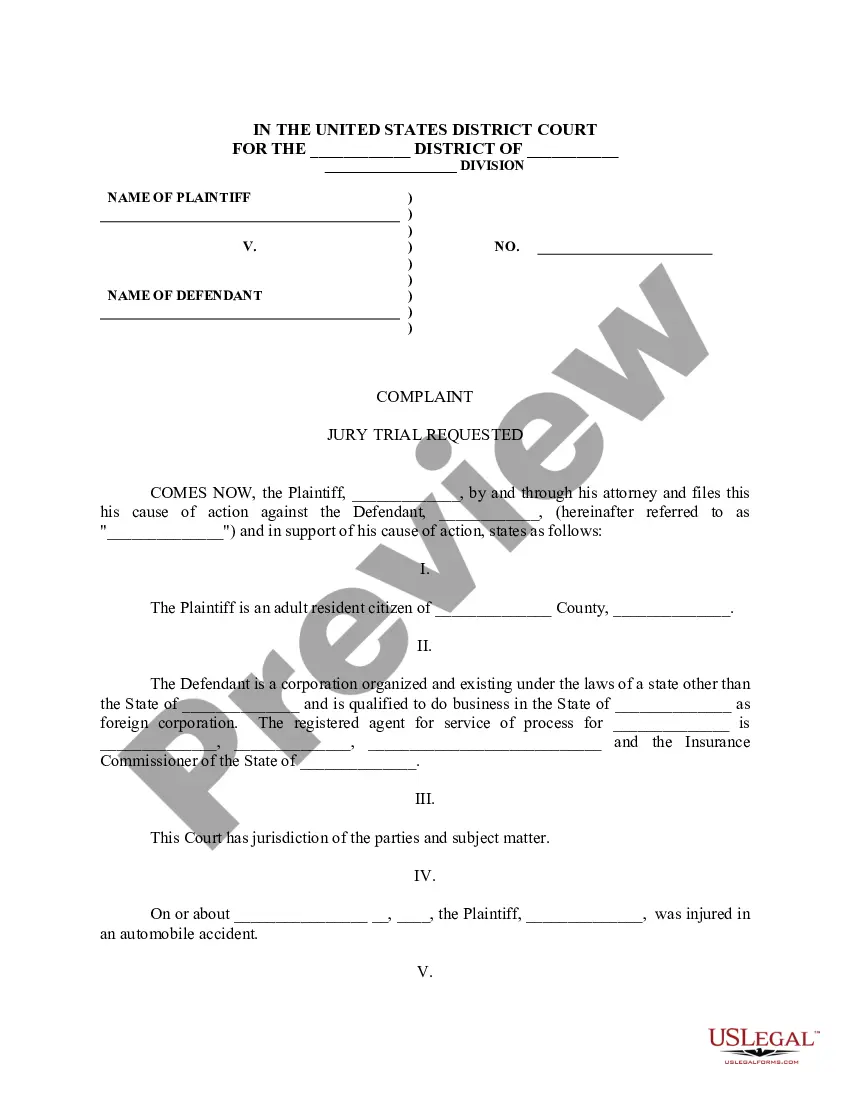
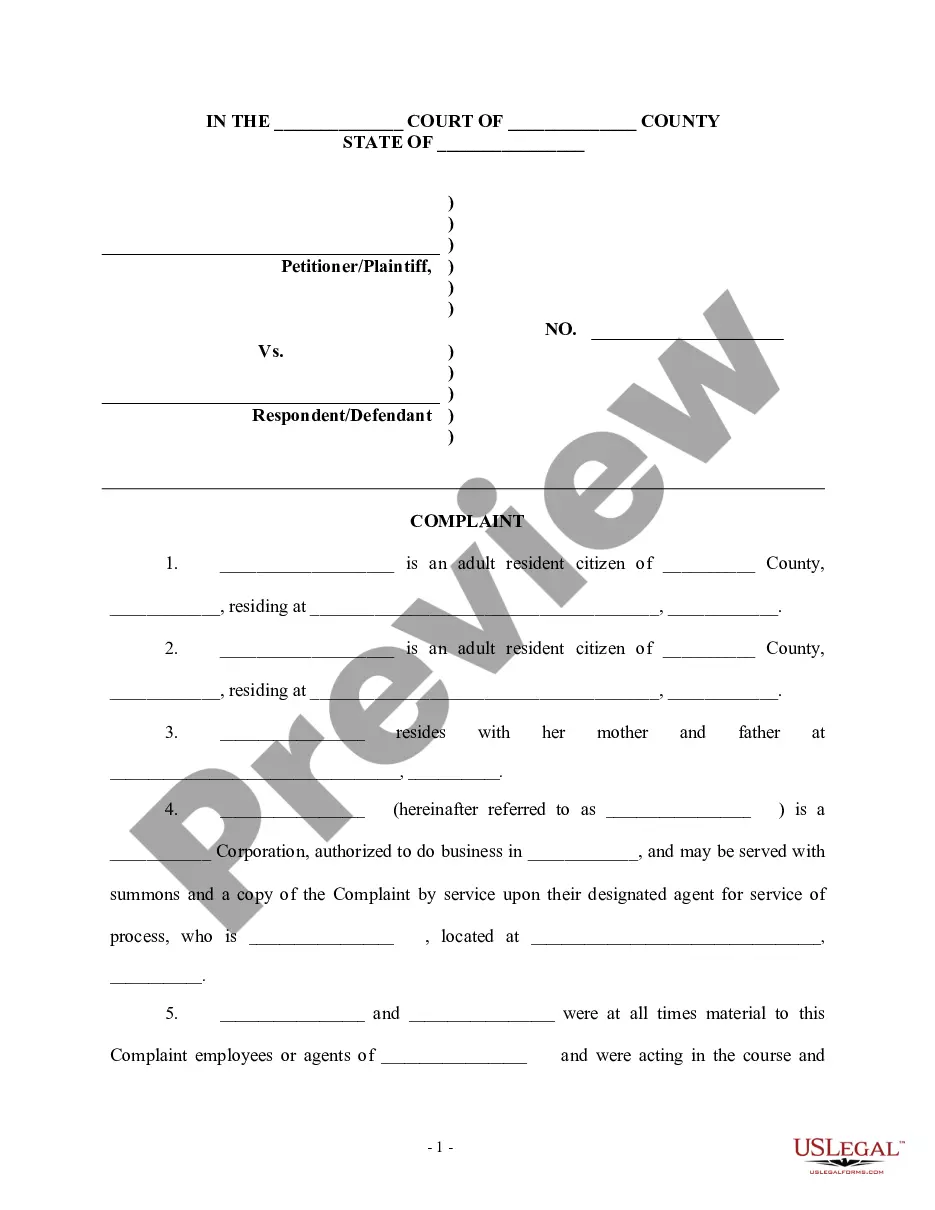
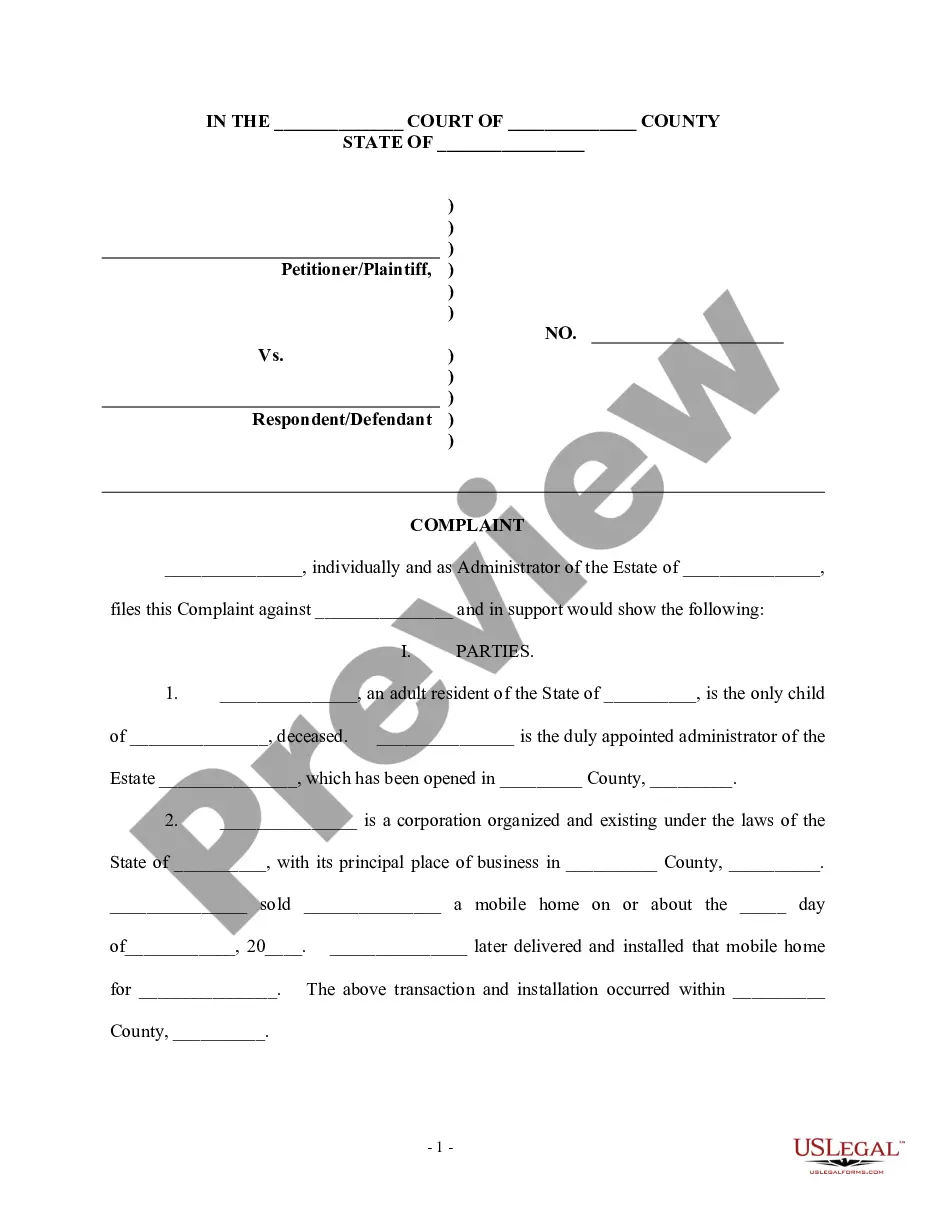
Get your form ready online
Our built-in tools help you complete, sign, share, and store your documents in one place.
Make edits, fill in missing information, and update formatting in US Legal Forms—just like you would in MS Word.
Download a copy, print it, send it by email, or mail it via USPS—whatever works best for your next step.
Sign and collect signatures with our SignNow integration. Send to multiple recipients, set reminders, and more. Go Premium to unlock E-Sign.
If this form requires notarization, complete it online through a secure video call—no need to meet a notary in person or wait for an appointment.
We protect your documents and personal data by following strict security and privacy standards.

Make edits, fill in missing information, and update formatting in US Legal Forms—just like you would in MS Word.

Download a copy, print it, send it by email, or mail it via USPS—whatever works best for your next step.

Sign and collect signatures with our SignNow integration. Send to multiple recipients, set reminders, and more. Go Premium to unlock E-Sign.

If this form requires notarization, complete it online through a secure video call—no need to meet a notary in person or wait for an appointment.

We protect your documents and personal data by following strict security and privacy standards.
Looking for another form?







Form popularity
FAQ
After a complaint is filed, it is reviewed by an attorney general representative who determines whether: The complaint is appropriate for mediation by the office. If it should be referred to another governmental entity that may be more suited to assist with the consumer's complaint.
File a complaint with your local consumer protection office or the state agency that regulates the company. Notify the Better Business Bureau (BBB) in your area about your problem. The BBB tries to resolve your complaints against companies.
Report the Business to the Department of Consumer Affairs: Search online for your state's Department of Consumer Affairs. Visit the department's website. Follow the directions to report an unlicensed business.
If you have been targeted by an illegal business practice or scam, report it at Reportfraud.ftc.
California has not adopted the Uniform Deceptive Trade Practices Act. Deceptive trade practices in the state are dealt under California Business and Professions Code § 17500 et seq. Sections 17500, 17500.5 and 17505 prohibit false advertisements.
The Uniform Deceptive Trade Practices Act The Act lists eleven deceptive trade practices, such as bait advertising, and misrepresentations of trade names, the geographical origin of goods, and the standard or quality of goods.
It is illegal in Nevada to disseminate or distribute false or misleading advertising under NRS 207.171. Being sued and/or convicted of false or misleading advertising have both civil and criminal consequences.
(a) It is unlawful for any person, firm, corporation or association to falsely represent by advertisement the quantity of any article so advertised that will be sold to any one customer on his demand in a single transaction, and willfully or negligently to fail to include in such advertisement a statement that any ...
California Trade practice act (Chapter 338) enacted in 1996. The law in California prohibits unethical home inspection practices, including repairing properties that home inspectors have inspected in the previous 12 months.
Unfair trade practices are practices that grossly deviate from good commercial conduct and are contrary to good faith and fair dealing. 1 Unfair trading practices are typically imposed in a situation of imbalance by a stronger party on a weaker one, and can exist from any side of the B2B relationship.