Writ Petition Examples In Minnesota
Description

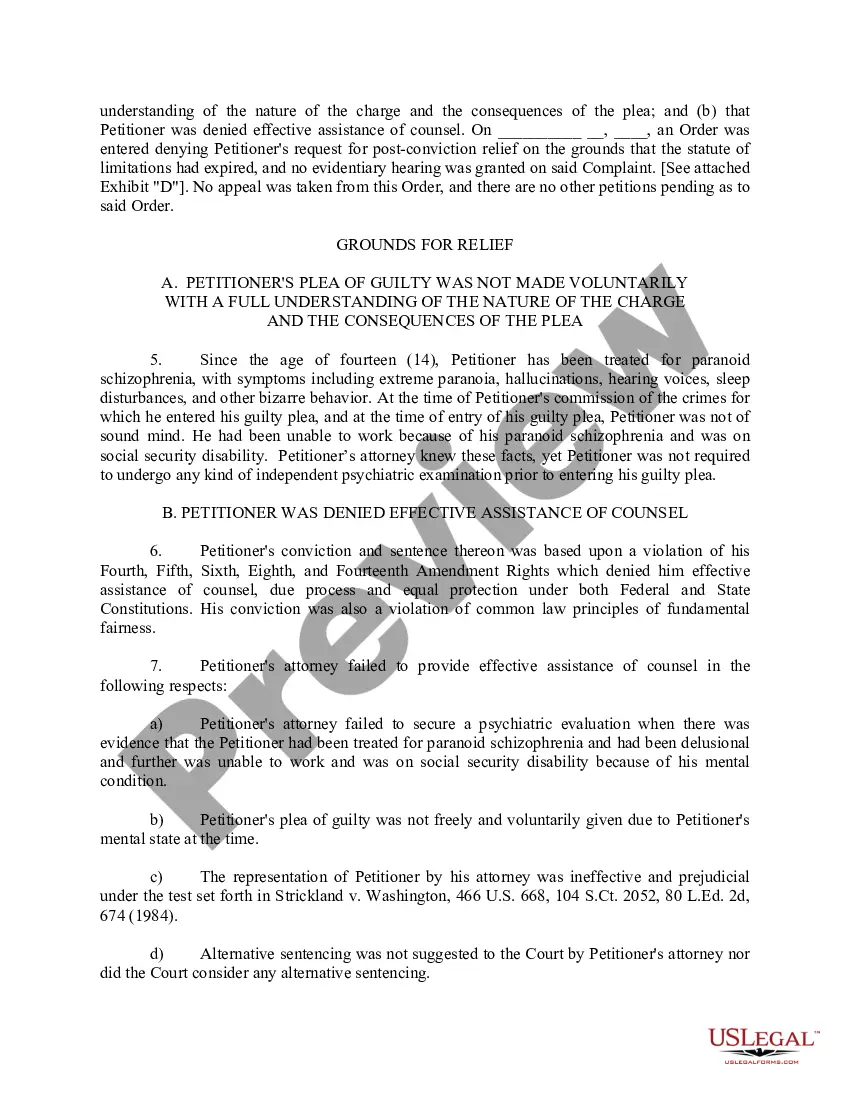
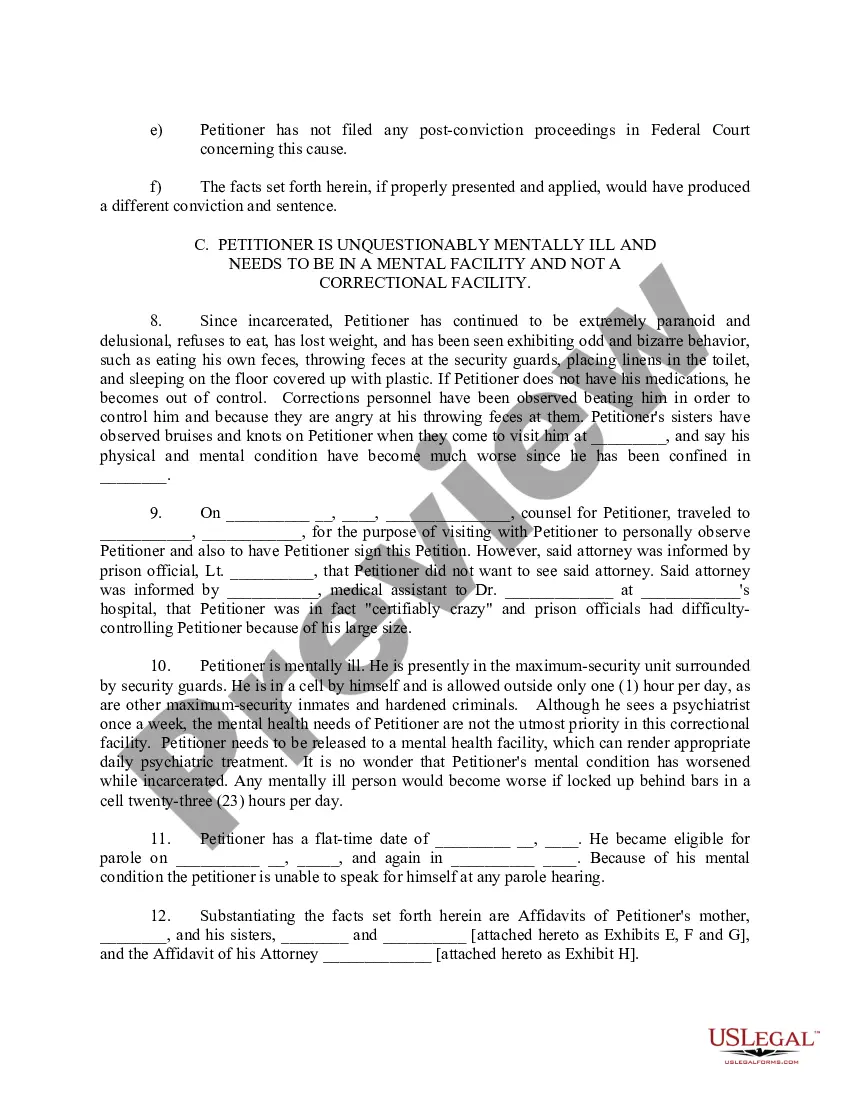
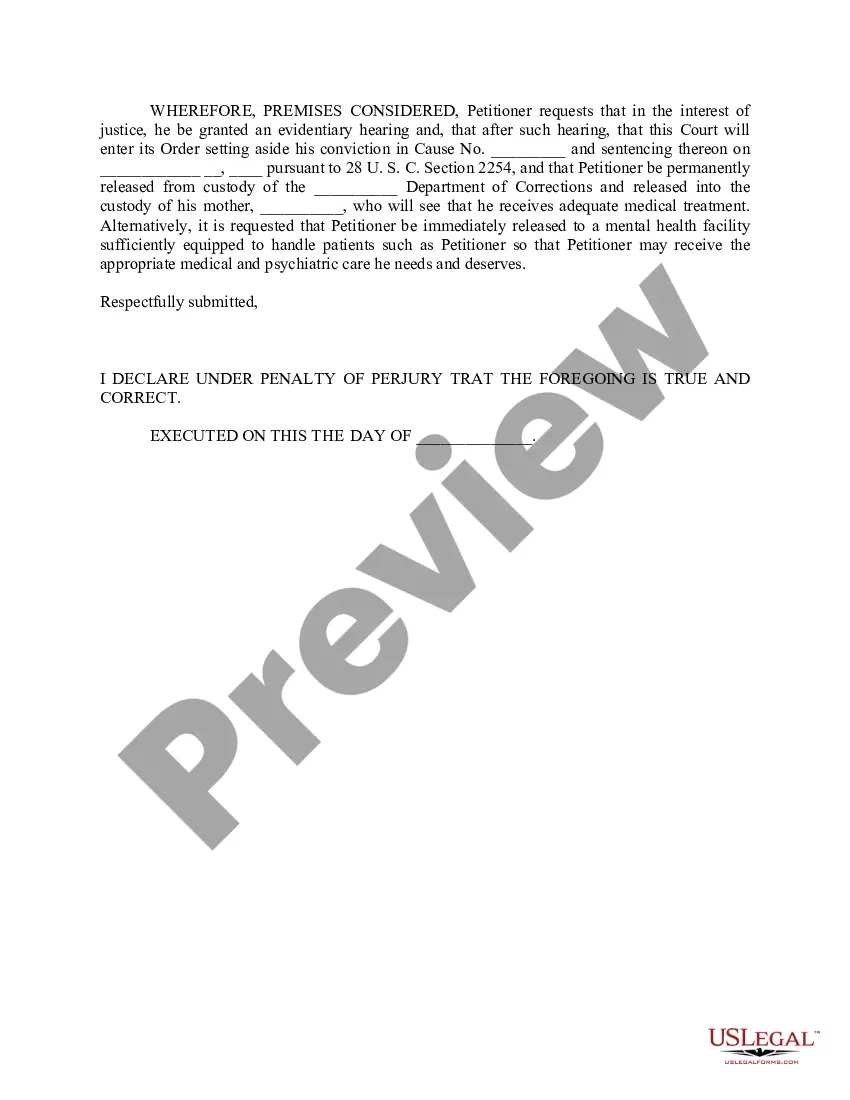

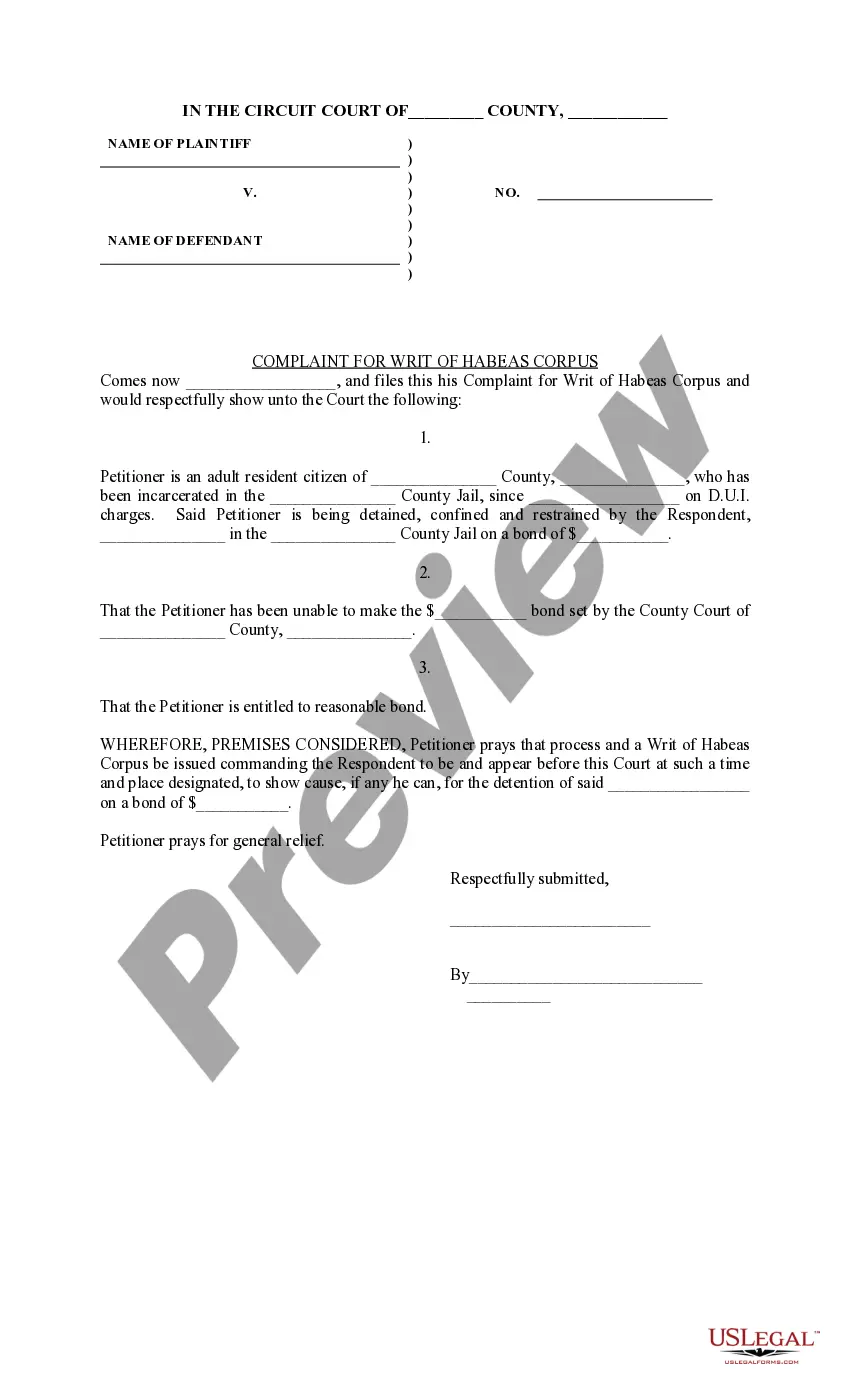
Get your form ready online
Our built-in tools help you complete, sign, share, and store your documents in one place.
Make edits, fill in missing information, and update formatting in US Legal Forms—just like you would in MS Word.
Download a copy, print it, send it by email, or mail it via USPS—whatever works best for your next step.
Sign and collect signatures with our SignNow integration. Send to multiple recipients, set reminders, and more. Go Premium to unlock E-Sign.
If this form requires notarization, complete it online through a secure video call—no need to meet a notary in person or wait for an appointment.
We protect your documents and personal data by following strict security and privacy standards.

Make edits, fill in missing information, and update formatting in US Legal Forms—just like you would in MS Word.

Download a copy, print it, send it by email, or mail it via USPS—whatever works best for your next step.

Sign and collect signatures with our SignNow integration. Send to multiple recipients, set reminders, and more. Go Premium to unlock E-Sign.

If this form requires notarization, complete it online through a secure video call—no need to meet a notary in person or wait for an appointment.

We protect your documents and personal data by following strict security and privacy standards.
Looking for another form?
Form popularity
FAQ
State every ground (reason) that supports your claim that you are being held in violation of the Constitution, laws, or treaties of the United States. Attach additional pages if you have more than four grounds. State the facts supporting each ground. Any legal arguments must be submitted in a separate memorandum.
Exhibits may include: Photographs, either digital or physical. Audio or video recordings as digital file types, DVDs, CDs, etc.
Instructions for filing a. Motion. in the Minnesota Court of Appeals. Step 1: Fill out the Motion form. Step 2: Fill out the Affidavit in Support of Motion form. Step 3: Serve your Motion and Affidavit on the opposing parties. Step 4: Proof of Service. Step 5: File the Motion, Affidavit, and Certificate of Service by Mail.
Categorizing and Labeling for Court Fill out an exhibit list with a description and exhibit number or letter. Identify exhibits as physical, electronic, or both. Use specific file naming protocol and sequencing for digital files. Bookmark and annotate PDFs.
Court filings with exhibits attached as part of the court filing must be submitted to the court at the time of filing with the court (either in person, by mail, or through the eFile and eServe (eFS) System).
Exhibit list: Prepare an exhibit list that includes a description of each exhibit and its corresponding exhibit number or letter. The exhibit list should be filed with the court and shared with opposing counsel before trial.
The filing must include: The name of the petitioner. The relief sought in the petition. Presentation of the issue. Facts and evidence to explain and support the petition. Reasons for the issuance of the mandamus. Copies of any orders, opinions, or parts of the record, as necessary.
The writ of mandamus may be issued to any inferior tribunal, corporation, board, or person to compel the performance of an act which the law specially enjoins as a duty resulting from an office, trust, or station.
Writs of Certiorari Parties who are not satisfied with the decision of a lower court must petition the U.S. Supreme Court to hear their case. The primary means to petition the court for review is to ask it to grant a writ of certiorari.
That there is a “reasonable probability” that four Justices will grant certiorari, or agree to review the merits of the case; 2. that there is a “fair prospect” that a majority of the Court will conclude upon review that the decision below on the merits was erroneous; 3.
