Appointment Resolutions Form In Ohio
Description


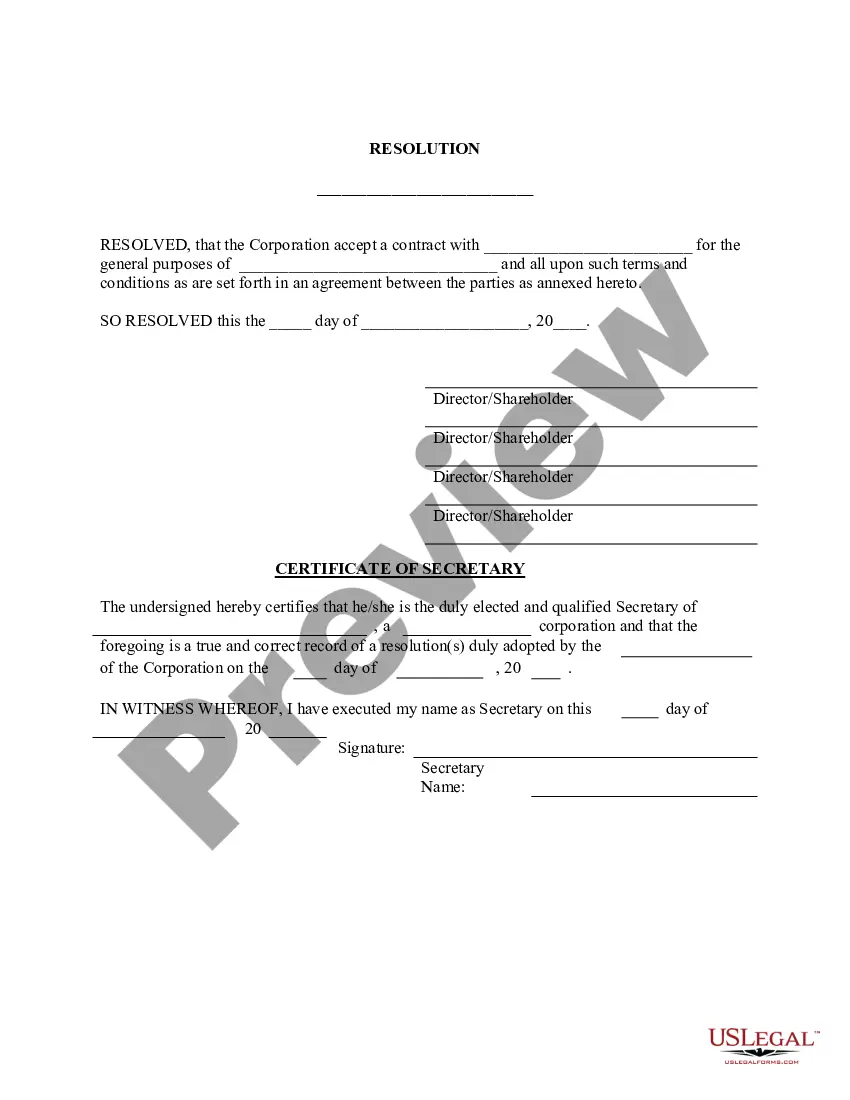
Get your form ready online
Our built-in tools help you complete, sign, share, and store your documents in one place.
Make edits, fill in missing information, and update formatting in US Legal Forms—just like you would in MS Word.
Download a copy, print it, send it by email, or mail it via USPS—whatever works best for your next step.
Sign and collect signatures with our SignNow integration. Send to multiple recipients, set reminders, and more. Go Premium to unlock E-Sign.
If this form requires notarization, complete it online through a secure video call—no need to meet a notary in person or wait for an appointment.
We protect your documents and personal data by following strict security and privacy standards.

Make edits, fill in missing information, and update formatting in US Legal Forms—just like you would in MS Word.

Download a copy, print it, send it by email, or mail it via USPS—whatever works best for your next step.

Sign and collect signatures with our SignNow integration. Send to multiple recipients, set reminders, and more. Go Premium to unlock E-Sign.

If this form requires notarization, complete it online through a secure video call—no need to meet a notary in person or wait for an appointment.

We protect your documents and personal data by following strict security and privacy standards.
Looking for another form?









Form popularity
FAQ
Guidelines for Writing Resolutions All resolutions should be typed single space in 12pt Calibri Font. All margins (top, bottom, left, right) must be one inch. WHEREAS and RESOLVED and RATIONALE phrases must be in bold and all caps. WHEREAS and RESOLVED and RATIONALE phrases must be follwed by a colon.
7 steps for writing a resolution Put the date and resolution number at the top. Give the resolution a title that relates to the decision. Use formal language. Continue writing out each critical statement. Wrap up the heart of the resolution in the last statement.
What Should a Resolution Include? the company name. the date the resolution was passed. a title that describes the action taken such as "resolution to open a checking account" details of the action taken, and. signatures of the members who agreed to pass the resolution.
Sample corporate resolution for signing authority Title and introduction. Date and location. Board of directors' declaration. Recitals. Resolution statement. Scope of authority. Duration of authority. Approval and signatures.
To write a board resolution, include: Title: Use the title to state that the document is a resolution clearly. Date: This should be the date the resolution is being proposed. Resolution Number: Give the resolution a unique identifier ing to your record-keeping system.
Resolution noun (DECISION) a promise to yourself to do or to not do something: + to infinitive I made a resolution to give up chocolate. The resolution calls for a durable peace settlement. The resolution was carried by 210 votes to 160.
A corporate resolution is a written document created by the board of directors of a company detailing a binding corporate action. A board of directors is a group of people that act as a governing body on behalf of the shareholders of a company.
Single-member LLCs do not need resolutions, but they can still come in handy in certain situations, like if the company must defend itself in court. Documenting changes or actions not covered in the original bylaws or articles of incorporation can help an LLC protect itself from lawsuits or judicial investigations.
Steps to Write a Corporate Resolution Write the Company's Name. Indicate Further Legal Identification. Include Location, Date, and Time. List the Board Resolutions. Sign the Document and Write the Document.

