Appointment Resolutions Within 30 Days In Fulton
Description


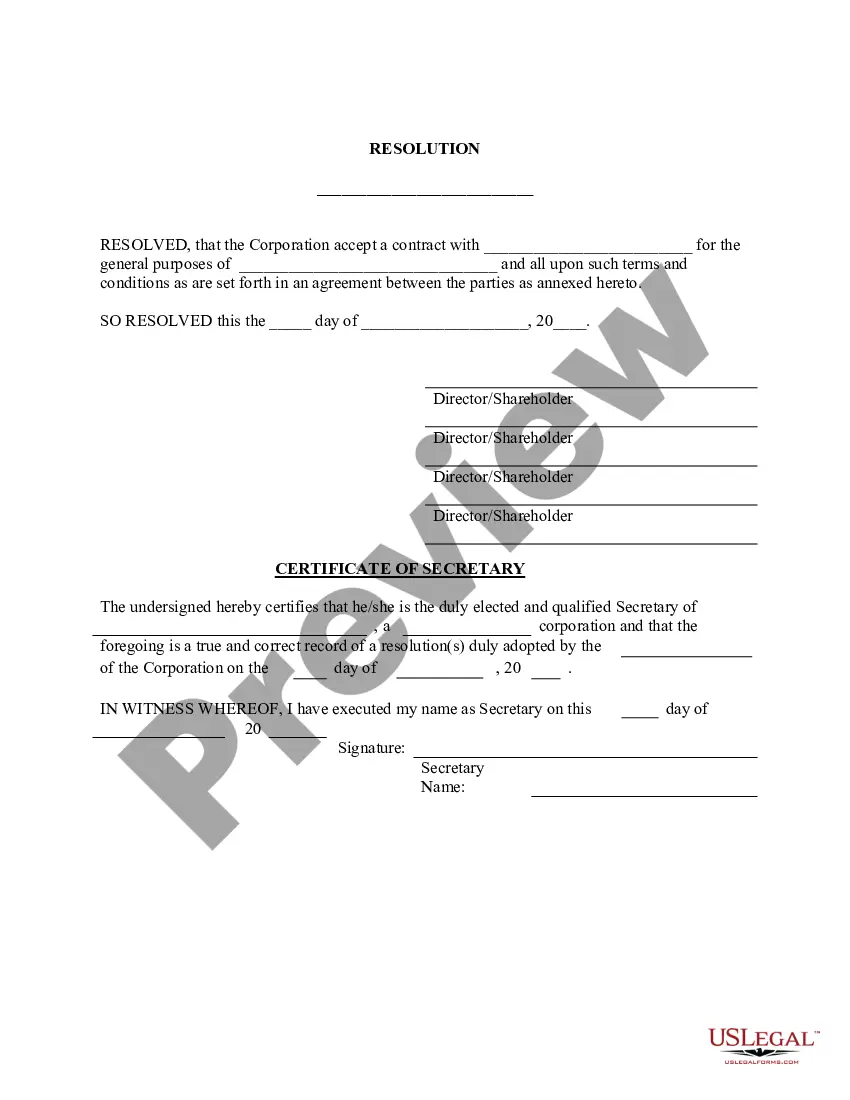
Get your form ready online
Our built-in tools help you complete, sign, share, and store your documents in one place.
Make edits, fill in missing information, and update formatting in US Legal Forms—just like you would in MS Word.
Download a copy, print it, send it by email, or mail it via USPS—whatever works best for your next step.
Sign and collect signatures with our SignNow integration. Send to multiple recipients, set reminders, and more. Go Premium to unlock E-Sign.
If this form requires notarization, complete it online through a secure video call—no need to meet a notary in person or wait for an appointment.
We protect your documents and personal data by following strict security and privacy standards.

Make edits, fill in missing information, and update formatting in US Legal Forms—just like you would in MS Word.

Download a copy, print it, send it by email, or mail it via USPS—whatever works best for your next step.

Sign and collect signatures with our SignNow integration. Send to multiple recipients, set reminders, and more. Go Premium to unlock E-Sign.

If this form requires notarization, complete it online through a secure video call—no need to meet a notary in person or wait for an appointment.

We protect your documents and personal data by following strict security and privacy standards.
Looking for another form?







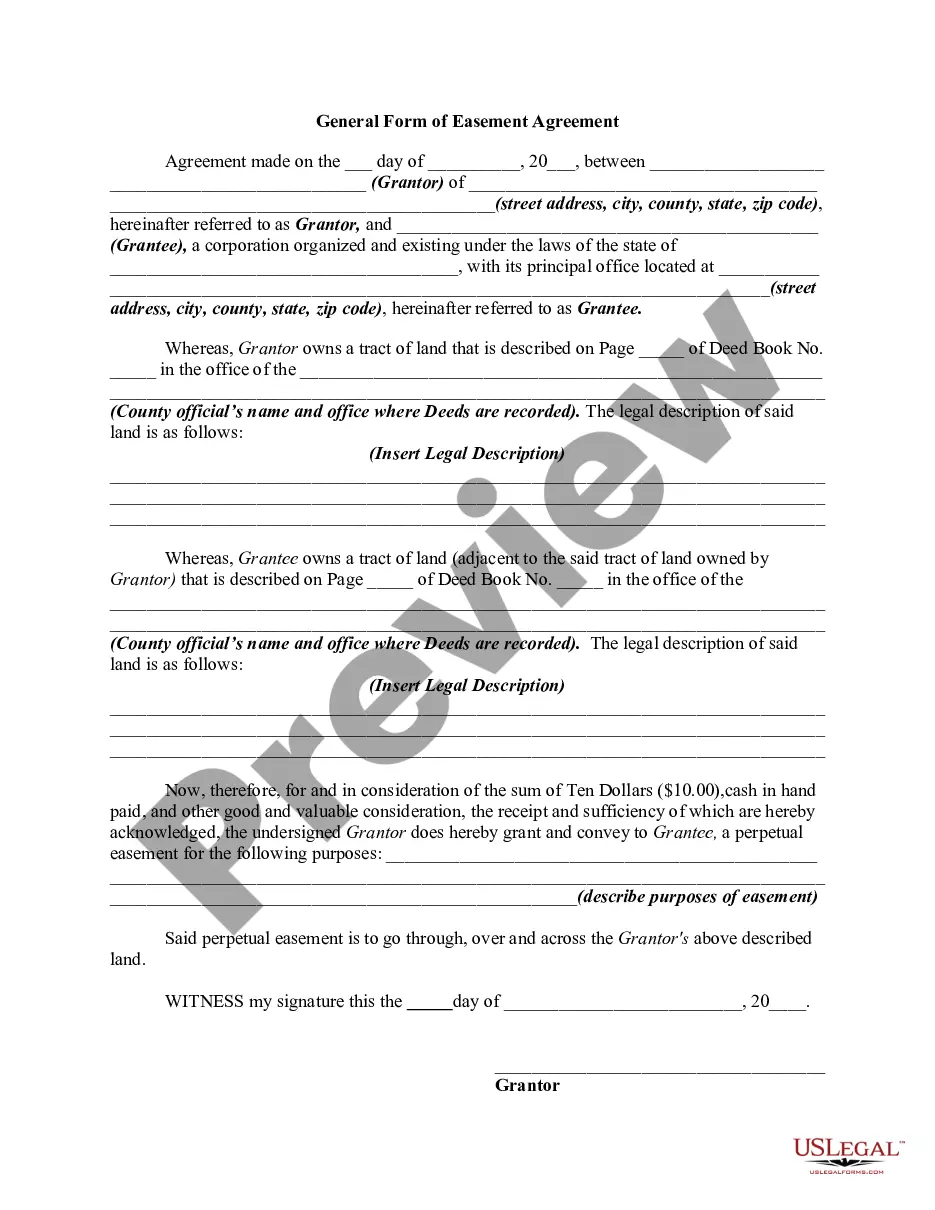


Form popularity
FAQ
Courts in multiple Georgia Counties are collaborating to simplify civil e-filing in the state, and eFileGA provides one location for attorneys and courts to search for existing cases across counties. The system streamlines the filing processes and eliminates the need to file paper documents at the clerk's counter.
How do I file a complaint or petition in civil court? You file the complaint or petition with the clerk of court. You generally want to file in the court in the county where the person you are suing lives. Along with the complaint, the court must be told where to serve (give it a copy of it to) the defendant.
Yes. In civil court one person sues another for damages. Police arrest people and send them to criminal court. Your claim in civil court may or may not also involve a crime.
If you have additional questions you can call 404-612-4000 or email customerservice@fultoncountyga.
NOW THEREFORE, BE IT RESOLVED that the Board of Directors of (legal name of your corporation) hereby authorizes (officer name{s} and officer title{s}) to act on behalf on (legal name of your corporation) in entering into any agreement with the City of Los Angeles; and to sign for and perform any and all ...
The board resolution for appointment of director in company must identify the names of the director (s), their designation, the entity, and their consent. It must be two-staged. The resolution must be approved by the meeting to cover any future disputes.
The Format of Board Resolution for Appointment of Director of a Company can be used to record the appointment of Director in a General Meeting. For a person to become a Director in Private Limited Company, he/she requires a Director Identification Number (DIN Number).
What is a board resolution? A board resolution is sometimes called a corporate resolution or directors' resolution. Simply put, a board resolution is a formal document of a board's decision. A board of directors is the highest authority in an organization, and their decisions can have far-reaching consequences.
APPOINTING RESOLUTION means a resolution adopted by the Board to appoint a person to an exempt position.

