Divorce Modification With Agreement In Contra Costa
Description

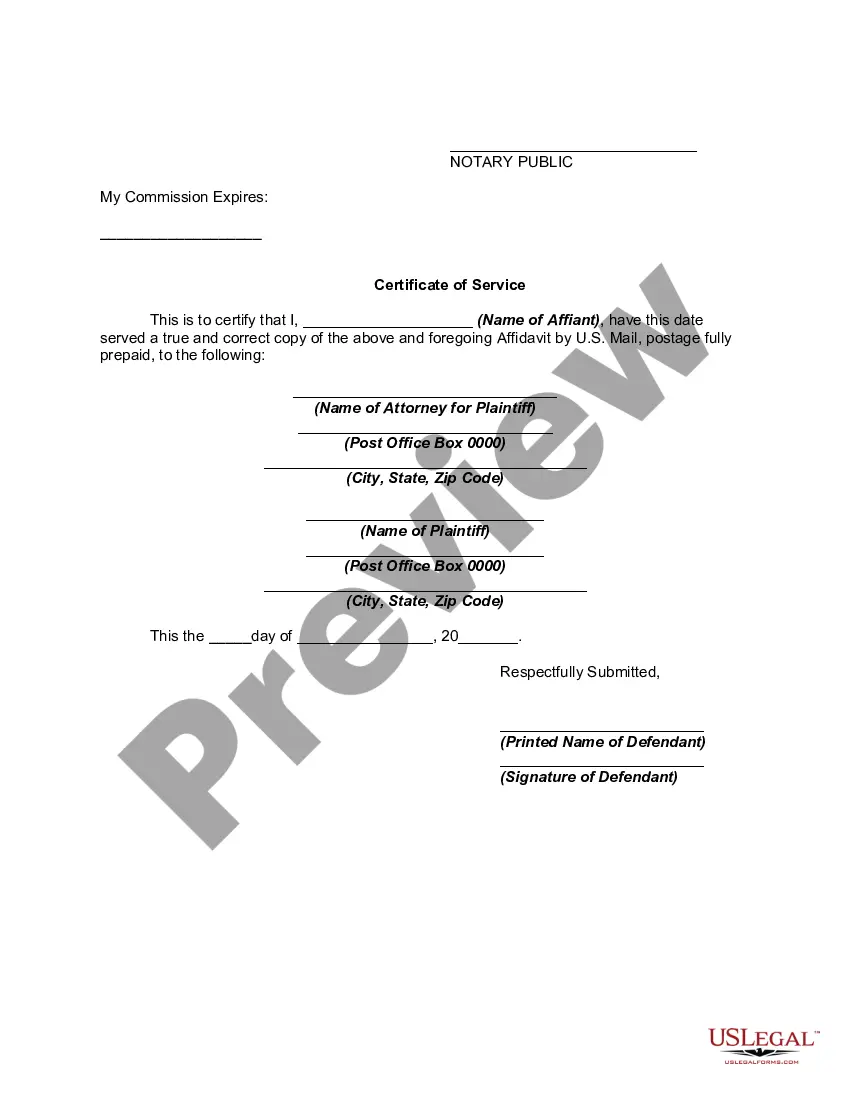




Get your form ready online
Our built-in tools help you complete, sign, share, and store your documents in one place.
Make edits, fill in missing information, and update formatting in US Legal Forms—just like you would in MS Word.
Download a copy, print it, send it by email, or mail it via USPS—whatever works best for your next step.
Sign and collect signatures with our SignNow integration. Send to multiple recipients, set reminders, and more. Go Premium to unlock E-Sign.
If this form requires notarization, complete it online through a secure video call—no need to meet a notary in person or wait for an appointment.
We protect your documents and personal data by following strict security and privacy standards.

Make edits, fill in missing information, and update formatting in US Legal Forms—just like you would in MS Word.

Download a copy, print it, send it by email, or mail it via USPS—whatever works best for your next step.

Sign and collect signatures with our SignNow integration. Send to multiple recipients, set reminders, and more. Go Premium to unlock E-Sign.

If this form requires notarization, complete it online through a secure video call—no need to meet a notary in person or wait for an appointment.

We protect your documents and personal data by following strict security and privacy standards.
Looking for another form?







Form popularity
FAQ
If you've been married less than five years and have no children, you may qualify for a simpler way to get divorced (summary dissolution).
To write one that is comprehensive and meets California's legal requirements, follow these steps: Start with basic information. Outline asset and debt division. Specify spousal support terms. Detail child custody and support. Include a dispute resolution clause. Finalize with signatures and notarization.
If a full appeal of a Final Judgment of the Dissolution of Marriage is not the best legal course of action, it might be possible for one party to seek a modification of some or all of the terms of the decree. This is done by the party seeking the change filing a motion with the judge who signed off on the order.
Yes, it is possible for spouses to create a divorce settlement agreement outside of the courtroom, especially when both parties are in agreement on the terms of the divorce.
Yes, you can amend a marital settlement, with both parties agreeing.
Using DIY divorce papers is usually allowed only when the divorce is uncontested. An uncontested divorce is where you and your spouse have settled all major issues, such as child custody and spousal support. If you and your spouse have not agreed to every major issue, you have a contested divorce.
Write the contract in six steps Start with a contract template. Open with the basic information. Describe in detail what you have agreed to. Include a description of how the contract will be ended. Write into the contract which laws apply and how disputes will be resolved. Include space for signatures.
To write one that is comprehensive and meets California's legal requirements, follow these steps: Start with basic information. Outline asset and debt division. Specify spousal support terms. Detail child custody and support. Include a dispute resolution clause. Finalize with signatures and notarization.
If you don't file a Response on time, your spouse can ask for a default. This means asking the court to decide the case without your input.
A default is a failure to fulfill an obligation. Defaulting is most common in regards to debtor-creditor law and contract law. Typically, a default leads to judicial proceedings or triggers the application of a separate contract provision.
