Texas Documents With Track Changes
Description
Get your form ready online
Our built-in tools help you complete, sign, share, and store your documents in one place.
Make edits, fill in missing information, and update formatting in US Legal Forms—just like you would in MS Word.
Download a copy, print it, send it by email, or mail it via USPS—whatever works best for your next step.
Sign and collect signatures with our SignNow integration. Send to multiple recipients, set reminders, and more. Go Premium to unlock E-Sign.
If this form requires notarization, complete it online through a secure video call—no need to meet a notary in person or wait for an appointment.
We protect your documents and personal data by following strict security and privacy standards.

Make edits, fill in missing information, and update formatting in US Legal Forms—just like you would in MS Word.

Download a copy, print it, send it by email, or mail it via USPS—whatever works best for your next step.

Sign and collect signatures with our SignNow integration. Send to multiple recipients, set reminders, and more. Go Premium to unlock E-Sign.

If this form requires notarization, complete it online through a secure video call—no need to meet a notary in person or wait for an appointment.

We protect your documents and personal data by following strict security and privacy standards.
Looking for another form?






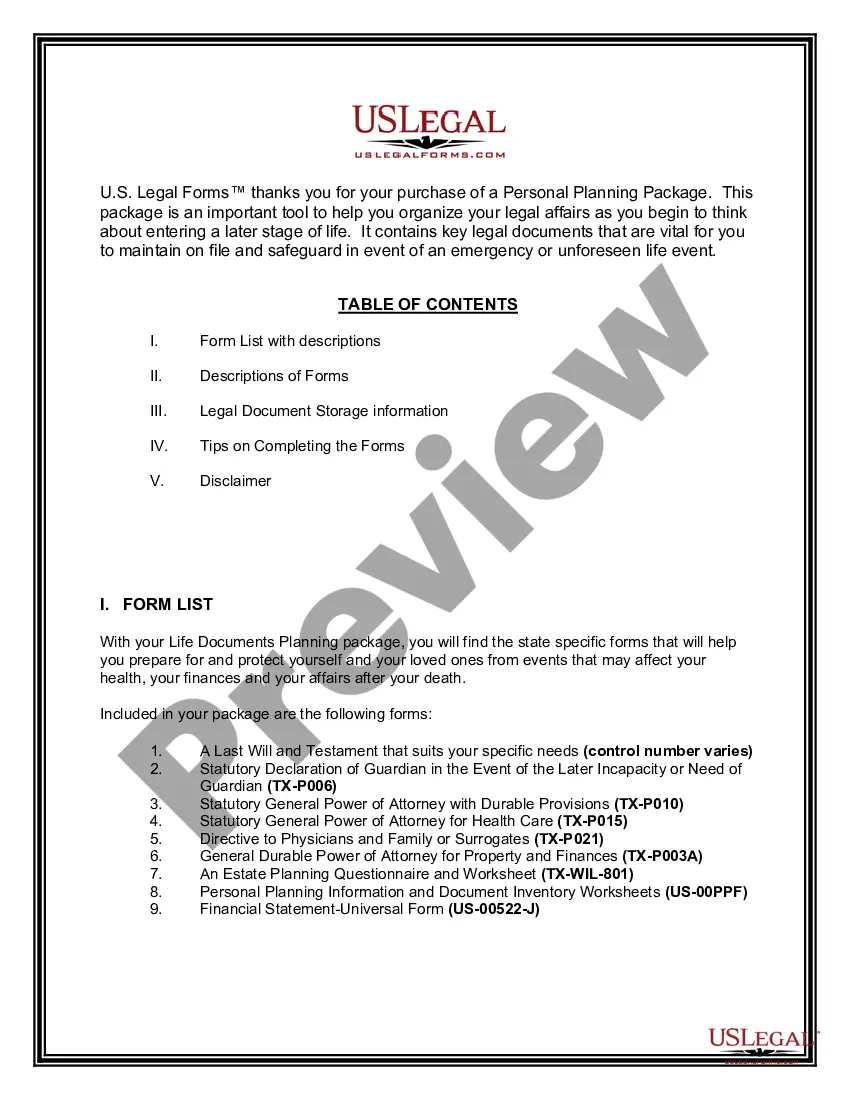
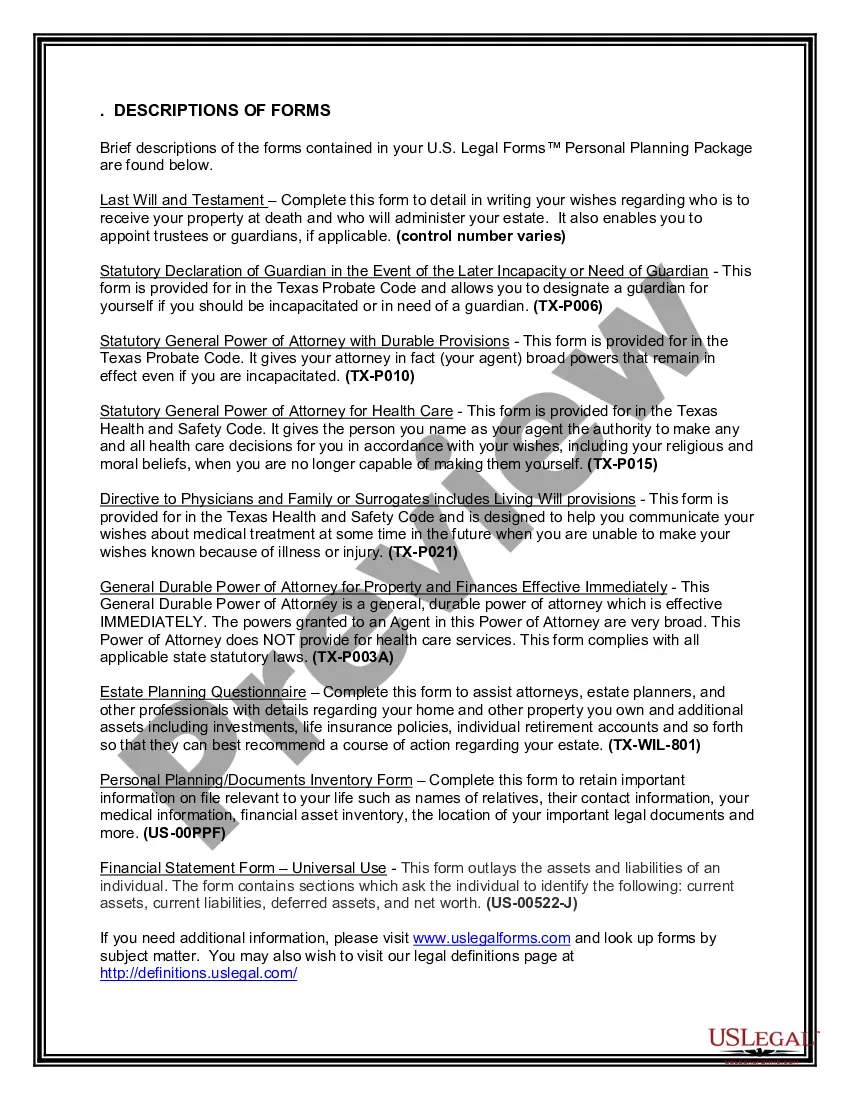
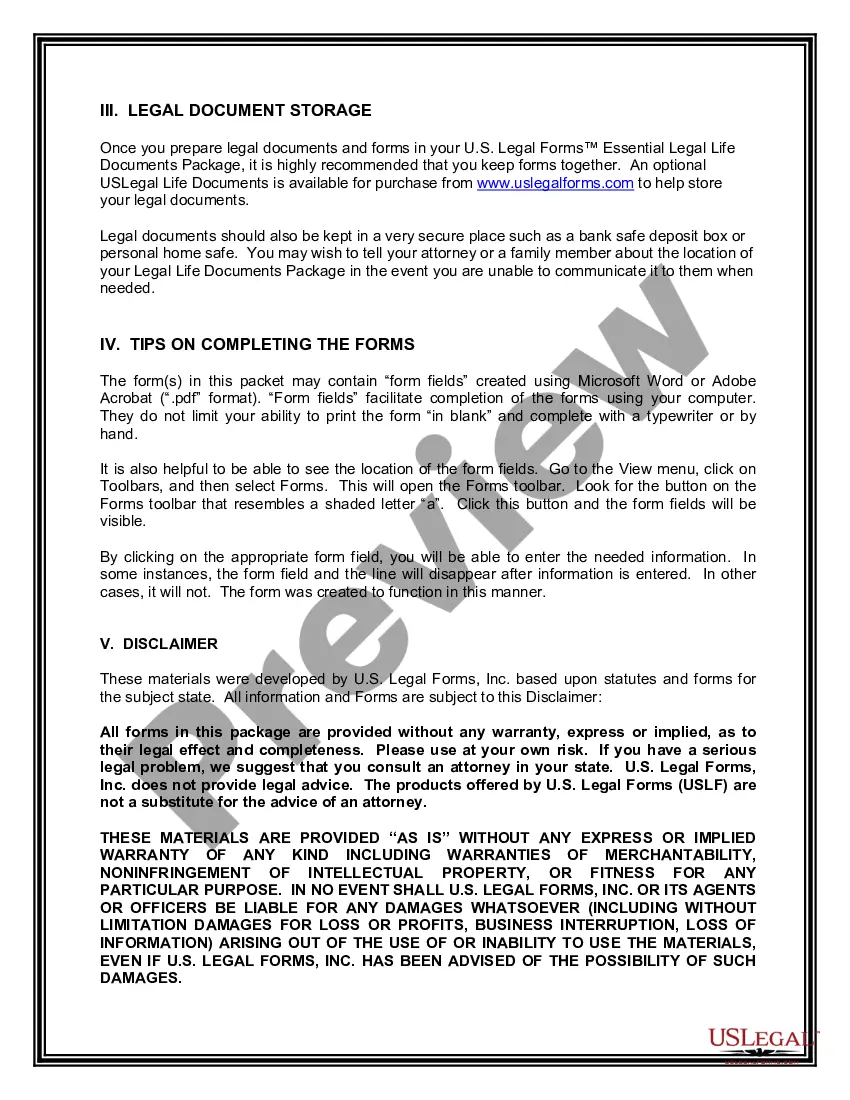
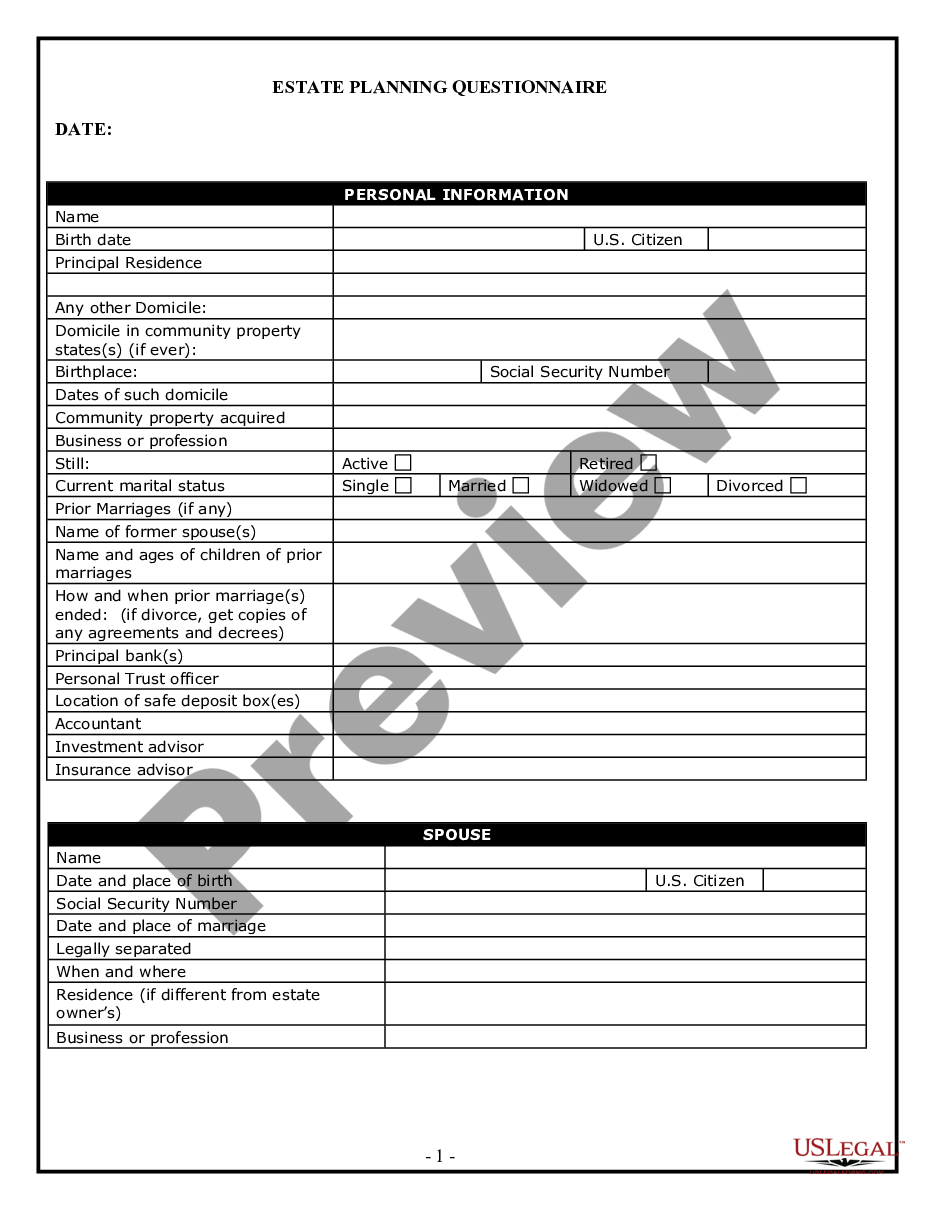
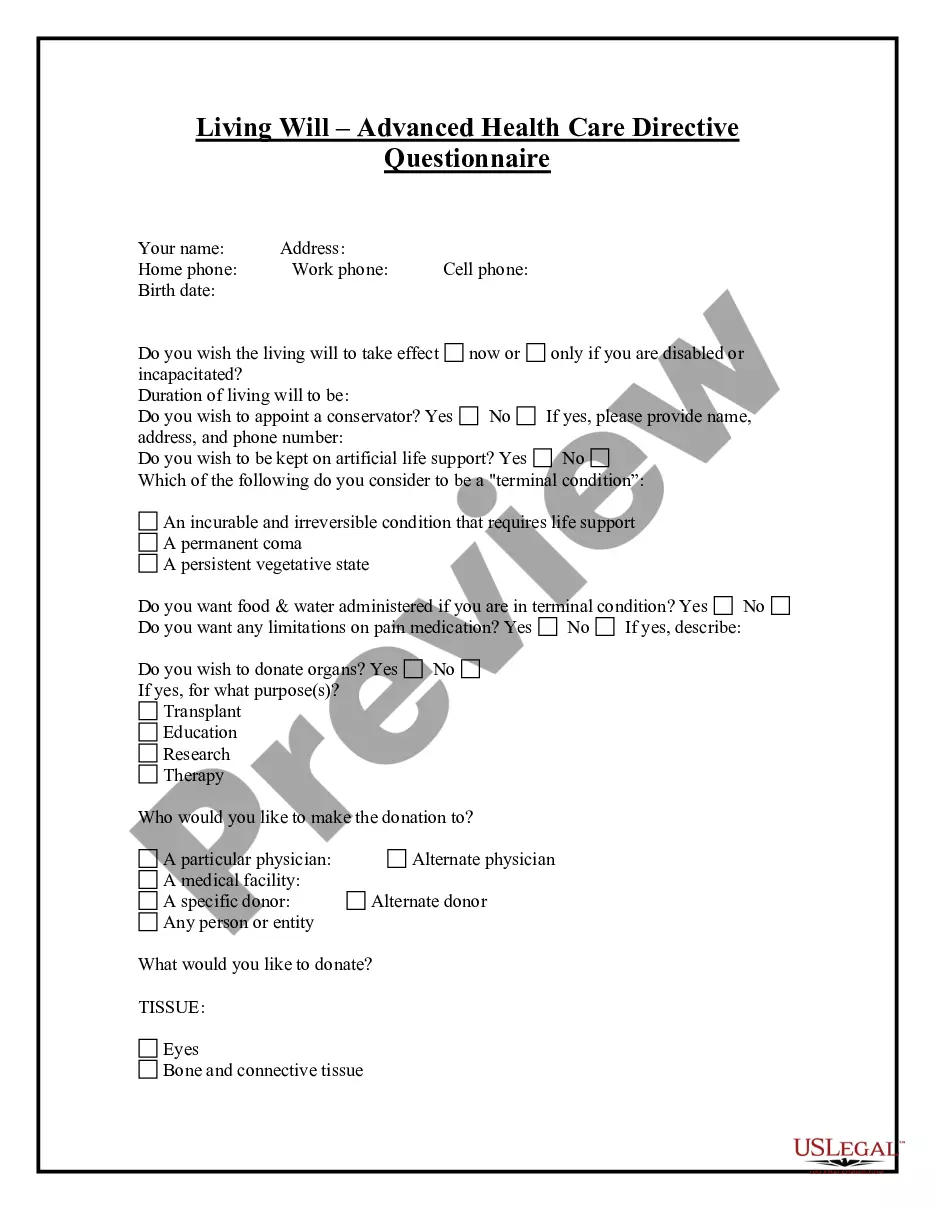
How to fill out Texas Life Documents Planning Package, Including Will, Power Of Attorney And Living Will?
Acquiring legal document samples that adhere to federal and local standards is essential, and the internet provides numerous choices to select from.
However, what is the benefit of spending time looking for the appropriate Texas Documents With Track Changes sample online if the US Legal Forms digital library already houses such templates consolidated in one location.
US Legal Forms is the premier online legal repository with more than 85,000 fillable templates created by attorneys for any professional and personal situation.
Review the template using the Preview feature or through the text outline to confirm it satisfies your requirements.
- They are easy to navigate with all documents categorized by state and intended use.
- Our experts keep up with legislative changes, ensuring your form is current and compliant when obtaining a Texas Documents With Track Changes from our site.
- Acquiring a Texas Documents With Track Changes is straightforward and quick for both existing and new users.
- If you already possess an account with an active subscription, Log In and save the document sample you need in your desired format.
- If you are new to our platform, follow the steps below.
Form popularity
FAQ
?Track Changes? is a feature in Microsoft Word that allows a person to edit a document on the computer and return it to the original owner electronically. It shows what has been changed, who changed it, and other comments that are added by the editor.
The Track Changes feature allows you to keep track of your additions, deletions, and notes while editing a paper. However, if you or someone else didn't track changes during the last editing session, you can create your own tracked changes document, sometimes called a redline document, using Word's Compare feature.
4 answers Open Word, and click Track Changes in the Review tab to open the Track Changes feature. On the File tab, click Export, click Create PDF/XPS Document. The system prompts you to select the location to save as, click the option function in the dialog box, and check the Document showing markup.
To do this, follow these steps: Open Compare in the Review menu. Enter the Original on the left side and the Clean copy on the right side. Click Compare. A new document will be generated that shows all your tracked changes. Save this document with ?Track Changes? in the name.
Use Track Changes Select Review > Track Changes to turn it on. Make edits in your document and Word captures any edits you make. Select Review > Track Changes to turn it off.