Vendor-list
Description

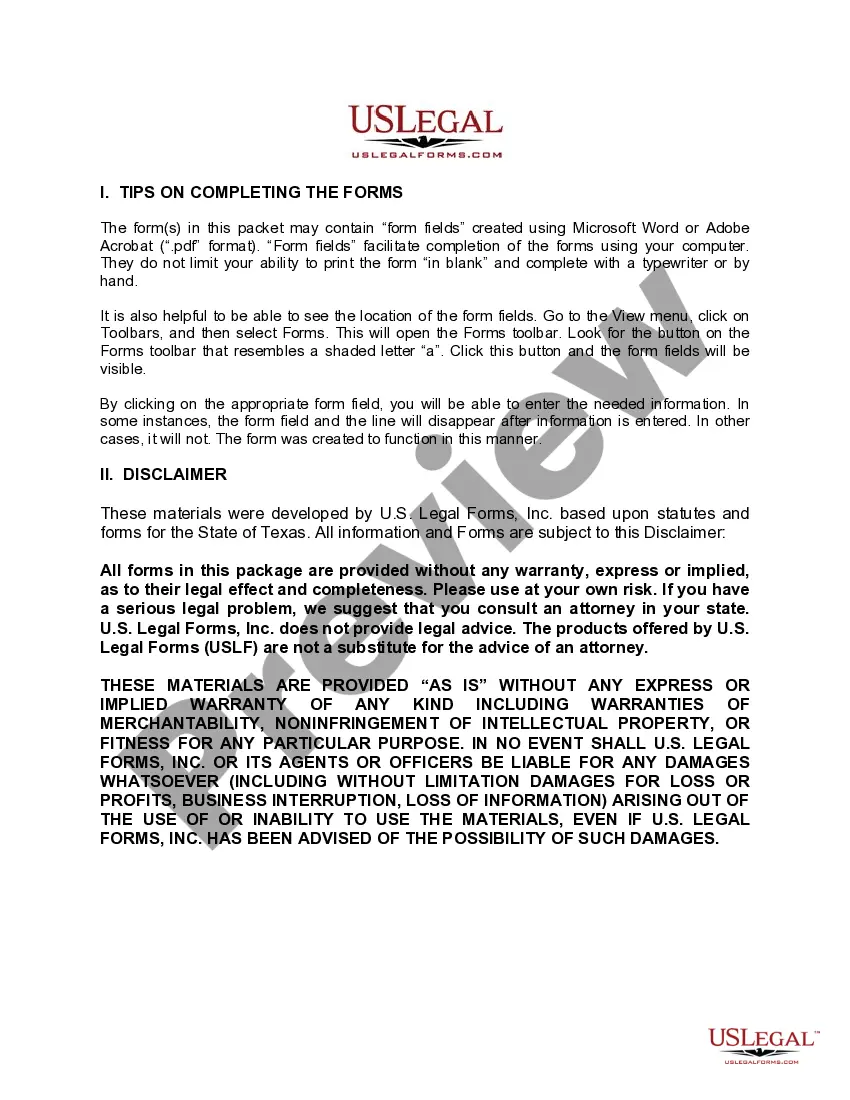
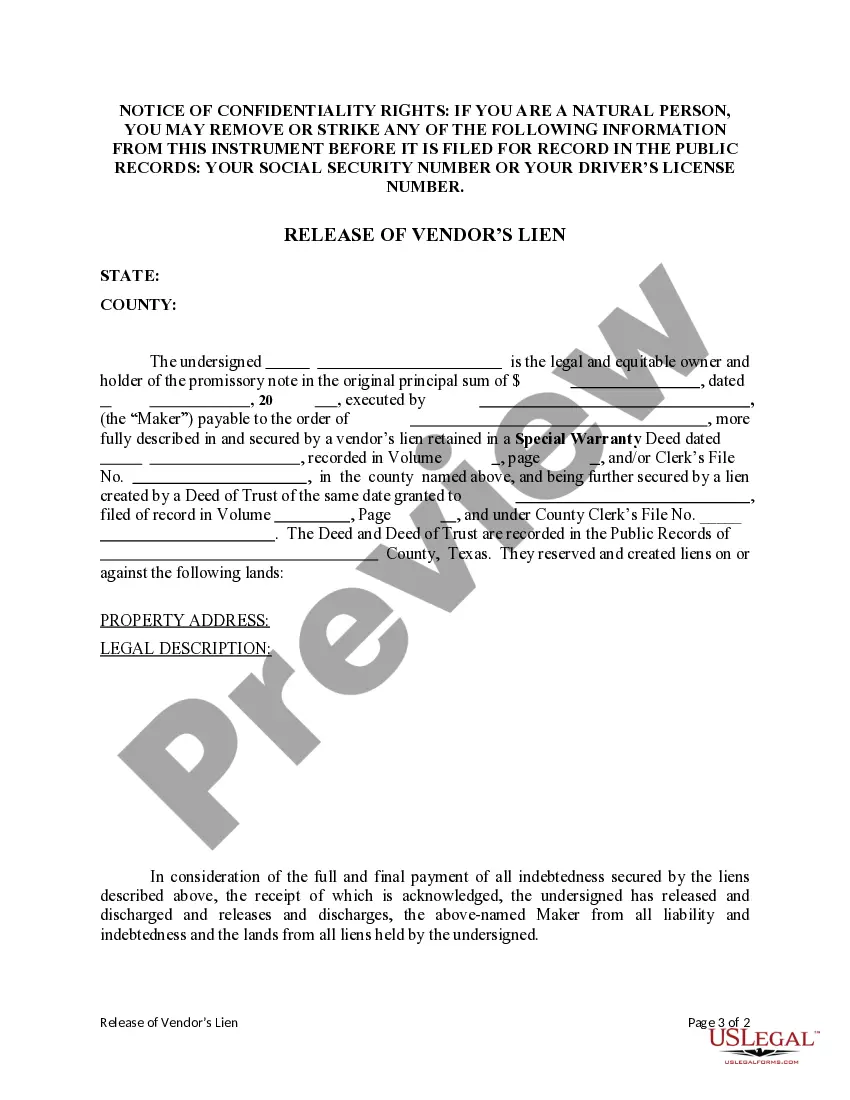
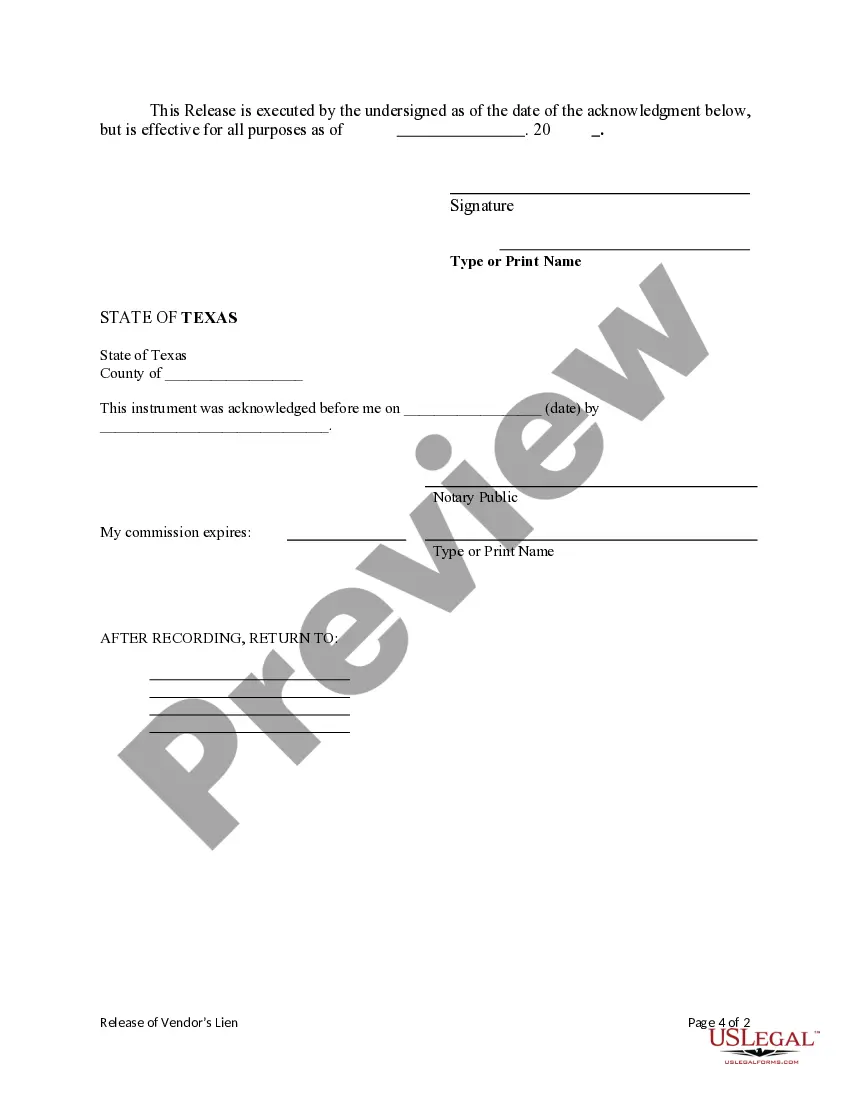
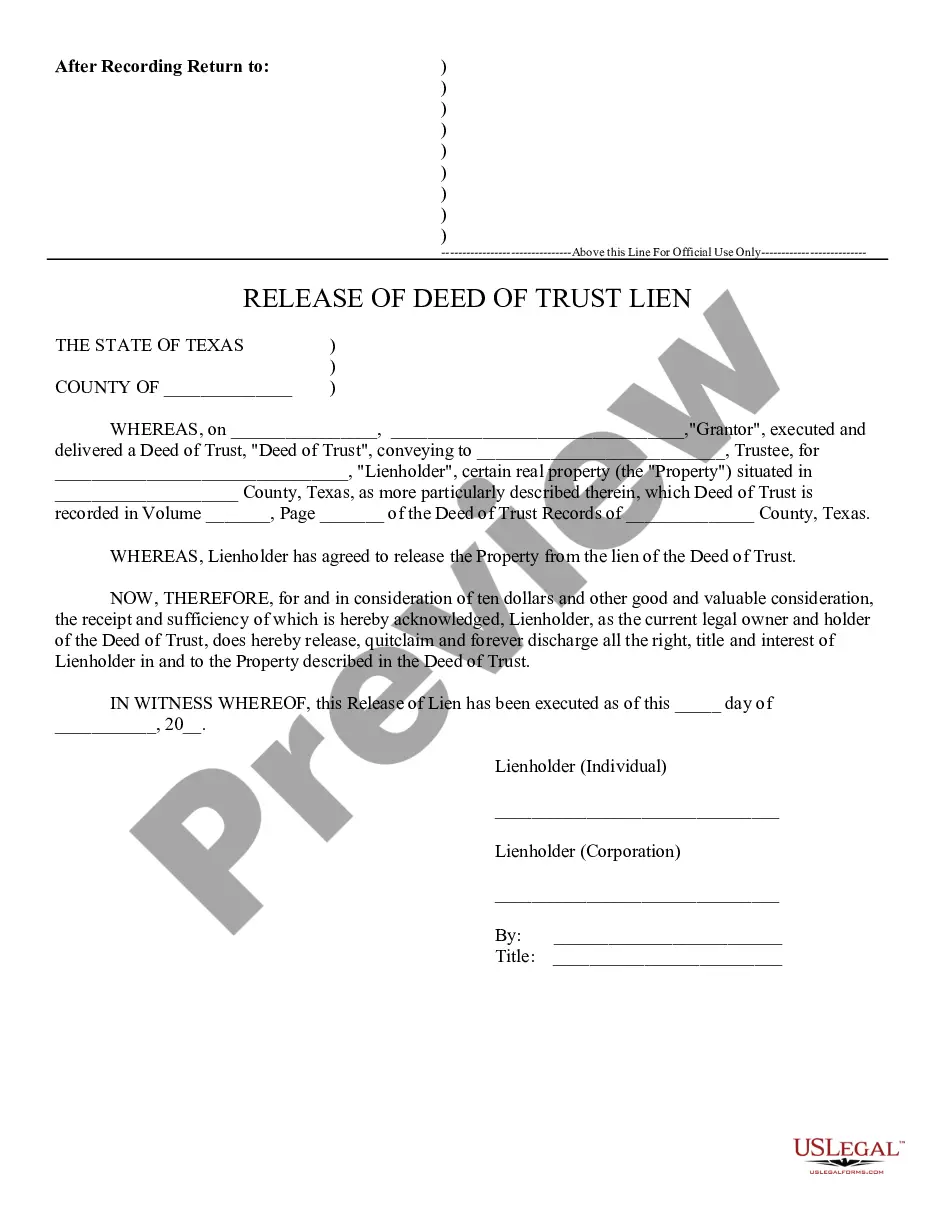
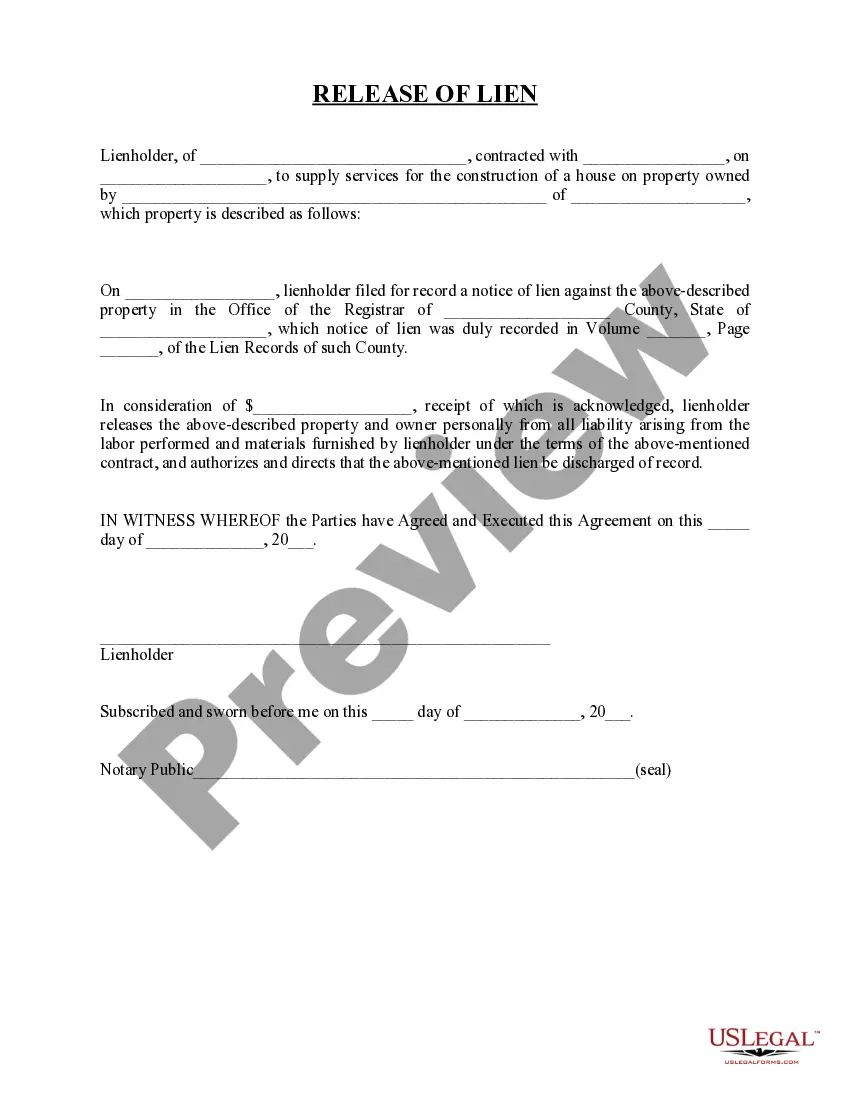
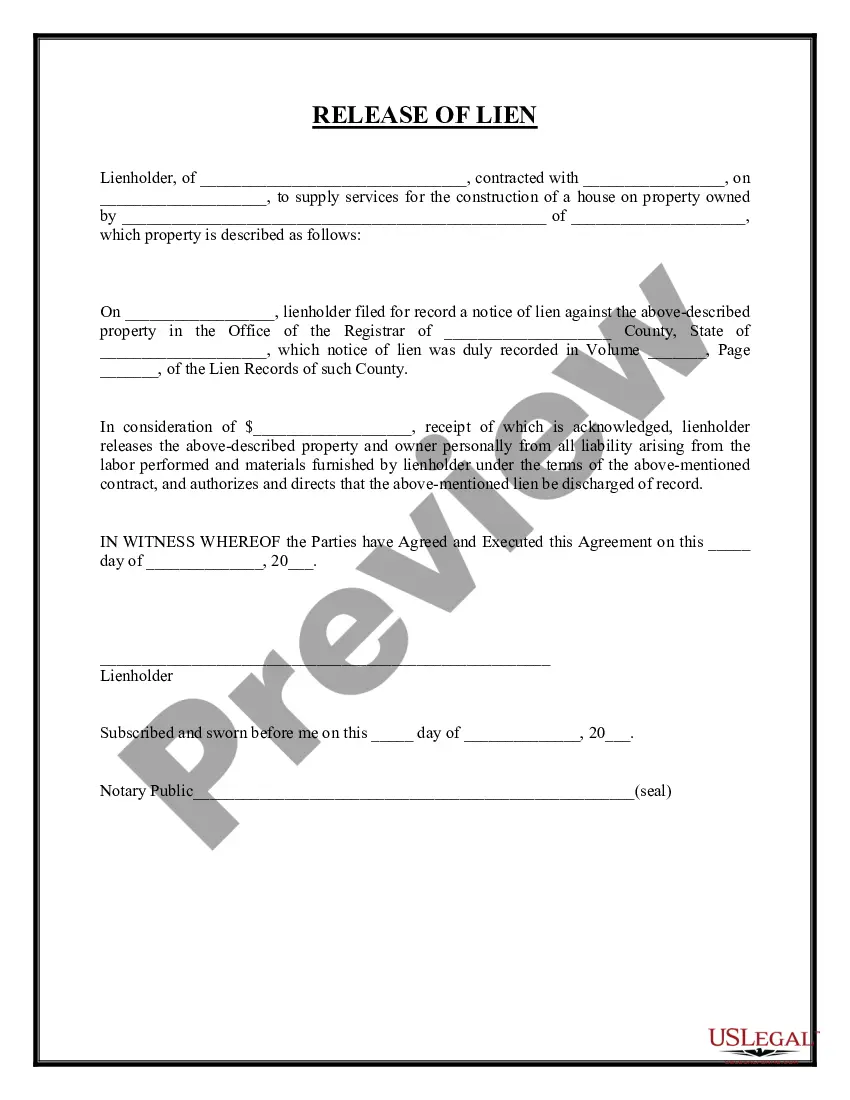
Get your form ready online
Our built-in tools help you complete, sign, share, and store your documents in one place.
Make edits, fill in missing information, and update formatting in US Legal Forms—just like you would in MS Word.
Download a copy, print it, send it by email, or mail it via USPS—whatever works best for your next step.
Sign and collect signatures with our SignNow integration. Send to multiple recipients, set reminders, and more. Go Premium to unlock E-Sign.
If this form requires notarization, complete it online through a secure video call—no need to meet a notary in person or wait for an appointment.
We protect your documents and personal data by following strict security and privacy standards.

Make edits, fill in missing information, and update formatting in US Legal Forms—just like you would in MS Word.

Download a copy, print it, send it by email, or mail it via USPS—whatever works best for your next step.

Sign and collect signatures with our SignNow integration. Send to multiple recipients, set reminders, and more. Go Premium to unlock E-Sign.

If this form requires notarization, complete it online through a secure video call—no need to meet a notary in person or wait for an appointment.

We protect your documents and personal data by following strict security and privacy standards.
Looking for another form?



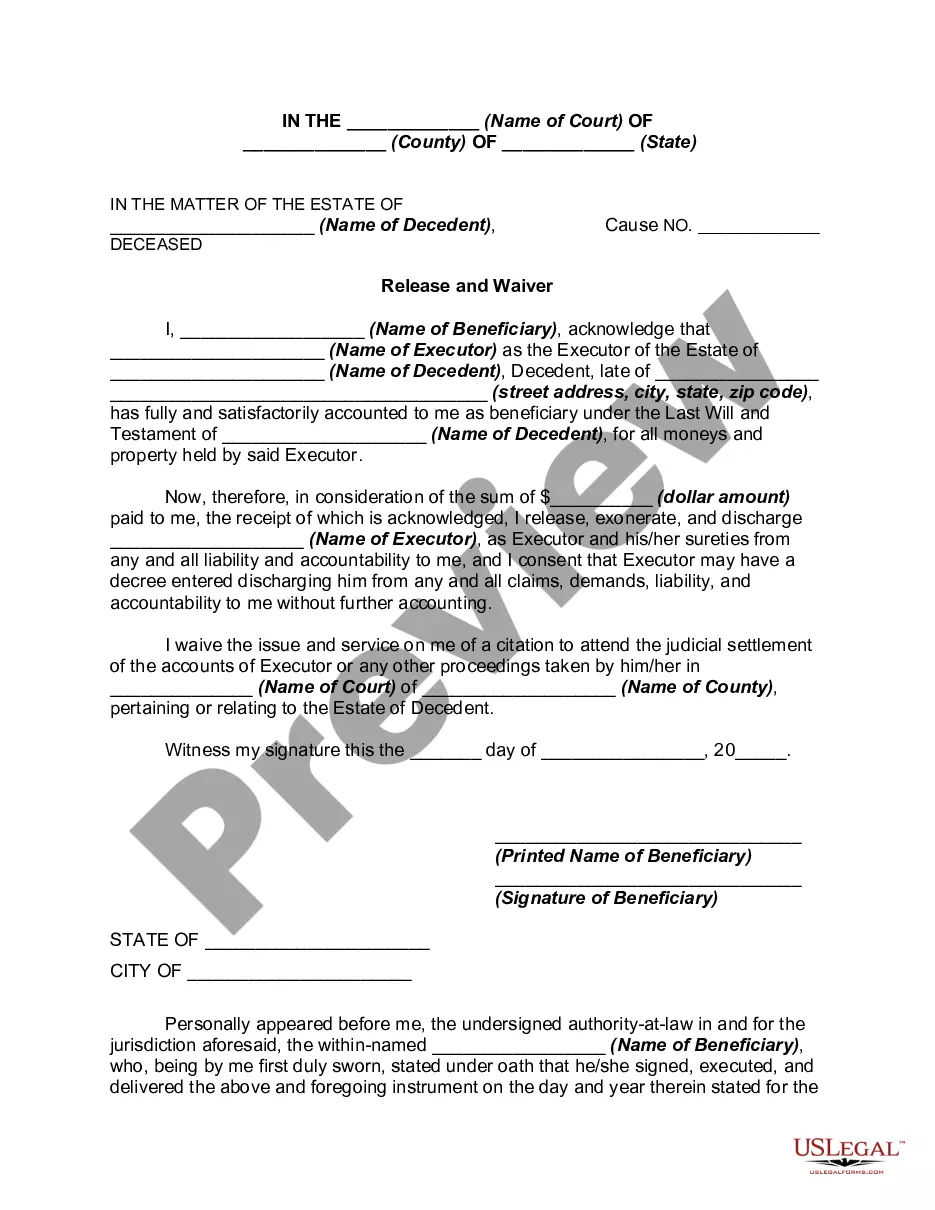
How to fill out Texas Release Of Vendor's Lien?
- If you are an existing user, log in to your account, confirm your subscription status, and click the Download button to save the needed form template to your device.
- For new users, begin by previewing the available forms. Read the description carefully to select the document that aligns with your requirements and complies with your locality.
- If the right template isn't found, utilize the Search tab located above to locate a suitable alternative before proceeding further.
- Once you've identified the correct document, click the Buy Now button and choose a suitable subscription plan; an account registration is necessary to access the documents.
- Provide your payment details, either through credit card or PayPal, to finalize the subscription purchase.
- Once your transaction is complete, download the form and access it anytime from the My Forms section of your profile.
By following these simple steps, you will not only obtain the legal form you need but also ensure that it is tailored to fit your specific needs. US Legal Forms stands out with its vast collection and expert support, making legal processes more manageable for everyone.
Start your journey with US Legal Forms today and experience the benefits of their comprehensive services!
Form popularity
FAQ
The Tcode to find vendor details in SAP is FK01. This transaction code grants you access to view and manage vendor information effectively. By utilizing FK01, you can update or review important details related to your vendor-list with ease. Regularly checking vendor data can help maintain accurate and reliable records.
To create a list of vendors, begin by gathering all necessary information such as contact details and service offerings from potential vendors. Organize this data in a spreadsheet or a suitable software platform. Consider using knowledgeable resources like uslegalforms for templates and guidance to ensure you include all required information. This organization will help maintain an effective vendor-list that meets your needs.
In SAP, you can find the list of vendors in the table LFA1. This table contains crucial data regarding all vendor master records. Accessing this table allows you to gain insights into vendor details and improve your vendor-list management. Familiarity with LFA1 can greatly assist in streamlining your procurement processes.
To get on a supplier list, first identify the organizations that maintain such lists relevant to your industry. Next, submit your application along with all required documentation that proves your business's reliability and capabilities. Follow up with the organization to express your commitment and enthusiasm. Engaging with platforms like uslegalforms can simplify the process of preparing necessary documents to enhance your chances of making the supplier-list.
FK08 is used in SAP to display vendor master data in a concise and organized format. This transaction code helps users view essential information about vendors quickly. By using FK08, you can effortlessly access various details related to each vendor, enhancing your ability to manage your vendor-list efficiently. This tool supports informed decision-making in vendor selection.
In SAP, the Tcode for creating a vendor list is MK01. By entering this code into the command field, you access the necessary interface to add new vendor information. This feature allows you to input essential details effectively, ensuring that your vendor-list remains organized and up to date. Utilize this Tcode to streamline your vendor management process.
To get on a vendor list, begin by reaching out to the organization that manages the list. Express your interest and provide necessary documentation that showcases your business's credibility. Be prepared to highlight your strengths and how you can add value to their offerings. This proactive approach can significantly enhance your chances of being added to a vendor-list.
Creating a vendor list in Excel is straightforward. Open a new spreadsheet and label columns for vendor names, contact details, and service descriptions. Input the information, and use Excel's features to sort or filter your vendor-list as necessary to keep it organized and easily accessible.
To make a vendor list, begin by identifying the types of vendors you need for your event or project. Compile their names and contact information, and categorize them based on the services they offer. This organized vendor-list will be an invaluable resource when you need to reach out to potential partners.
To find someone's vendor, start by asking them directly for their vendor-list or seeking recommendations. You can also utilize online platforms and directories that showcase vendors by category. Additionally, using social media networks can help you connect with vendors that meet your specific needs.