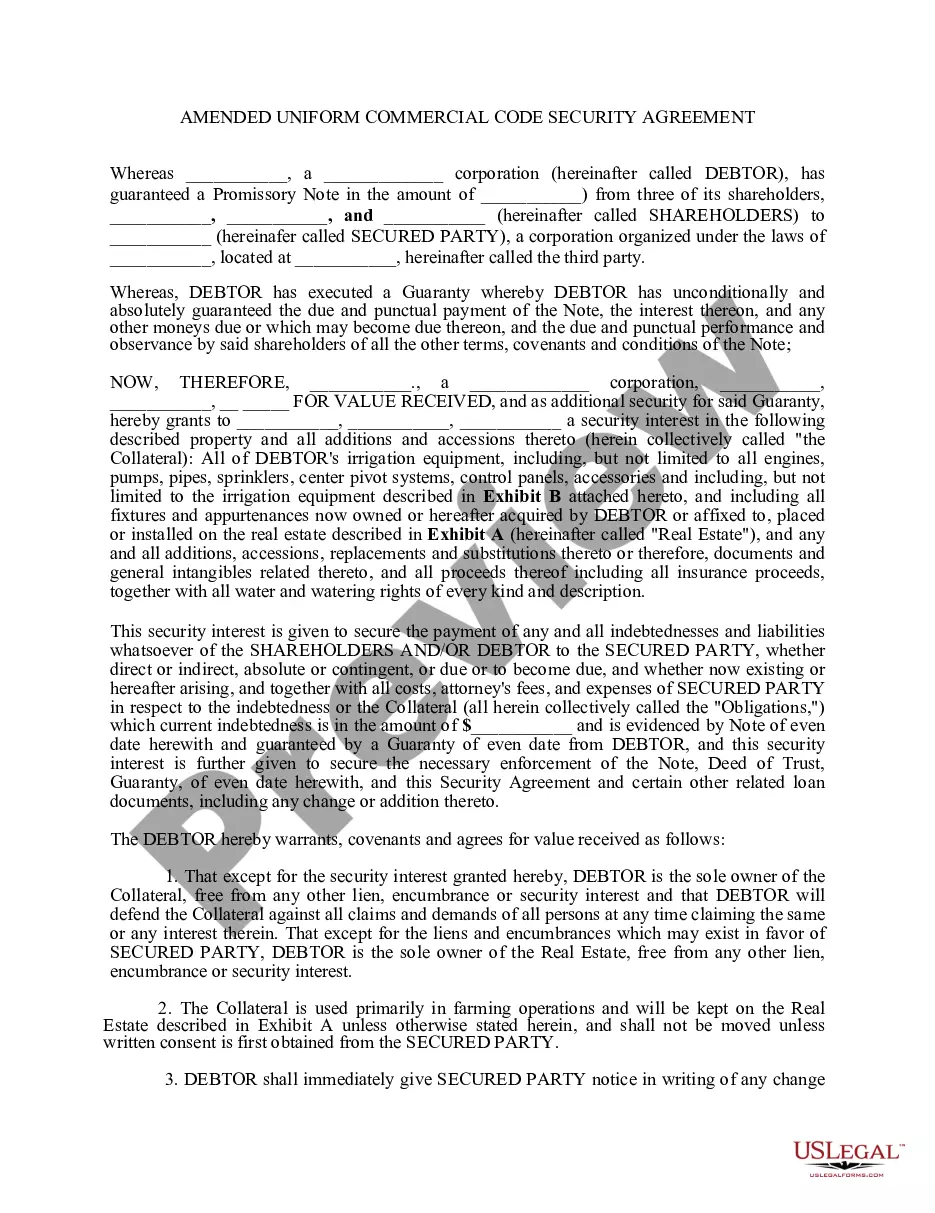
Ucc Security Agreement Template For Security
Description
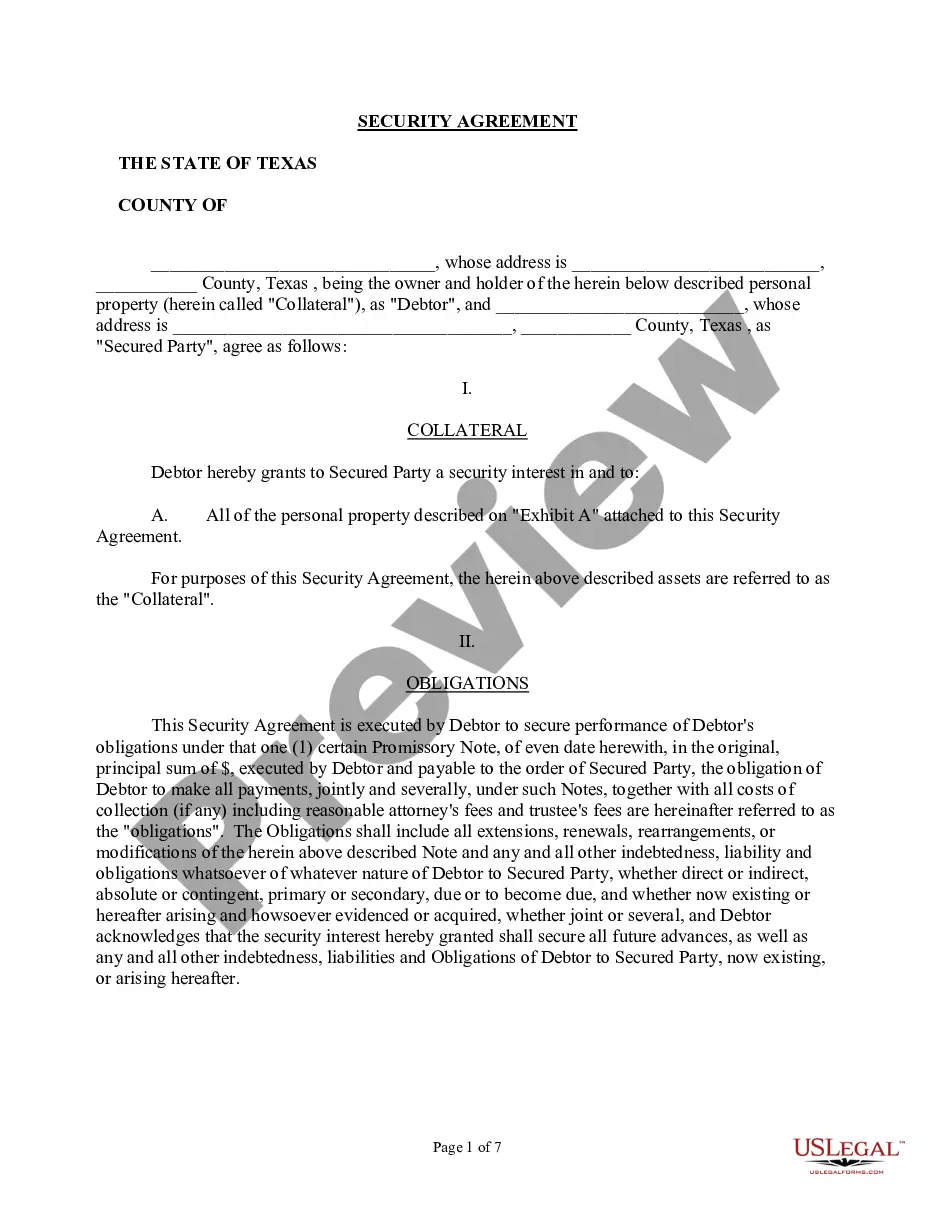
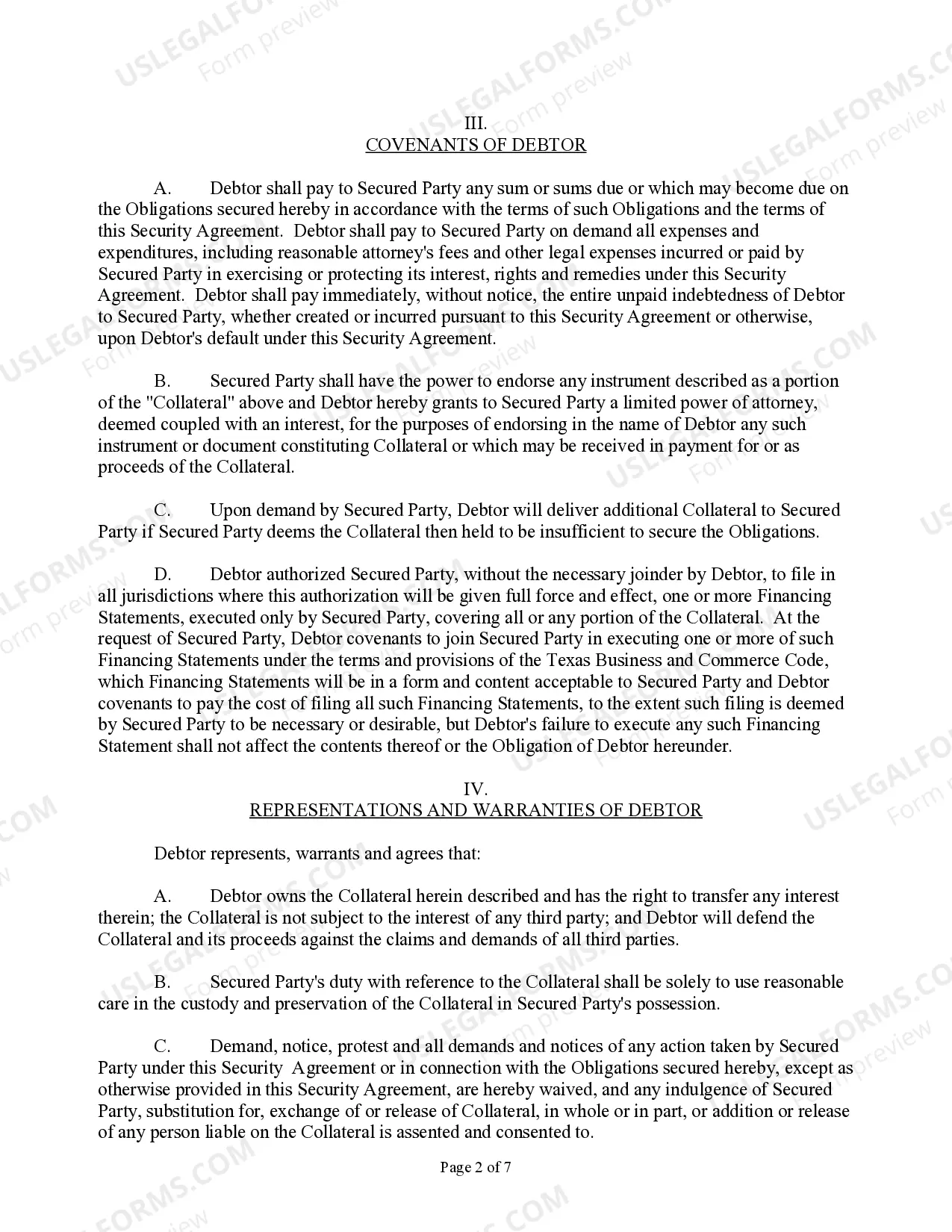
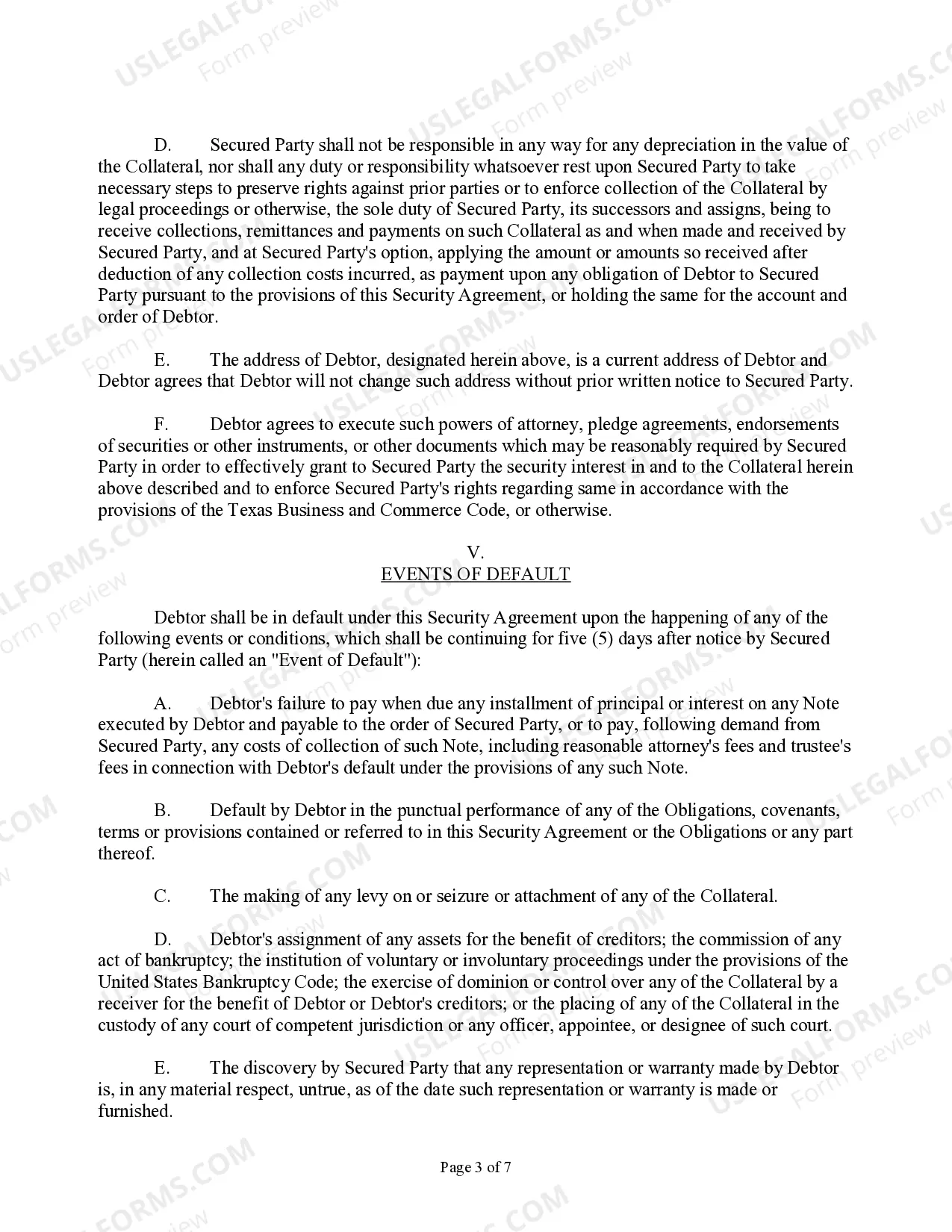
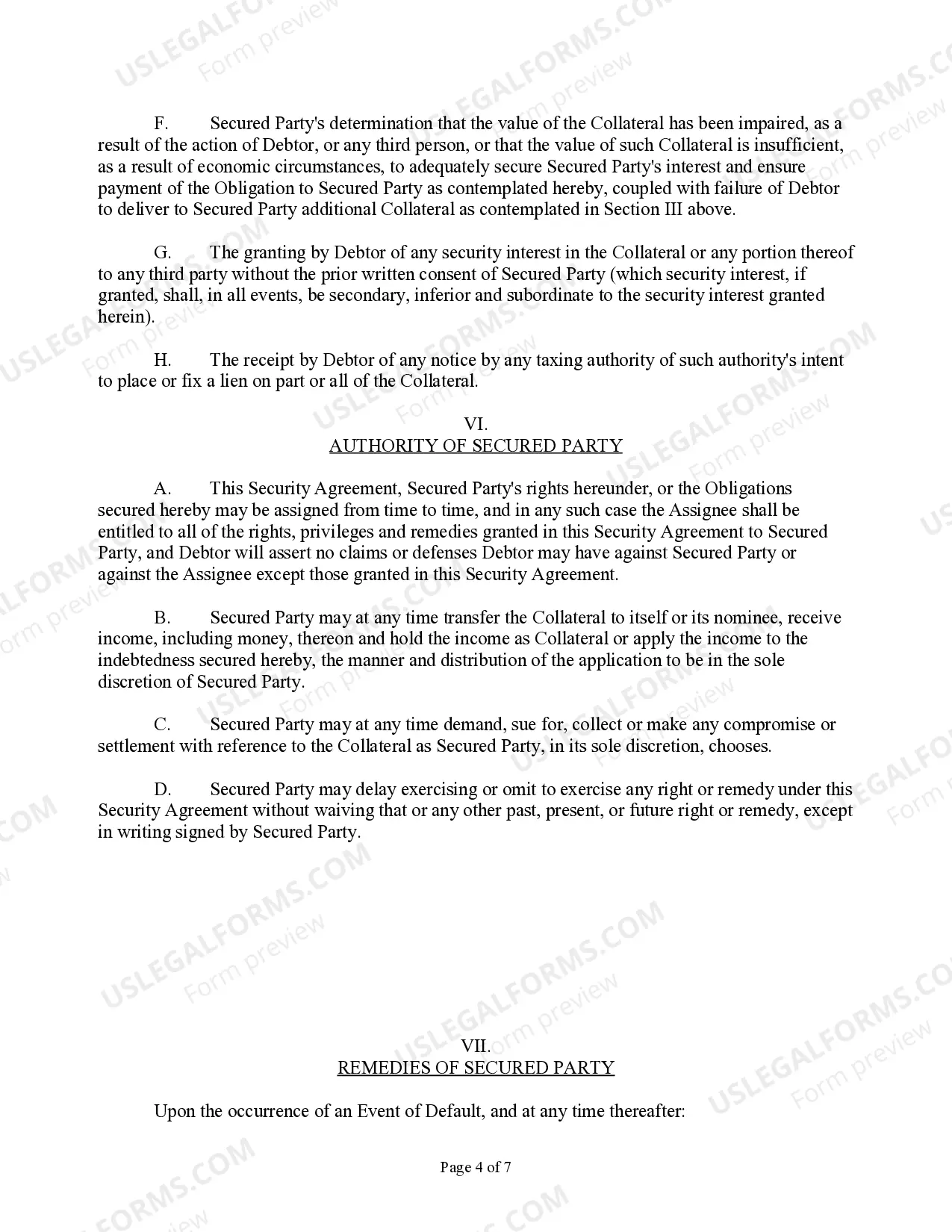



Get your form ready online
Our built-in tools help you complete, sign, share, and store your documents in one place.
Make edits, fill in missing information, and update formatting in US Legal Forms—just like you would in MS Word.
Download a copy, print it, send it by email, or mail it via USPS—whatever works best for your next step.
Sign and collect signatures with our SignNow integration. Send to multiple recipients, set reminders, and more. Go Premium to unlock E-Sign.
If this form requires notarization, complete it online through a secure video call—no need to meet a notary in person or wait for an appointment.
We protect your documents and personal data by following strict security and privacy standards.

Make edits, fill in missing information, and update formatting in US Legal Forms—just like you would in MS Word.

Download a copy, print it, send it by email, or mail it via USPS—whatever works best for your next step.

Sign and collect signatures with our SignNow integration. Send to multiple recipients, set reminders, and more. Go Premium to unlock E-Sign.

If this form requires notarization, complete it online through a secure video call—no need to meet a notary in person or wait for an appointment.

We protect your documents and personal data by following strict security and privacy standards.
Looking for another form?


How to fill out Texas UCC Security Agreement?
Regardless of whether you often manage documents or occasionally need to present a legal file, it's vital to find a resource where all the examples are pertinent and current.
The initial step to take when using a Ucc Security Agreement Template For Security is to verify that you have the most recent version, as this determines its acceptability for submission.
If you want to streamline your search for the most recent document examples, look for them on US Legal Forms.
To obtain a form without an account, follow these instructions: Use the search tool to locate the form you need, preview the Ucc Security Agreement Template For Security and its description to confirm it matches your requirements, double-check the form and click Buy Now, select an appropriate subscription plan, create a new account or Log In to your existing one, enter your payment information to finalize the purchase, choose the document format for download, and confirm your decision. Put aside any confusion associated with handling legal documents; with an account at US Legal Forms, all your templates will be organized and validated.
- US Legal Forms features a repository of legal templates that includes nearly every document sample you might need.
- Look for the templates you want, evaluate their relevance immediately, and learn more about how they can be utilized.
- With US Legal Forms, you gain access to over 85,000 form templates across a diverse range of areas.
- Acquire the Ucc Security Agreement Template For Security samples with just a few clicks and save them in your profile for later access.
- Having a US Legal Forms account will enable you to obtain all the examples you need effortlessly and with less stress.
- Simply click Log In in the site header and navigate to the My documents section to have all necessary templates at your fingertips.
- You will save time by not having to search for the correct template or verify its validity.
Form popularity
FAQ
A security agreement is a document that provides a lender a security interest in a specified asset or property that is pledged as collateral. Security agreements often contain covenants that outline provisions for the advancement of funds, a repayment schedule, or insurance requirements.
Security agreements are generally used to supplement a secured promissory note. The note is the borrower's actual promise to repay the money it received. The enclosed security agreement assumes the existence of a secured promissory note, but that agreement is not included with this package.
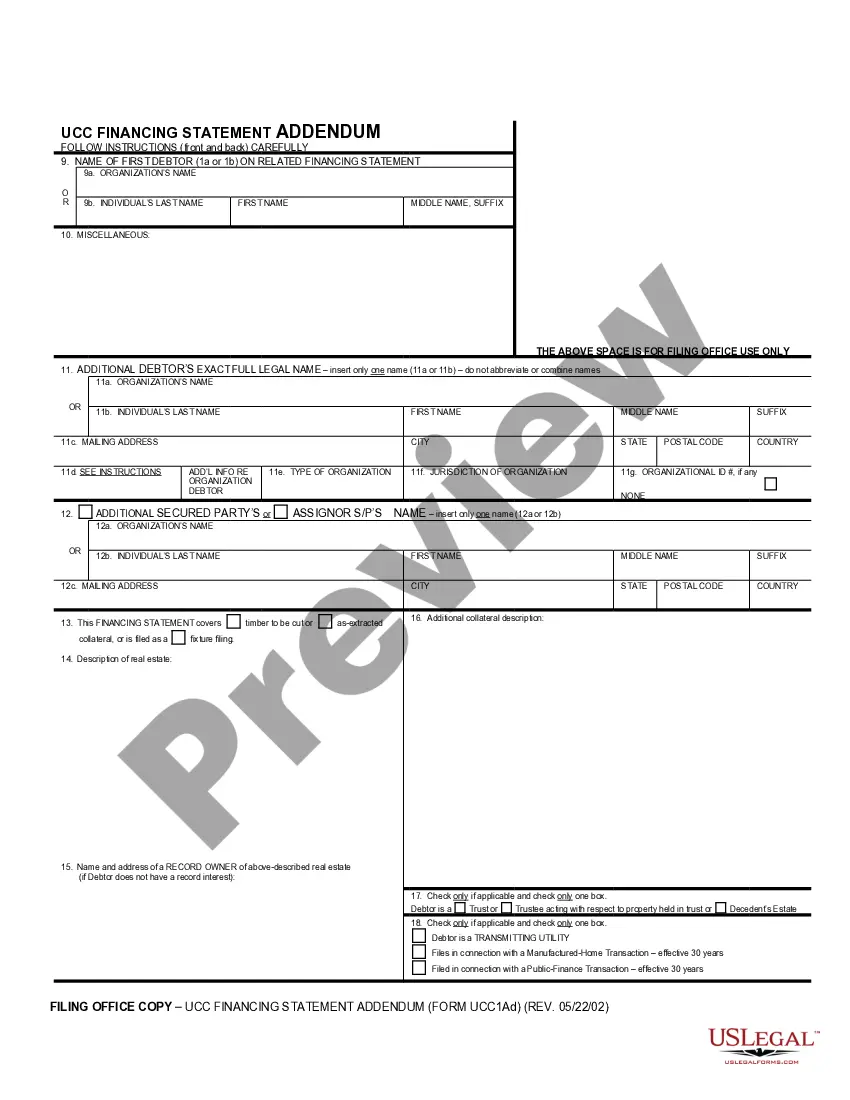
Security agreements and financing statements are often confused with one another. The primary difference is that the financing statement largely serves as notice that a creditor possesses security interest in the debtor's assets or property. The financing statement is not a contract.
Loans from banks or other institutional lenders are always made using a number of documents, two of which are a promissory and security agreement. In general, the promissory note is your written promise to repay the loan and a security agreement is used when collateral is given for the loan.
The security agreement must: be signed (or authenticated) by the debtor and the owner of the property, contain a description of the collateral and. make it clear that a security interest is intended.