Sworn Form Without Signature
Description

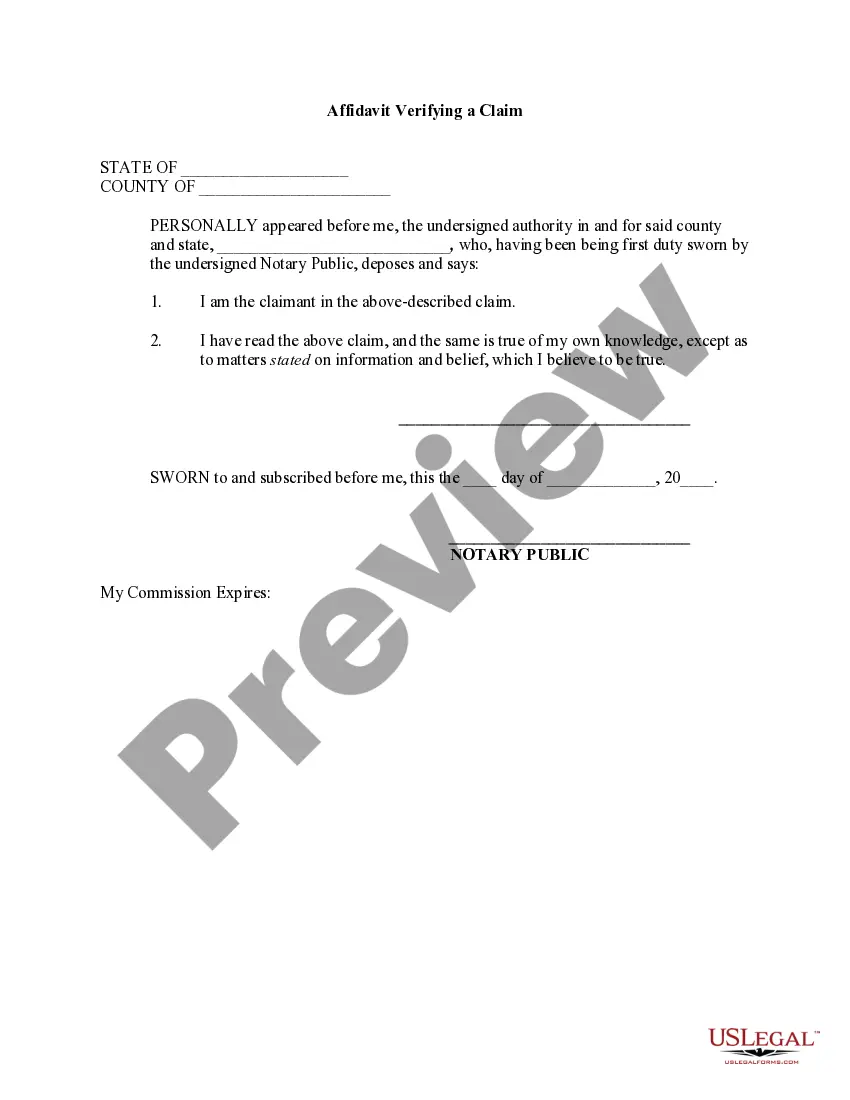
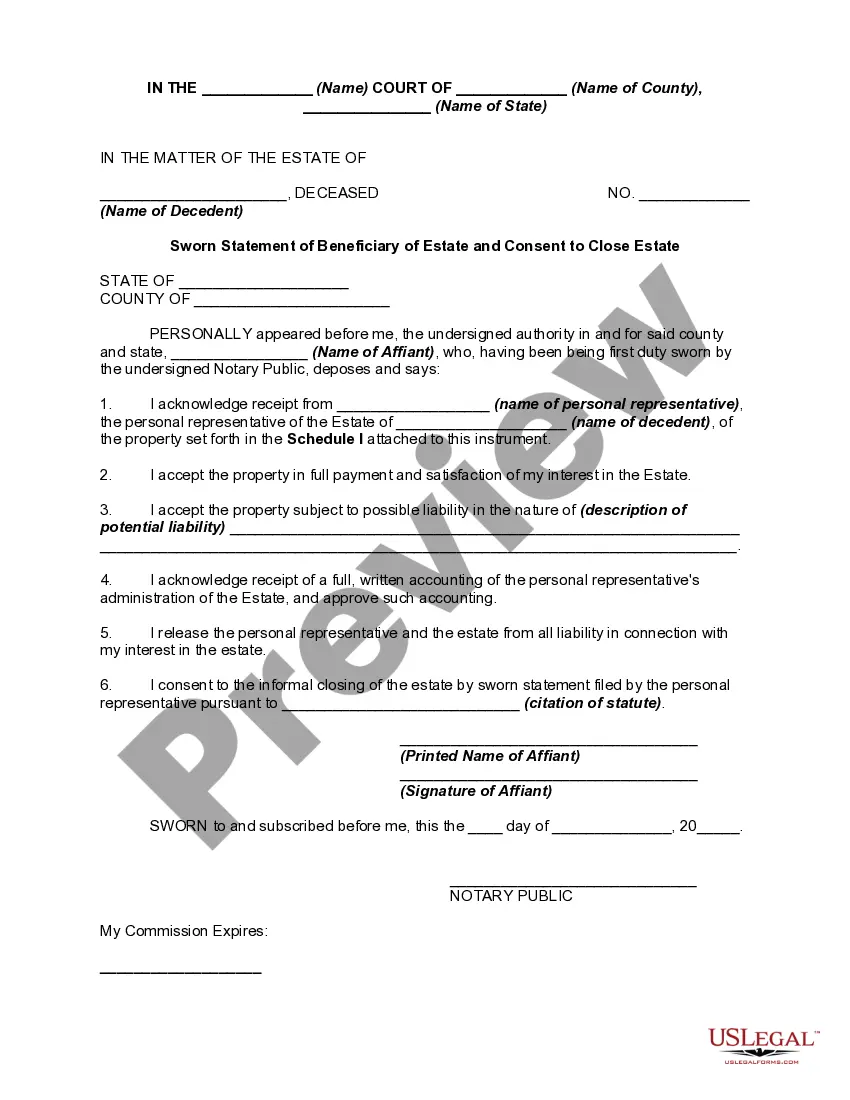
Get your form ready online
Our built-in tools help you complete, sign, share, and store your documents in one place.
Make edits, fill in missing information, and update formatting in US Legal Forms—just like you would in MS Word.
Download a copy, print it, send it by email, or mail it via USPS—whatever works best for your next step.
Sign and collect signatures with our SignNow integration. Send to multiple recipients, set reminders, and more. Go Premium to unlock E-Sign.
If this form requires notarization, complete it online through a secure video call—no need to meet a notary in person or wait for an appointment.
We protect your documents and personal data by following strict security and privacy standards.

Make edits, fill in missing information, and update formatting in US Legal Forms—just like you would in MS Word.

Download a copy, print it, send it by email, or mail it via USPS—whatever works best for your next step.

Sign and collect signatures with our SignNow integration. Send to multiple recipients, set reminders, and more. Go Premium to unlock E-Sign.

If this form requires notarization, complete it online through a secure video call—no need to meet a notary in person or wait for an appointment.

We protect your documents and personal data by following strict security and privacy standards.
Looking for another form?
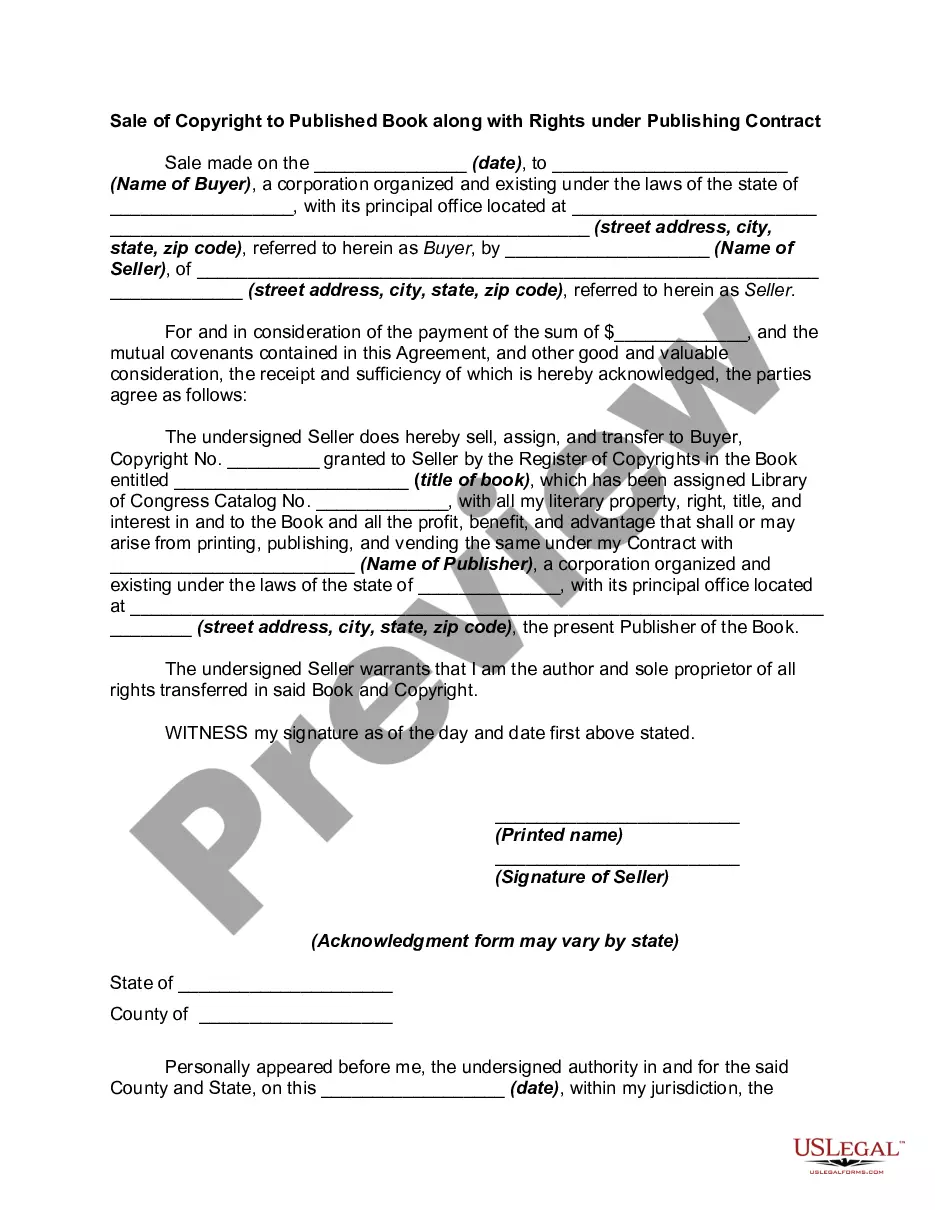








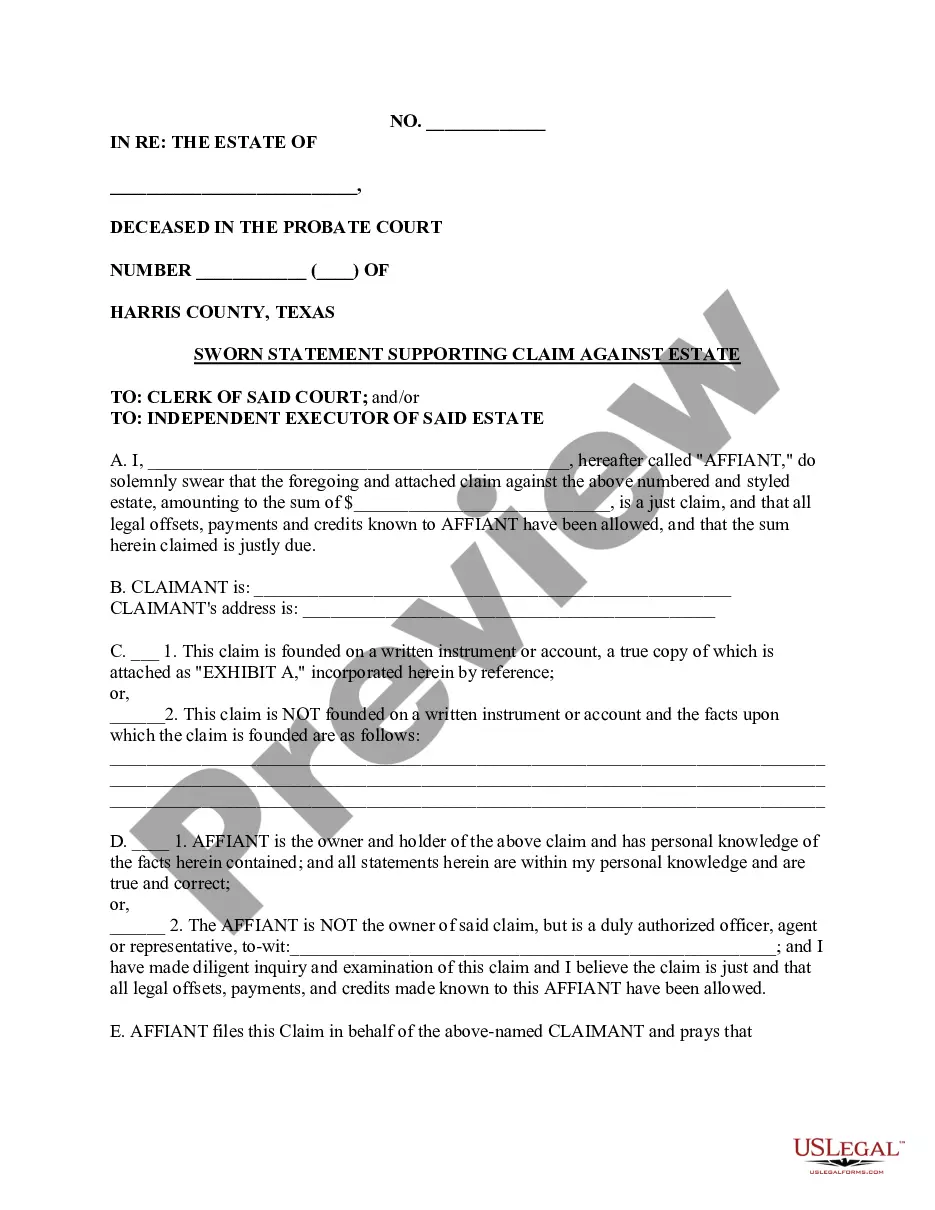
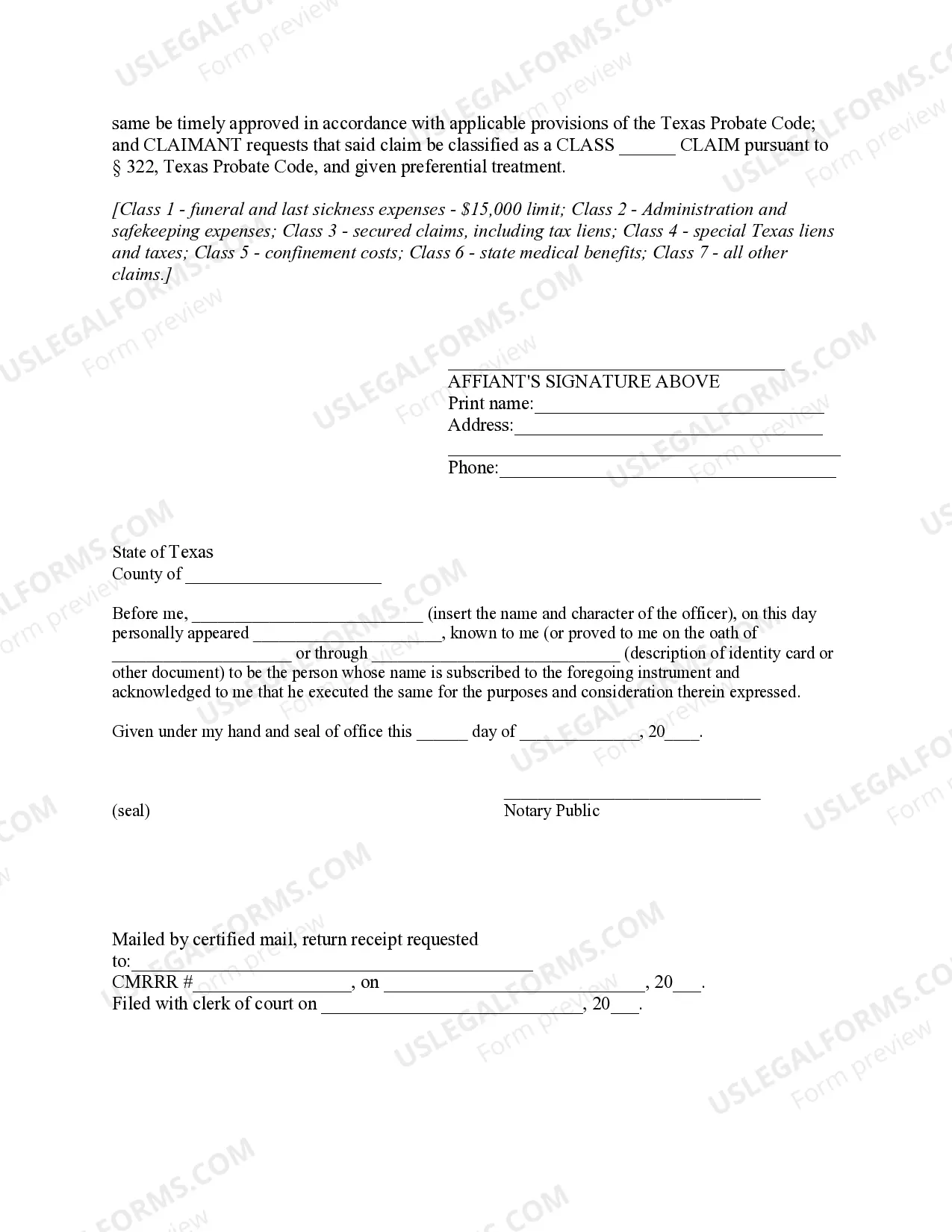
How to fill out Texas Sworn Statement Supporting Claim Against Estate?
Legal papers managing might be overwhelming, even for the most skilled professionals. When you are searching for a Sworn Form Without Signature and don’t get the a chance to commit trying to find the right and updated version, the procedures could be demanding. A strong web form catalogue might be a gamechanger for anybody who wants to deal with these situations efficiently. US Legal Forms is a industry leader in online legal forms, with over 85,000 state-specific legal forms accessible to you at any moment.
With US Legal Forms, you may:
- Access state- or county-specific legal and organization forms. US Legal Forms handles any needs you may have, from personal to business papers, all-in-one spot.
- Employ innovative tools to complete and manage your Sworn Form Without Signature
- Access a resource base of articles, tutorials and handbooks and resources relevant to your situation and needs
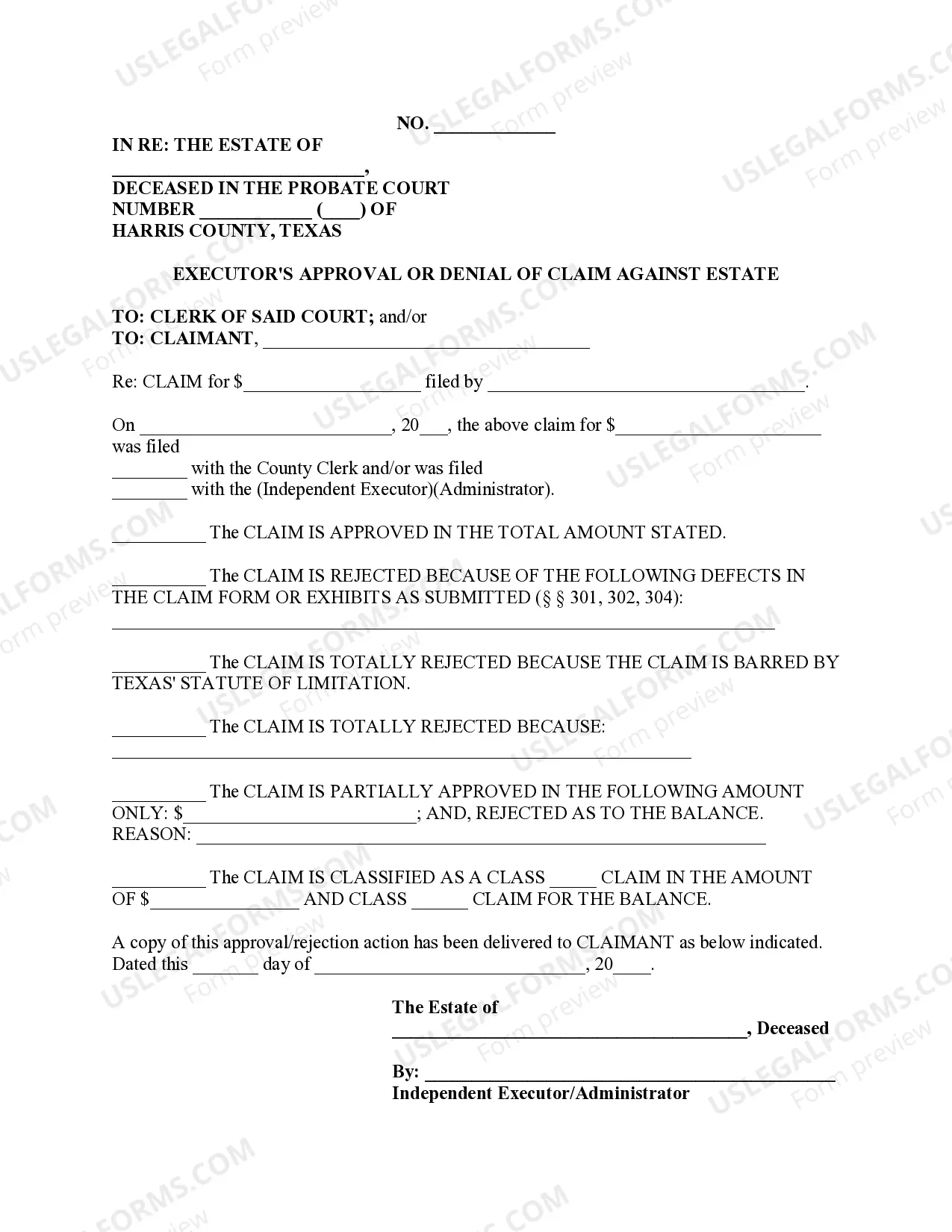
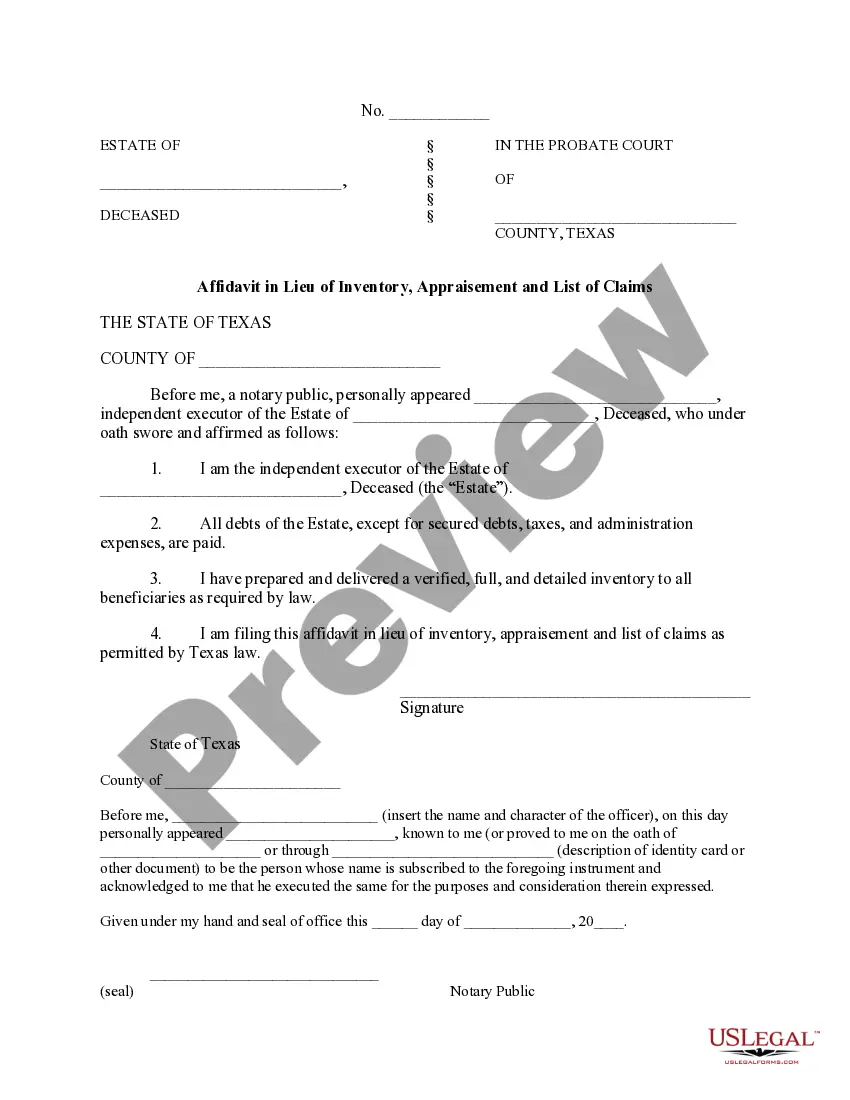
Help save time and effort trying to find the papers you will need, and employ US Legal Forms’ advanced search and Preview tool to discover Sworn Form Without Signature and download it. In case you have a subscription, log in for your US Legal Forms profile, look for the form, and download it. Review your My Forms tab to view the papers you previously saved as well as to manage your folders as you can see fit.
If it is your first time with US Legal Forms, create a free account and acquire unrestricted usage of all advantages of the library. Here are the steps to consider after downloading the form you want:
- Validate it is the correct form by previewing it and reading its description.
- Be sure that the sample is acknowledged in your state or county.
- Pick Buy Now when you are ready.
- Select a monthly subscription plan.
- Find the file format you want, and Download, complete, sign, print out and send your document.
Take advantage of the US Legal Forms web catalogue, backed with 25 years of experience and trustworthiness. Change your everyday document managing into a easy and easy-to-use process today.
Form popularity
FAQ
(Government Code section 8202) The jurat is identified by the wording "Subscribed and sworn to (or affirmed)" contained in the form and must be completed by the notary after a number of other steps are followed.
Failing to require signers to be present at the notarization is the number one claim of misconduct against Notaries.
Hear this out loud PauseIf you are requesting an authorized copy of a birth, death, or marriage certificate, you MUST complete the Sworn Statement included with the application and sign the statement (declaring under penalty of perjury that you are entitled by law to receive an authorized copy). Your Sworn Statement must be notarized.
A sworn declaration (also called a sworn statement or a statement under penalty of perjury) is a document that recites facts pertinent to a legal proceeding. It is very similar to an affidavit but is not witnessed and sealed by an official such as a notary public.
A sworn translation shows that the document translation is genuine, much like a notarized translation does. But unlike the notarized kinds, sworn translations do not have to be signed in front of a notary public. Instead, the seal of a sworn translator is enough.