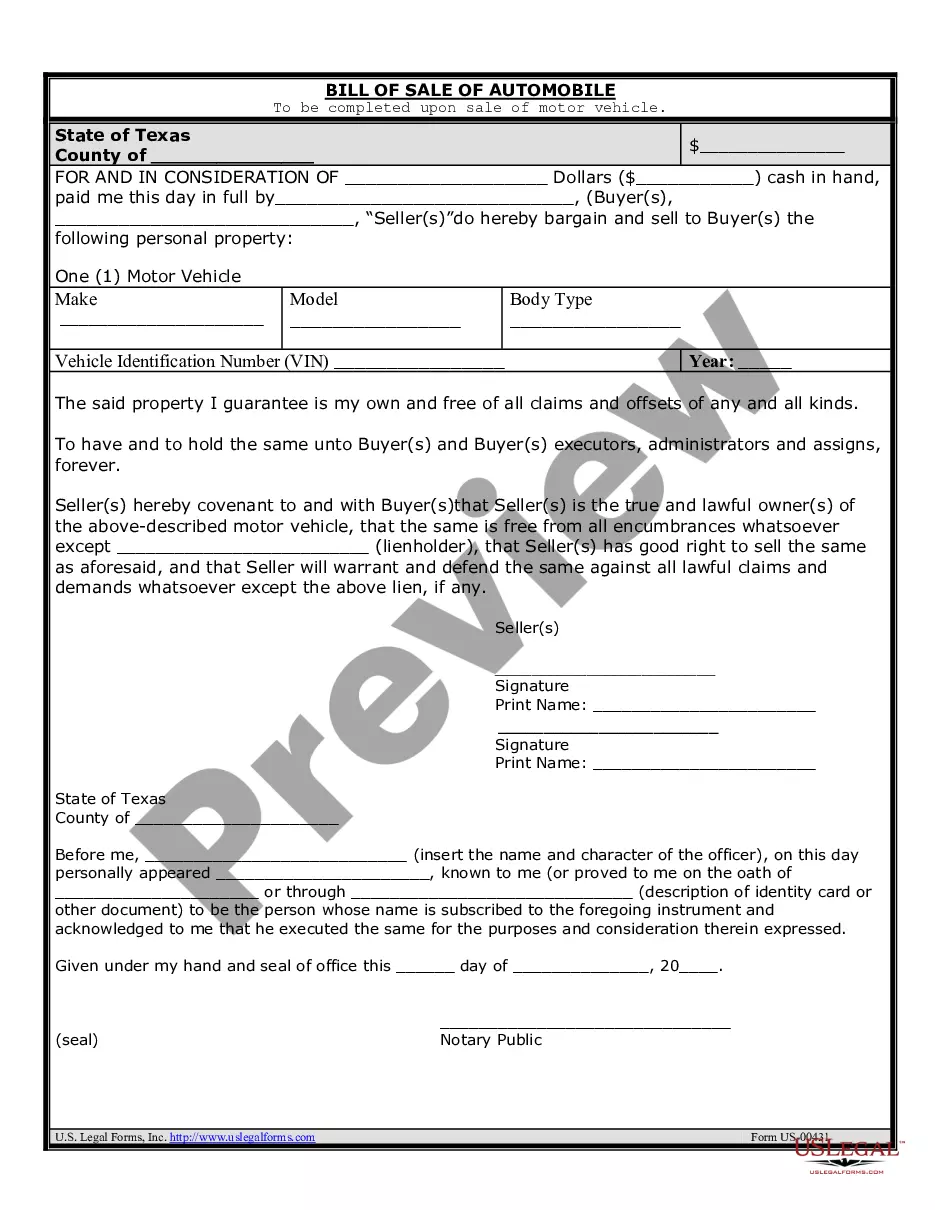
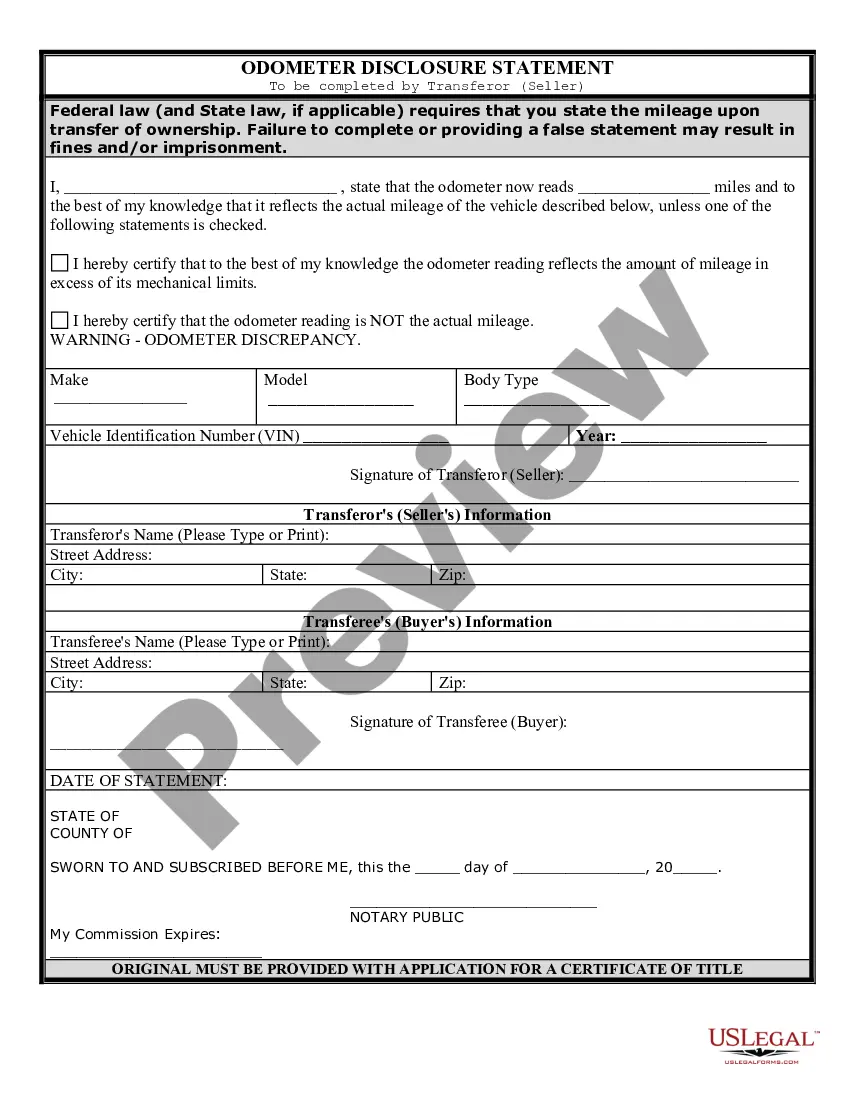
Texas Sale Automobile With Title
Description
Get your form ready online
Our built-in tools help you complete, sign, share, and store your documents in one place.
Make edits, fill in missing information, and update formatting in US Legal Forms—just like you would in MS Word.
Download a copy, print it, send it by email, or mail it via USPS—whatever works best for your next step.
Sign and collect signatures with our SignNow integration. Send to multiple recipients, set reminders, and more. Go Premium to unlock E-Sign.
If this form requires notarization, complete it online through a secure video call—no need to meet a notary in person or wait for an appointment.
We protect your documents and personal data by following strict security and privacy standards.

Make edits, fill in missing information, and update formatting in US Legal Forms—just like you would in MS Word.

Download a copy, print it, send it by email, or mail it via USPS—whatever works best for your next step.

Sign and collect signatures with our SignNow integration. Send to multiple recipients, set reminders, and more. Go Premium to unlock E-Sign.

If this form requires notarization, complete it online through a secure video call—no need to meet a notary in person or wait for an appointment.

We protect your documents and personal data by following strict security and privacy standards.
Looking for another form?







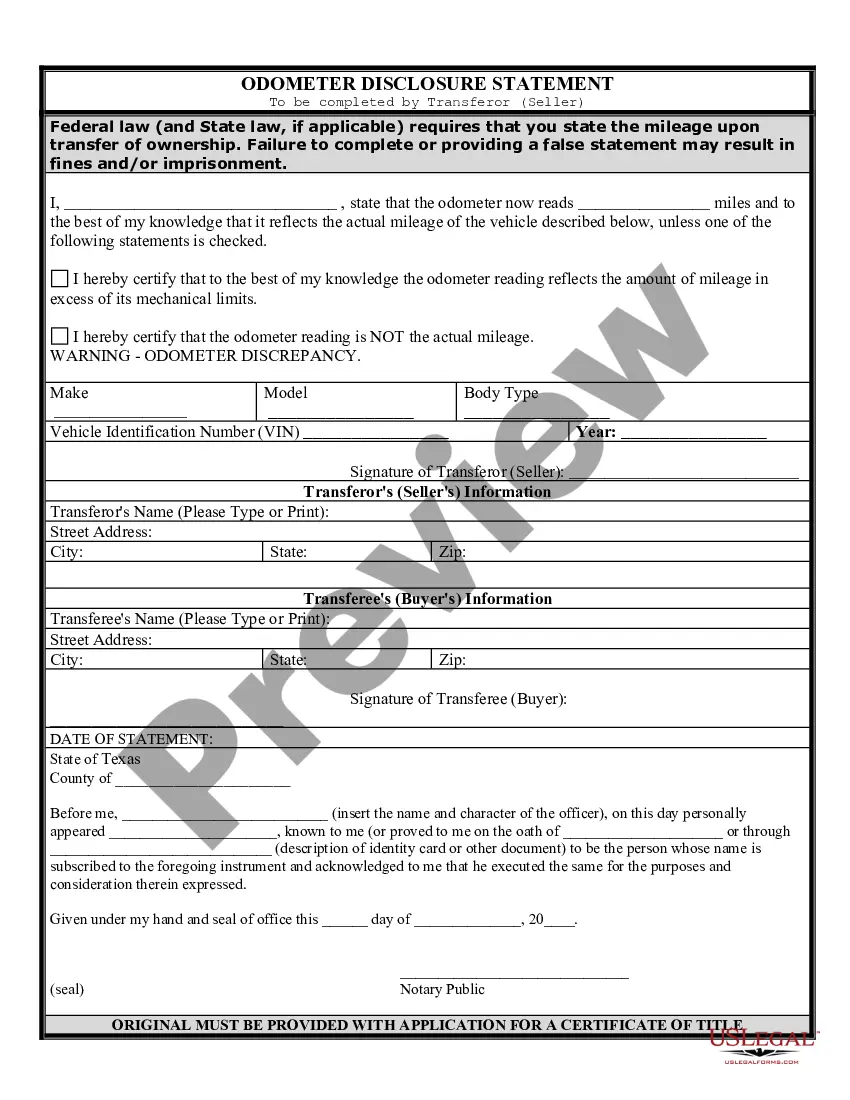
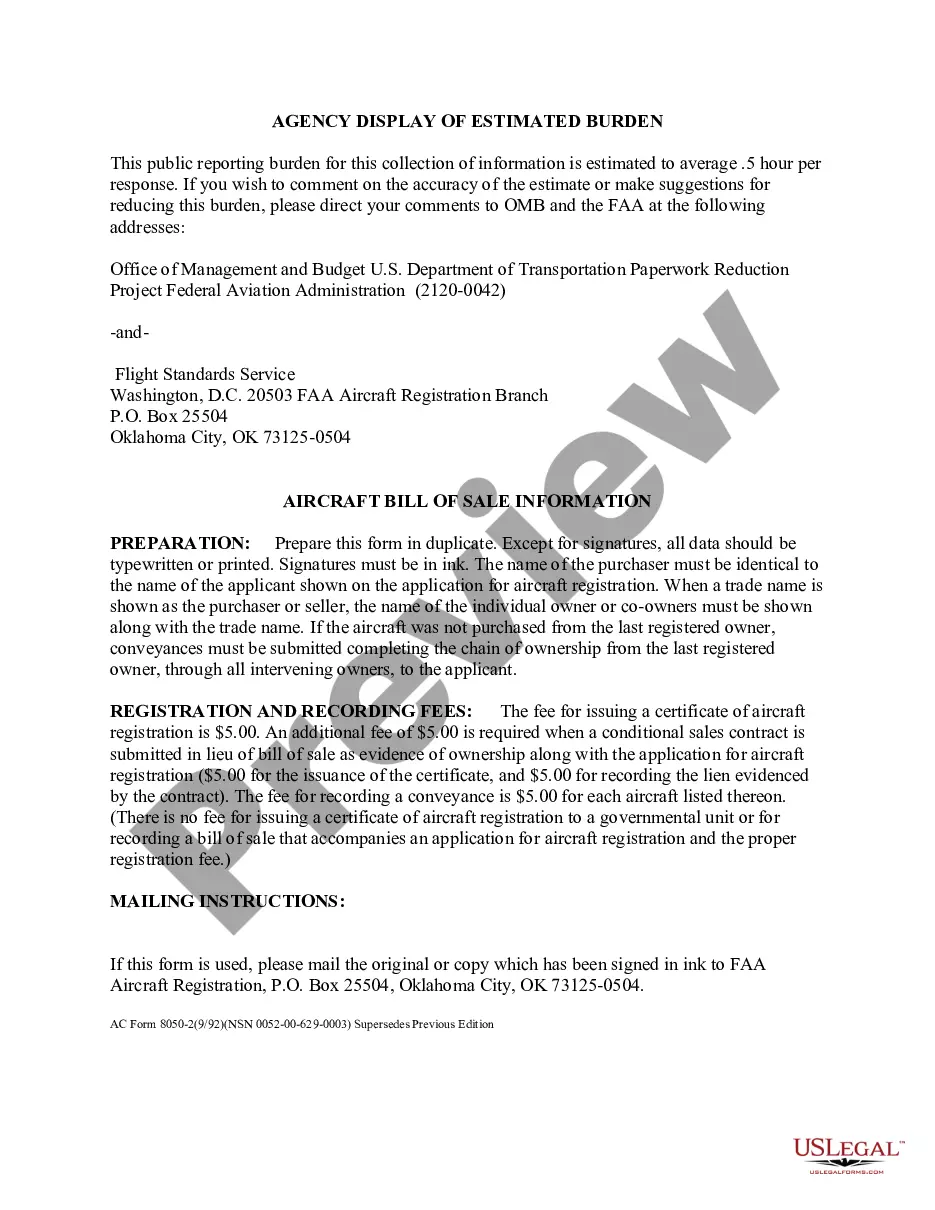
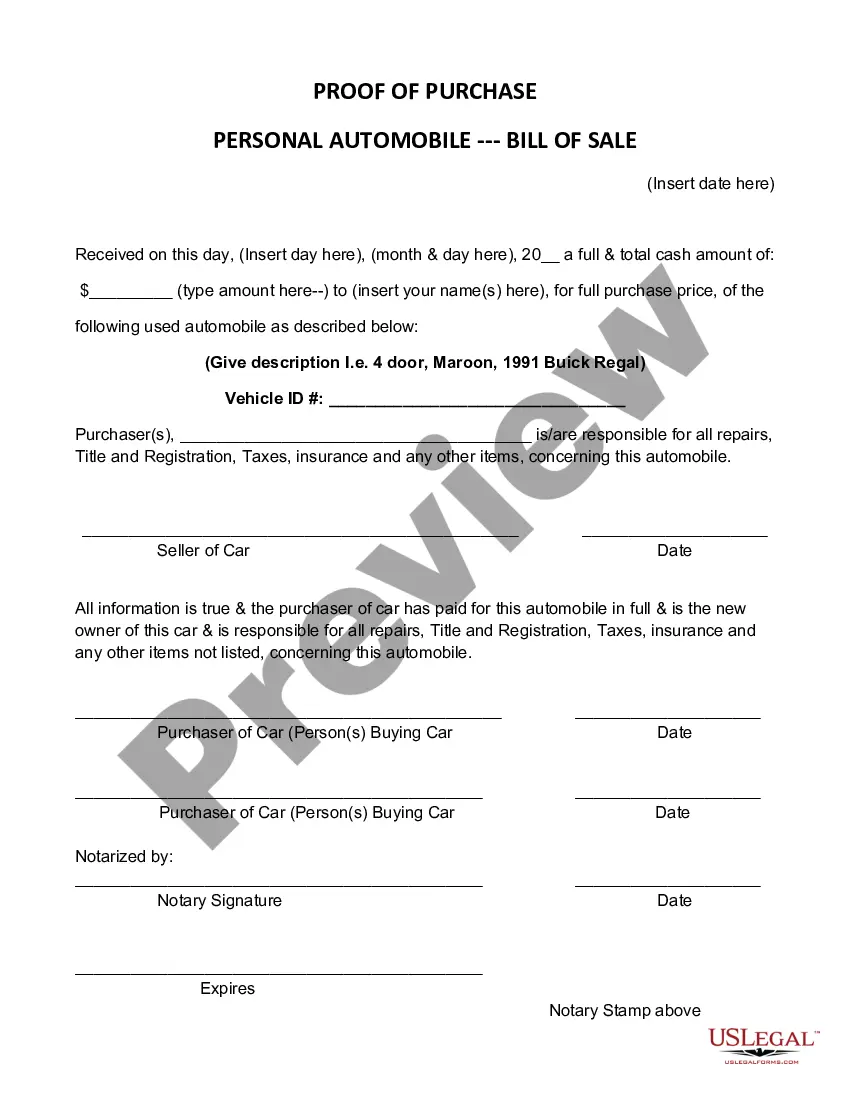
How to fill out Texas Bill Of Sale Of Automobile And Odometer Statement?
It’s well known that you cannot instantly become a legal expert, nor can you quickly learn how to draft a Texas Sale Automobile With Title without having specific expertise.
Drafting legal documents is an extensive process that requires specialized education and abilities. So why not entrust the creation of the Texas Sale Automobile With Title to the experts.
With US Legal Forms, one of the most extensive legal document collections, you can discover everything from court forms to templates for internal communication.
If you need another form, you can start your search again.
Create a free account and select a subscription plan to acquire the template. Click Buy now. Once the purchase is complete, you can download the Texas Sale Automobile With Title, fill it out, print it, and send or mail it to the necessary parties. You can access your documents from the My documents tab at any time. If you’re already a client, simply Log In and find and download the template from the same tab. No matter the reason for your forms—whether financial, legal, or personal—our website has everything you need. Give US Legal Forms a try today!
- We recognize how crucial it is to comply with federal and state laws and regulations.
- Therefore, all templates on our platform are tailored to specific locations and are current.
- Start by visiting our website to obtain the form you need in just a few minutes.
- Use the search bar at the top of the page to locate the document you require.
- Preview it (if this option is available) and review the accompanying description to determine if the Texas Sale Automobile With Title is what you need.
Form popularity
FAQ
After you choose your buyer, you should provide them with a properly signed title. This should include the sale date and odometer reading. You will also need Form 130-U, the Application for Texas Title, and/or Registration. Form 130-U acts as a legal bill of sale.
To transfer a Texas titled vehicle, bring in or mail the following to our offices: Texas title, signed and dated by the seller(s) and buyer(s). ... VTR-130U (Application for Texas title), signed and dated by the seller(s) and buyer(s). ... Proof of insurance in the buyer's name. Acceptable form of ID. Proof of inspection. Fees.
How do I let the DMV know I no longer own a vehicle? Submit it online. Mail a completed Vehicle Transfer Notification Form to the address located on the form. Visit a Texas Department of Motor Vehicles Regional Service Center.
To transfer a Texas titled vehicle, bring in or mail the following to our offices: Texas title, signed and dated by the seller(s) and buyer(s). ... VTR-130U (Application for Texas title), signed and dated by the seller(s) and buyer(s). ... Proof of insurance in the buyer's name. Acceptable form of ID. Proof of inspection. Fees.
The vehicle stays in your name until the dealer sells it to an individual. To protect yourself, file a Vehicle Transfer Notification. Filing the notification within 30 days of the sale date protects you against things like parking tickets and toll violations committed by the person who purchased the vehicle.