Tennessee Excavation Forum
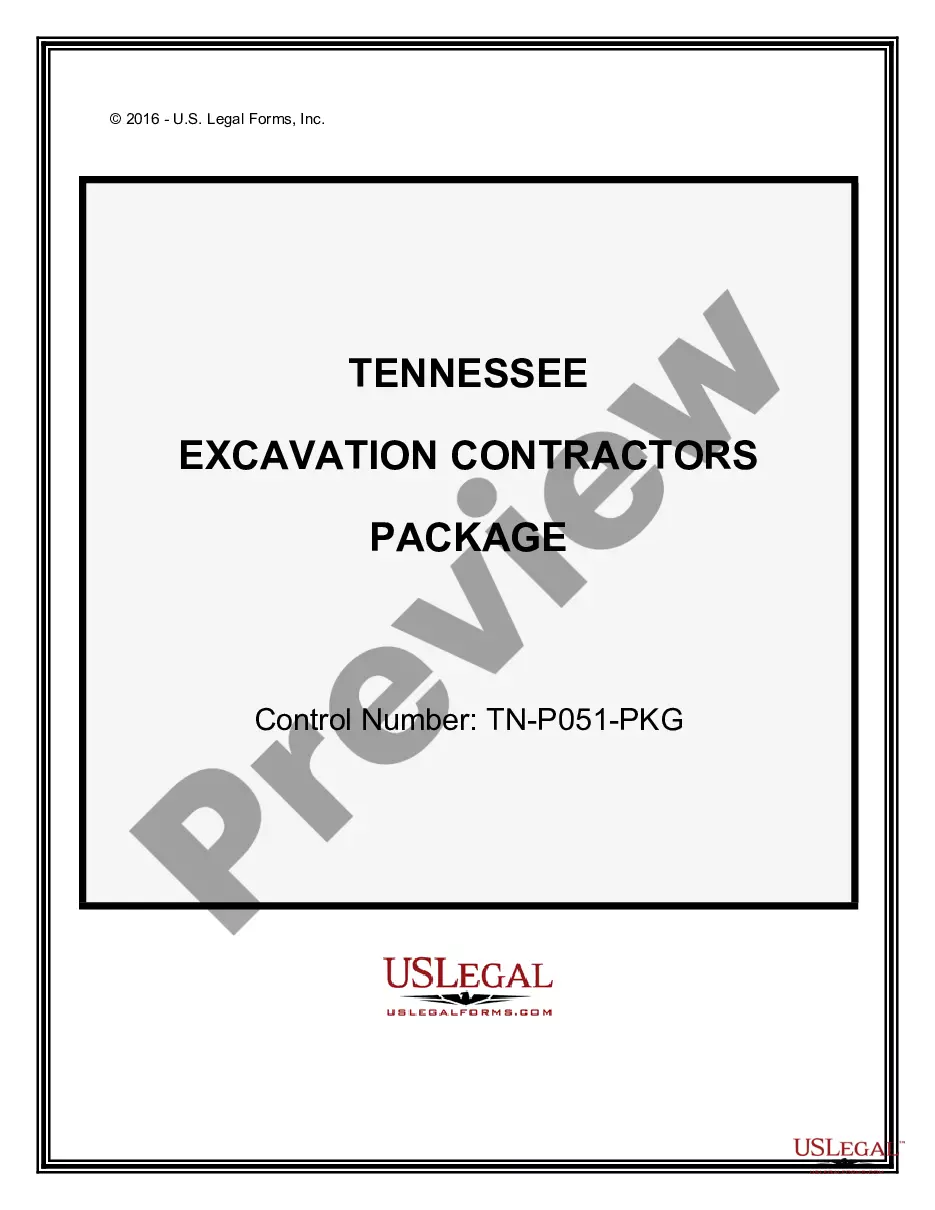
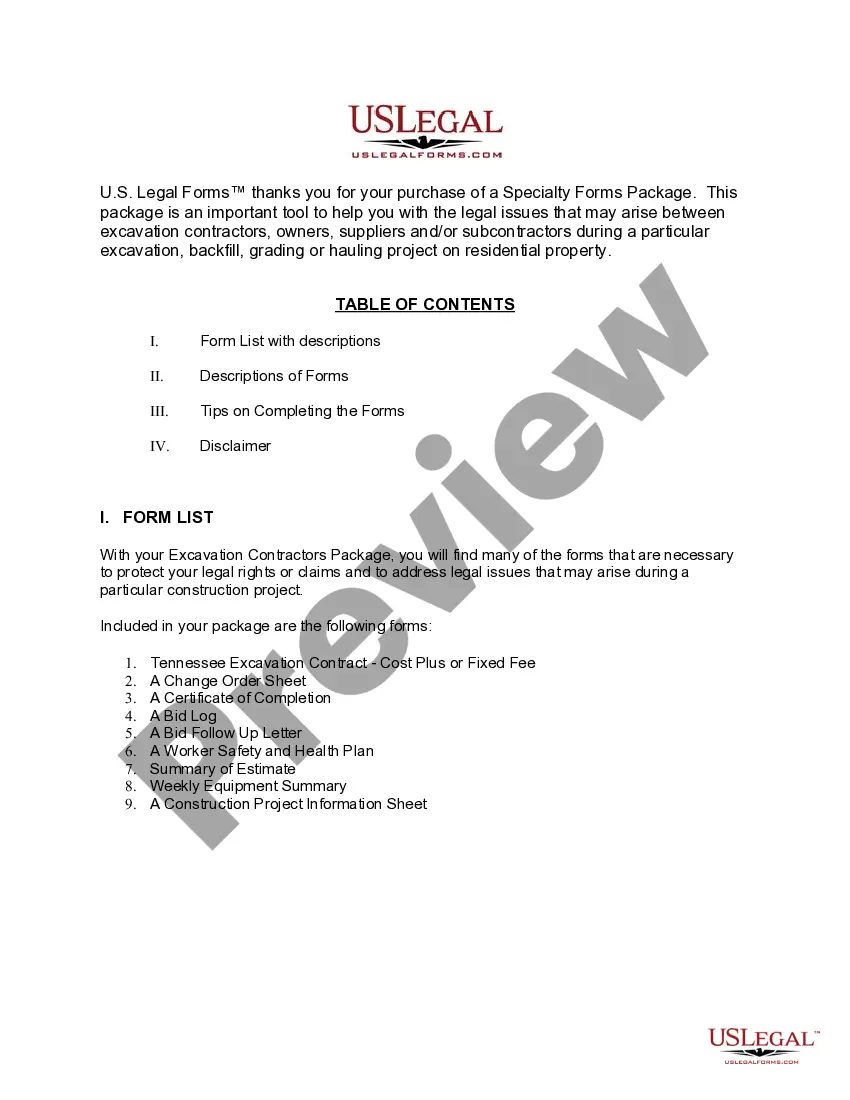
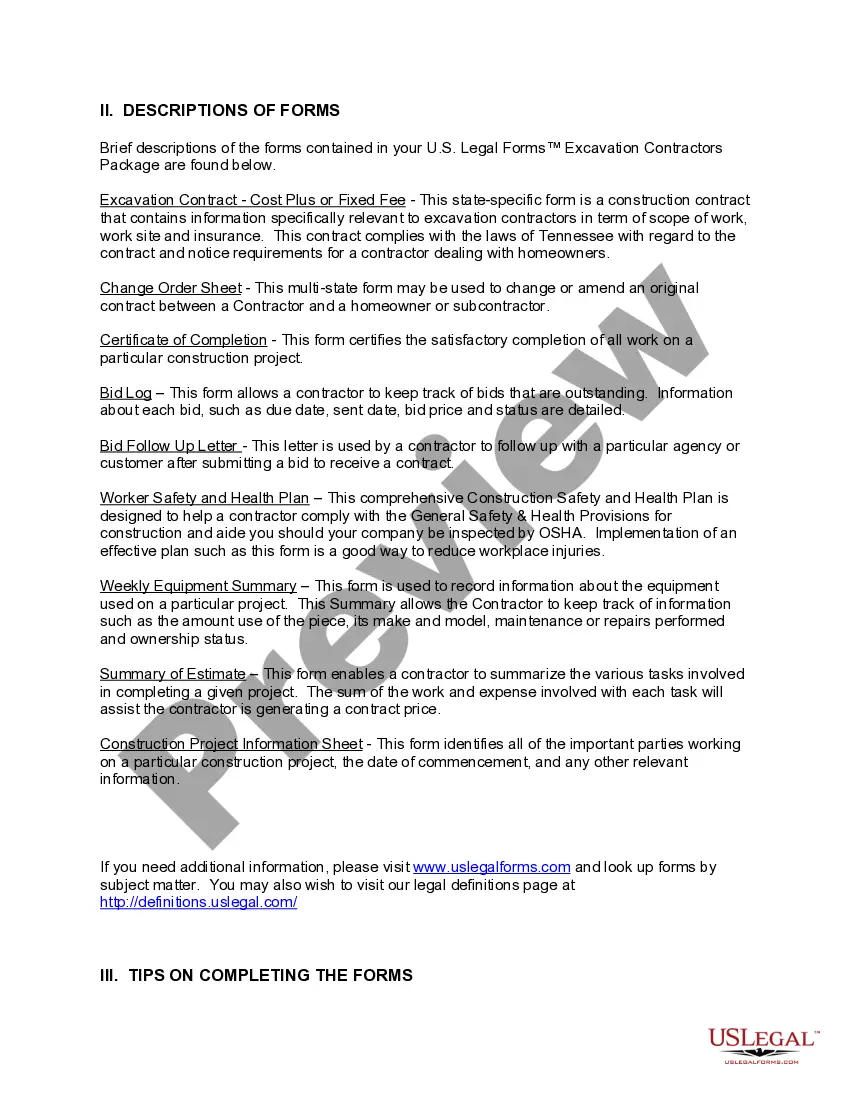
Description
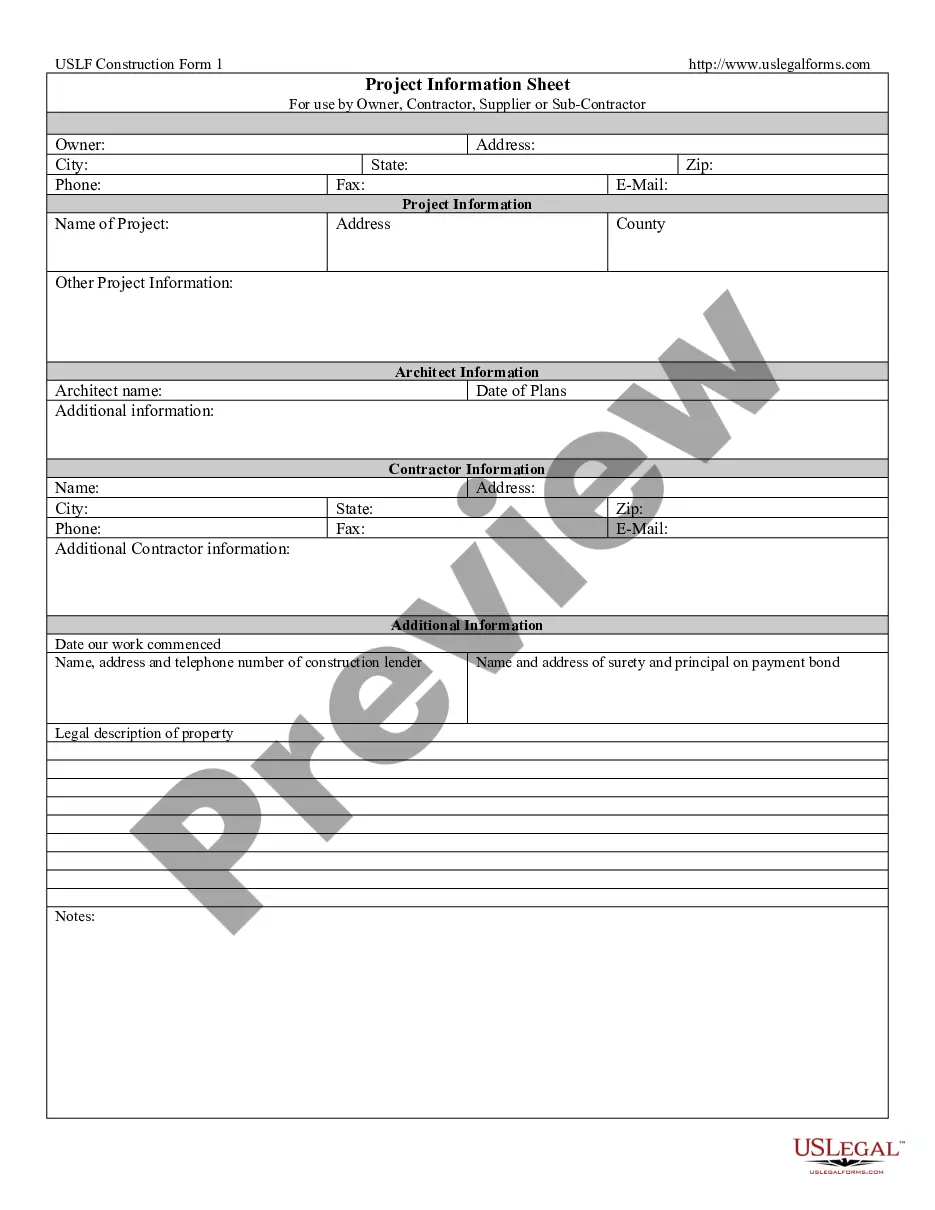
Get your form ready online
Our built-in tools help you complete, sign, share, and store your documents in one place.
Make edits, fill in missing information, and update formatting in US Legal Forms—just like you would in MS Word.
Download a copy, print it, send it by email, or mail it via USPS—whatever works best for your next step.
Sign and collect signatures with our SignNow integration. Send to multiple recipients, set reminders, and more. Go Premium to unlock E-Sign.
If this form requires notarization, complete it online through a secure video call—no need to meet a notary in person or wait for an appointment.
We protect your documents and personal data by following strict security and privacy standards.

Make edits, fill in missing information, and update formatting in US Legal Forms—just like you would in MS Word.

Download a copy, print it, send it by email, or mail it via USPS—whatever works best for your next step.

Sign and collect signatures with our SignNow integration. Send to multiple recipients, set reminders, and more. Go Premium to unlock E-Sign.

If this form requires notarization, complete it online through a secure video call—no need to meet a notary in person or wait for an appointment.

We protect your documents and personal data by following strict security and privacy standards.
Looking for another form?









How to fill out Tennessee Excavation Contractor Package?
Handling legal documents and processes can be a lengthy enhancement to your entire day.
Tennessee Excavation Forum and similar forms often require you to look for them and figure out the best method to complete them accurately.
Consequently, whether you are managing financial, legal, or personal affairs, having a comprehensive and functional online repository of forms at your disposal will significantly aid you.
US Legal Forms is the leading online resource for legal templates, providing over 85,000 state-specific forms along with various tools to help you complete your paperwork effortlessly.
Is it your first time utilizing US Legal Forms? Register and create your account within a few minutes to access the form library and Tennessee Excavation Forum. Then, follow the steps below to fill out your form: Ensure you have located the appropriate form by using the Review feature and examining the form description.
- Browse the collection of relevant documents available for you with just a single click.
- US Legal Forms provides you with state- and county-specific forms accessible anytime for downloading.
- Protect your document management processes with top-notch support that allows you to prepare any form within minutes without additional or concealed fees.
- Simply Log In to your account, locate Tennessee Excavation Forum and download it directly from the My documents section.
- You can also access previously saved forms.
Form popularity
FAQ
If you and your spouse are on good terms and can communicate openly about your finances, you may be able to create the agreement yourselves. The main difference and largest advantage of writing your own postnup is saving money.
Here's a list of steps on how to write a postnuptial agreement: Step 1 ? Include Party Information. ... Step 2 ? Provide Property Information. ... Step 3 ? Include Business Information. ... Step 4 ? Provide Debts and Taxes Information. ... Step 5 ? Specify How You'll Divide The Marital Home. ... Step 6 ? Include Pet Information.
What is the legal status of Postnups in Canada? Postnuptial agreements are permitted in Canada. You can enter into a prenup at any time, either before or after marriage.
For example, a house bought after a couple gets married is marital property, while a car bought before marriage is separate property. These postnup clauses offer a guide for dividing the couple's joint property without emotions or outside influences getting in the way after the marriage ends.
On March 23, 2023, Ohio Senate Bill 210 was signed into law. This law allows for married couples to enter into a postnuptial agreement or modify or revoke an existing prenuptial agreement. Prenuptial and postnuptial agreements can be used to define marital rights and the rights of either spouse upon divorce or death.
How to Make a Prenuptial Agreement (6 steps) Discuss Each Other's Intentions. Determine Affordability. Seek Legal Counsel. Make a List of Financial Assets. Negotiate and Agree to Terms. Sign the Agreement (Requirements)
How to Write a Postnuptial Agreement Step 1 ? Include Party Information. ... Step 2 ? Provide Property Information. ... Step 3 ? Include Business Information. ... Step 4 ? Provide Debts and Taxes Information. ... Step 5 ? Specify How You'll Divide The Marital Home. ... Step 6 ? Include Pet Information. ... Step 7 ? Add in the Final Details.
The difference is in the process. A dissolution requires you and your spouse to agree on everything before you file. With a divorce, a judge will make decisions for you if you cannot agree with your spouse. Legal separation does not legally end your marriage.