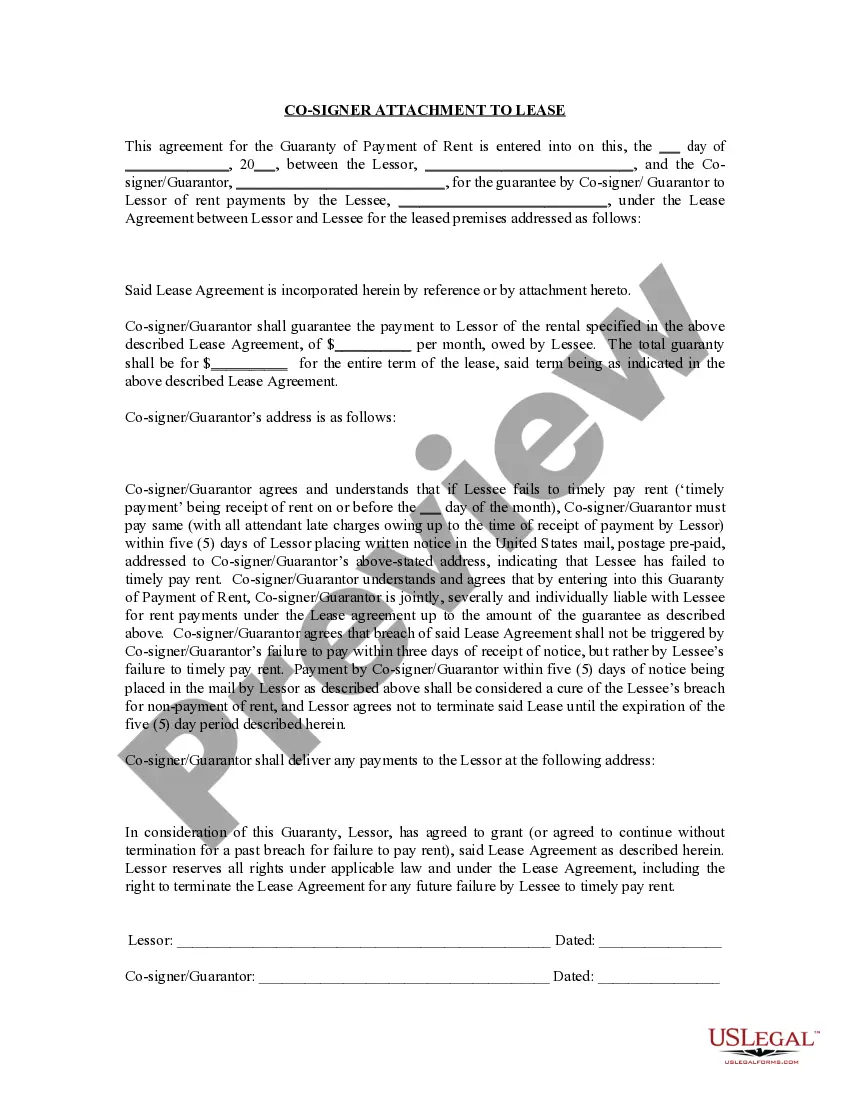
South Carolina Lien Release Form For Minors
Description
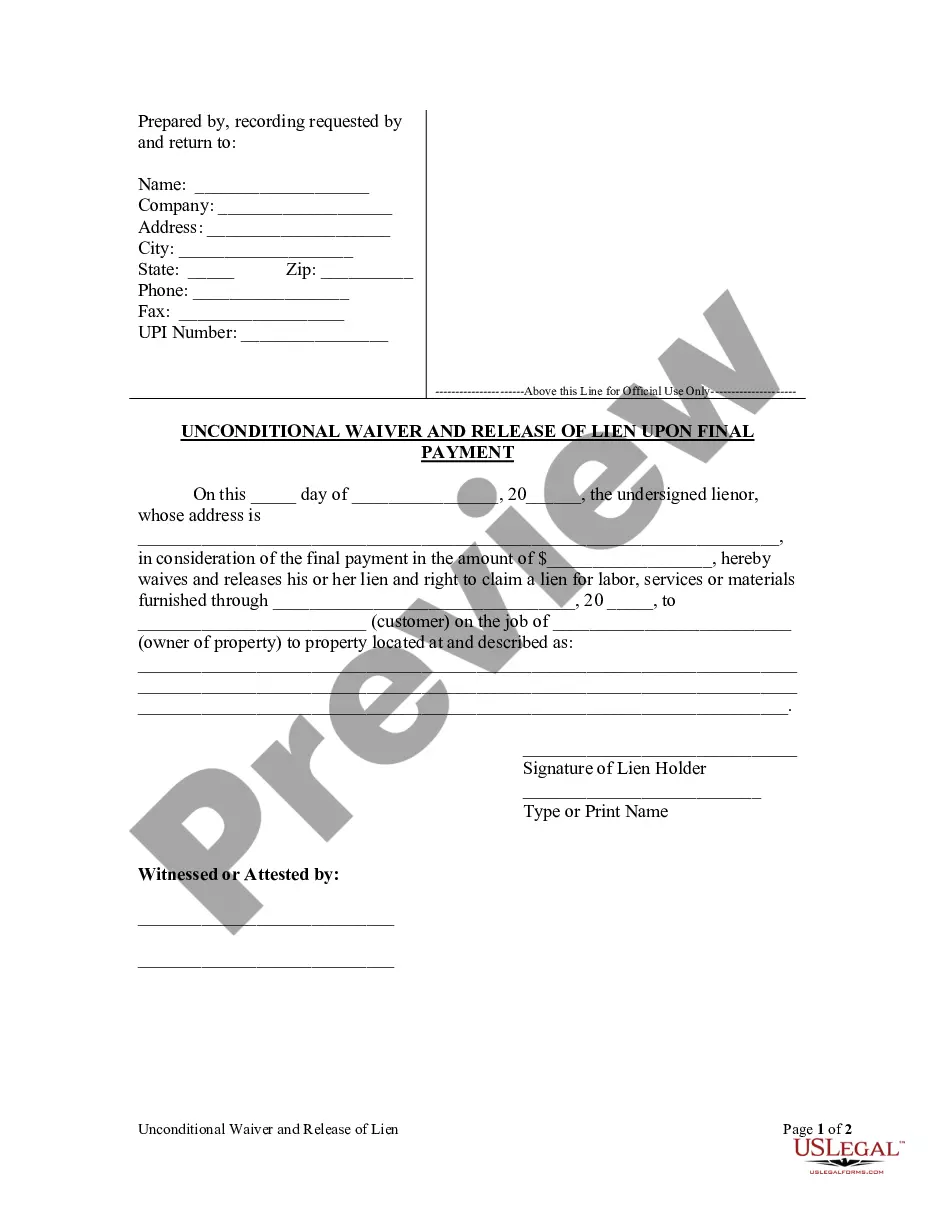
Get your form ready online
Our built-in tools help you complete, sign, share, and store your documents in one place.
Make edits, fill in missing information, and update formatting in US Legal Forms—just like you would in MS Word.
Download a copy, print it, send it by email, or mail it via USPS—whatever works best for your next step.
Sign and collect signatures with our SignNow integration. Send to multiple recipients, set reminders, and more. Go Premium to unlock E-Sign.
If this form requires notarization, complete it online through a secure video call—no need to meet a notary in person or wait for an appointment.
We protect your documents and personal data by following strict security and privacy standards.

Make edits, fill in missing information, and update formatting in US Legal Forms—just like you would in MS Word.

Download a copy, print it, send it by email, or mail it via USPS—whatever works best for your next step.

Sign and collect signatures with our SignNow integration. Send to multiple recipients, set reminders, and more. Go Premium to unlock E-Sign.

If this form requires notarization, complete it online through a secure video call—no need to meet a notary in person or wait for an appointment.

We protect your documents and personal data by following strict security and privacy standards.
Looking for another form?
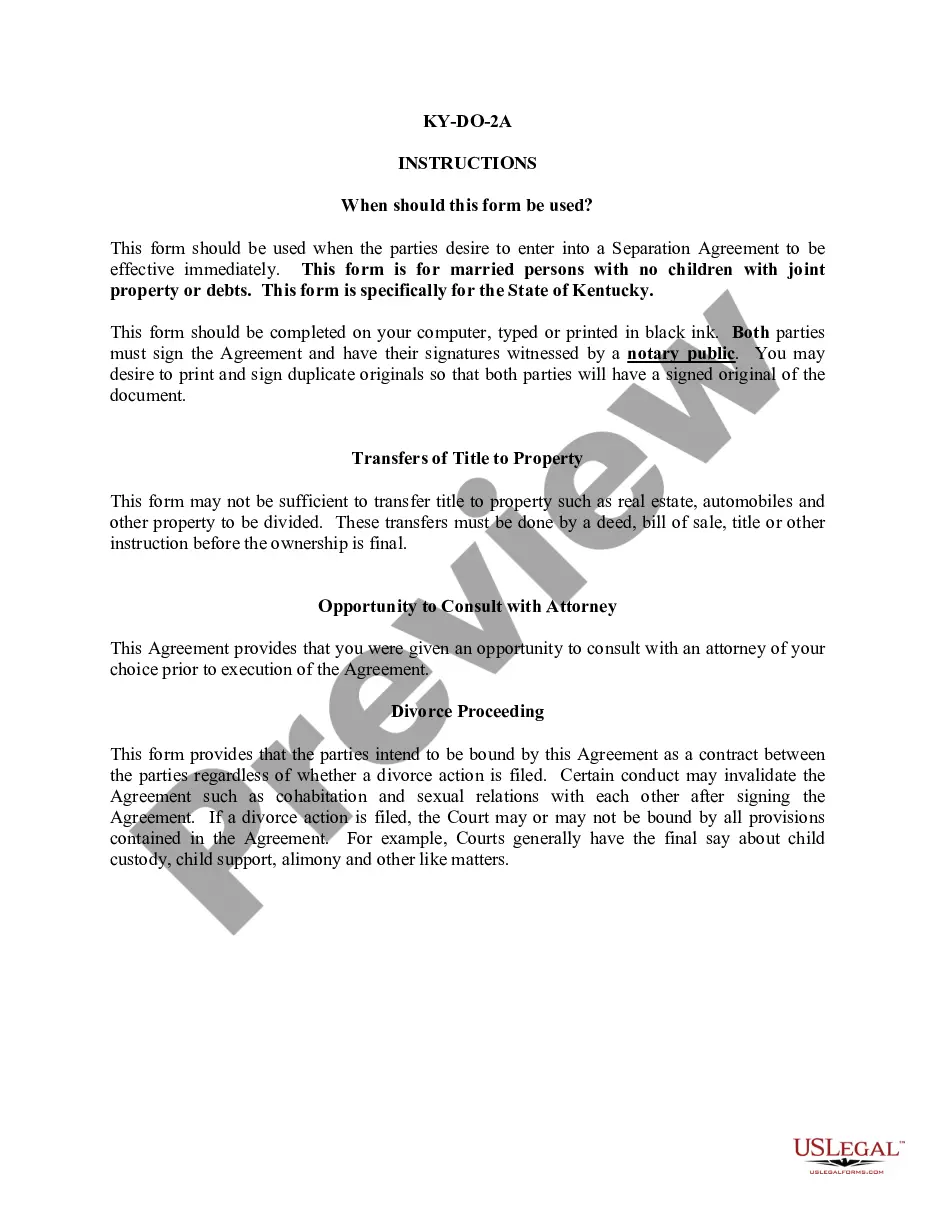



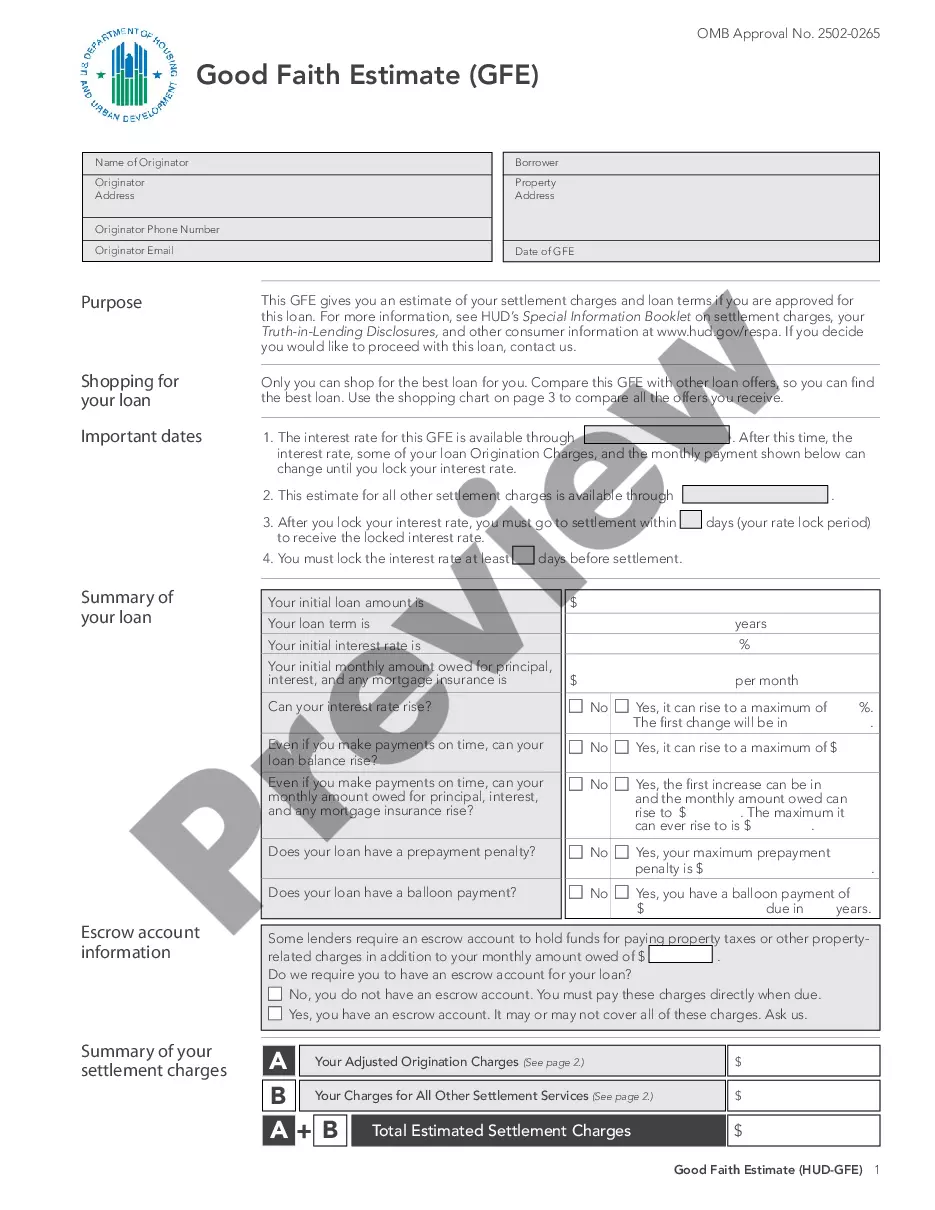
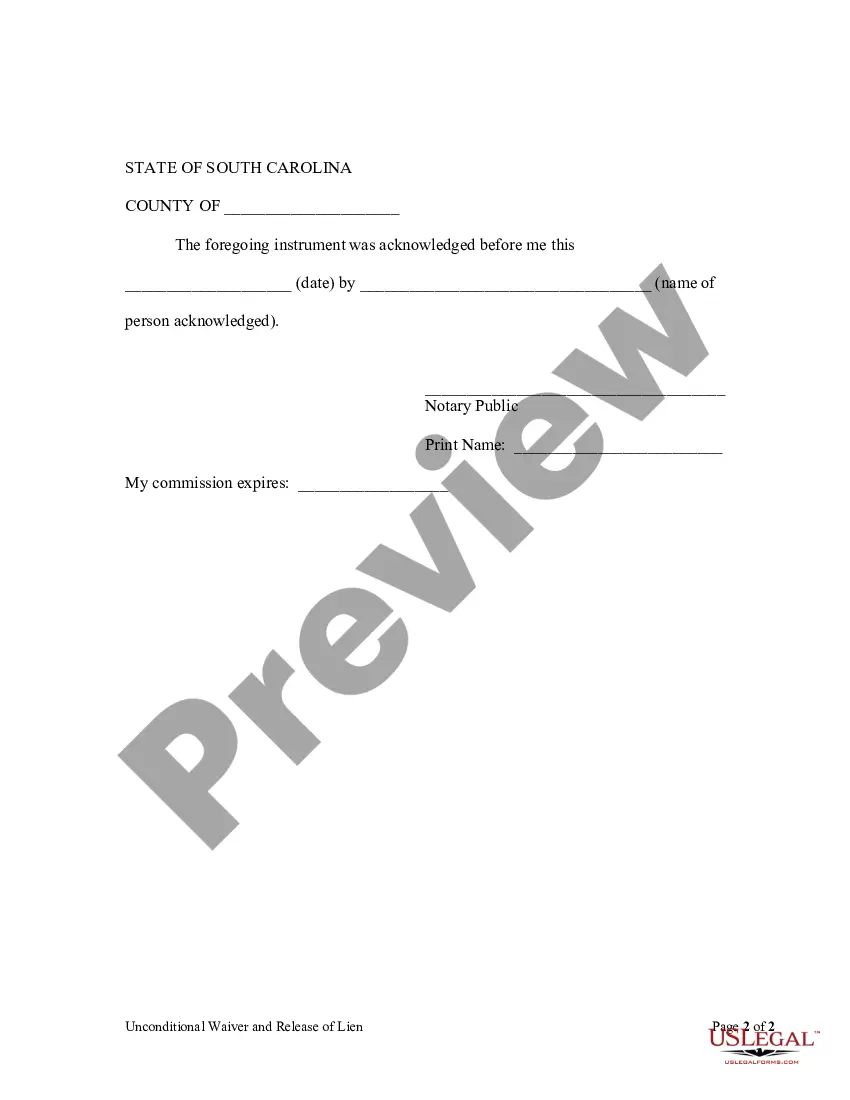
How to fill out South Carolina Unconditional Waiver And Release Of Claim Of Lien Upon Final Payment?
There’s no longer a necessity to squander hours searching for legal documents to satisfy your local state mandates. US Legal Forms has gathered all of them in one central location and enhanced their availability.
Our platform offers over 85k templates for various business and personal legal situations categorized by state and purpose. All forms are accurately prepared and verified for authenticity, allowing you to trust that you are obtaining an up-to-date South Carolina Lien Release Form For Minors.
If you are acquainted with our platform and already possess an account, make sure your subscription is active before obtaining any templates. Log In to your account, select the document, and click Download. You can also revisit all saved documents at any time by accessing the My documents tab in your profile.
Print your form to fill it out by hand or upload the sample if you wish to complete it in an online editor. Preparing official documents under federal and state regulations is quick and straightforward with our platform. Try US Legal Forms today to keep your records organized!
- If you have never used our platform before, the process will require a few additional steps to finish.
- Pay close attention to the page content to ensure it contains the sample you require.
- To assist with this, utilize the form description and preview options if available.
- Employ the Search bar above to look for another sample if the previous one did not suit your needs.
- Click Buy Now next to the template name once you identify the appropriate one.
- Choose the most fitting subscription plan and either create an account or Log In.
- Make payment for your subscription using a card or through PayPal to proceed.
- Select the file format for your South Carolina Lien Release Form For Minors and download it to your device.
Form popularity
FAQ
How to Sign Your Title in South Carolina (SC)Back of the title top right - sign name(s) on the line where it reads "Signature(s) of Seller(s)."Back of the title right below where you signed name(s) - print name(s) on the line where it reads "Hand Printed Name(s) of Seller(s)."More items...
Description of form 103 a scdmv. South Carolina Department of Motor Vehicles AFFIDAVIT OF RESPONSIBILITY MV-103 (Rev. 5/09) The legend/brand Undisclosed Lin" will be added to the title whenever this form is used.
What You'll Need to Do to Transfer your Vehicle Title in South CarolinaComplete and sign the title certificate (seller and buyer).Complete a Bill of Sale (if applicable).Complete the title application form.Visit any DMV office near you. Consider making a DMV appointment or getting a line waiting concierge.
If you do not wish to continue any of your liens, no action is required. If you are a lienholder and need to remove a lien from a title, complete the lien release on the front of the title document, submit a letter on company letterhead or you may release the lien electronically on electronic titles.
Under South Carolina Code Section 12-36-1720 and SC Revenue Ruling #92-10, the vehicle is exempt from sales tax, use tax, and casual tax....Negotiate the terms of the gift with your recipientOriginal vehicle title: $15.Vehicle title transfer: $15.Infrastructure maintenance fee: 5% of the purchase price ($500 maximum)