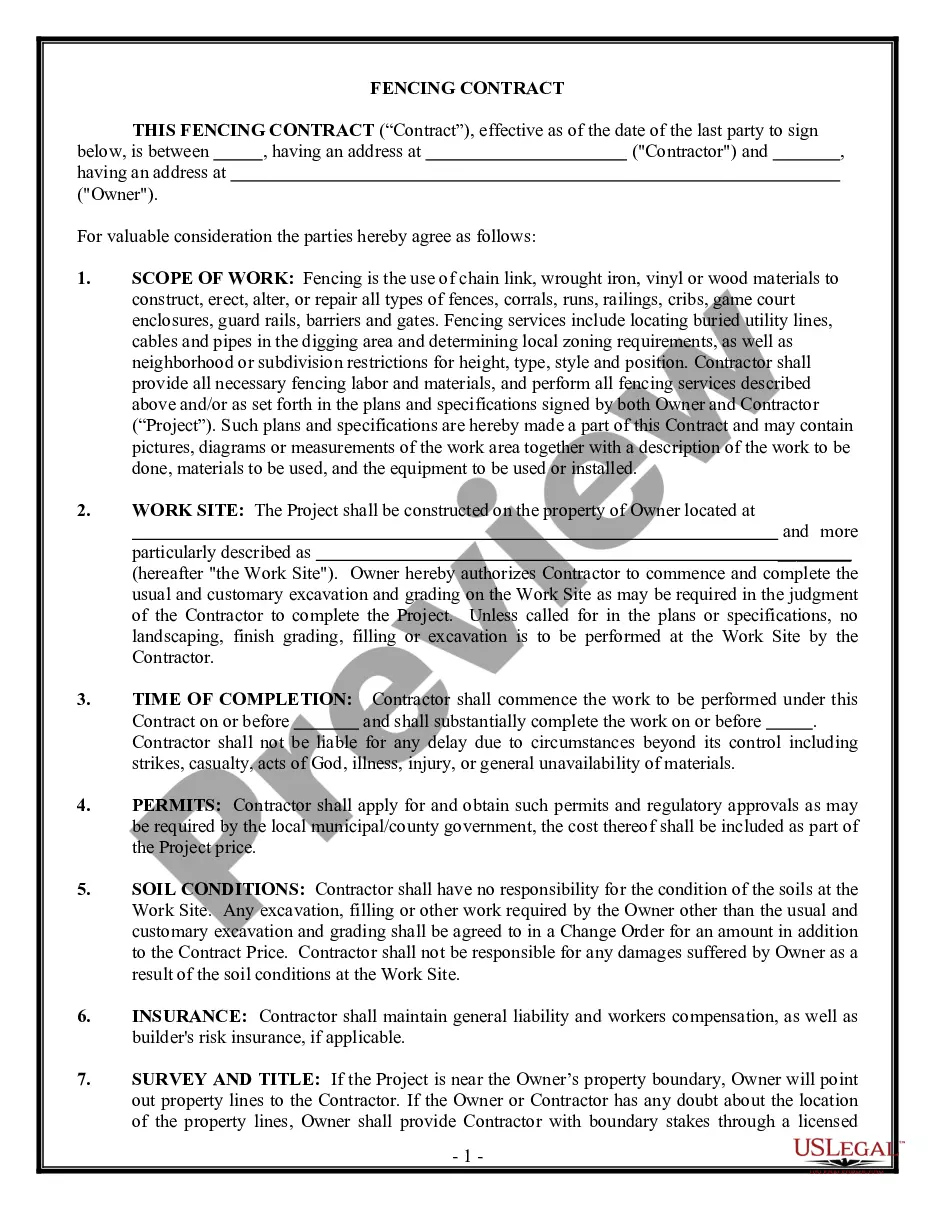
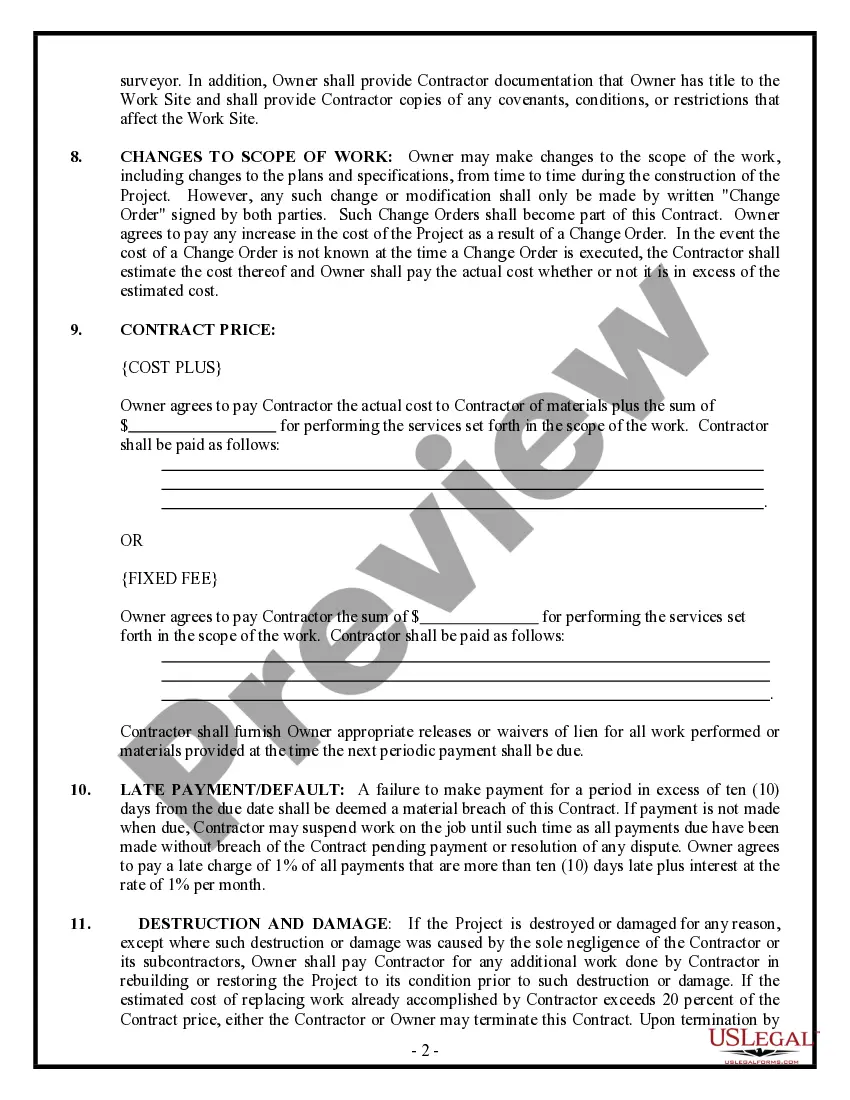
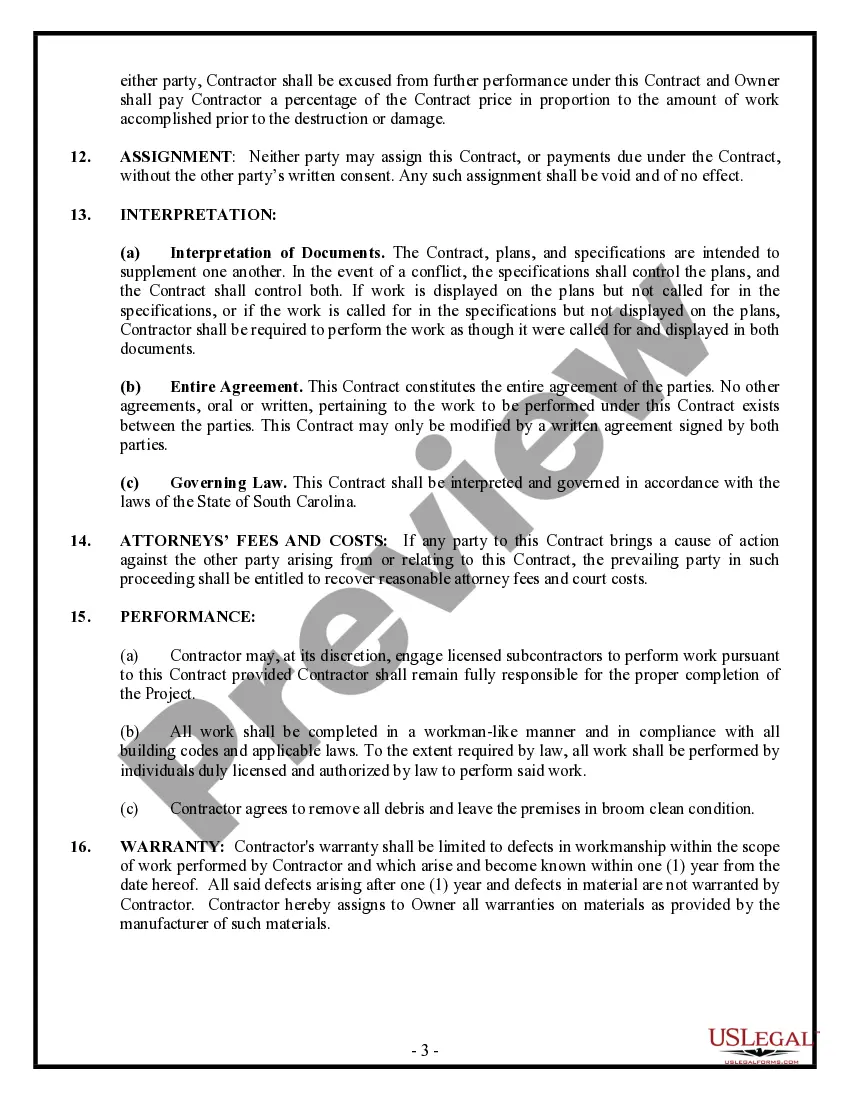
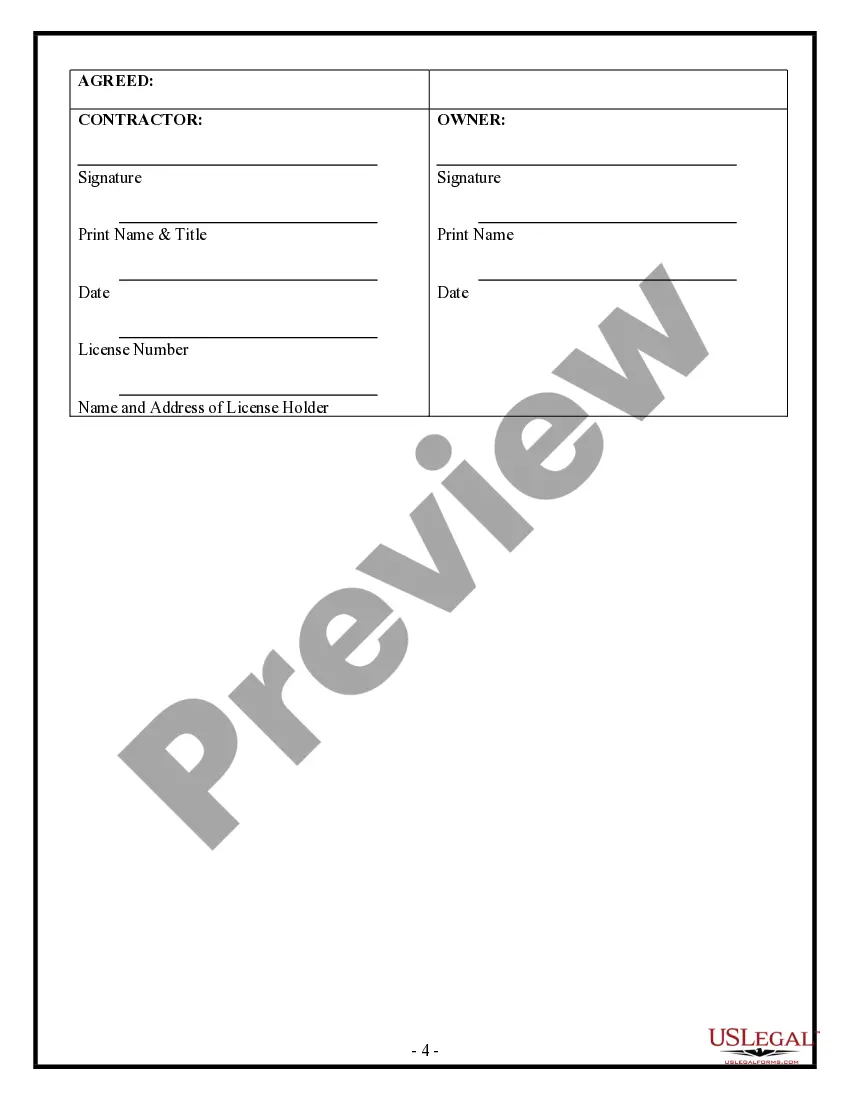
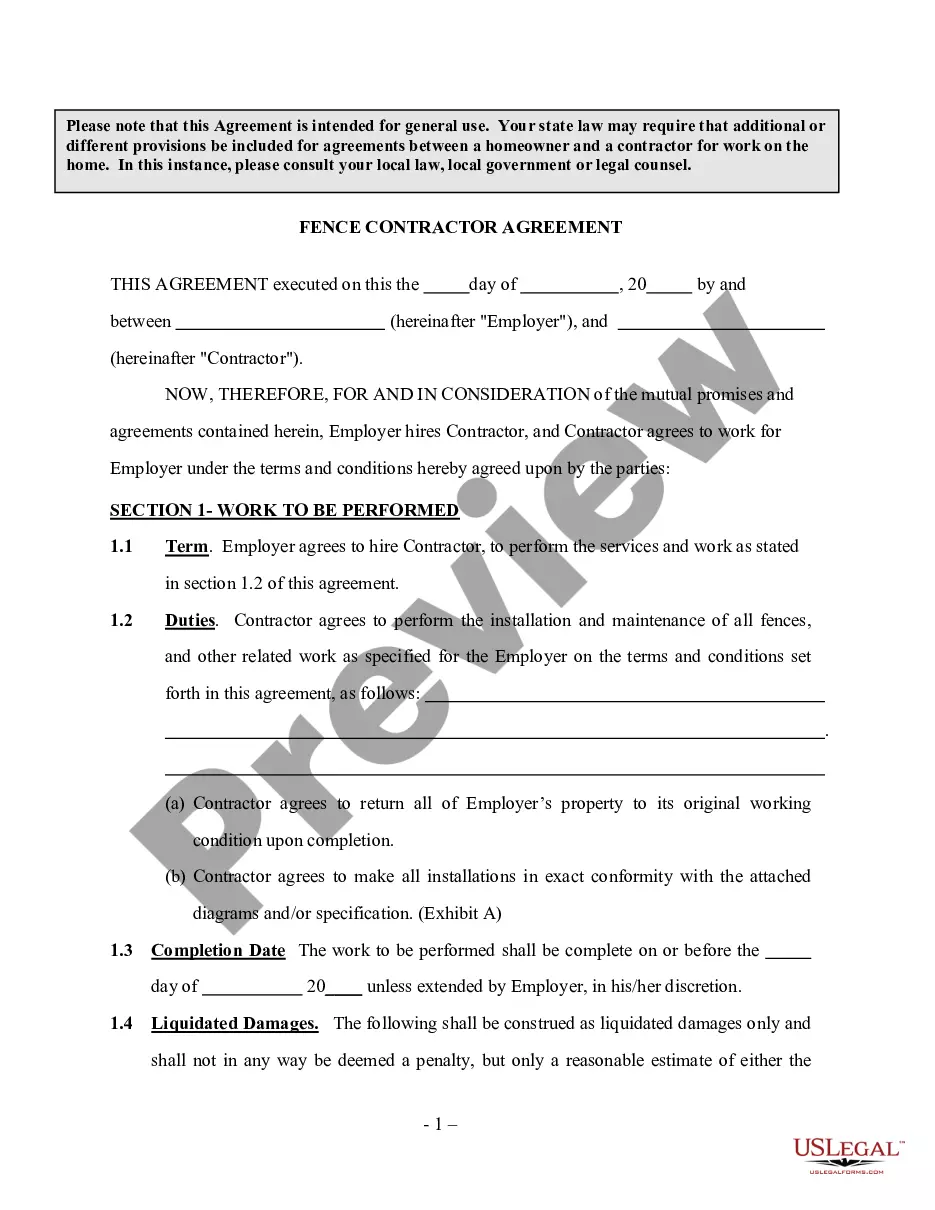
Fencing Contract Template With Word Bank
Description
Get your form ready online
Our built-in tools help you complete, sign, share, and store your documents in one place.
Make edits, fill in missing information, and update formatting in US Legal Forms—just like you would in MS Word.
Download a copy, print it, send it by email, or mail it via USPS—whatever works best for your next step.
Sign and collect signatures with our SignNow integration. Send to multiple recipients, set reminders, and more. Go Premium to unlock E-Sign.
If this form requires notarization, complete it online through a secure video call—no need to meet a notary in person or wait for an appointment.
We protect your documents and personal data by following strict security and privacy standards.

Make edits, fill in missing information, and update formatting in US Legal Forms—just like you would in MS Word.

Download a copy, print it, send it by email, or mail it via USPS—whatever works best for your next step.

Sign and collect signatures with our SignNow integration. Send to multiple recipients, set reminders, and more. Go Premium to unlock E-Sign.

If this form requires notarization, complete it online through a secure video call—no need to meet a notary in person or wait for an appointment.

We protect your documents and personal data by following strict security and privacy standards.
Looking for another form?
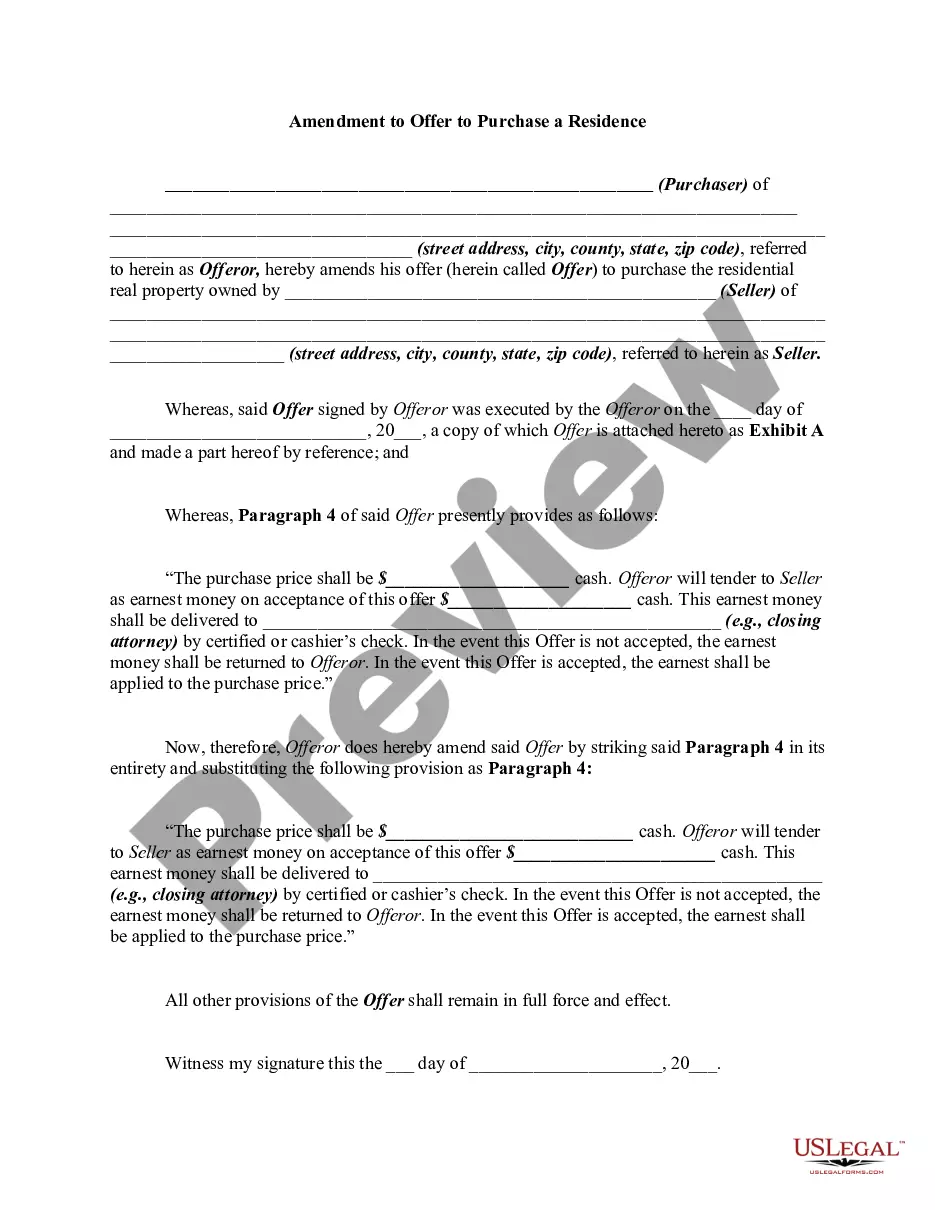


How to fill out South Carolina Fencing Contract For Contractor?
Precisely prepared formal paperwork is one of the critical safeguards for preventing problems and legal disputes, but acquiring it without a lawyer's guidance may require time.
Whether you seek to promptly obtain a current Fencing Contract Template With Word Bank or other templates for employment, family, or business purposes, US Legal Forms is always here to assist.
The procedure is even simpler for existing users of the US Legal Forms library. If your subscription is active, you only need to Log In to your account and click the Download button next to the chosen file. Furthermore, you can access the Fencing Contract Template With Word Bank anytime, as all documents previously acquired on the platform are available under the My documents section of your profile. Save both time and money on preparing formal documents. Experience US Legal Forms today!
- Verify that the document is appropriate for your circumstances and locality by reviewing the description and preview.
- Search for another example (if necessary) using the Search bar located in the page header.
- Hit Buy Now once you find the correct template.
- Select your pricing option, Log In to your account, or create a new one.
- Choose your preferred payment method to buy the subscription (using a credit card or PayPal).
- Select PDF or DOCX file format for your Fencing Contract Template With Word Bank.
- Click Download, then print the document to complete it by hand or upload it to an online editor.
Form popularity
FAQ
Write the contract in six stepsStart with a contract template.Open with the basic information.Describe in detail what you have agreed to.Include a description of how the contract will be ended.Write into the contract which laws apply and how disputes will be resolved.Include space for signatures.
Launch Word. If Word is already open, click the File tab and select New. Type contract in the Search For Online Templates field. Scroll through the results to find a template that suits your needs or click on any of the categories in the left menu to filter your search results.
Fencing ContractsContractor's business name and all contact information (phone number, address, supervisor name, etc.)Description of the project, including expected start and completion dates.Details such as location, perimeter, fence height.Material use brand, supplier, specific amount, cost, etc.More items...?
What Should Be in a Construction Contract?Identifying/Contact Information.Title and Description of the Project.Projected Timeline and Completion Date.Cost Estimate and Payment Schedule.Stop-Work Clause and Stop-Payment Clause.Act of God Clause.Change Order Agreement.Warranty.More items...
To estimate the material at cost, start by dividing the perimeter by the size of the fencing panels. That will tell you how many units you'll need for the fence. Don't forget the details when finishing up. These can significantly add to the material costs.
