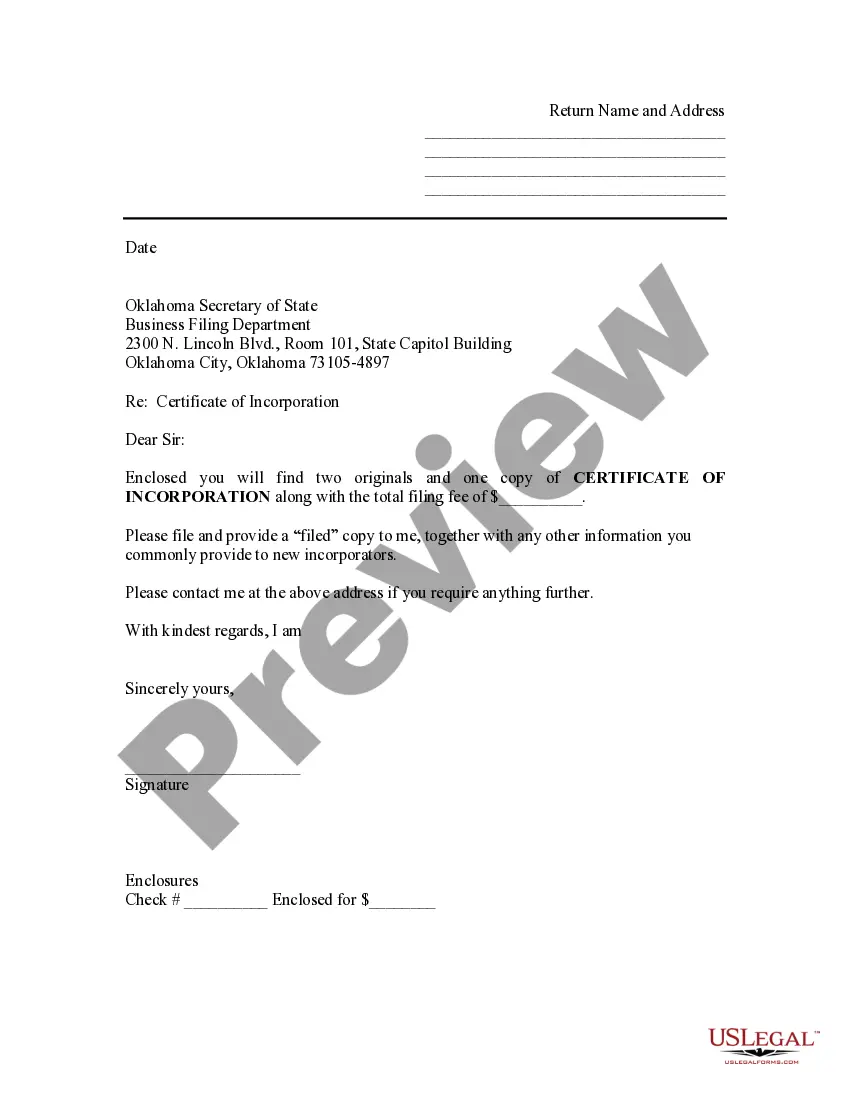
Oklahoma Secretary Of State Notary
Description
Get your form ready online
Our built-in tools help you complete, sign, share, and store your documents in one place.
Make edits, fill in missing information, and update formatting in US Legal Forms—just like you would in MS Word.
Download a copy, print it, send it by email, or mail it via USPS—whatever works best for your next step.
Sign and collect signatures with our SignNow integration. Send to multiple recipients, set reminders, and more. Go Premium to unlock E-Sign.
If this form requires notarization, complete it online through a secure video call—no need to meet a notary in person or wait for an appointment.
We protect your documents and personal data by following strict security and privacy standards.
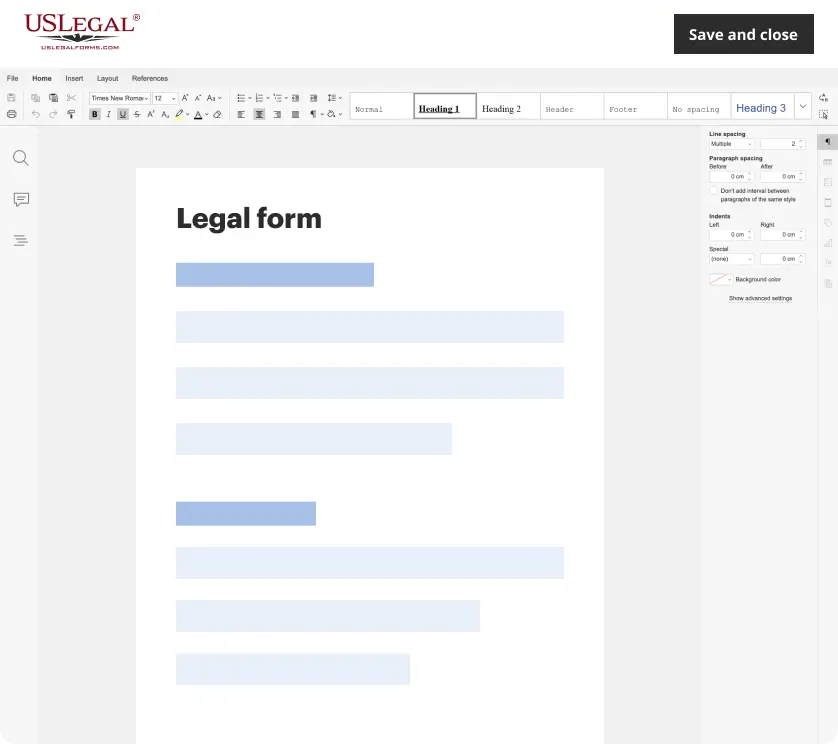
Make edits, fill in missing information, and update formatting in US Legal Forms—just like you would in MS Word.
Download a copy, print it, send it by email, or mail it via USPS—whatever works best for your next step.
Sign and collect signatures with our SignNow integration. Send to multiple recipients, set reminders, and more. Go Premium to unlock E-Sign.

If this form requires notarization, complete it online through a secure video call—no need to meet a notary in person or wait for an appointment.
We protect your documents and personal data by following strict security and privacy standards.
Looking for another form?
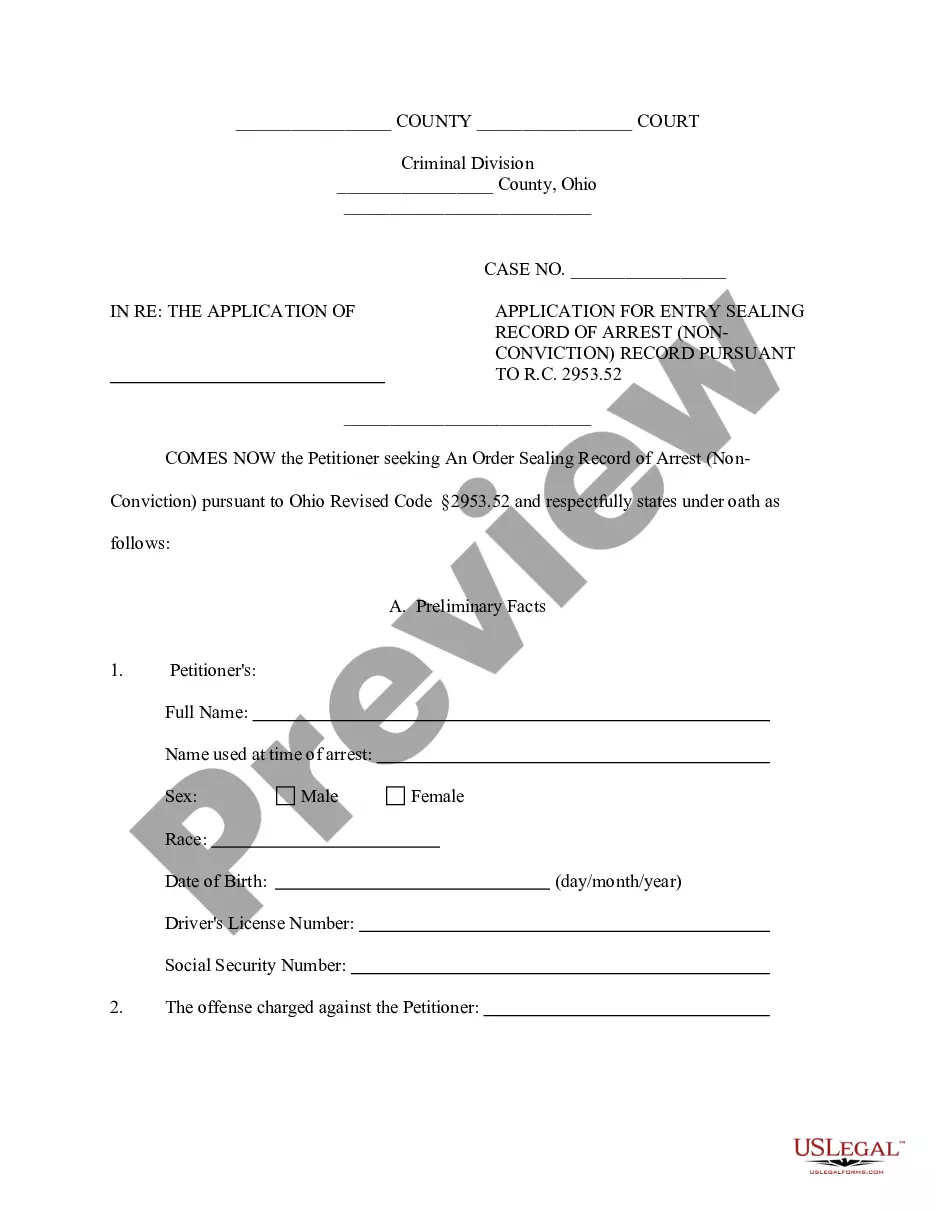
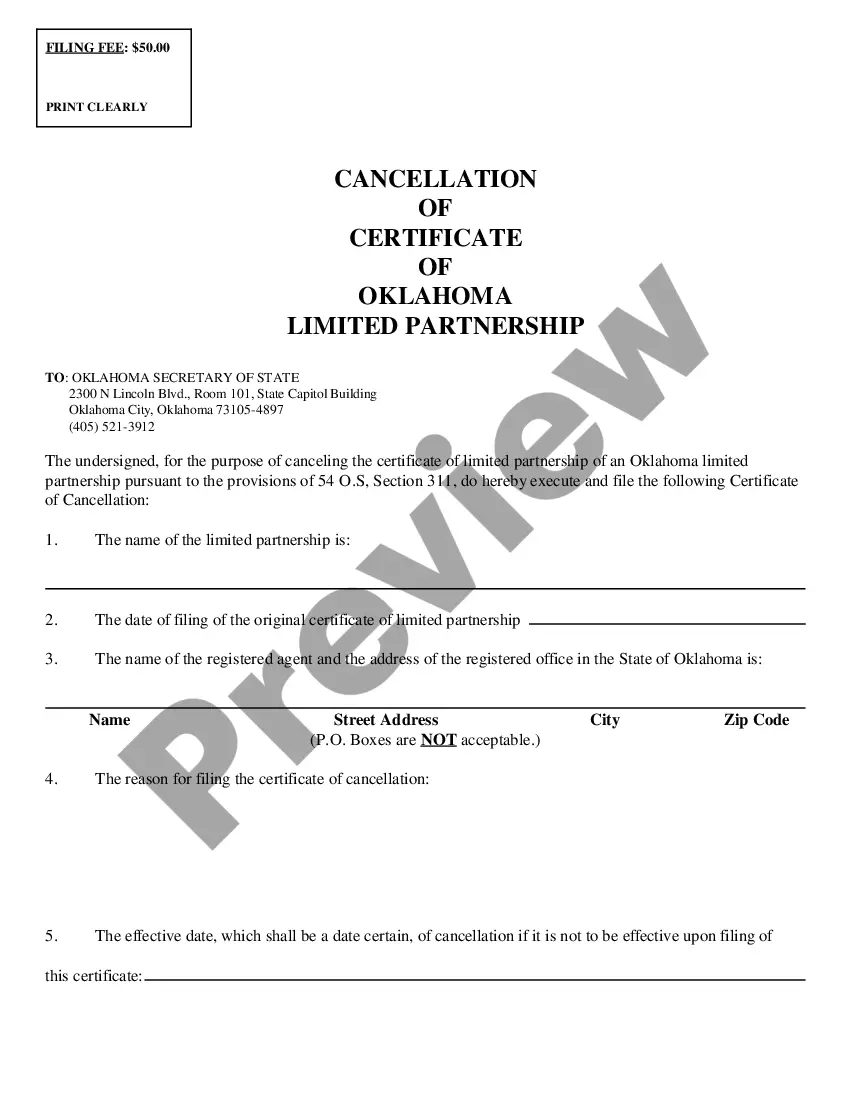
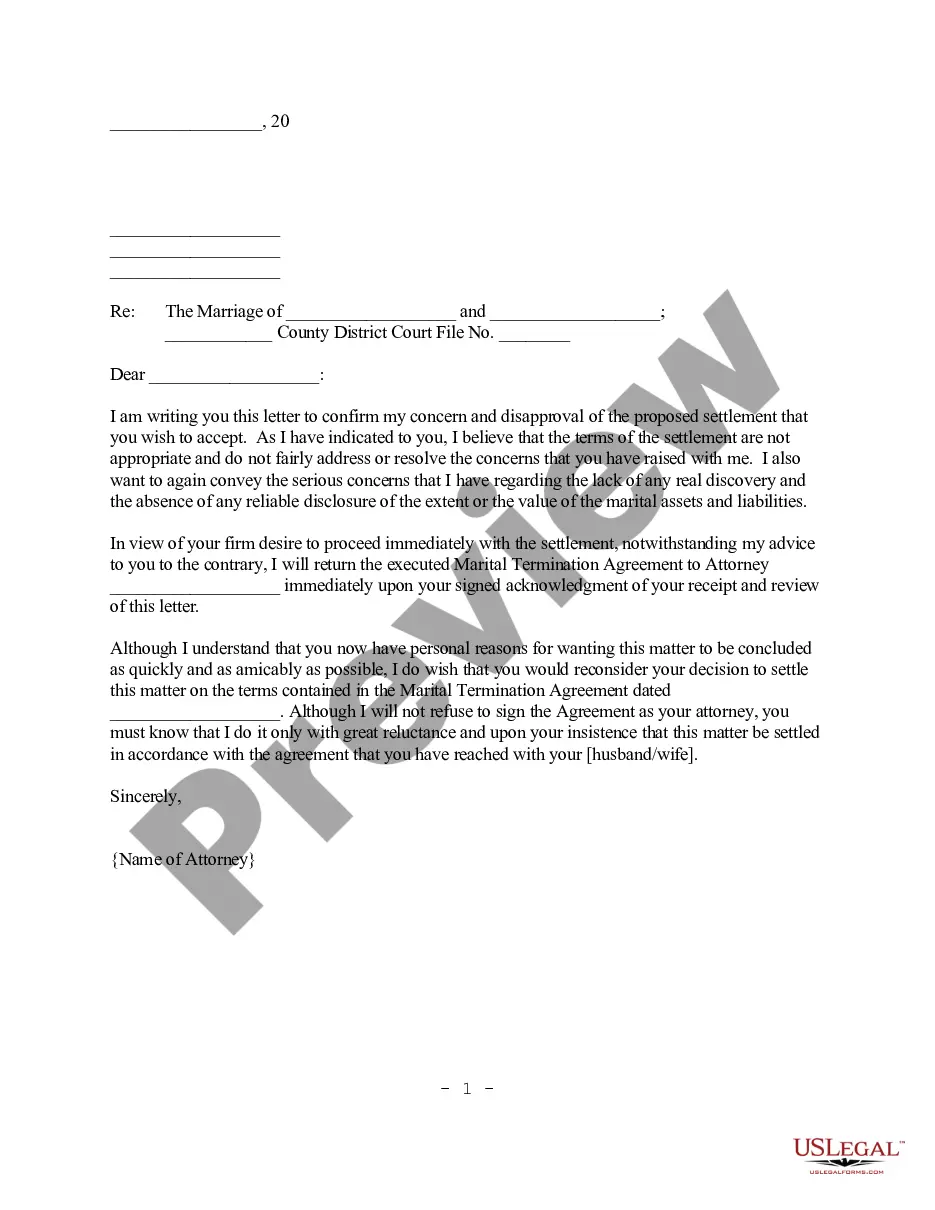
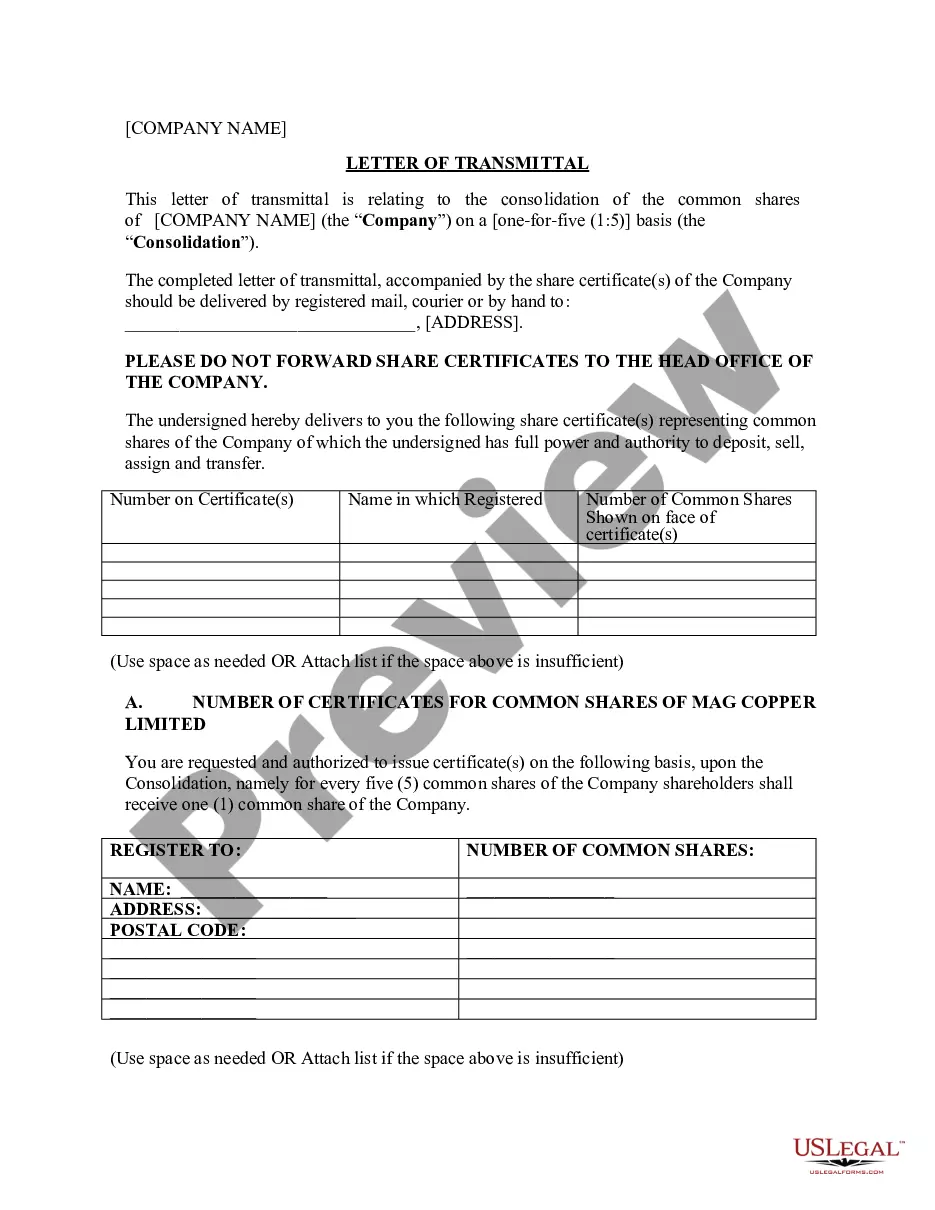
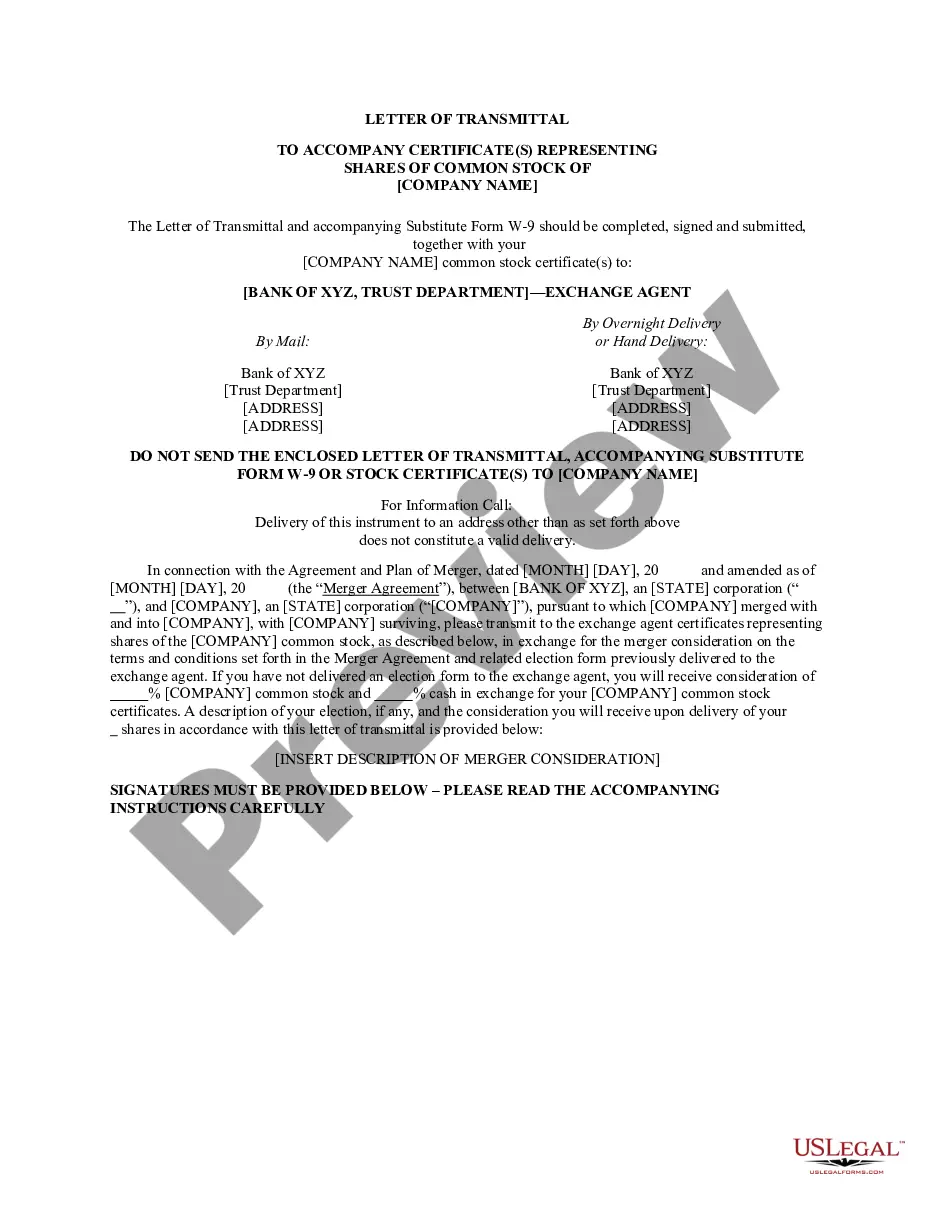
How to fill out Oklahoma Sample Transmittal Letter To Secretary Of State's Office To File Articles Of Incorporation?
The Oklahoma Secretary of State Notary displayed on this page is a versatile legal template created by expert attorneys in compliance with federal and state statutes and regulations.
For over 25 years, US Legal Forms has offered individuals, organizations, and legal professionals more than 85,000 authenticated, state-specific documents for any business and personal scenario. It’s the most efficient, straightforward, and trustworthy method to obtain the forms you require, as the service assures the utmost level of data protection and anti-malware safeguards.
Subscribe to US Legal Forms to have authenticated legal templates for all of life's situations at your fingertips.
- Explore the document you need and review it.
- Browse the sample document you searched for and preview it or review the form description to ensure it meets your requirements. If it isn’t suitable, use the search feature to locate the appropriate one. Click Buy Now once you find the template you require.
- Register and Log In.
- Choose the pricing option that works for you and set up an account. Use PayPal or a credit card to make an immediate payment. If you already possess an account, Log In and verify your subscription to proceed.
- Acquire the editable template.
- Select the format you prefer for your Oklahoma Secretary of State Notary (PDF, Word, RTF) and download the document onto your device.
- Complete and sign the documents.
- Print the template to fill it out manually. Alternatively, use an online multifunctional PDF editor to efficiently and accurately complete and sign your form with an electronic signature.
- Download your documents again.
- Reuse the same document anytime you need. Access the My documents section in your profile to re-download any previously saved forms.
Form popularity
FAQ
The most common mistake made by a notary is failing to properly complete the notarial certificate. This can include omitting essential information like the date, the signer's name, or not using the official seal. Such errors can lead to disputes regarding the validity of the notarization. To avoid these pitfalls, utilize platforms like USLegalForms, which provide guidance and templates that help ensure accuracy as an Oklahoma secretary of state notary.
Filling out a notary certification involves entering specific details about the notarization event. Ensure you include the date of the notarization, the name of the signer, and the type of document. As an Oklahoma secretary of state notary, you must also sign and affix your official seal. If you require help, consider using USLegalForms for templates that simplify this task.
To fill up a notary form, start by gathering the necessary information, such as the signer's details and the type of document being notarized. Clearly write the names and addresses in the designated fields. Make sure to date the form accurately, and provide your signature and seal as an Oklahoma secretary of state notary. If you have any questions or need assistance, platforms like USLegalForms can guide you through the process.
In Oklahoma, a document can be notarized by an individual who is a commissioned notary public. This includes individuals who have completed the necessary training and have been authorized by the Oklahoma Secretary of State. Notaries can serve various purposes, from witnessing signatures to verifying identities. If you need to locate a notary, platforms like US Legal Forms can assist you in finding one nearby.
While many states embrace online notarization, some still have restrictions. States like New York and New Jersey do not currently allow remote online notarization. It’s important for you to check the regulations in your state, as laws are always evolving. You can find valuable information on the status of online notarization in various states through resources like US Legal Forms.
Being a mobile notary can be a rewarding side hustle in Oklahoma. It offers flexibility and the chance to earn additional income by providing services to clients at their location. As a mobile notary, you can cater to various clients, including individuals and businesses, creating numerous opportunities. Utilizing platforms like US Legal Forms can enhance your efficiency by providing necessary documentation and resources.
To become an online notary in Oklahoma, you must first be a commissioned notary public in the state. Afterward, you need to complete an application with the Oklahoma Secretary of State to receive authorization for remote online notarization. It's essential to use approved technologies that meet state requirements. US Legal Forms offers resources that can help guide you through the application and setup process.
Yes, online notaries are legal in Oklahoma. The Oklahoma Secretary of State has established guidelines for remote online notarization, ensuring that the process is secure and valid. This progress allows residents to have their documents notarized without the need for physical presence, saving time and effort. With the right tools like US Legal Forms, you can easily facilitate your online notarization.
Yes, you can virtually notarize documents in Oklahoma. The Oklahoma Secretary of State allows remote online notarization, which means you can connect with a notary public through video conferencing technology. This option offers convenience and flexibility, especially for individuals who cannot meet in person. Using platforms like US Legal Forms can streamline the process, making it easier for you to complete your notarization online.
The processing time for obtaining a notary license in Oklahoma typically ranges from a few days to a few weeks. After you submit your application to the Oklahoma Secretary of State, they will review it and notify you of your approval status. If everything is in order, you can expect to receive your notary commission quickly. If you need assistance with the application process, consider using USLegalForms, which offers resources to simplify your journey.