New York Grants For Small Business
Description
Get your form ready online
Our built-in tools help you complete, sign, share, and store your documents in one place.
Make edits, fill in missing information, and update formatting in US Legal Forms—just like you would in MS Word.
Download a copy, print it, send it by email, or mail it via USPS—whatever works best for your next step.
Sign and collect signatures with our SignNow integration. Send to multiple recipients, set reminders, and more. Go Premium to unlock E-Sign.
If this form requires notarization, complete it online through a secure video call—no need to meet a notary in person or wait for an appointment.
We protect your documents and personal data by following strict security and privacy standards.

Make edits, fill in missing information, and update formatting in US Legal Forms—just like you would in MS Word.

Download a copy, print it, send it by email, or mail it via USPS—whatever works best for your next step.

Sign and collect signatures with our SignNow integration. Send to multiple recipients, set reminders, and more. Go Premium to unlock E-Sign.

If this form requires notarization, complete it online through a secure video call—no need to meet a notary in person or wait for an appointment.

We protect your documents and personal data by following strict security and privacy standards.
Looking for another form?




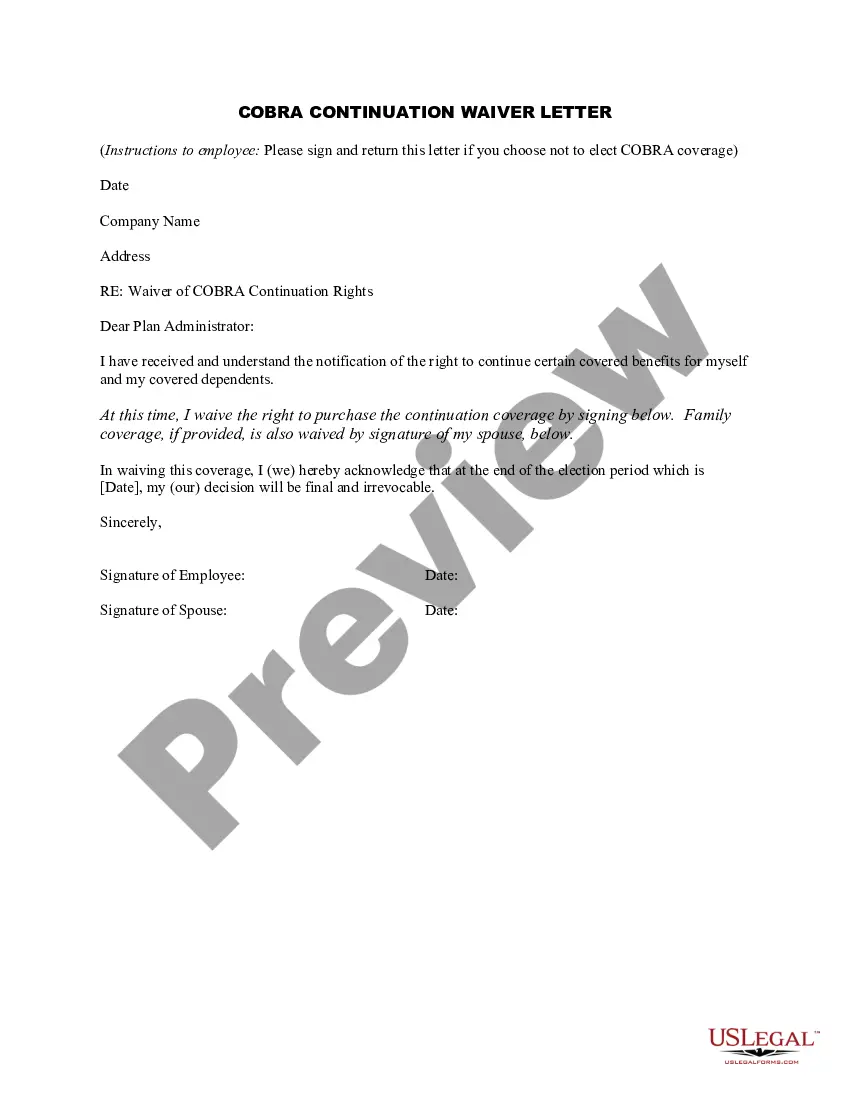





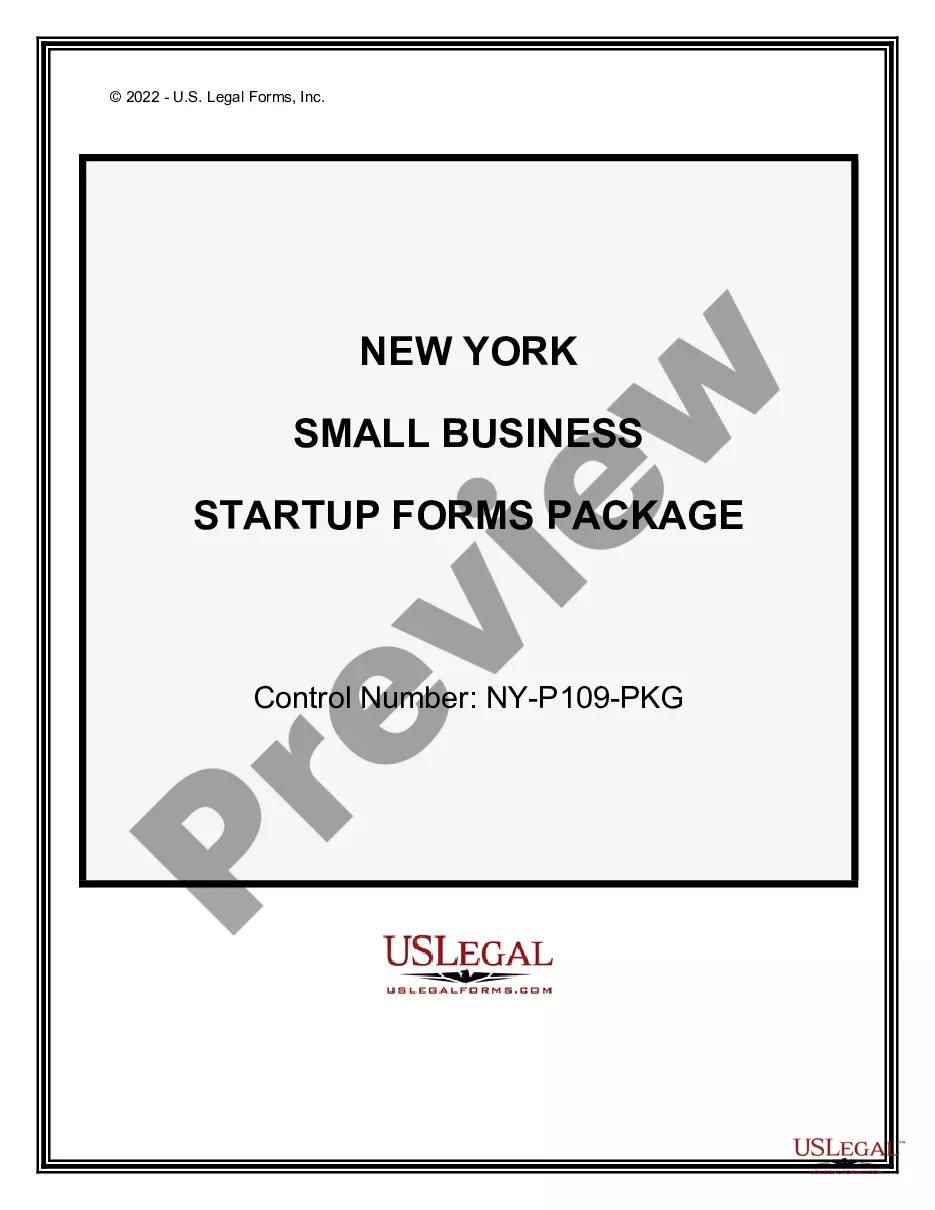
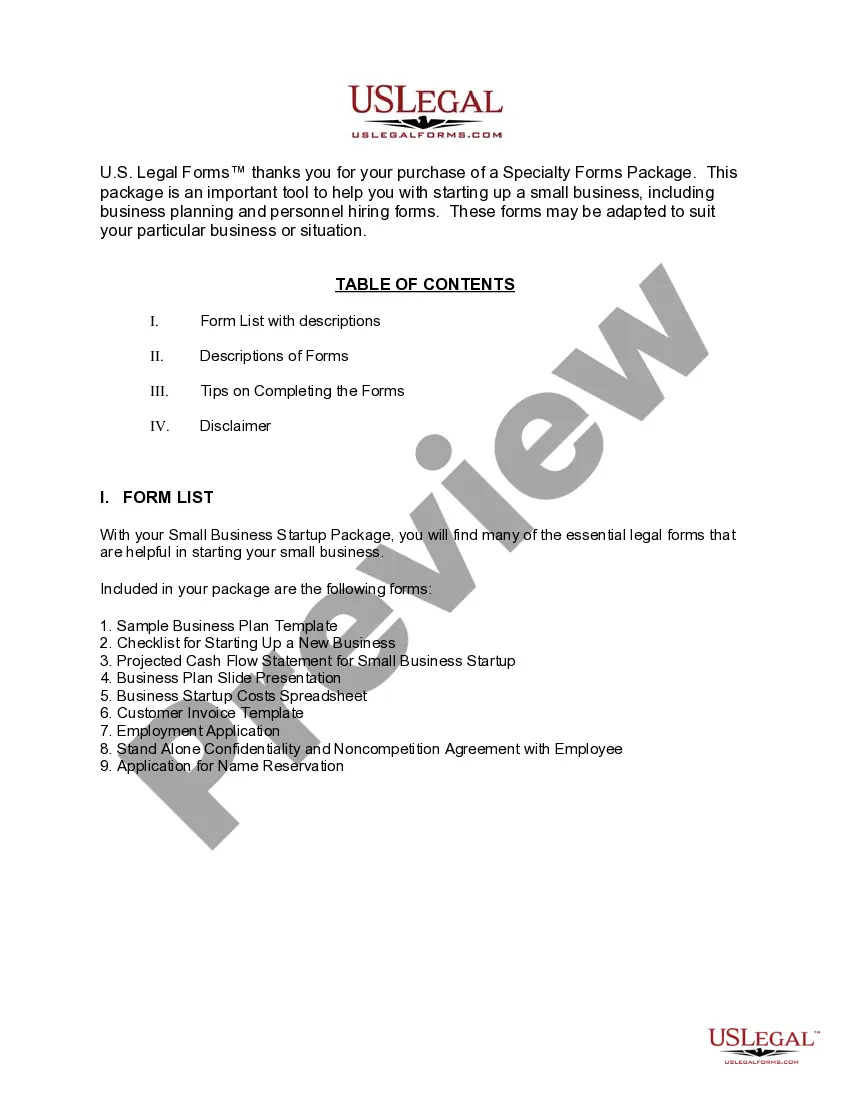
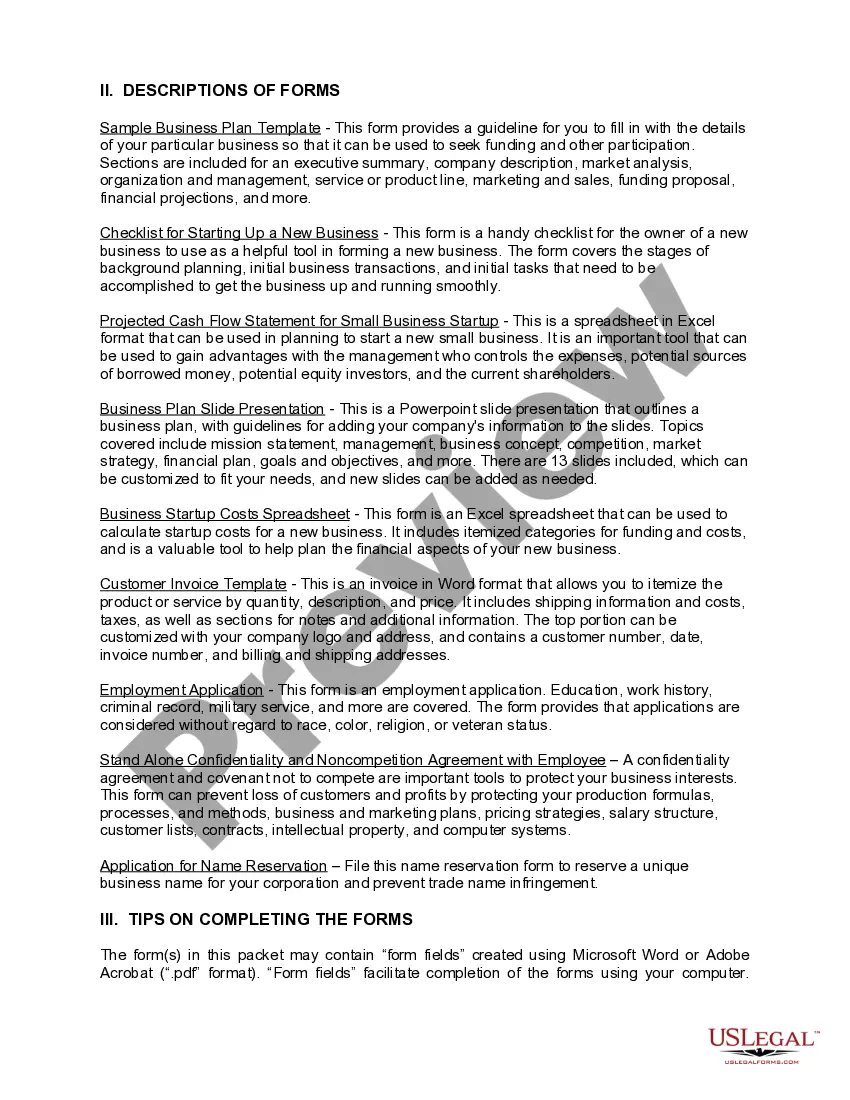
How to fill out New York Small Business Startup Package?
Regardless of whether for corporate objectives or personal matters, everyone must confront legal circumstances at some stage in their lifetime.
Filling out legal documents requires meticulous focus, beginning with selecting the appropriate form template.
With a vast catalog of US Legal Forms available, you don’t have to waste time searching for the appropriate template across the web. Use the library’s straightforward navigation to find the right form for any situation.
- Locate the template you need by using the search box or browsing the catalog.
- Review the description of the form to confirm it aligns with your circumstances, state, and county.
- Click on the preview of the form to inspect it.
- If it’s not the correct form, return to the search option to find the New York Grants For Small Business template you need.
- Download the template when it fits your requirements.
- If you already have a profile on US Legal Forms, simply click Log in to access previously saved templates in My documents.
- If you do not have an account yet, you can obtain the form by clicking Buy now.
- Choose the suitable pricing option.
- Fill out the profile registration form.
- Select your payment method: use a credit card or PayPal account.
- Choose the document format you prefer and download the New York Grants For Small Business.
- After it has been saved, you can complete the form using editing software or print it out and finish it by hand.
Form popularity
FAQ
Often you can do an initial search using the USPTO patent search engine and then go to Free Patents Online to download PDFs of your results and to access related patents. Using the advantages of both the USPTO and Free Patents Online sites can make your searching easier and more robust.
The United States Patent and Trademark Office (USPTO) Public Search Facility located in Alexandria, VA provides the public access to patent and trademark information in a variety of formats including on-line, microfilm, and print. Trained staff are available to assist public users.
The Patent Public Search tool is a new web-based patent search application that will replace internal legacy search tools PubEast and PubWest and external legacy search tools PatFT and AppFT. Patent Public Search has two user selectable modern interfaces that provide enhanced access to prior art.
The U.S. Patent & Trademark Office provides free patent searching of its public databases. Google Patents. A relatively easy database to search which PDF images available. Limited to U.S. patents and U.S. published applications.
The file history and status of a US patent or published patent application can be accessed via USPTO's Patent Center at .
A file wrapper, alternatively referred to as a file history or a prosecution history is associated with each published patent application, whether it issues or not. After 18 months from filing the initial patent application, the patent's file wrapper also becomes available to the public.
Below listed are a few free patent databases that might help you in your pursuit of patent data search and analysis. Google Patents. Espacenet. USPTO Web Patent Database. PQAI. Patentscope by WIPO. WIPO's INSPIRE. Lens.org.
In summary, if you have the resources and money to pay for both a good patent search and a good patent attorney to write your application, then it may make sense to pay for a patent search upfront. However, for most small companies or independent inventors, your money may be better spent elsewhere in the business.