Tenant C#
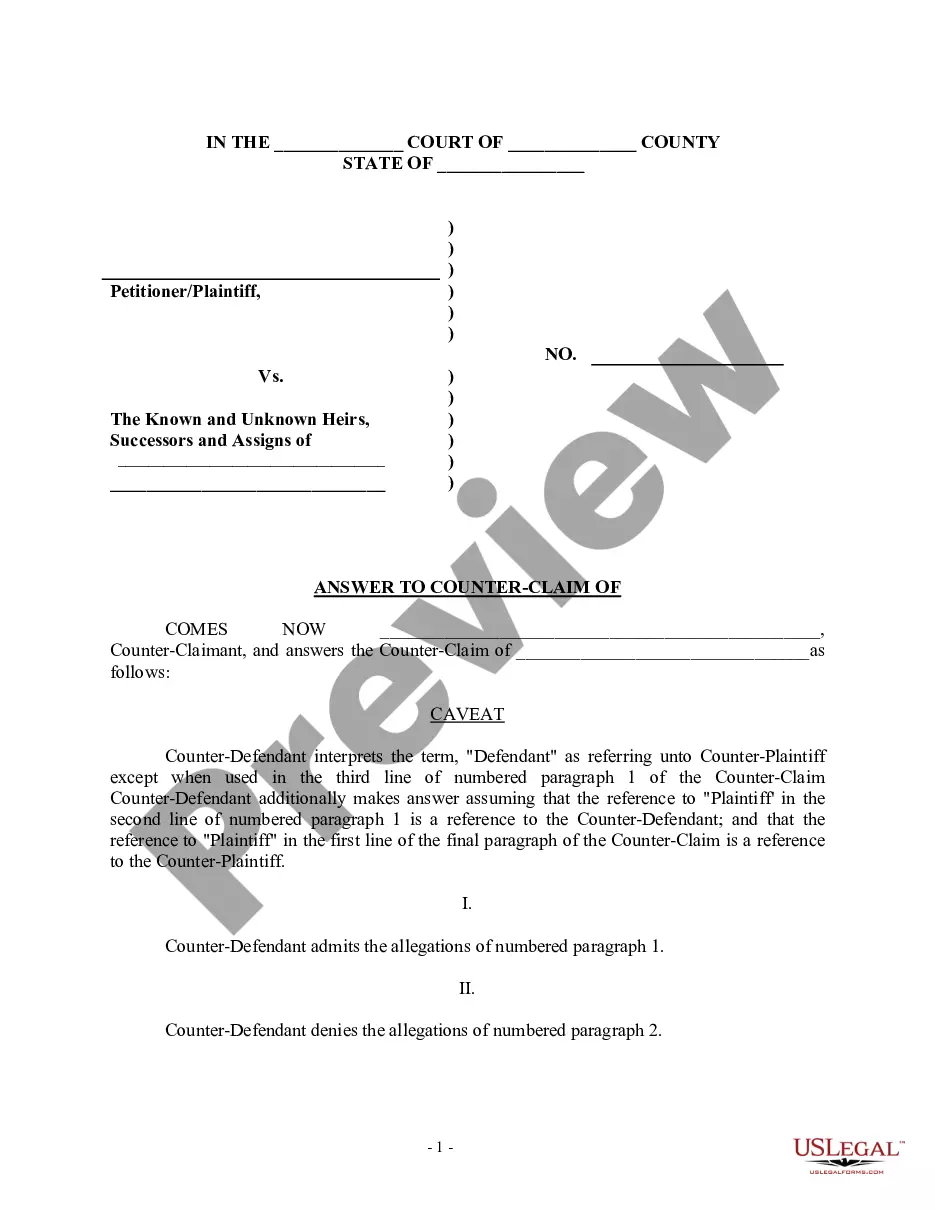
Description




Get your form ready online
Our built-in tools help you complete, sign, share, and store your documents in one place.
Make edits, fill in missing information, and update formatting in US Legal Forms—just like you would in MS Word.
Download a copy, print it, send it by email, or mail it via USPS—whatever works best for your next step.
Sign and collect signatures with our SignNow integration. Send to multiple recipients, set reminders, and more. Go Premium to unlock E-Sign.
If this form requires notarization, complete it online through a secure video call—no need to meet a notary in person or wait for an appointment.
We protect your documents and personal data by following strict security and privacy standards.

Make edits, fill in missing information, and update formatting in US Legal Forms—just like you would in MS Word.

Download a copy, print it, send it by email, or mail it via USPS—whatever works best for your next step.

Sign and collect signatures with our SignNow integration. Send to multiple recipients, set reminders, and more. Go Premium to unlock E-Sign.

If this form requires notarization, complete it online through a secure video call—no need to meet a notary in person or wait for an appointment.

We protect your documents and personal data by following strict security and privacy standards.
Looking for another form?

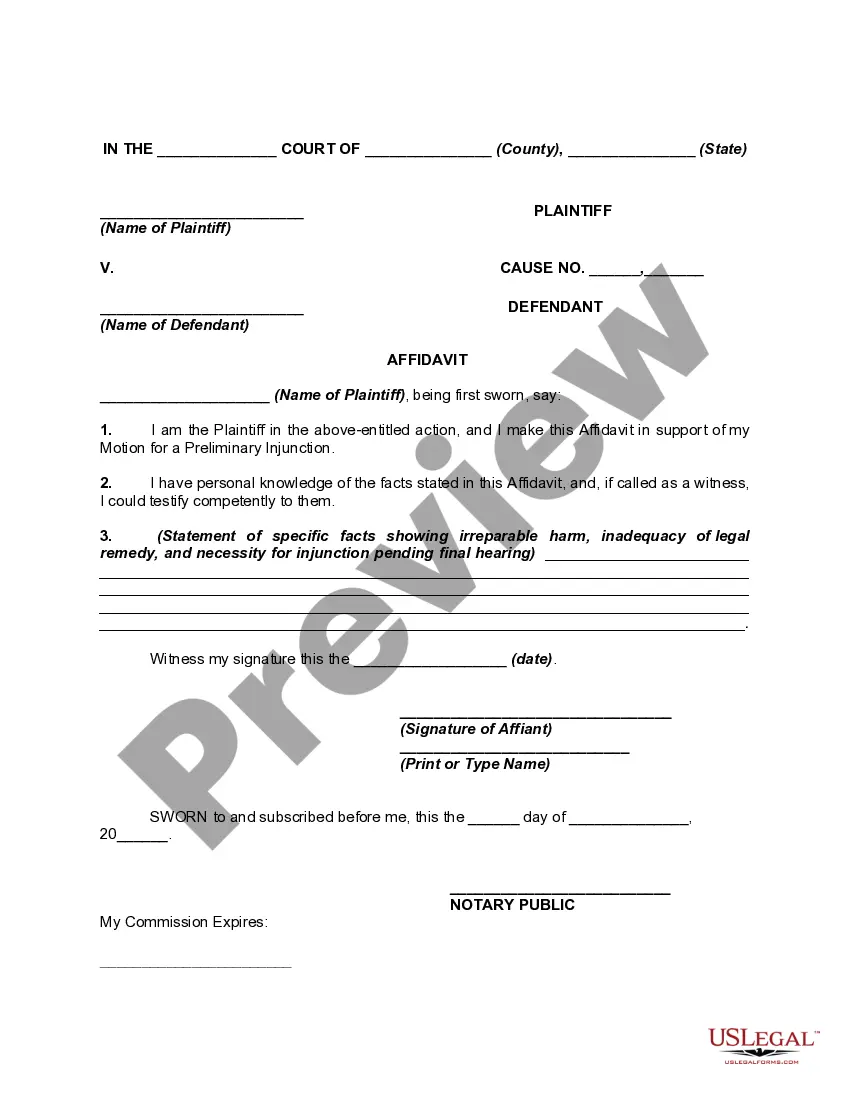


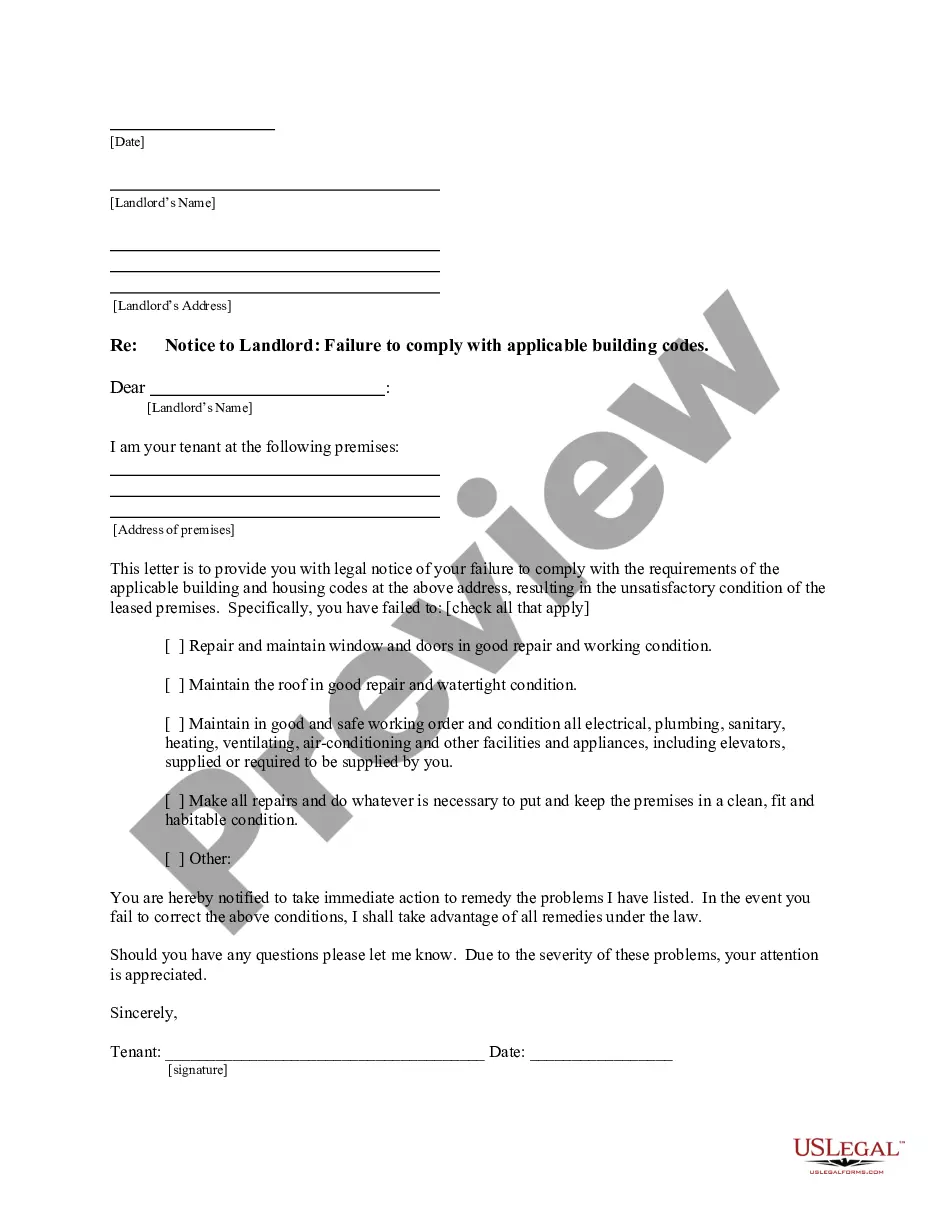
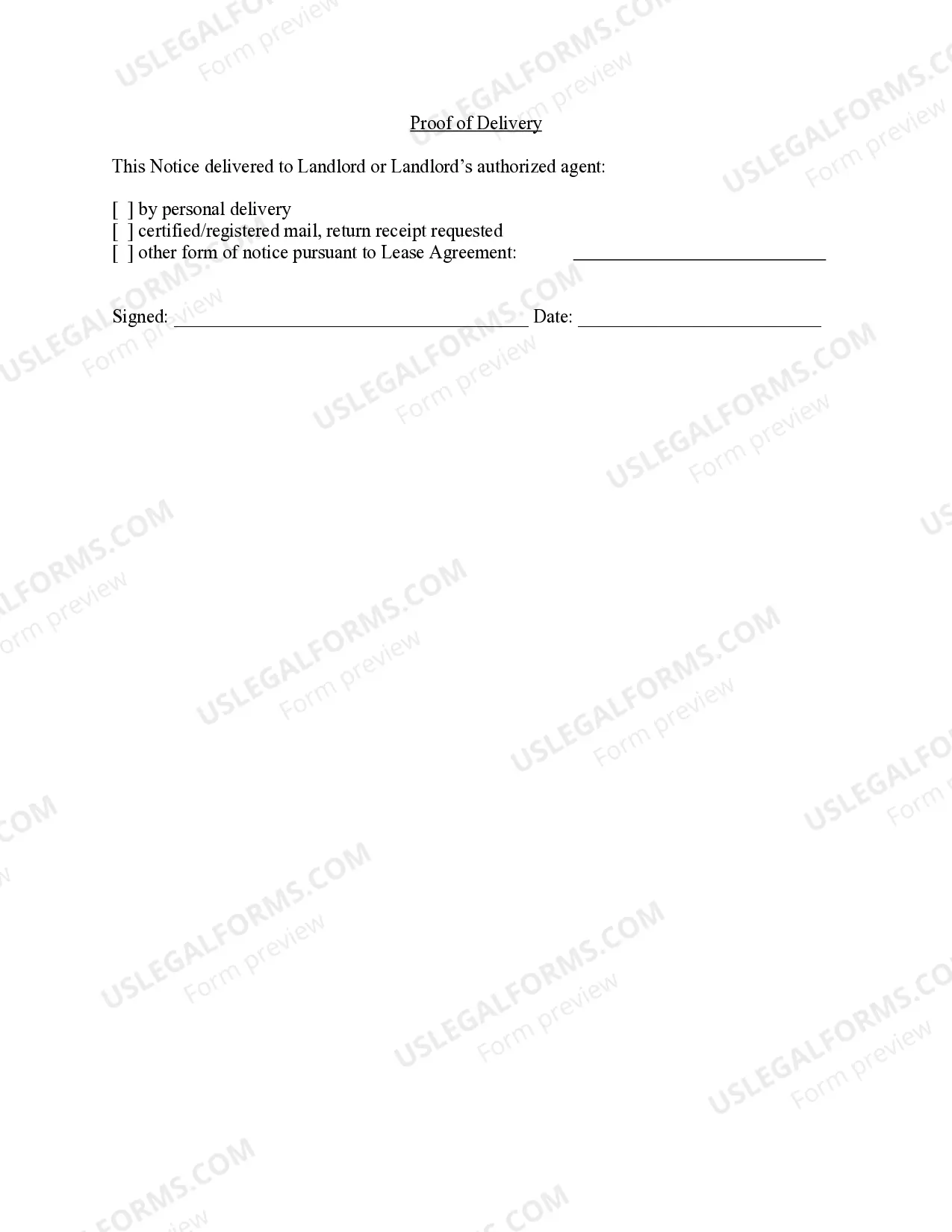
How to fill out New Mexico Letter From Tenant To Landlord For Failure Of Landlord To Comply With Building Codes Affecting Health And Safety Or Resulting In Untenantable Condition - Demand For Remedy?
- Log in to your US Legal Forms account to access previously downloaded templates. Make sure your subscription is up-to-date; renew if necessary.
- If you're new to US Legal Forms, start by reviewing the Preview mode and form description. Confirm that you’ve selected the right tenant c# document that aligns with your jurisdictional needs.
- If the document isn’t suitable, use the Search tab to find an alternative tenant c# template that works for you.
- Once you’ve found the right form, click on the Buy Now button and choose your preferred subscription plan. You’ll need to create an account to access the forms.
- Complete your purchase by entering your credit card details or using your PayPal account for payment.
- Download your form directly to your device, and you can also find it in the My Forms section of your profile for future reference.
Using US Legal Forms not only provides access to a vast array of legal documents—including tenant c# forms—but it also ensures that these documents are fillable and editable, giving you the flexibility you need.
Get started today and experience the convenience of streamlining your legal process with US Legal Forms!
Form popularity
FAQ
A practical example of a tenant could be a company utilizing a cloud-based software solution where each department represents a different tenant. Each department has its own data and settings but shares the same underlying platform. With Tenant c#, businesses can efficiently manage these departments, customizing functionalities for their specific needs while benefiting from the shared infrastructure.
While a tenant typically refers to a specific group or organization using a shared application, a user is an individual member within that tenant. This distinction is crucial for understanding how data is organized and accessed. With Tenant c#, you can easily manage interactions between tenants and their respective users, ensuring clarity and security.
On a computer, a tenant often represents a user account that has specific permissions and access. Each tenant can have distinct settings, configurations, and data preferences. By leveraging Tenant c#, you can create user profiles that enhance the user experience while preserving security boundaries.
A tenant in programming usually describes an isolated space within a software system. This allows multiple applications or services to operate on the same code base while ensuring that data stays secure for each tenant. Using Tenant c#, you can customize features for different users and maintain a streamlined architecture.
In the context of data management, a tenant refers to a single instance of your application's data that is isolated from others. This ensures that each tenant, or user group, can operate independently while sharing the same software infrastructure. With Tenant c#, developers can manage access control and security settings for different user groups, maintaining data integrity and privacy.
Enabling Multi-Factor Authentication (MFA) for your Azure tenant involves navigating to the Azure Active Directory settings. You can configure MFA policies to enhance your account security. Adopting MFA not only protects your Tenant C# applications but also reassures users about the safety of their data.
Enabling multi-tenant in Azure requires accessing the Azure Active Directory section and modifying the application settings. You must set the 'Supported account types' to allow access for both single and multi-tenant users. This is vital for developers using Tenant C# who want to cater to a larger audience and improve application reach.
To set up multi-tenant in Azure, you need to configure your application registration in the Azure portal. This involves setting the application type to multi-tenant which ensures that it can serve multiple organizations. Following this route allows you to build scalable applications that align well with Tenant C# practices.
If an application is not configured as multi-tenant, the common endpoint usage may lead to limitations in scalability and flexibility. Multi-tenant applications allow multiple users to access shared resources while keeping their data secure. For developers working with Tenant C#, considering multi-tenant architecture can enhance performance and user experience.
Setting up a Microsoft tenant involves accessing the Microsoft 365 admin center. From there, you can create a new tenant by providing necessary information like organization name and domain. This setup allows you to manage user accounts and resources effectively. Those using Tenant C# can leverage this process to integrate services smoothly and enhance productivity.