New Jersey Documents With Track Changes
Description
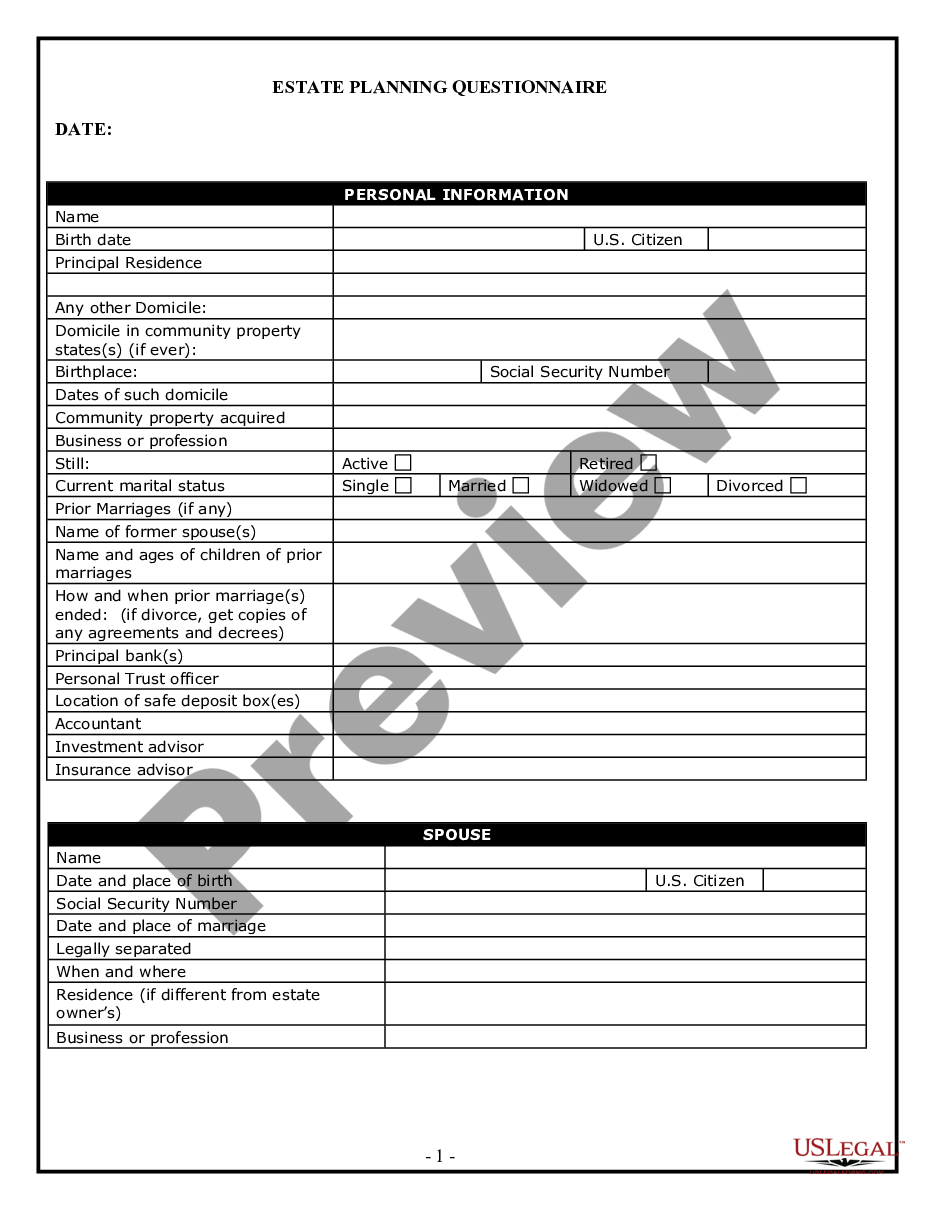
Get your form ready online
Our built-in tools help you complete, sign, share, and store your documents in one place.
Make edits, fill in missing information, and update formatting in US Legal Forms—just like you would in MS Word.
Download a copy, print it, send it by email, or mail it via USPS—whatever works best for your next step.
Sign and collect signatures with our SignNow integration. Send to multiple recipients, set reminders, and more. Go Premium to unlock E-Sign.
If this form requires notarization, complete it online through a secure video call—no need to meet a notary in person or wait for an appointment.
We protect your documents and personal data by following strict security and privacy standards.

Make edits, fill in missing information, and update formatting in US Legal Forms—just like you would in MS Word.

Download a copy, print it, send it by email, or mail it via USPS—whatever works best for your next step.

Sign and collect signatures with our SignNow integration. Send to multiple recipients, set reminders, and more. Go Premium to unlock E-Sign.

If this form requires notarization, complete it online through a secure video call—no need to meet a notary in person or wait for an appointment.

We protect your documents and personal data by following strict security and privacy standards.
Looking for another form?





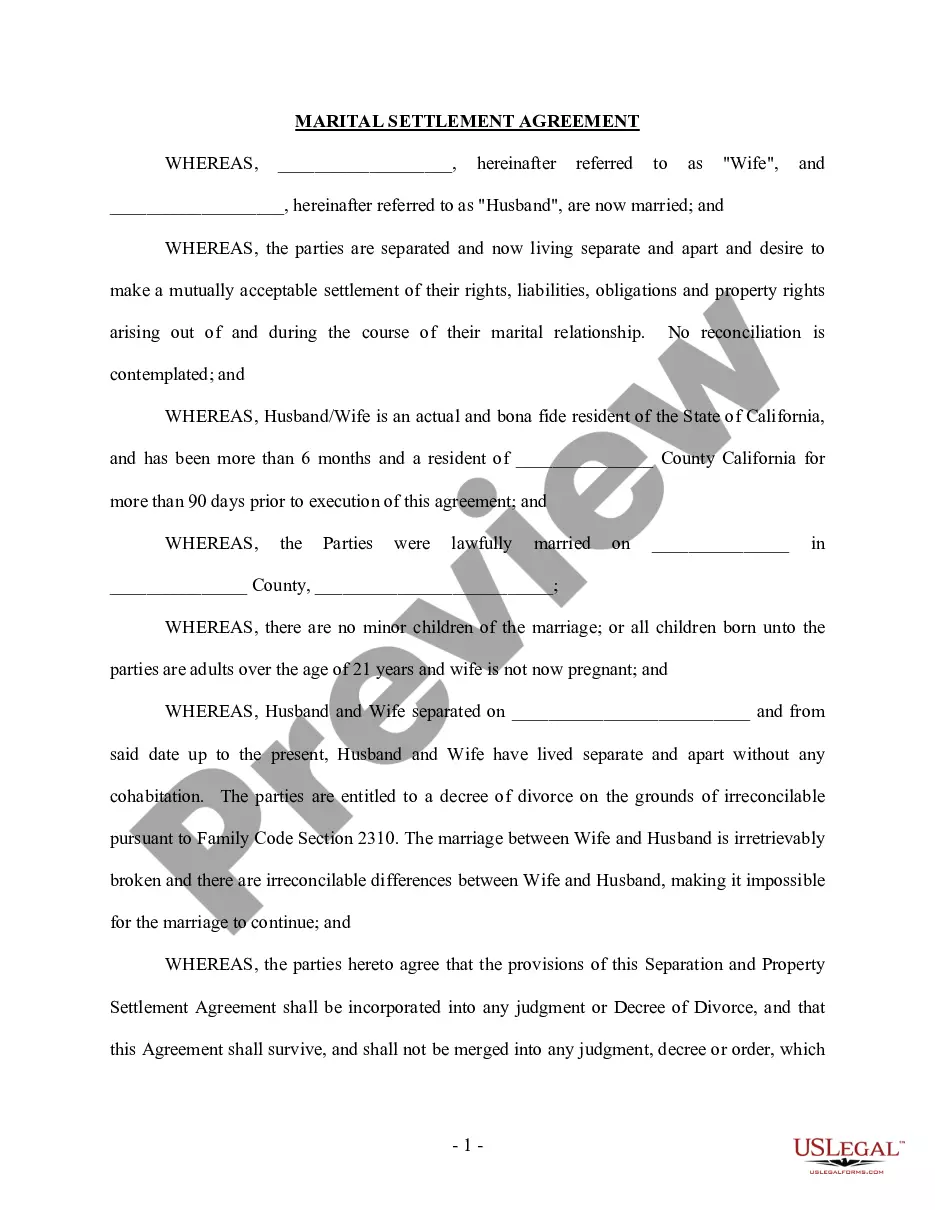




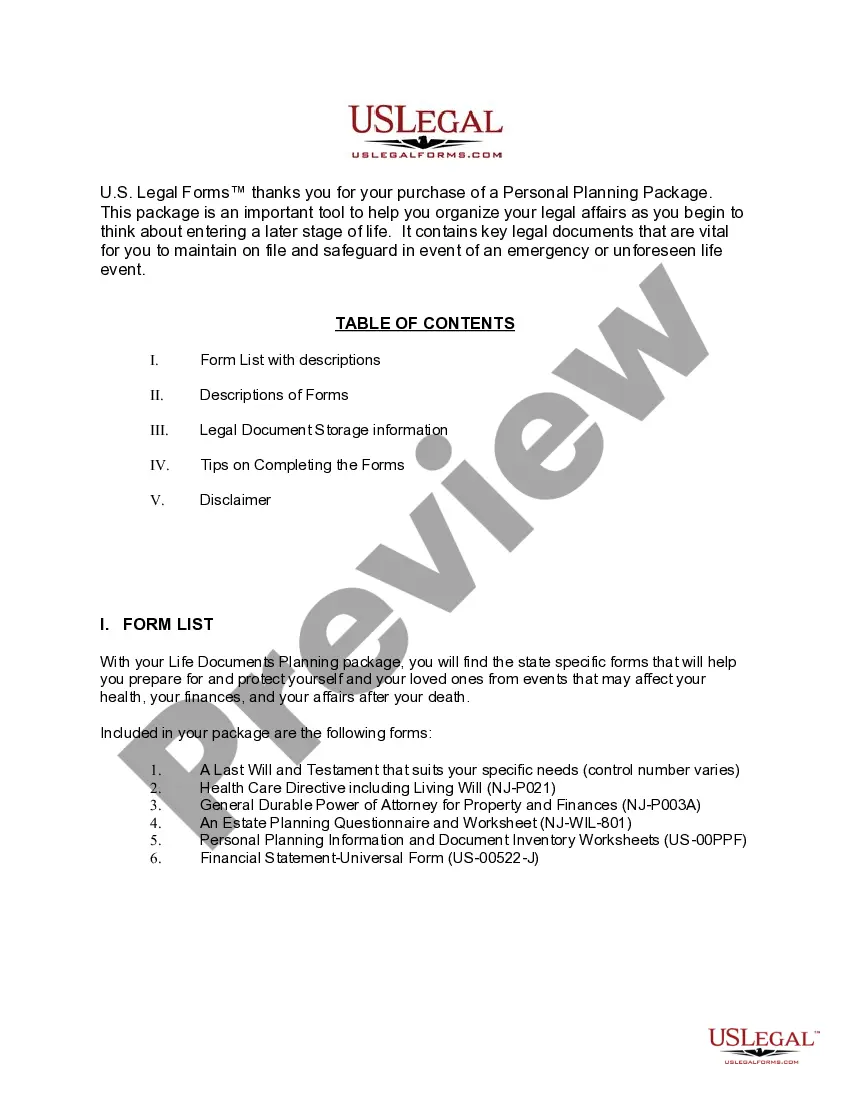
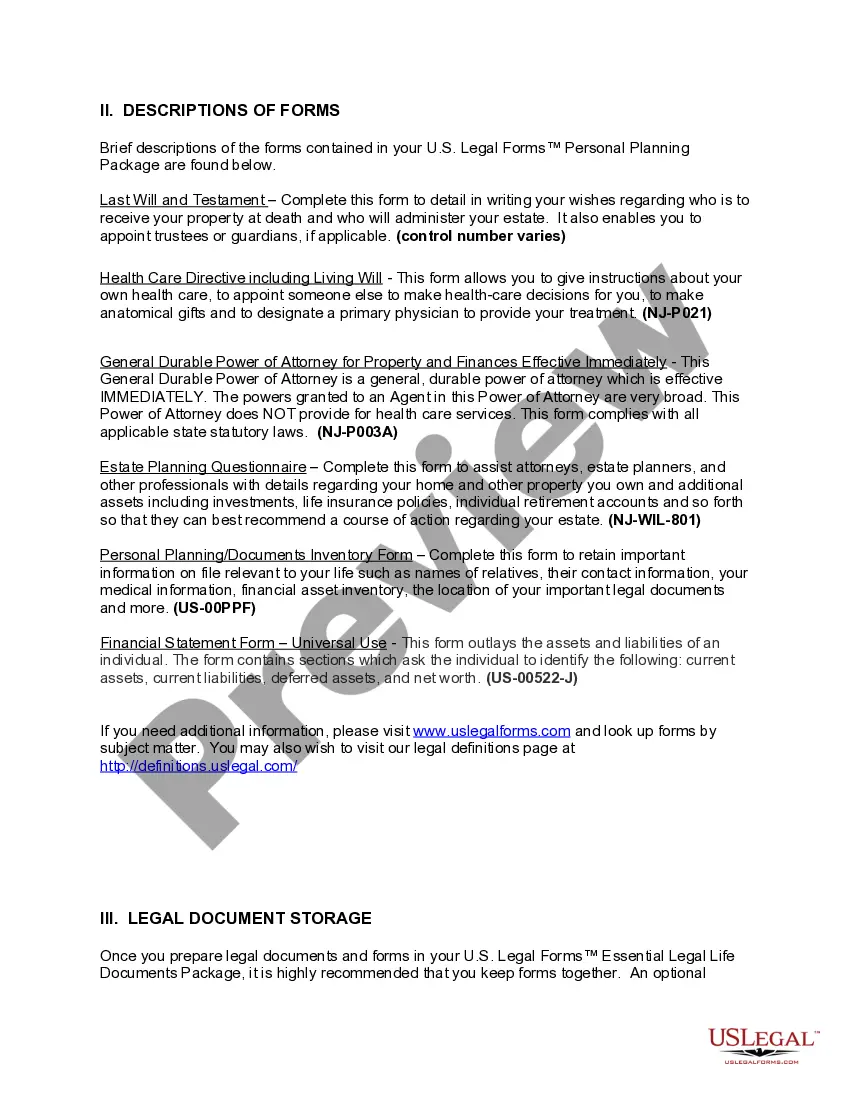
How to fill out New Jersey Life Documents Planning Package, Including Will, Power Of Attorney And Living Will?
It’s clear that you cannot transform into a legal expert instantly, nor can you swiftly learn how to prepare New Jersey Documents With Track Changes without possessing a specialized background.
Compiling legal documents is a lengthy undertaking that necessitates specific education and abilities. So why not entrust the development of the New Jersey Documents With Track Changes to the professionals.
With US Legal Forms, one of the most extensive legal document repositories, you can discover anything from court filings to templates for internal business communications.
If you require another template, start your search again.
Sign up for a complimentary account and select a subscription plan to purchase the form. Click Buy now. Once the payment is processed, you can download the New Jersey Documents With Track Changes, complete it, print it, and send or deliver it to the intended recipients or organizations.
- We understand the importance of conformity and compliance with federal and state regulations.
- That’s why, on our platform, all templates are region-specific and current.
- Begin by visiting our website and obtaining the form you require in just a few minutes.
- Use the search bar at the top of the page to locate the document you need.
- Preview it (if this option is available) and review the accompanying description to determine if New Jersey Documents With Track Changes is what you’re looking for.
Form popularity
FAQ
Open one of the two versions of the document that you want to compare. On the Tools menu, point to Track Changes, and then click Compare Documents. Note: If the Compare Documents option is not available, the document might be protected. To unprotect a protected document, on the Tools menu, click Unprotect Document.
?Track Changes? is a feature in Microsoft Word that allows a person to edit a document on the computer and return it to the original owner electronically. It shows what has been changed, who changed it, and other comments that are added by the editor.
Turn on Track Changes to show edits made in a document, and use Show Markup to show the types of revisions you'd like to display. Select Review > Track Changes to turn it on. Make edits in your document and Word captures any edits you make. Select Review > Track Changes to turn it off.
Microsoft Word ? Track Changes Feature for Editing Papers. ?Track Changes? is a feature in Microsoft Word that allows a person to edit a document on the computer and return it to the original owner electronically. It shows what has been changed, who changed it, and other comments that are added by the editor.
Accept or reject changes On the Review tab, go to Tracking. Select Accept or Reject. As you accept or reject changes, Word will move to the next change.