Tenantid Advpl
Description

Get your form ready online
Our built-in tools help you complete, sign, share, and store your documents in one place.
Make edits, fill in missing information, and update formatting in US Legal Forms—just like you would in MS Word.
Download a copy, print it, send it by email, or mail it via USPS—whatever works best for your next step.
Sign and collect signatures with our SignNow integration. Send to multiple recipients, set reminders, and more. Go Premium to unlock E-Sign.
If this form requires notarization, complete it online through a secure video call—no need to meet a notary in person or wait for an appointment.
We protect your documents and personal data by following strict security and privacy standards.

Make edits, fill in missing information, and update formatting in US Legal Forms—just like you would in MS Word.

Download a copy, print it, send it by email, or mail it via USPS—whatever works best for your next step.

Sign and collect signatures with our SignNow integration. Send to multiple recipients, set reminders, and more. Go Premium to unlock E-Sign.

If this form requires notarization, complete it online through a secure video call—no need to meet a notary in person or wait for an appointment.

We protect your documents and personal data by following strict security and privacy standards.
Looking for another form?








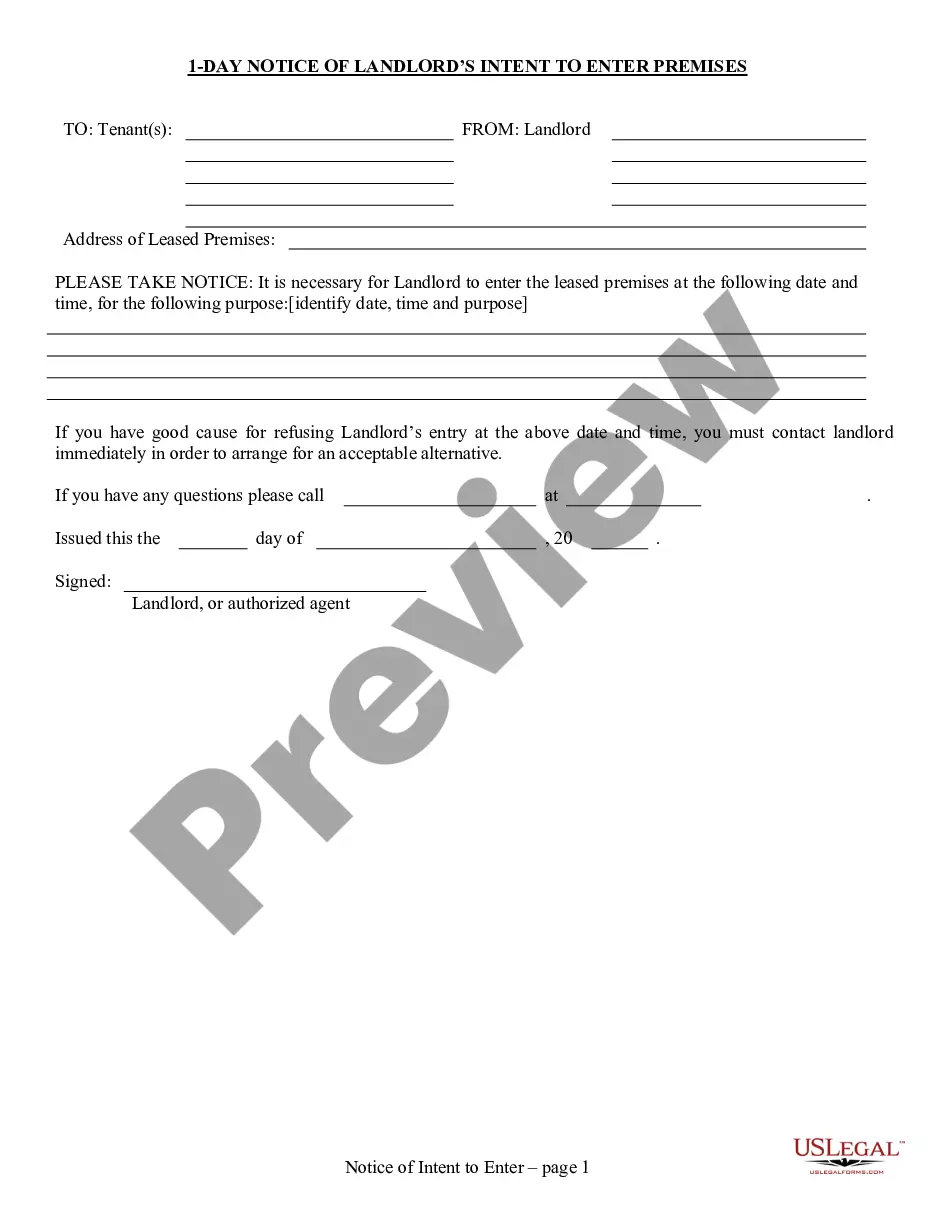
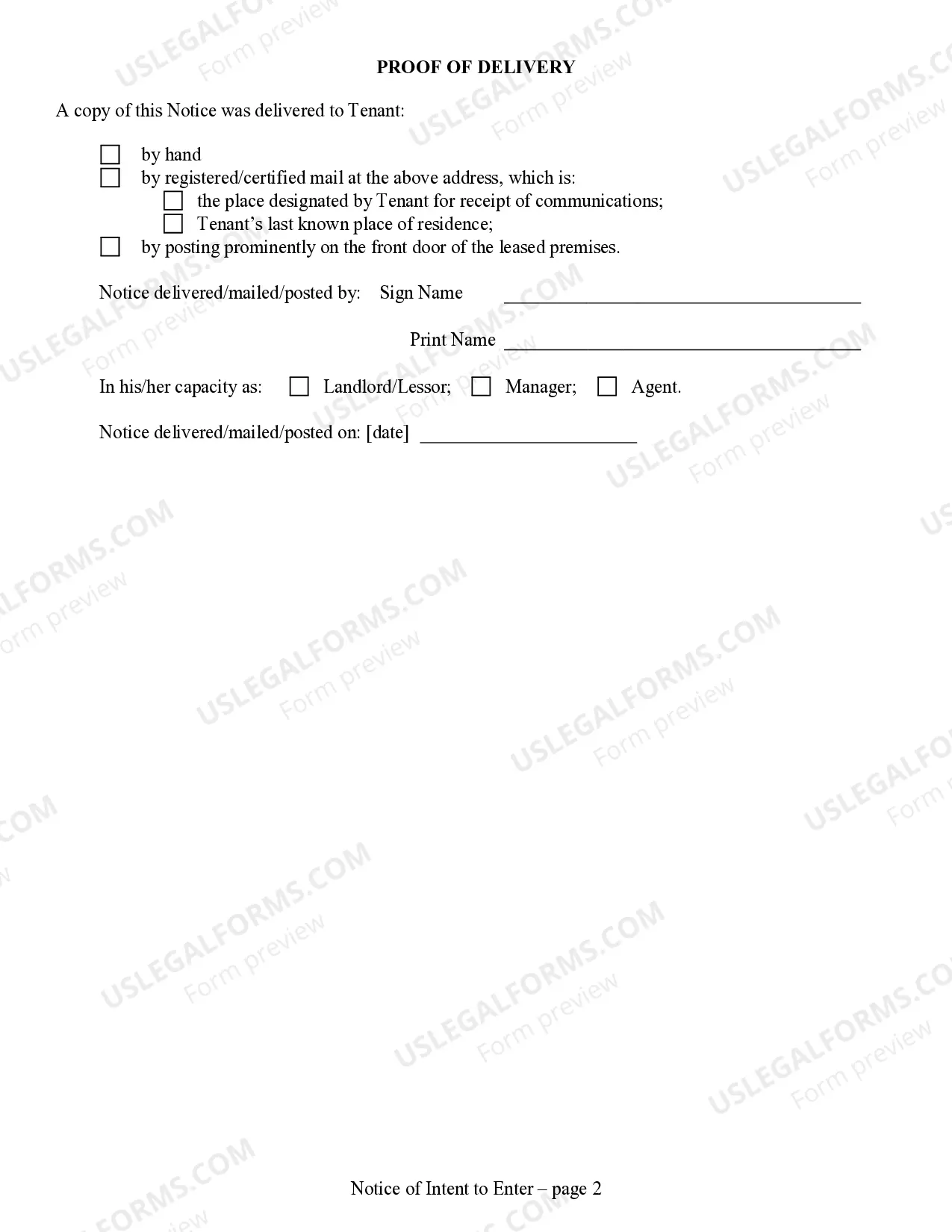
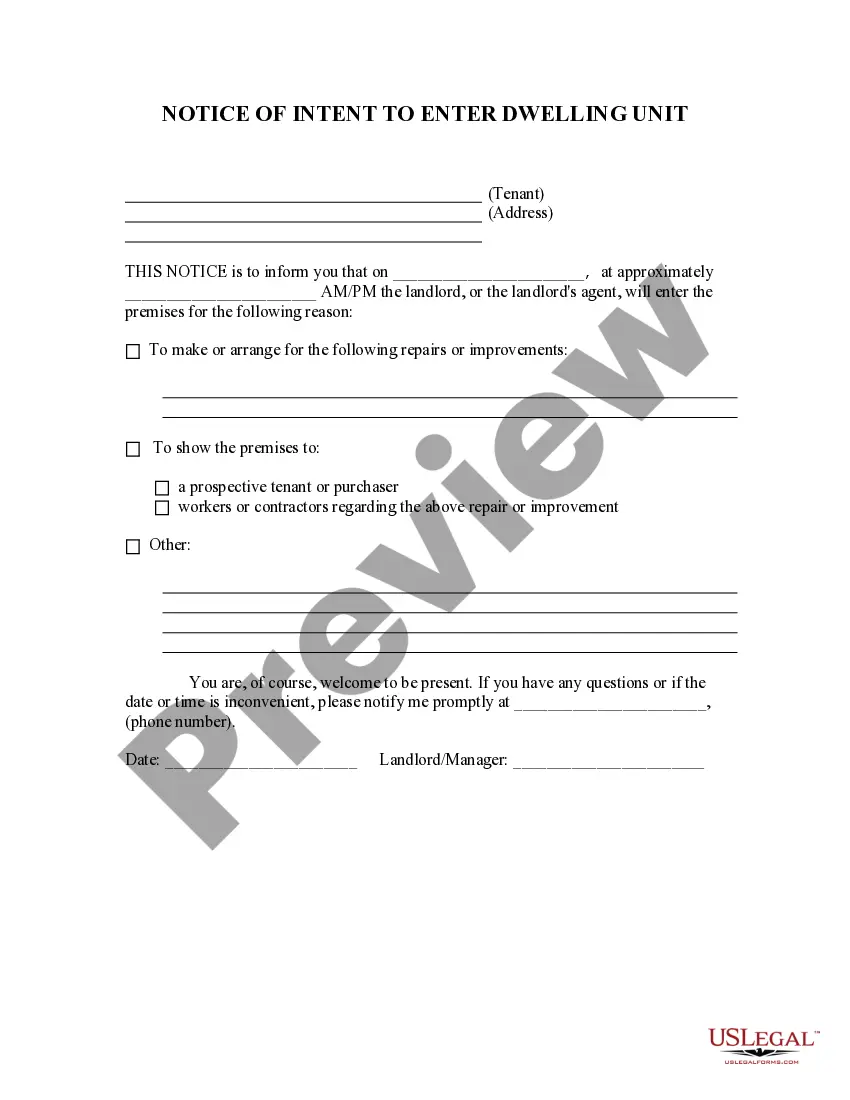
How to fill out Nebraska 1 Day Notice Of Intention To Enter Dwelling For Residential From Landlord To Tenant?
- If you're a returning user, log in to your account and check your subscription status. Click the Download button for your needed form template.
- For first-time users, start by reviewing the Preview mode and form descriptions to ensure the document meets your requirements and adheres to local jurisdiction regulations.
- If necessary, utilize the Search tab to find an alternative template that fits your needs accurately.
- Once you find a suitable document, click on the Buy Now button and select your preferred subscription plan, creating an account for full access.
- Complete your purchase by entering your credit card details or logging in through PayPal to finalize the subscription.
- After payment, download your document and save it on your device. You can always access it later in the My Forms section of your profile.
US Legal Forms empowers users with a robust form collection, surpassing competitors in both volume and cost-effectiveness. Access to premium experts ensures documents are not only filled accurately but also legally sound, making your legal journey smoother.
Start your legal process today and experience the benefits of US Legal Forms!
Form popularity
FAQ
To obtain your Azure Active Directory (AAD) domain name and tenant ID, log into the Azure portal. You will navigate to 'Azure Active Directory' and find the information under 'Custom domain names' and 'Properties.' This combination of domain name and tenant ID is important for cloud integrations and services, and it pairs well with the capabilities of Tenantid advpl.
Finding your Teams tenant ID is straightforward. Just access the Azure portal, then go to 'Azure Active Directory.' Under 'Tenant properties,' you will see your tenant ID displayed prominently. This ID is vital for managing Teams settings, so having it readily available is beneficial for your organizational needs, particularly when using Tenantid advpl.
Your Microsoft Teams ID can be found within the Teams application itself. Simply go to the settings and navigate to the 'About' section to see your ID. This ID, along with your tenant ID from Tenantid advpl, plays a key role in ensuring smooth collaboration and integrations within your organization.
To retrieve your Teams tenant ID, start by signing into the Azure portal. In the Azure Active Directory, you will locate the 'Overview' section where your tenant ID is displayed. This tenant ID is essential for setting up and managing various Teams features, especially when leveraging Tenantid advpl.
You can find the URL for your Microsoft Teams tenant ID by accessing the Azure portal. After logging in, head to the 'Azure Active Directory' and select 'App registrations.' You will find your tenant's properties, including the URL associated with your Teams tenant ID. Understanding this URL helps you manage integrations effectively, especially when using Tenantid advpl.
To obtain your tenant ID, you can log into the Azure portal using your administrative credentials. Once logged in, navigate to the 'Azure Active Directory' section. Here, you'll find your tenant ID listed under the 'Properties' tab. This ID is crucial for various integrations and services, including those supported by Tenantid advpl.
Creating a tenant ID usually involves setting up a new account through your cloud service provider. You will need to provide basic information like your business name, email, and sometimes your payment details. After registration, your unique tenant ID will be generated automatically. If you require help in the setup process, uslegalforms offers various resources to guide you through.
To find your tenant ID, access your account dashboard where such details are usually displayed. You can also review your subscription settings for more information. In case you cannot find it easily, uslegalforms is equipped with resources and support to assist you in identifying your tenant ID promptly.
Your tenant name is typically displayed in your account settings or dashboard. It may also appear during the login process or in your profile information. If you are managing multiple accounts, verify the details related to the specific tenant. To simplify this process, you can check uslegalforms for helpful guides.
The tenant ID is a unique string that identifies your organization within the cloud services environment. It helps in managing subscriptions, services, and access rights to various tools. Essentially, a tenant ID ensures that your resources are separate from other organizations. For more in-depth understanding, uslegalforms can provide you with useful documentation.