Contractor Notice To Cure
Description
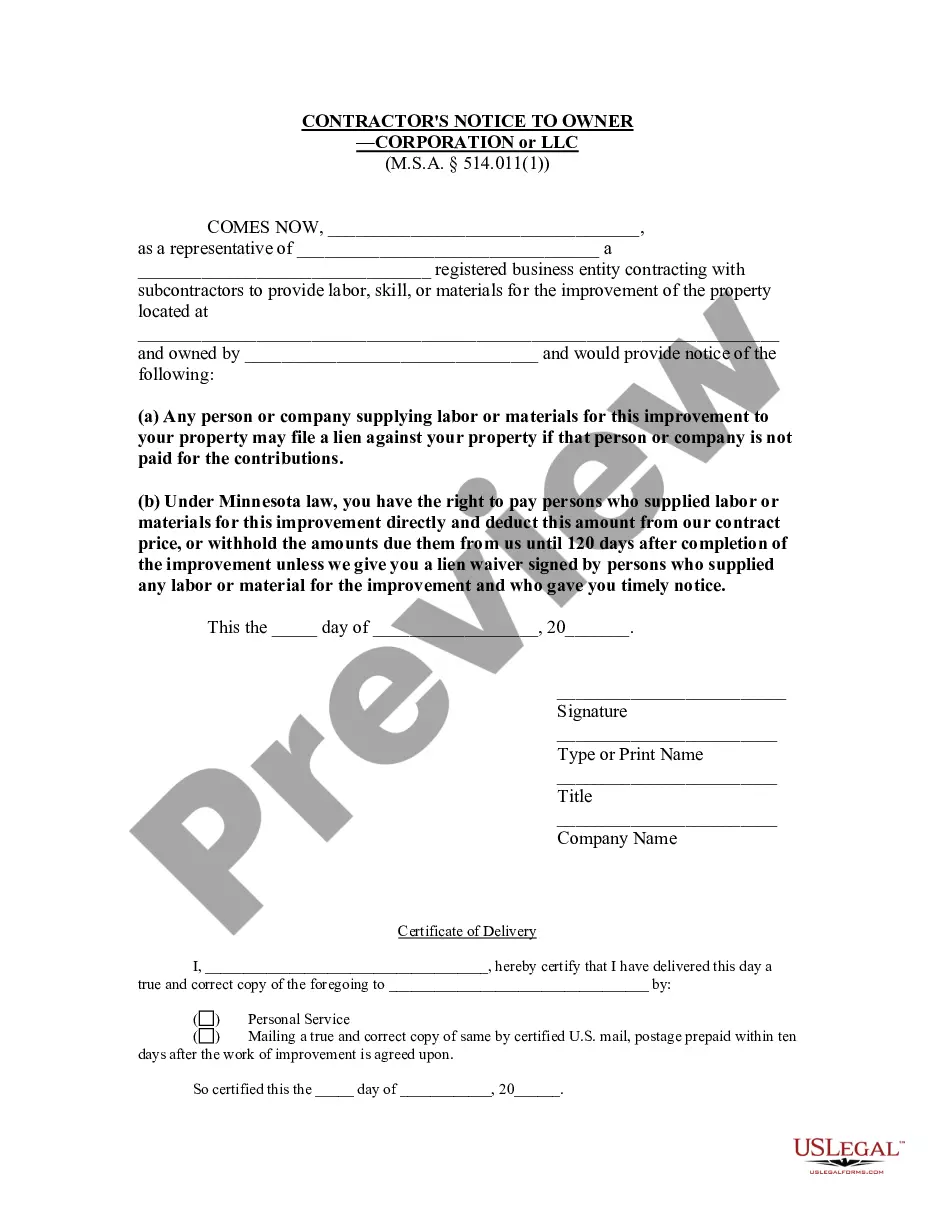

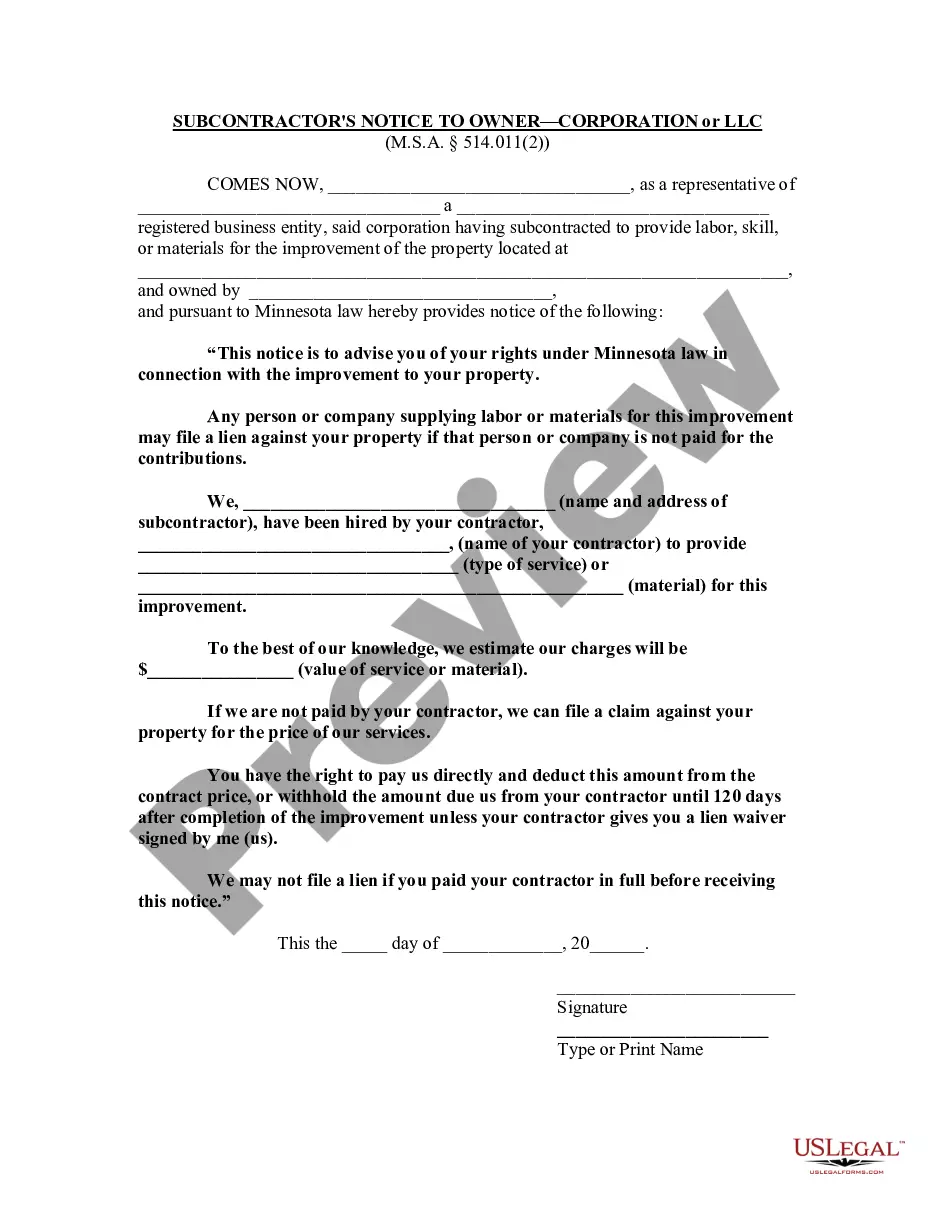
Get your form ready online
Our built-in tools help you complete, sign, share, and store your documents in one place.
Make edits, fill in missing information, and update formatting in US Legal Forms—just like you would in MS Word.
Download a copy, print it, send it by email, or mail it via USPS—whatever works best for your next step.
Sign and collect signatures with our SignNow integration. Send to multiple recipients, set reminders, and more. Go Premium to unlock E-Sign.
If this form requires notarization, complete it online through a secure video call—no need to meet a notary in person or wait for an appointment.
We protect your documents and personal data by following strict security and privacy standards.

Make edits, fill in missing information, and update formatting in US Legal Forms—just like you would in MS Word.

Download a copy, print it, send it by email, or mail it via USPS—whatever works best for your next step.

Sign and collect signatures with our SignNow integration. Send to multiple recipients, set reminders, and more. Go Premium to unlock E-Sign.

If this form requires notarization, complete it online through a secure video call—no need to meet a notary in person or wait for an appointment.

We protect your documents and personal data by following strict security and privacy standards.
Looking for another form?






How to fill out Minnesota Contractor's Notice To Owner - Corporation Or LLC?
Regardless of whether you manage documents often or you have to send a legal report from time to time, it is crucial to obtain a beneficial resource where all the examples are pertinent and current.
One essential step to take when using a Contractor Notice To Cure is to ensure that it is the latest version, as it determines if it can be submitted.
If you want to streamline your search for the most recent document samples, look for them on US Legal Forms.
Utilize the search menu to locate the form you want. Review the Contractor Notice To Cure preview and outline to confirm it is exactly what you need. After validating the form, click Buy Now. Select a subscription plan that suits you. Either create a new account or Log In to your current one. Enter your credit card details or PayPal information to complete the transaction. Choose the format for download and confirm it. Say goodbye to confusion when handling legal documents. All your templates will be organized and validated with an account at US Legal Forms.
- US Legal Forms is a repository of legal forms that includes nearly every document sample you might need.
- Search for the templates you require, assess their relevance immediately, and learn more about how to use them.
- With US Legal Forms, you gain access to over 85,000 form templates across a diverse range of professions.
- Obtain the Contractor Notice To Cure samples in just a few clicks and store them anytime in your account.
- A US Legal Forms account will provide you with convenient access to all the samples you require with less hassle.
- You only need to click Log In in the website header and navigate to the My documents section where you will have all the forms you need at your fingertips, eliminating the need to spend time searching for the ideal template or verifying its relevance.
- To acquire a form without an account, follow these instructions.
Form popularity
FAQ
A cure notice is issued by the government to inform the contractor that the government considers the contractor's failure a condition that is endangering performance of the contract. The cure notice specifies a period (typically 10 days) for the contractor to remedy the condition.
Your cure notice response must address the issues discussed in the issued letter at a minimum.Address the issues discussed in the cure notice.Address the contractual issues that are out of your control.Show a plan of action that addresses how you will meet the contract terms and conditions.More items...
200 requires the contractor to respond to a notice to cure with either (a) written evidence that the default has been cured or (b) a written plan demonstrating steps to be taken 2026 to cure the default and accomplish completion of the work in accordance with the requirements of the Contract Documents and within
If the contractor fails to make progress or fails to perform any other provision of the contract, the Agency Contracting Officer (ACO or CO) will issue a Cure Notice. The cure notice must be in writing and specifically state what failure exists and provide 10 days to 'cure' the failure.
A cure or termination letter should begin where the problems began and tell the story chronologically. Bullet points work well to sum up this information. A contractor should be specific on the important dates, or if specific dates are not available, reference relevant time frames.