Maryland Postnuptial Agreement Form
Description
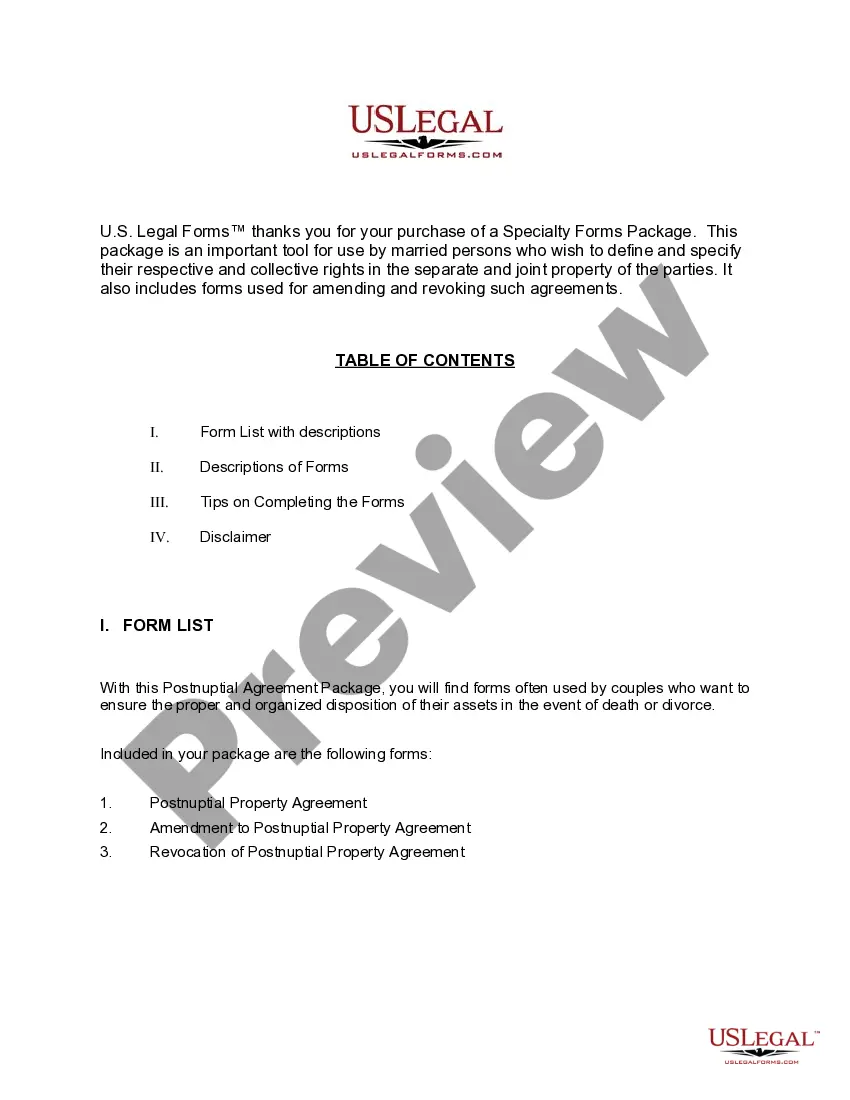
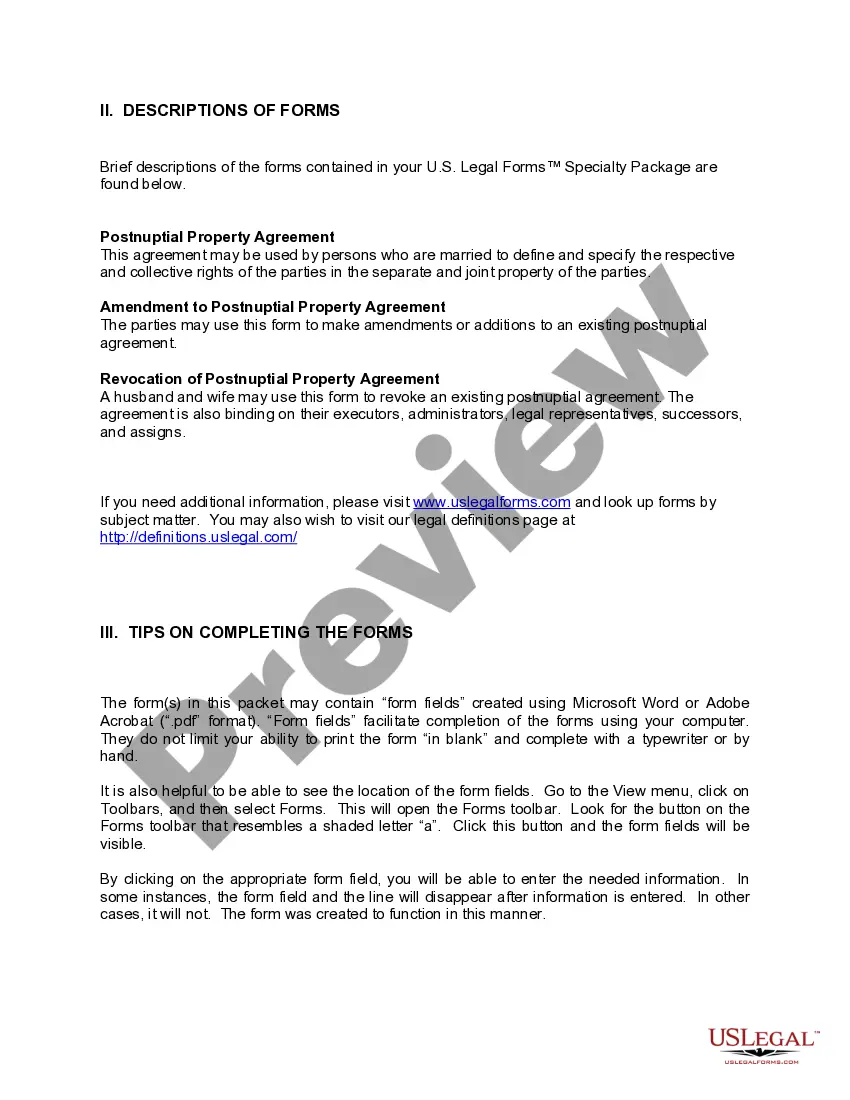
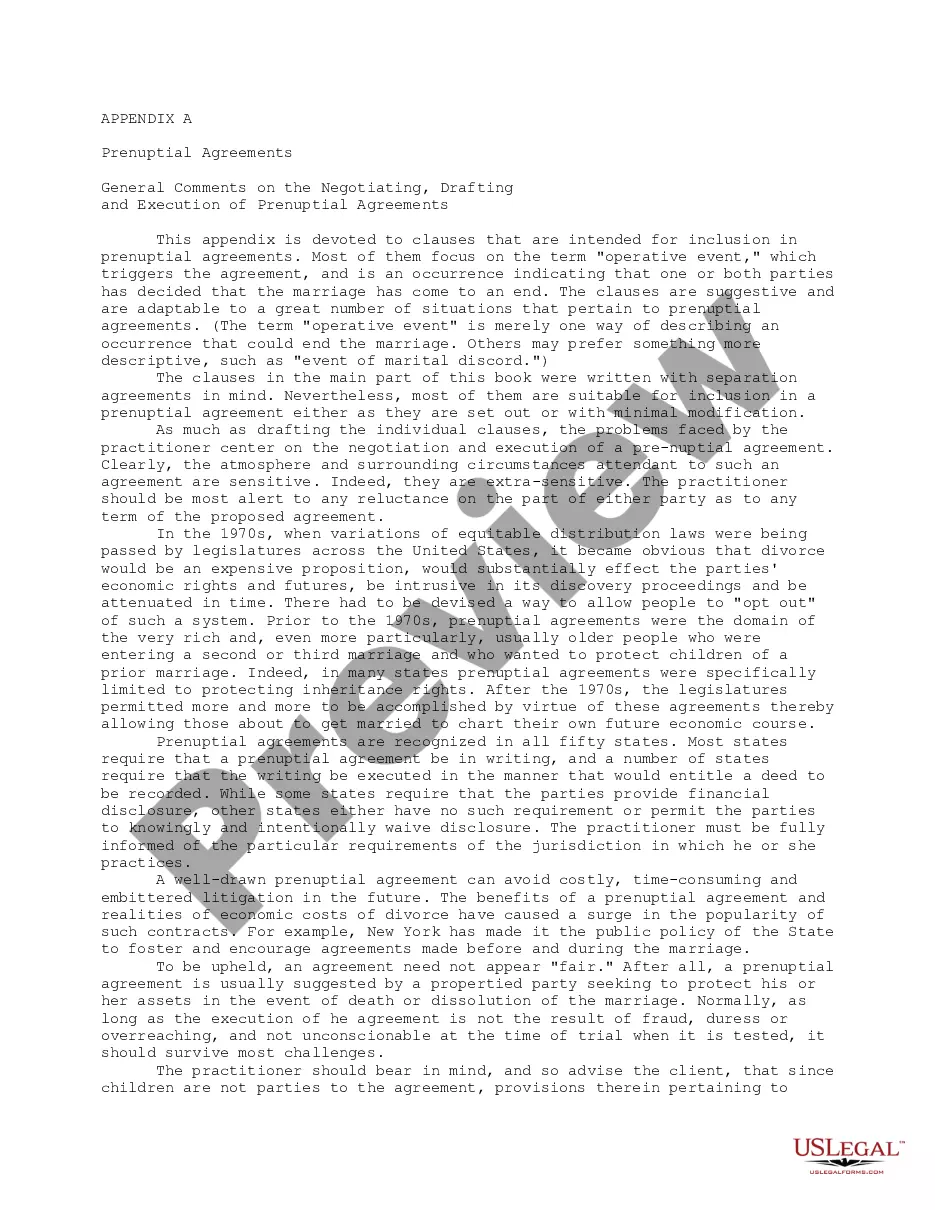
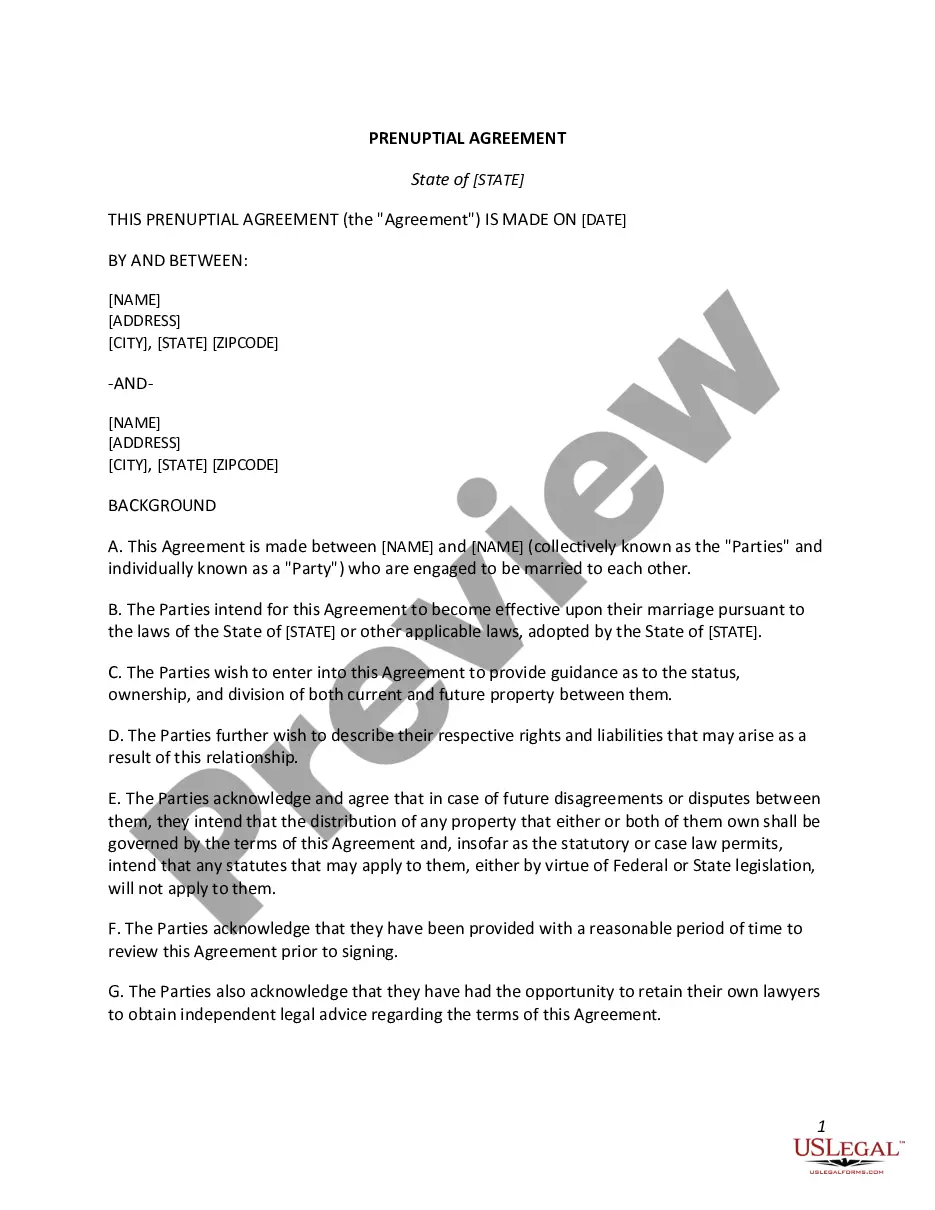
Get your form ready online
Our built-in tools help you complete, sign, share, and store your documents in one place.
Make edits, fill in missing information, and update formatting in US Legal Forms—just like you would in MS Word.
Download a copy, print it, send it by email, or mail it via USPS—whatever works best for your next step.
Sign and collect signatures with our SignNow integration. Send to multiple recipients, set reminders, and more. Go Premium to unlock E-Sign.
If this form requires notarization, complete it online through a secure video call—no need to meet a notary in person or wait for an appointment.
We protect your documents and personal data by following strict security and privacy standards.

Make edits, fill in missing information, and update formatting in US Legal Forms—just like you would in MS Word.

Download a copy, print it, send it by email, or mail it via USPS—whatever works best for your next step.

Sign and collect signatures with our SignNow integration. Send to multiple recipients, set reminders, and more. Go Premium to unlock E-Sign.

If this form requires notarization, complete it online through a secure video call—no need to meet a notary in person or wait for an appointment.

We protect your documents and personal data by following strict security and privacy standards.
Looking for another form?






How to fill out Maryland Postnuptial Agreements Package?
There's no further justification to squander time searching for legal documents to comply with your local state statutes. US Legal Forms has gathered all of them in one location and enhanced their availability.
Our platform provides over 85k templates for any commercial and personal legal situations categorized by state and area of application. All forms are expertly crafted and verified for accuracy, allowing you to confidently acquire an up-to-date Maryland Postnuptial Agreement Form.
If you are acquainted with our service and already possess an account, make sure your subscription is current before obtaining any templates. Log In to your account, select the document, and click Download. You can also revisit all obtained documents whenever necessary by accessing the My documents tab in your profile.
Print your form to complete it by hand or upload the sample if you prefer to do it in an online editor. Preparing official documents in accordance with federal and state laws and regulations is quick and simple with our platform. Try out US Legal Forms today to maintain your documentation organized!
- If you haven't interacted with our service previously, the procedure will require a few additional steps to finish. Here's how new users can find the Maryland Postnuptial Agreement Form in our catalog.
- Examine the page content meticulously to verify it includes the sample you need.
- To do so, leverage the form description and preview options if available.
- Utilize the Search bar above to look for another sample if the prior one didn't meet your needs.
- Click Buy Now adjacent to the template title once you discover the suitable one.
- Select the desired subscription plan and create an account or Log In.
- Complete payment for your subscription using a card or via PayPal to proceed.
- Choose the file format for your Maryland Postnuptial Agreement Form and download it to your device.
Form popularity
FAQ
How to Write a Postnuptial AgreementStep 1 Include Party Information.Step 2 Provide Property Information.Step 3 Include Business Information.Step 4 Provide Debts and Taxes Information.Step 5 Specify How You'll Divide The Marital Home.Step 6 Include Pet Information.Step 7 Add in the Final Details.More items...
In fact, prenuptial and postnuptial agreements can only include information about financial matters and so should not include terms related to family matters, physical arrangements, or employment. Instead, these issues will need to be settled outside of court or by a family law judge.
Postnuptial contracts may be legally enforceable provided they follow standard rules of contracts. The agreement must be in writing; full disclosures must be made by both spouses about issues relevant to the contract; and the contract cannot be entered into because one spouse is defrauded or is coerced into signing.
Unlike many U.S. states, Maryland does not have a specific statute that governs the requirements of prenuptial or postnuptial agreements. Instead, Maryland construes both prenuptial and postnuptial agreements under standard contract law.
Can you write your own postnuptial agreement in California? In California, married couples may indeed write their own postnuptial agreements. This can be done using a template document or from scratch.
