Ky Trust With 1099
Description
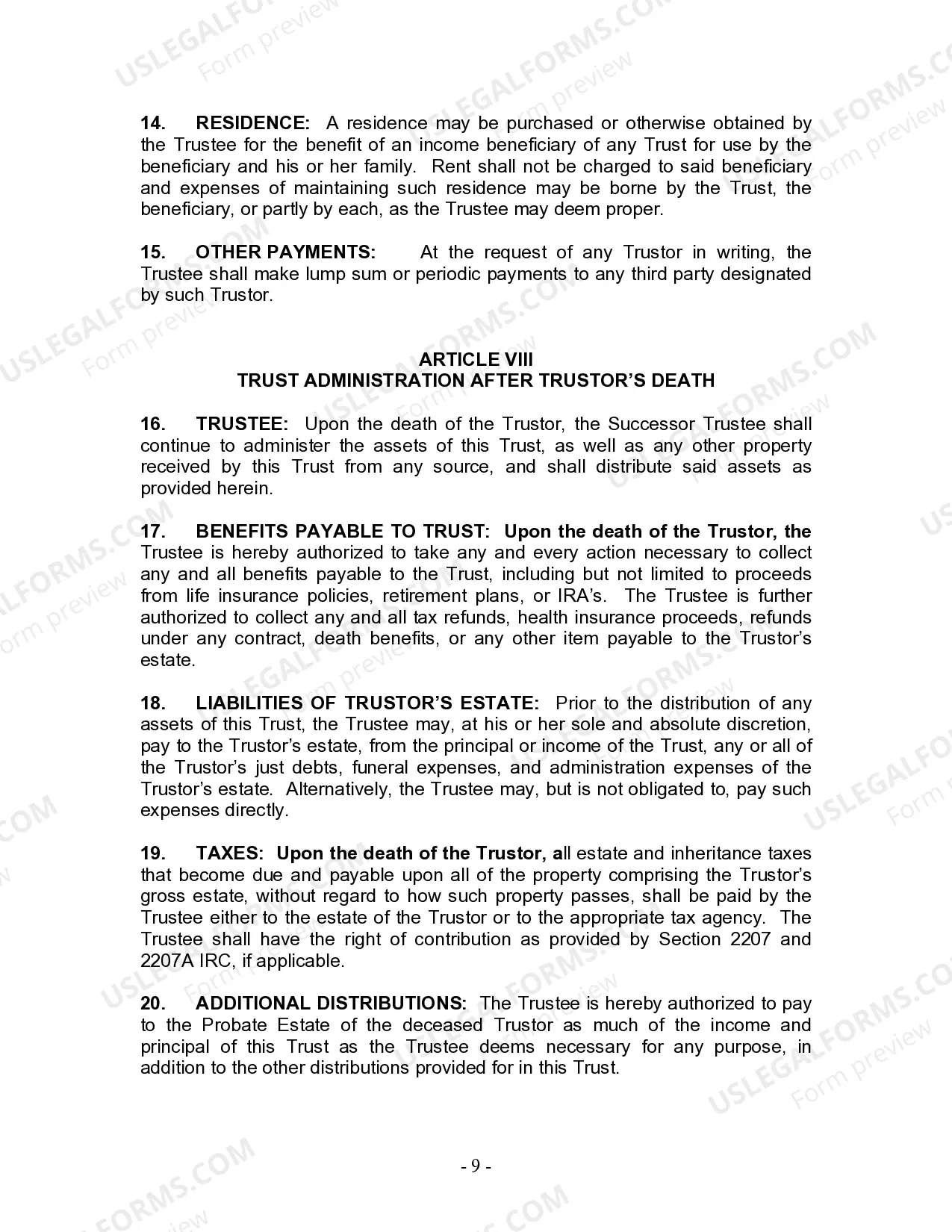
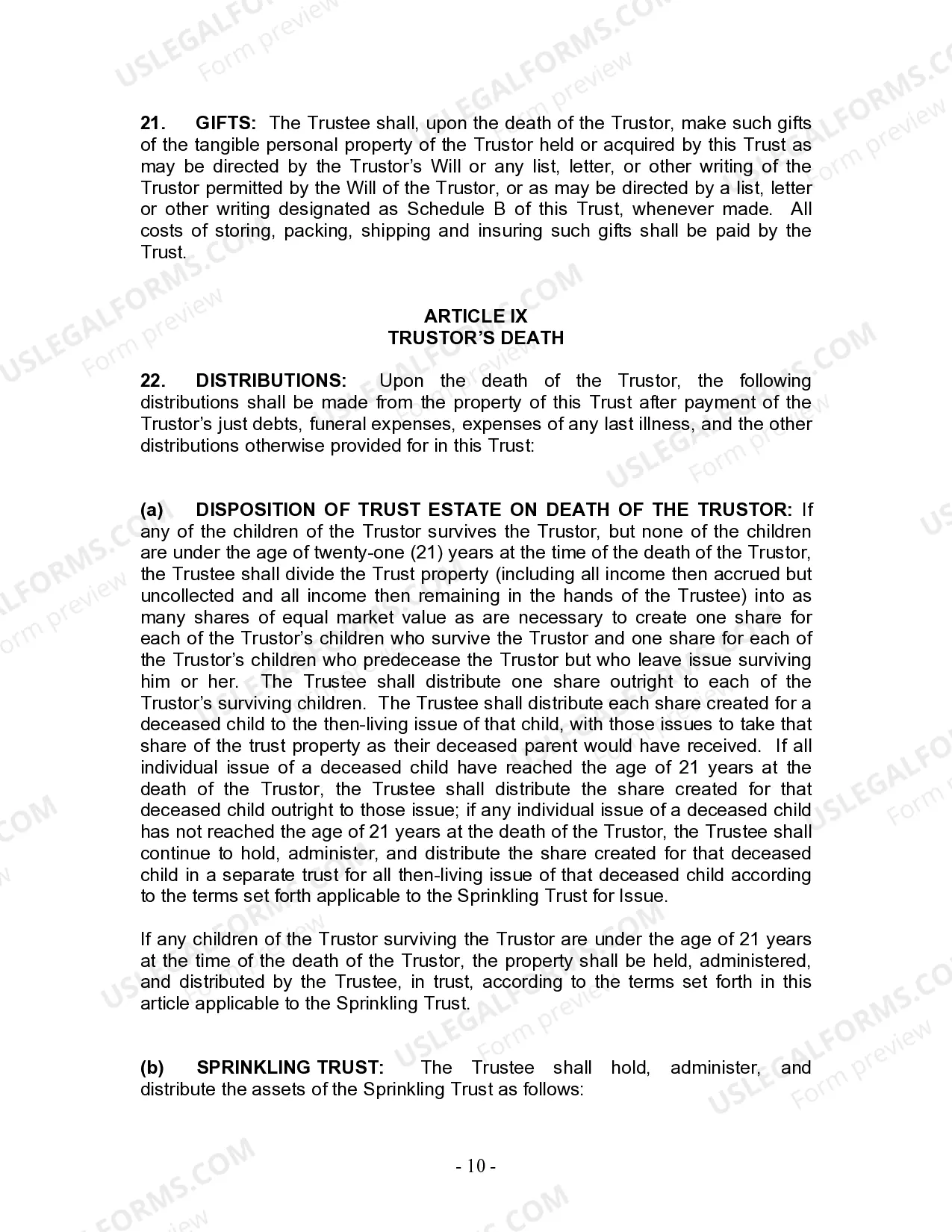


Get your form ready online
Our built-in tools help you complete, sign, share, and store your documents in one place.
Make edits, fill in missing information, and update formatting in US Legal Forms—just like you would in MS Word.
Download a copy, print it, send it by email, or mail it via USPS—whatever works best for your next step.
Sign and collect signatures with our SignNow integration. Send to multiple recipients, set reminders, and more. Go Premium to unlock E-Sign.
If this form requires notarization, complete it online through a secure video call—no need to meet a notary in person or wait for an appointment.
We protect your documents and personal data by following strict security and privacy standards.

Make edits, fill in missing information, and update formatting in US Legal Forms—just like you would in MS Word.

Download a copy, print it, send it by email, or mail it via USPS—whatever works best for your next step.

Sign and collect signatures with our SignNow integration. Send to multiple recipients, set reminders, and more. Go Premium to unlock E-Sign.

If this form requires notarization, complete it online through a secure video call—no need to meet a notary in person or wait for an appointment.

We protect your documents and personal data by following strict security and privacy standards.
Looking for another form?








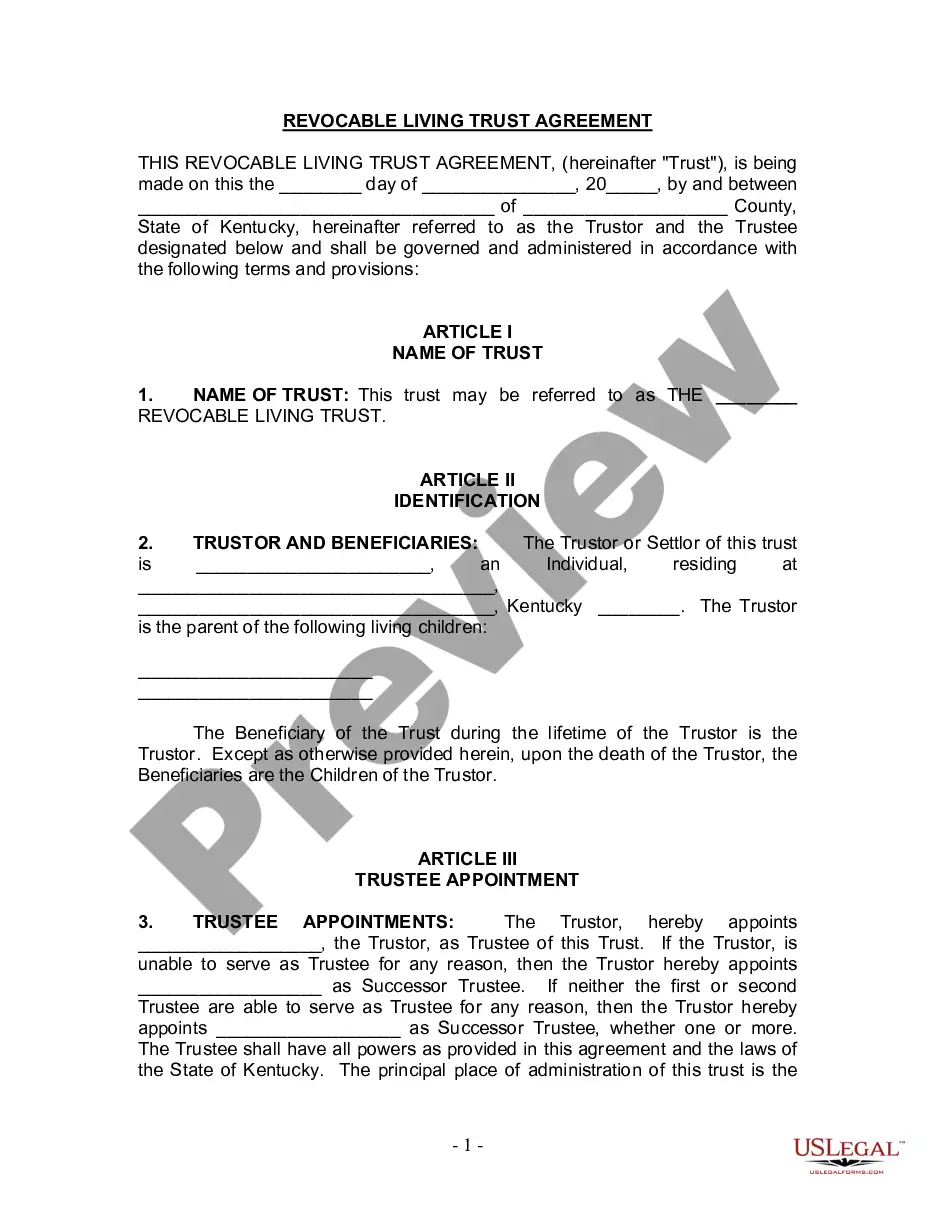
How to fill out Kentucky Living Trust For Individual, Who Is Single, Divorced Or Widow (or Widower) With Children?
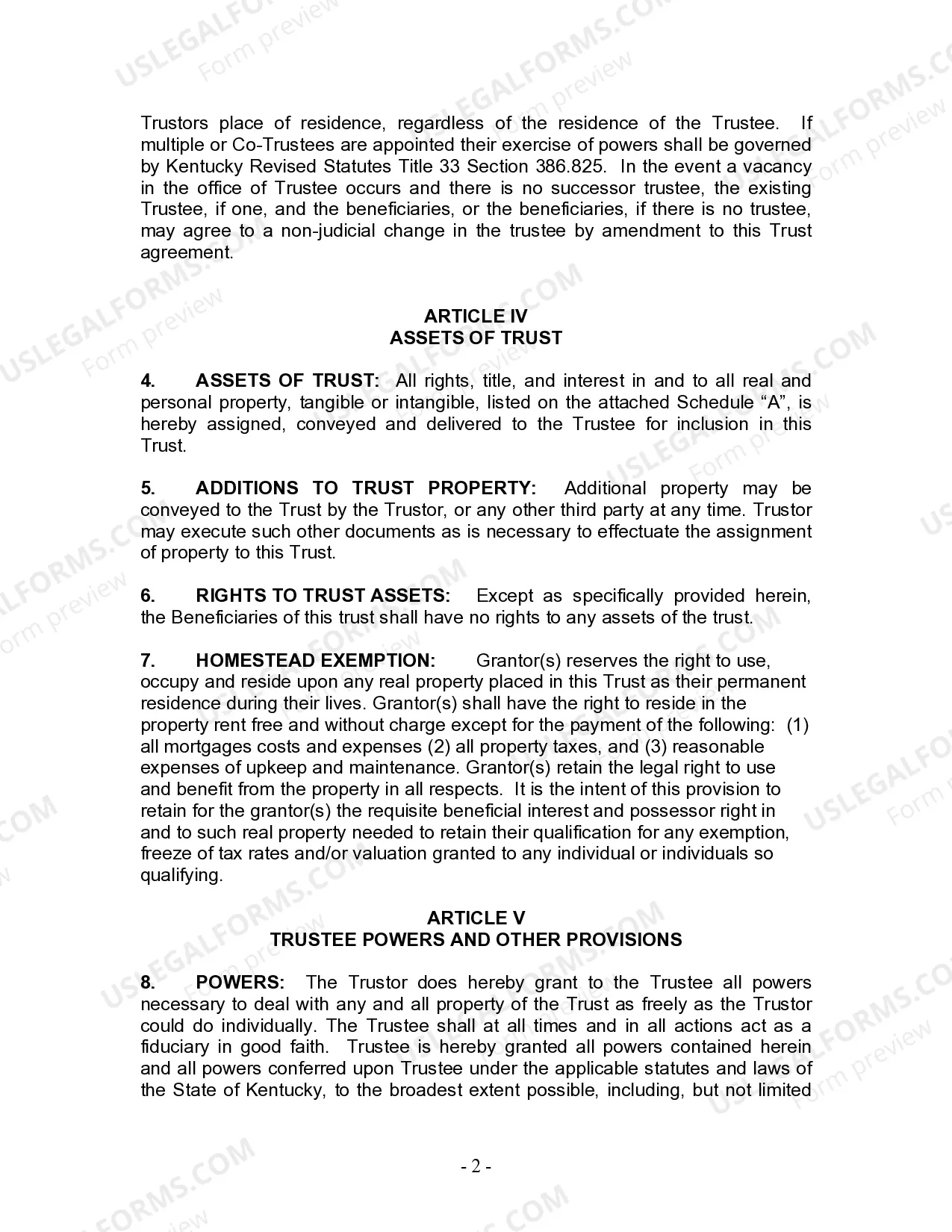
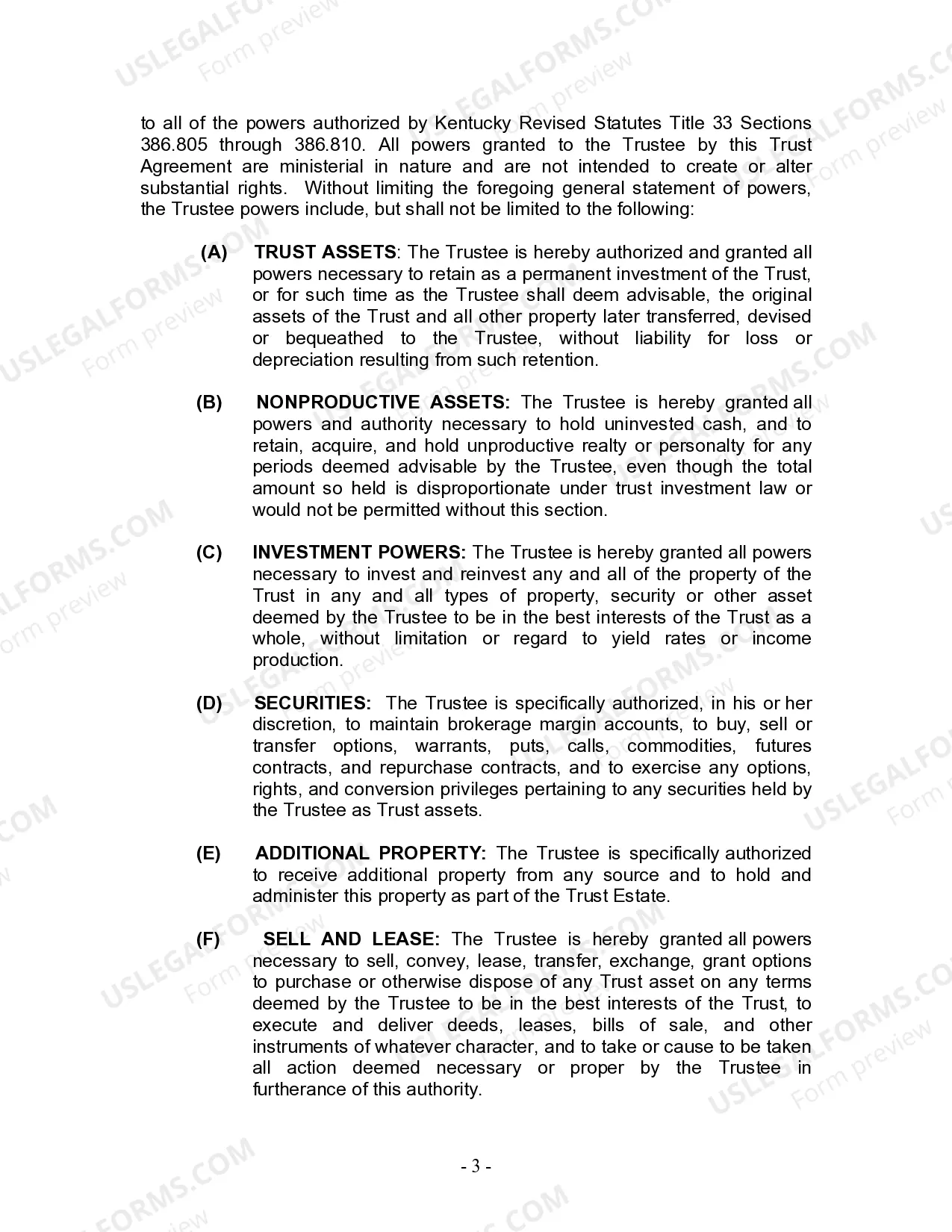
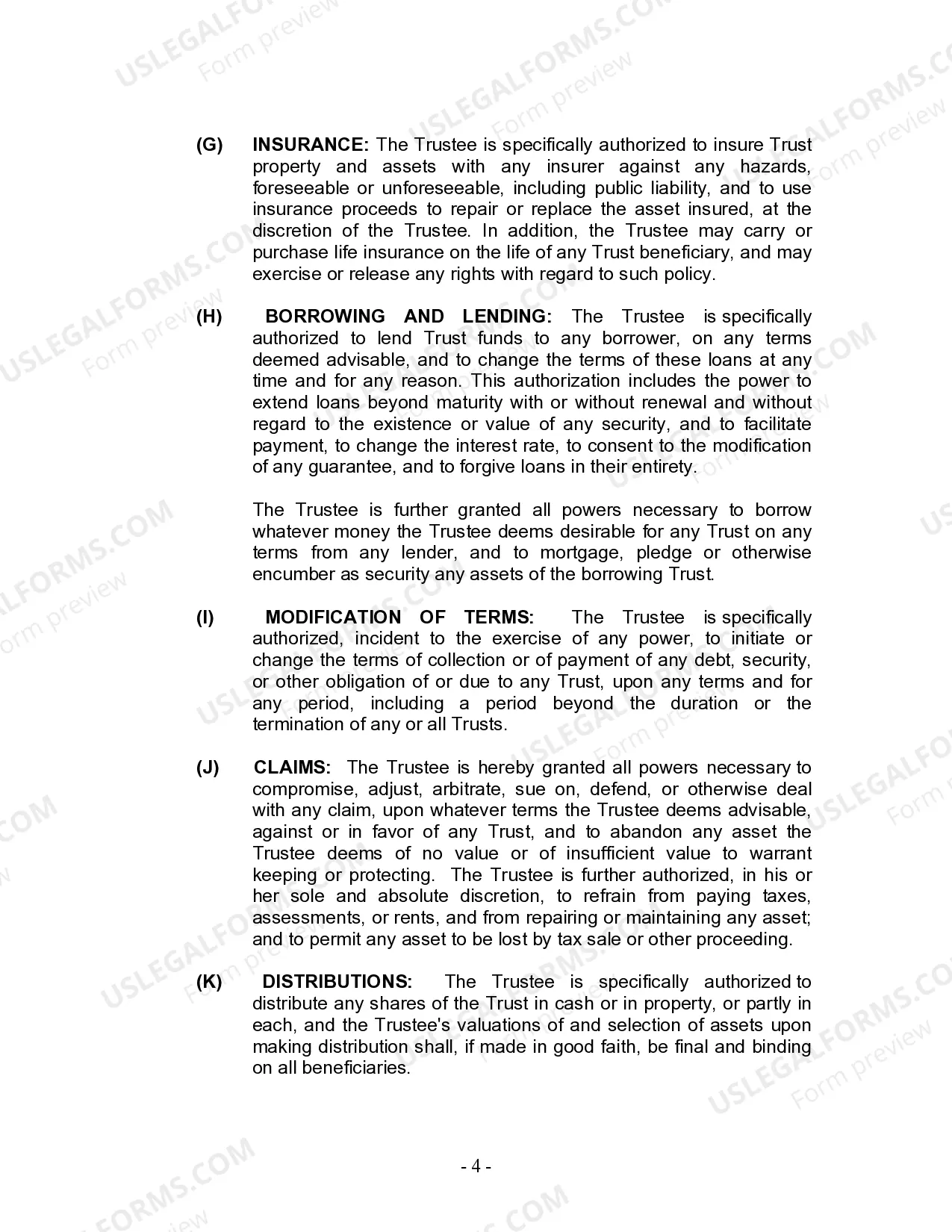
The Ky Trust With 1099 that you see on this webpage is a versatile official template crafted by expert attorneys in compliance with federal and state laws.
For over 25 years, US Legal Forms has been supplying individuals, businesses, and legal practitioners with over 85,000 authenticated, state-specific documents for any commercial and personal situation.
Fill out and sign the document. Print the template to complete it manually. Alternatively, use an online multifunctional PDF editor to easily and accurately fill out and sign your form with an electronic signature. Use the same document again whenever necessary. Access the My documents section in your profile to redownload any forms you have previously downloaded. Subscribe to US Legal Forms to have verified legal templates for all of life’s situations readily available.
- Search for the form you need and examine it.
- Browse through the document you looked for and preview it or check the form description to ensure it meets your needs. If it doesn’t, use the search feature to discover the right one.
- Click Buy Now once you have found the template you need.
- Choose a subscription plan that fits your requirements and create an account. Use PayPal or a credit card to make a swift payment. If you already possess an account, Log In and review your subscription to proceed.
- Select the format you prefer for your Ky Trust With 1099 (PDF, Word, RTF) and download the sample onto your device.
Form popularity
FAQ
FILING REQUIREMENTS Form 1099 is only required to be filed with DOR when Kentucky tax is withheld.
You must use a regular copy of Form 1099 (either NEC or MISC) and mark the box next to ?CORRECTED? at the top. Send corrected Forms 1099 to the IRS, contractor or vendor, and state agencies (if applicable). And, be ready to file a corrected Form 1096 to accompany the return you're correcting.
Again, the fiduciary who's completing the Schedule K-1 for each trust beneficiary should complete all of this information. But it's important to check the information that's in there against what you have in your own records. Therefore, avoid errors in reporting income, deductions or credits.
1099 Explained: Step by step, line by line Payer information box. Located in the top left corner of the form, this is where you enter your company information. ... Payer TIN. ... Recipient's TIN. ... Recipient's name and address. ... FATCA filing requirement. ... Account number. ... Box 1: Non-Employee Compensation. ... Box 2: (Blank)
Income of a trust that has a tax identification number is reported to that tax identification number with a Form 1099, and a trust reports its income and deductions for federal income tax purposes annually on Form 1041.