Download Admin Pack
Description

Get your form ready online
Our built-in tools help you complete, sign, share, and store your documents in one place.
Make edits, fill in missing information, and update formatting in US Legal Forms—just like you would in MS Word.
Download a copy, print it, send it by email, or mail it via USPS—whatever works best for your next step.
Sign and collect signatures with our SignNow integration. Send to multiple recipients, set reminders, and more. Go Premium to unlock E-Sign.
If this form requires notarization, complete it online through a secure video call—no need to meet a notary in person or wait for an appointment.
We protect your documents and personal data by following strict security and privacy standards.

Make edits, fill in missing information, and update formatting in US Legal Forms—just like you would in MS Word.

Download a copy, print it, send it by email, or mail it via USPS—whatever works best for your next step.

Sign and collect signatures with our SignNow integration. Send to multiple recipients, set reminders, and more. Go Premium to unlock E-Sign.

If this form requires notarization, complete it online through a secure video call—no need to meet a notary in person or wait for an appointment.

We protect your documents and personal data by following strict security and privacy standards.
Looking for another form?


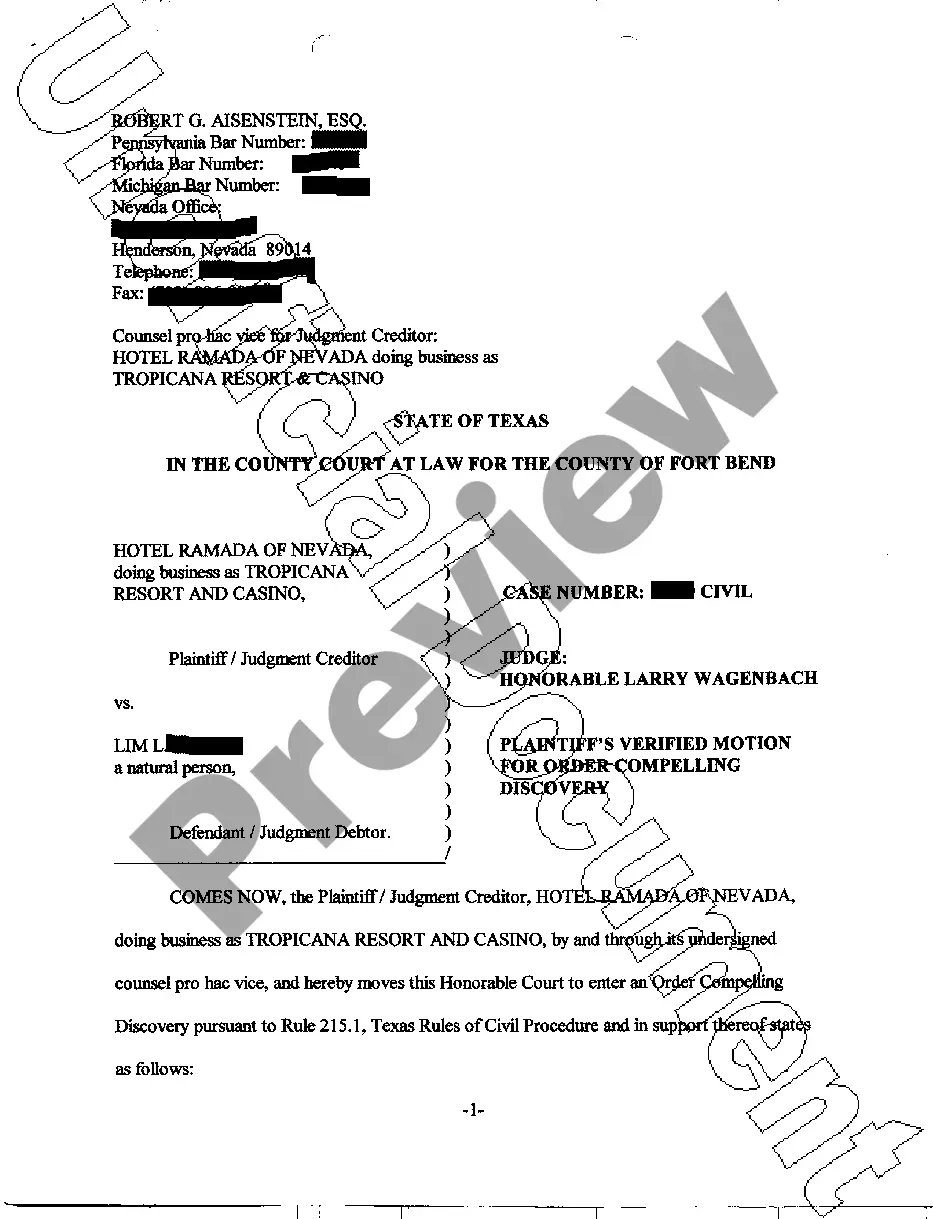



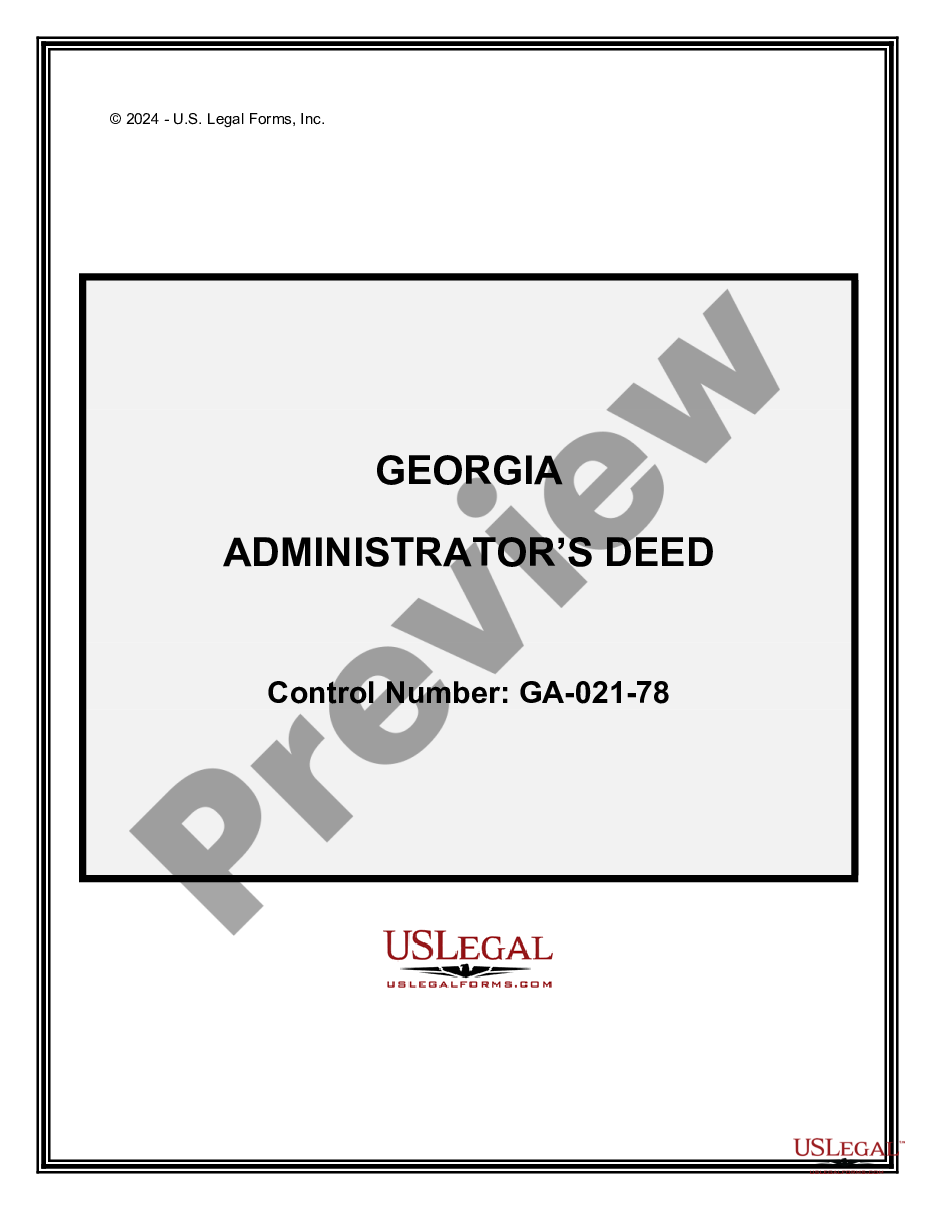
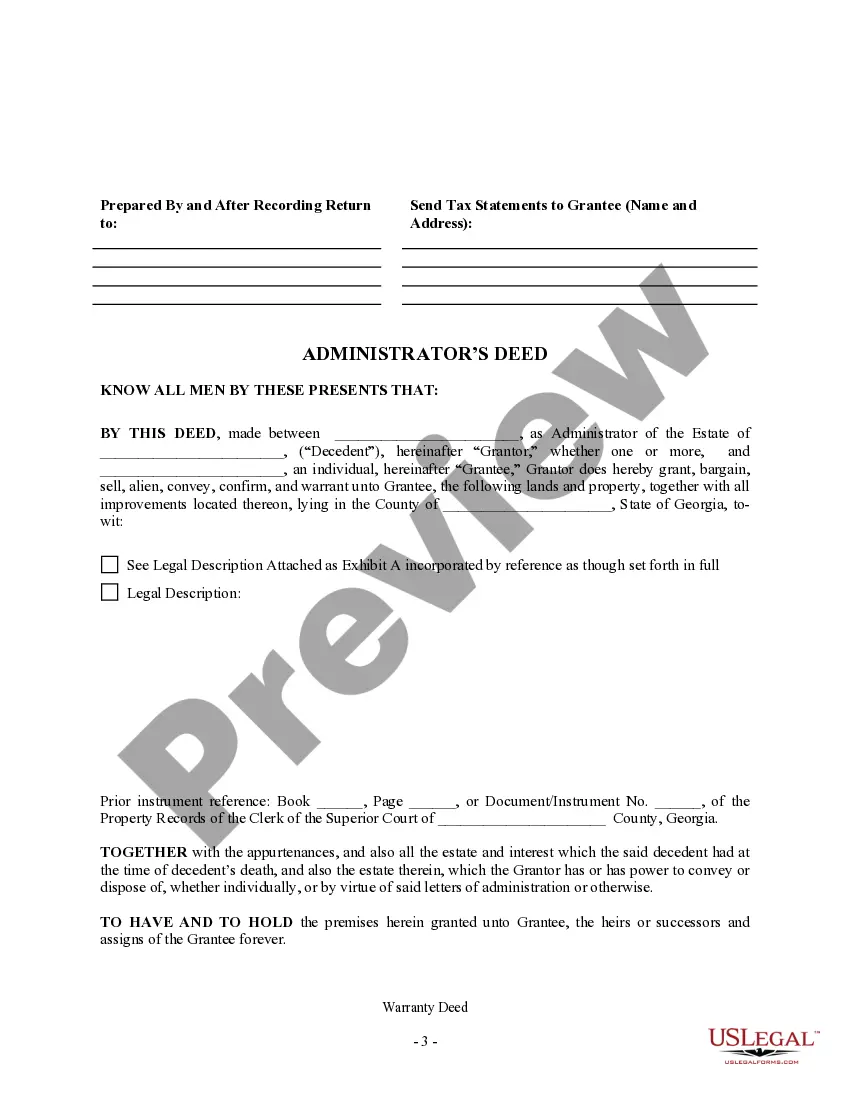
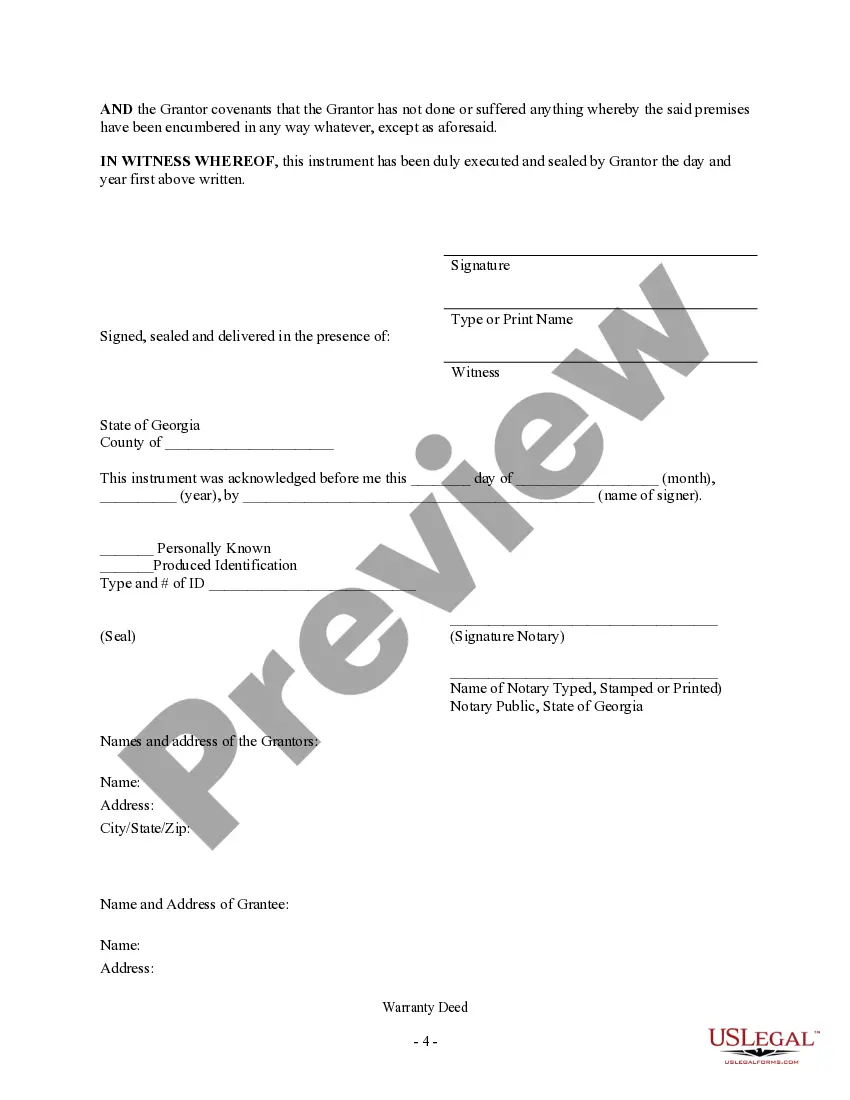
How to fill out Georgia Administrator's Deed?
- Log into your US Legal Forms account if you're already a member. Confirm that your subscription is active before proceeding.
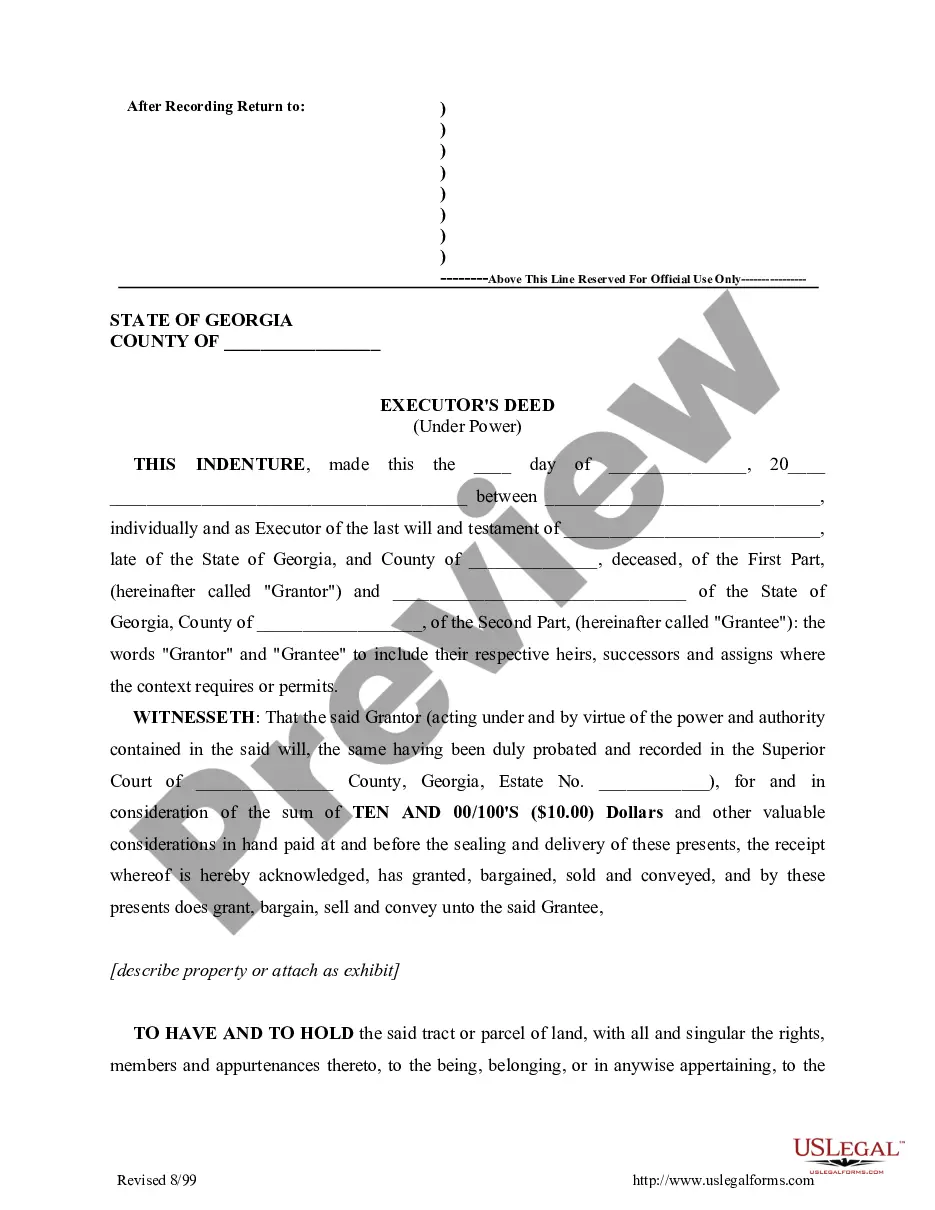
- Review the Preview mode and the form description to ensure you’ve selected the appropriate template that aligns with your needs and local jurisdiction.
- If needed, utilize the Search function to explore other templates that may better suit your requirements.
- Choose your desired document by clicking the Buy Now button, and select a subscription plan that meets your needs.
- Complete your purchase by entering your payment details, whether using a credit card or your PayPal account.
- Finally, download your form and save it to your device, ensuring easy access through the My Forms menu in your account.
In conclusion, US Legal Forms not only offers a robust collection of more forms than competitors for a similar cost but also gives you expert support for accurate document completion. This facilitates a smoother legal process for all users.
Ready to get started? Download admin pack today and experience the convenience of having all your legal forms at your fingertips!
Form popularity
FAQ
To uninstall KB2693643 on Windows 11, navigate to 'Settings', and then to 'Windows Update'. Click on 'Update history' and select 'Uninstall updates'. Locate KB2693643 in the list and follow the prompts. For a smoother experience managing updates and admin tasks, consider downloading the admin pack to streamline your processes.
Finding admin tools in Windows 11 is straightforward; simply type 'Administrative Tools' in the Start menu search. You can also browse through the Control Panel to locate various tools. To further expand your toolkit, don't forget to download the admin pack, which offers additional administrative features and options.
To access admin tools on Windows 11, you can search for 'Administrative Tools' in the Windows search bar. This will bring up the available tools directly on your system. Additionally, you can enhance your experience by downloading the admin pack for access to even more powerful tools.
Yes, Windows 11 includes several built-in administrative tools that help manage system settings and configurations. These tools provide valuable functionality for users who require enhanced control over their environments. For an expanded set of features, consider downloading the admin pack to unlock additional capabilities.
To gain administrator privileges on Windows 11, go to Settings and select 'Accounts'. From there, click on 'Family & other users', choose your account, and then change the account type to 'Administrator'. Remember, after making these changes you may need to download the admin pack to access specific tools and functions.
To add admin tools on Windows, you can easily access the Control Panel and enable the necessary features. Navigate to 'Programs and Features', then click 'Turn Windows features on or off'. From there, you can find additional admin tools available for download in the admin pack.
To run a download as administrator, right-click on the downloaded file, then select 'Run as administrator' from the context menu. This action provides the necessary permissions for the download, especially for the admin pack. Using this method ensures that all features are accessible, enhancing your overall experience.
To manually download language packs, first, visit the official website of US Legal Forms. Locate the section for downloads and find the relevant language packs that you need. Remember to select the option that allows you to download the admin pack, ensuring you have the necessary files for your administrative tasks.
To get Active Directory Users and Computers (ADUC) on Windows 10, you need to install the Remote Server Administration Tools (RSAT). You can do this via the Settings app by navigating to 'Apps' and selecting 'Optional features.' For a broader range of tools, don't forget to download the admin pack.
To force a download on Windows, you can often press Ctrl + S when the file is open in a browser or application. Alternatively, right-click the download link and select 'Save link as' if applicable. For comprehensive admin tasks, downloading the admin pack can streamline many processes.