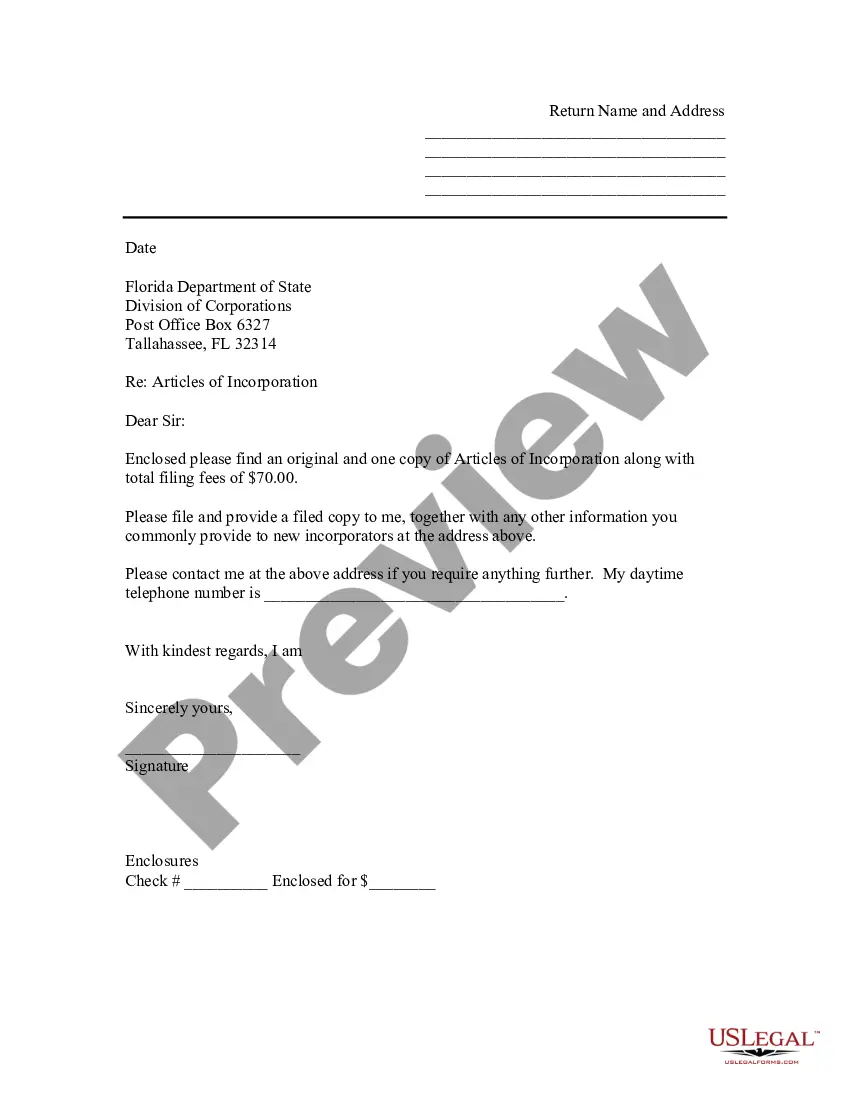
Cover Letter With Signature
Description
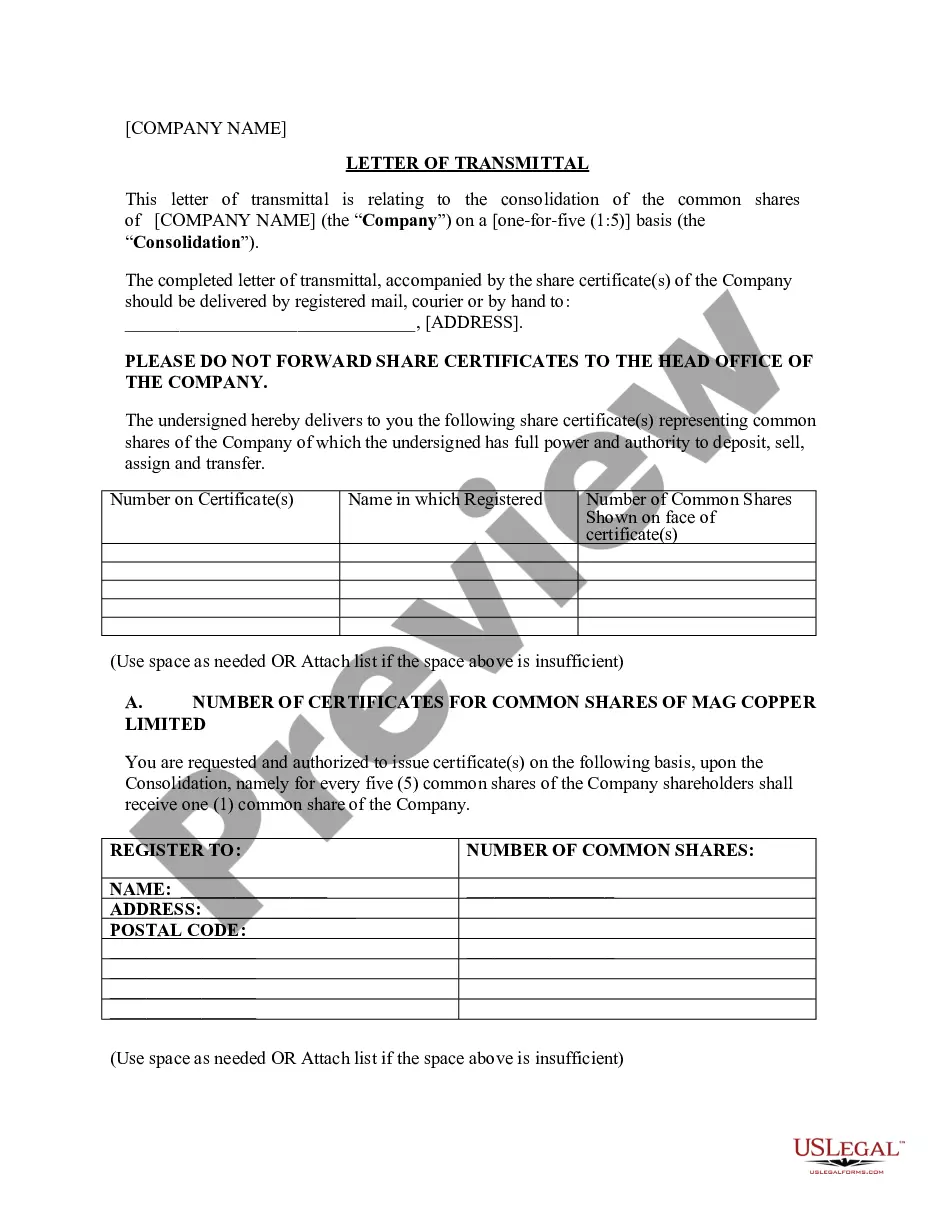
Get your form ready online
Our built-in tools help you complete, sign, share, and store your documents in one place.
Make edits, fill in missing information, and update formatting in US Legal Forms—just like you would in MS Word.
Download a copy, print it, send it by email, or mail it via USPS—whatever works best for your next step.
Sign and collect signatures with our SignNow integration. Send to multiple recipients, set reminders, and more. Go Premium to unlock E-Sign.
If this form requires notarization, complete it online through a secure video call—no need to meet a notary in person or wait for an appointment.
We protect your documents and personal data by following strict security and privacy standards.

Make edits, fill in missing information, and update formatting in US Legal Forms—just like you would in MS Word.

Download a copy, print it, send it by email, or mail it via USPS—whatever works best for your next step.

Sign and collect signatures with our SignNow integration. Send to multiple recipients, set reminders, and more. Go Premium to unlock E-Sign.

If this form requires notarization, complete it online through a secure video call—no need to meet a notary in person or wait for an appointment.

We protect your documents and personal data by following strict security and privacy standards.
Looking for another form?









How to fill out Florida Sample Transmittal Letter To Secretary Of State's Office To File Articles Of Incorporation?
Managing legal documents and tasks can be a labor-intensive addition to your routine.
Cover Letter With Signature and similar forms generally necessitate that you look for them and figure out the best approach to fill them out effectively.
As a result, whether you are handling financial, legal, or personal affairs, utilizing a thorough and user-friendly online library of forms available will greatly assist.
US Legal Forms is the leading online platform for legal templates, boasting over 85,000 state-specific documents and a variety of tools to help you complete your paperwork with ease.
Is this your first time using US Legal Forms? Sign up and create your account in just a few minutes, and you will gain access to the form library and Cover Letter With Signature. After that, follow the steps below to complete your form: Ensure you have located the correct form by utilizing the Preview option and reviewing the form description. Select Buy Now when prepared, and choose the monthly subscription plan that suits you. Click Download, then fill out, sign, and print the form. US Legal Forms has twenty-five years of experience aiding customers with their legal documents. Find the form you need today and simplify any process effortlessly.
- Explore the collection of pertinent documents accessible to you with just one click.
- US Legal Forms provides state- and county-specific forms available for download at any time.
- Safeguard your document management processes with a high-quality service that enables you to prepare any form within minutes without extra or hidden fees.
- Simply Log In to your account, find Cover Letter With Signature, and obtain it immediately from the My documents tab.
- You can also access forms that you have previously downloaded.
Form popularity
FAQ
Yes, signing a cover letter with signature is important as it adds a personal touch and demonstrates your professionalism. A signature conveys that you take the application seriously and are committed to the opportunity. Whether you use a handwritten signature or a digital one, including it can positively impact how your application is perceived by hiring managers. Consider using platforms like US Legal Forms to simplify the process of preparing your cover letter.
To add your signature to a cover letter with signature, you can either sign it physically and scan the document or use a digital signature tool. If you choose the physical method, print your cover letter, sign it, and then scan the signed copy. Alternatively, digital tools can create a signature image that you can easily insert into your document. This approach adds a personal touch and enhances the professionalism of your cover letter.
When crafting a cover letter with signature, focus on clarity, relevance, and professionalism. First, ensure your message is clear and concise; avoid unnecessary jargon. Second, tailor your content to the job you are applying for, highlighting your relevant skills and experiences. Lastly, maintain a professional tone throughout, as this reflects your commitment to the position.
Yes, a cover letter should include your signature, especially if you are sending a printed version. A cover letter with signature communicates authenticity and professionalism. If you are submitting your cover letter electronically, you can still include a scanned image of your signature for that personal touch. This small detail can make a significant impact in your job application.
Ending a cover letter can vary based on the relationship with the recipient. Instead of using 'sincerely,' consider alternatives like 'Best regards' or 'Warm regards' to convey professionalism. Remember, a cover letter with signature also includes a closing that aligns with your tone and the company culture. Tailoring your sign-off can enhance your connection with the reader.
To include a signature in your cover letter, first, write your name clearly at the bottom of the letter. If you are sending a digital version, you can scan your handwritten signature and insert it above your typed name. For printed letters, leave space for your signature between the closing line and your printed name. Using a cover letter with signature adds a personal touch that can make your application stand out.
Every cover letter needs some kind of sign-off with at least a closing phrase and your names. But apart from that, a hand signature inserted into your cover letter is entirely up to you. If you are emailing your cover letter, your potential employer would not be expecting a hand signature.
You want to be confident, not pushy. Say thanks. Make sure to offer thanks for their time and consideration, and choose a professional closing salutation such as, ?Sincerely,? ?Best regards? or ?Thank you for your consideration.? Avoid overly familiar phrases like, ?Yours,? ?Cheers? or ?Take care.?
Insert a signature line Click where you want the line. Select Insert > Signature Line. Select Microsoft Office Signature Line. In the Signature Setup box, you can type a name in the Suggested signer box. You can also add a title in the Suggested signer's title box. Select OK. The signature line appears in your document.
Use a professional sign-off (such as sincerely, sincerely yours, best regards, or most sincerely) at the end of the letter, followed by your full name written underneath. Doing so makes your cover letter and job application that much more effective.