Trust Amendment Sample Without Penalty
Description
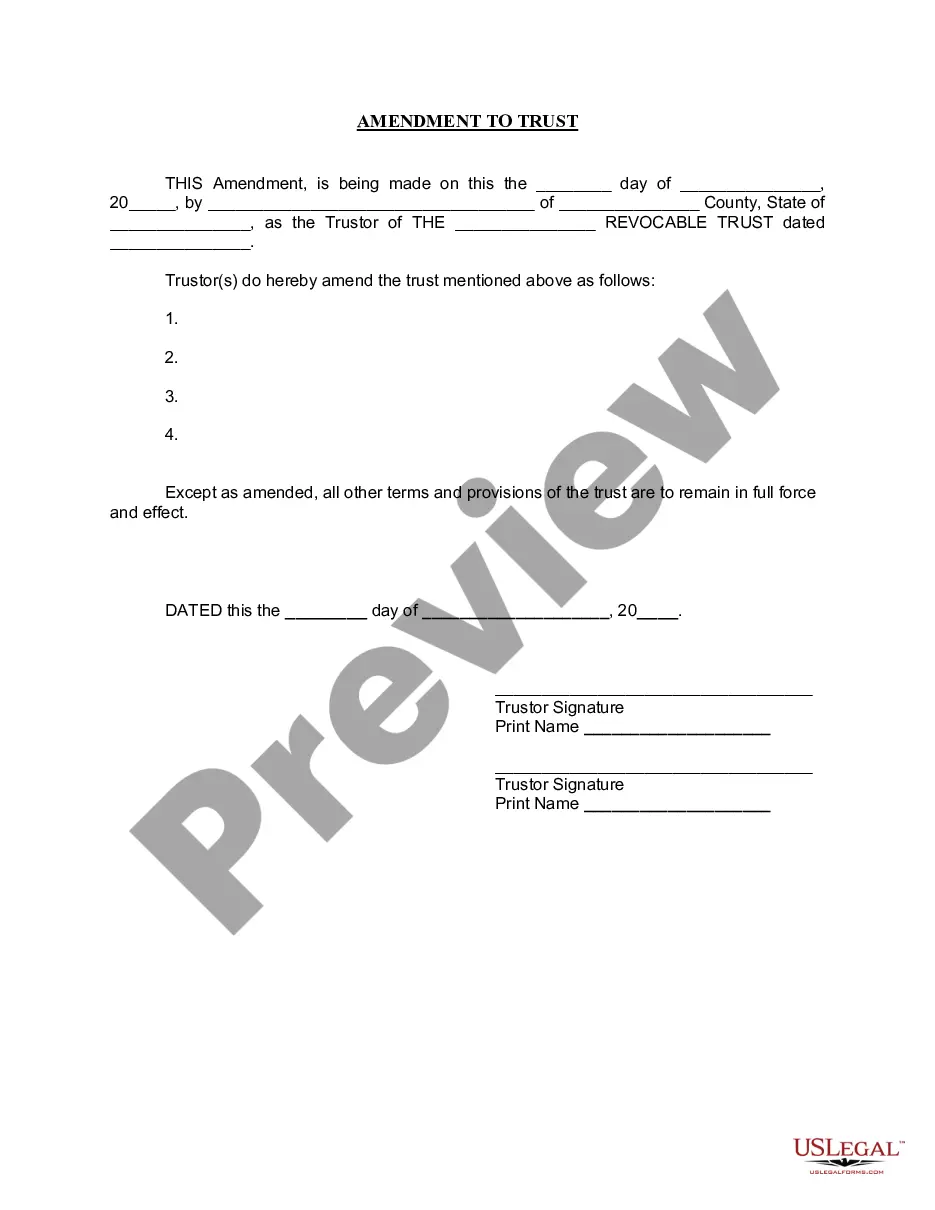


Get your form ready online
Our built-in tools help you complete, sign, share, and store your documents in one place.
Make edits, fill in missing information, and update formatting in US Legal Forms—just like you would in MS Word.
Download a copy, print it, send it by email, or mail it via USPS—whatever works best for your next step.
Sign and collect signatures with our SignNow integration. Send to multiple recipients, set reminders, and more. Go Premium to unlock E-Sign.
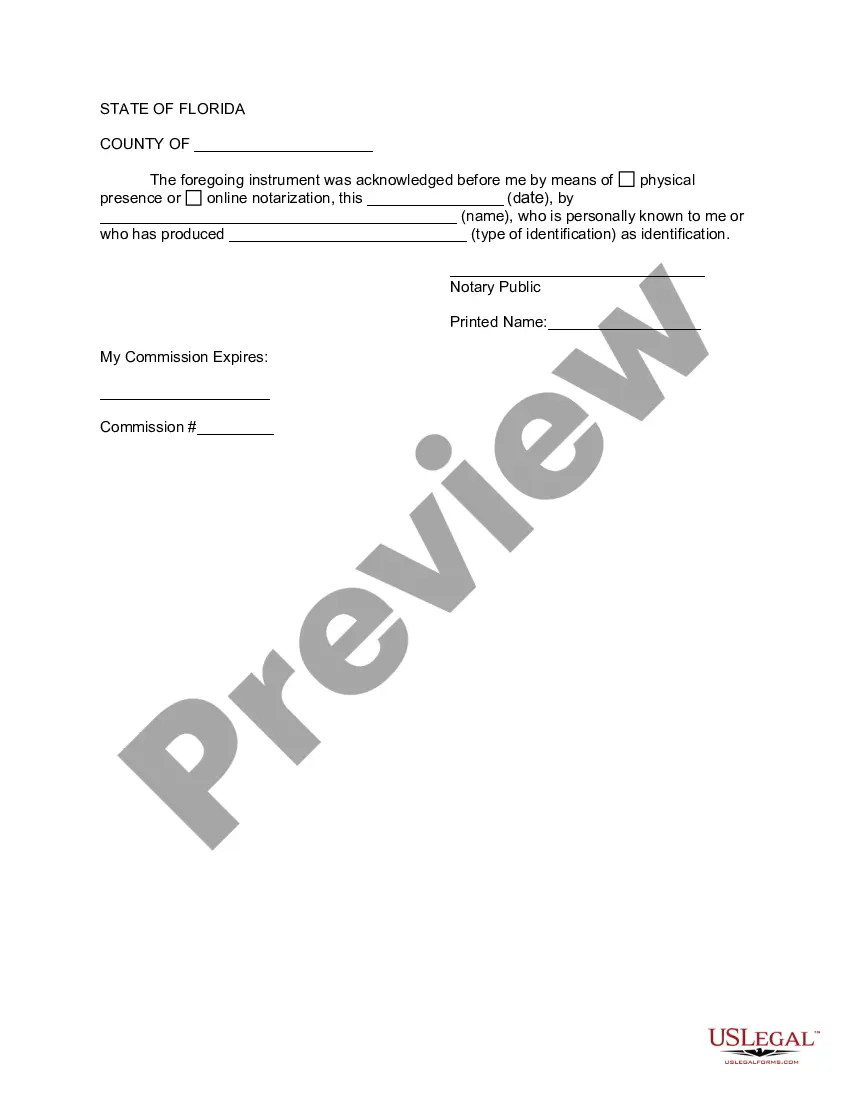
If this form requires notarization, complete it online through a secure video call—no need to meet a notary in person or wait for an appointment.
We protect your documents and personal data by following strict security and privacy standards.

Make edits, fill in missing information, and update formatting in US Legal Forms—just like you would in MS Word.

Download a copy, print it, send it by email, or mail it via USPS—whatever works best for your next step.

Sign and collect signatures with our SignNow integration. Send to multiple recipients, set reminders, and more. Go Premium to unlock E-Sign.

If this form requires notarization, complete it online through a secure video call—no need to meet a notary in person or wait for an appointment.

We protect your documents and personal data by following strict security and privacy standards.
Looking for another form?



How to fill out Florida Amendment To Living Trust?
The Trust Amendment Sample Without Penalty you see on this page is a multi-usable formal template drafted by professional lawyers in compliance with federal and state laws. For more than 25 years, US Legal Forms has provided people, businesses, and legal professionals with more than 85,000 verified, state-specific forms for any business and personal occasion. It’s the fastest, easiest and most trustworthy way to obtain the documents you need, as the service guarantees bank-level data security and anti-malware protection.
Acquiring this Trust Amendment Sample Without Penalty will take you just a few simple steps:
- Search for the document you need and check it. Look through the sample you searched and preview it or check the form description to ensure it suits your requirements. If it does not, use the search option to get the right one. Click Buy Now when you have found the template you need.
- Sign up and log in. Select the pricing plan that suits you and create an account. Use PayPal or a credit card to make a prompt payment. If you already have an account, log in and check your subscription to continue.
- Acquire the fillable template. Select the format you want for your Trust Amendment Sample Without Penalty (PDF, Word, RTF) and save the sample on your device.
- Complete and sign the document. Print out the template to complete it by hand. Alternatively, use an online multi-functional PDF editor to quickly and accurately fill out and sign your form with a eSignature.
- Download your papers one more time. Use the same document once again whenever needed. Open the My Forms tab in your profile to redownload any previously saved forms.
Subscribe to US Legal Forms to have verified legal templates for all of life’s circumstances at your disposal.
Form popularity
FAQ
By its very nature, a revocable trust can generally be revoked, amended, and modified by the grantor (aka settlor, trust or). This, so long as the grantor is alive and not incapacitated. And provided the trust instrument permits the grantor to make such changes.
If you made a trust with your spouse or partner, then while both of you are alive, you both must agree to amend any provision of the trust document -- for example, to change a beneficiary, a successor trustee or the property management set up for a young beneficiary.
Modifying an Irrevocable Trust under California Law Under Probate Code §15404(a) any trust may be modified or terminated by the written consent of the settlor and all beneficiaries without court approval of the modification or termination.
?A Restatement? is also an amendment, but of the whole trust instrument, not just of the handpicked parts of the trust, like in the ?Amendment? described above. So a Restatement would say ?I hereby take my entire trust named TRUST dated DATE and replace it with this whole new trust named TRUST dated TODAY'S DATE.?
It's important to know what you want to change and where in your trust document this information lives (such as the article number you're amending). Fill out the amendment form. Complete the entire form. It's important to be clear and detailed in describing your changes.